Google Sheets Lookup Error - Resource has been exhausted (e.g. check quota)
Status: Closed · Asked by Domain Coasters on · 0 views
In the last 2 days, I am getting Resource has been exhausted error often in Google sheets lookup. Any fix?
Attachments
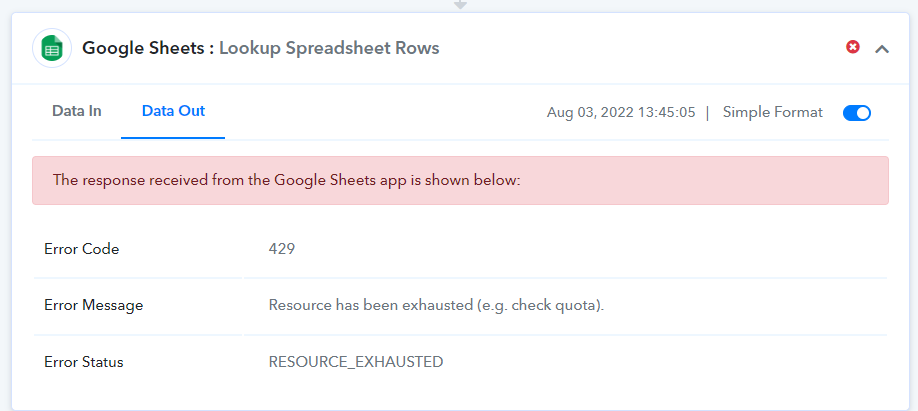
We are looking into this and we have also reached Google support regarding this, it seems the per user quota for a few of our users are affected.
We will keep updating you.
Im having the same issue. Google sheet action affected (update row & lookup)
We have made some changes to the Lookup Spreadsheet action. It should work fine. Please check your workflows and let us know if it persists.
Im having the same issue
I am having the same issue also.
Can you create an action that will retry the Lookup Spreadsheet when the resource is exhausted, so we don't have to manually do it?
I am having the same issue also.Can you create an action that will retry the Lookup Spreadsheet when the resource is exhausted, so we don't have to manually do it?
We are looking into this, we will get back to you with the updates. In the meantime, you can re-execute the failed steps manually.
I've been having this issue as well. I tried to implement a delay step but that didn't help. Is there any update on this? Or is there anything we can do in the process to prevent this?
They have already implemented a fix, did faced this issue in last 7-days
Yes. Eg task ID IjU3NjYwNTY4MDYzMTA0Mzc1MjZhNTUzNjUxMzY1MTY2NTQzOSI_3D_pc
Also Similar issues (but not same error) on Task ID
IjU3NjYwNTY4MDYzMTA0Mzc1MjY0NTUzNTUxMzU1MTZiNTQzNSI_3D_pc
and IjU3NjYwNTY4MDYzMTA0Mzc1MjY0NTUzNTUxMzU1MTYyNTQzMyI_3D_pc
Hey @jttmckee
We have checked the workflow's task id and found that you are getting the error "Required field Range missing" for action Get Rows. We have already applied the fix for the action "Get Rows" and you are not getting the "RESOURCE_EXHAUSTED" error for Get Rows actions.
You are getting "RESOURCE_EXHAUSTED" for action Add New Row, kindly note that we are getting the response from the Google side only and we did not modify any step in it. Kindly wait for a couple of days and monitor the issue.
I am getting this issue when a load of rows are processed at once suggesting I'm hitting the Google API limits. A simple fix would be to slow this down or delay but I couldn't find a way.
Using the delay by Pabbly function makes it worse since it delays all the workflows to the same point. I need some way of slowing down the workflow processing if there is a lot of them. That would solve this issue. Is there a way to do this?
Hey @jttmckee
You can slow down the workflow by using the delay function. There is no other way inside the Google API to slow down this process. We will check with the technical team if we can implement any solution to slow down this process then we will try to implement it in the future.
Thanks
Kunal
I already explained that slowing down the workflow using the delay function makes it worse. This is because the delay function sends all the workflows to execute at the start of the next minute (= at the same time). I need a different way to slow down the workflow. It doesn't have to be inside the Google API.
Something that let me throttle the Pabbly workflow would be ideal (i.e. if there were a certain number executing it pauses future ones), or forcing sequential execution rather than parallel execution. Or anything else really which will slow it down. Please advise.
Hey @jttmckee
Currently, we don't support any other slow-down mechanism other than using the delay function. We have forwarded this usecase to the technical team. If they find any solution to process the slow-down mechanism then they will implement it in the system.
Kindly let us know if you have any questions or comments.
I am getting A LOT of these the last 2 days. Is there a fix yet?
Here is one of them
Task History ID: IjU3NjAwNTZhMDYzMTA0MzE1MjY1NTUzMzUxMzc1MTY2NTQzNSI_3D_pc
Hey @rjwalkerz3sm
Could you please share the workflow name as well to check the issue?
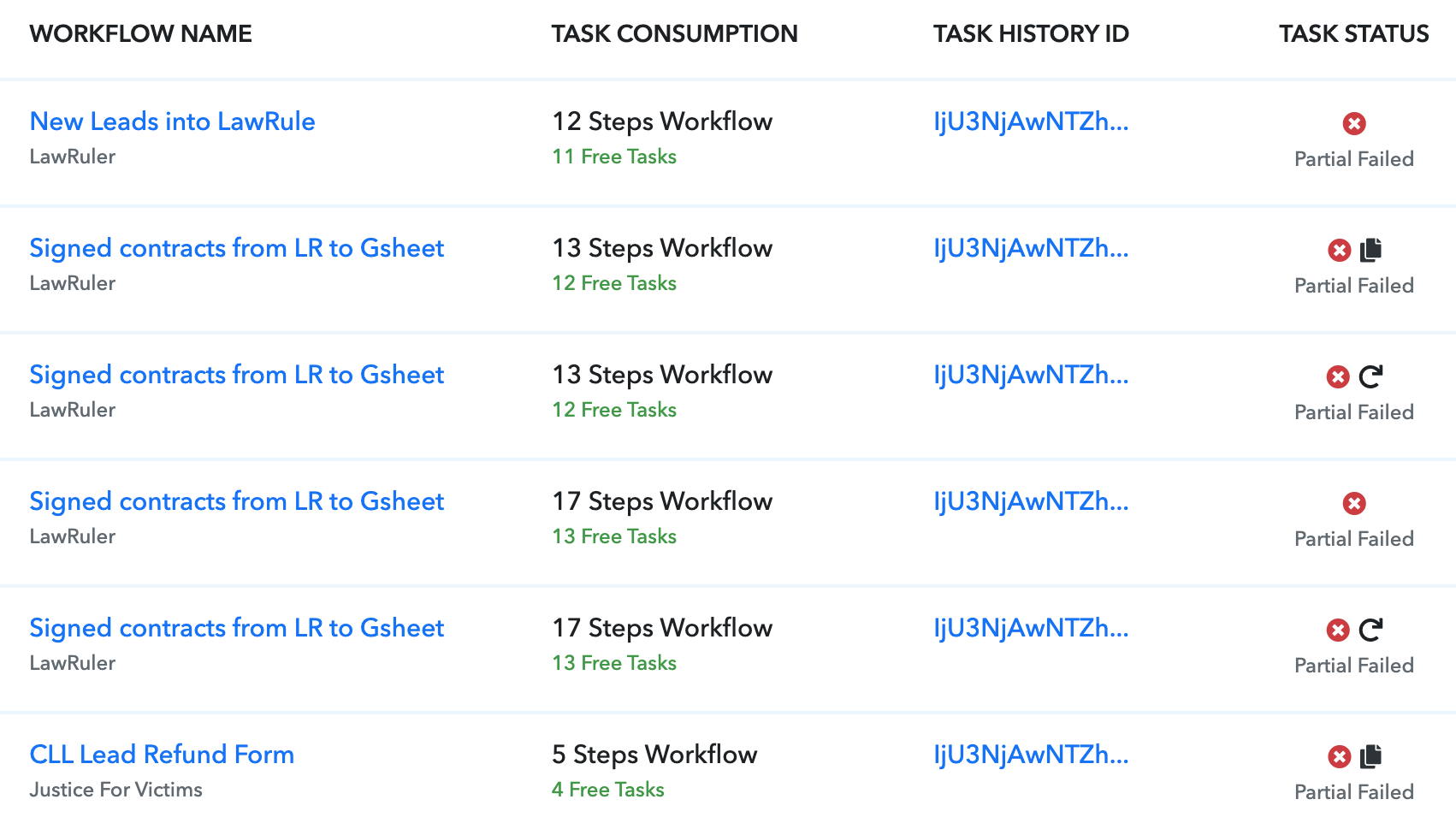
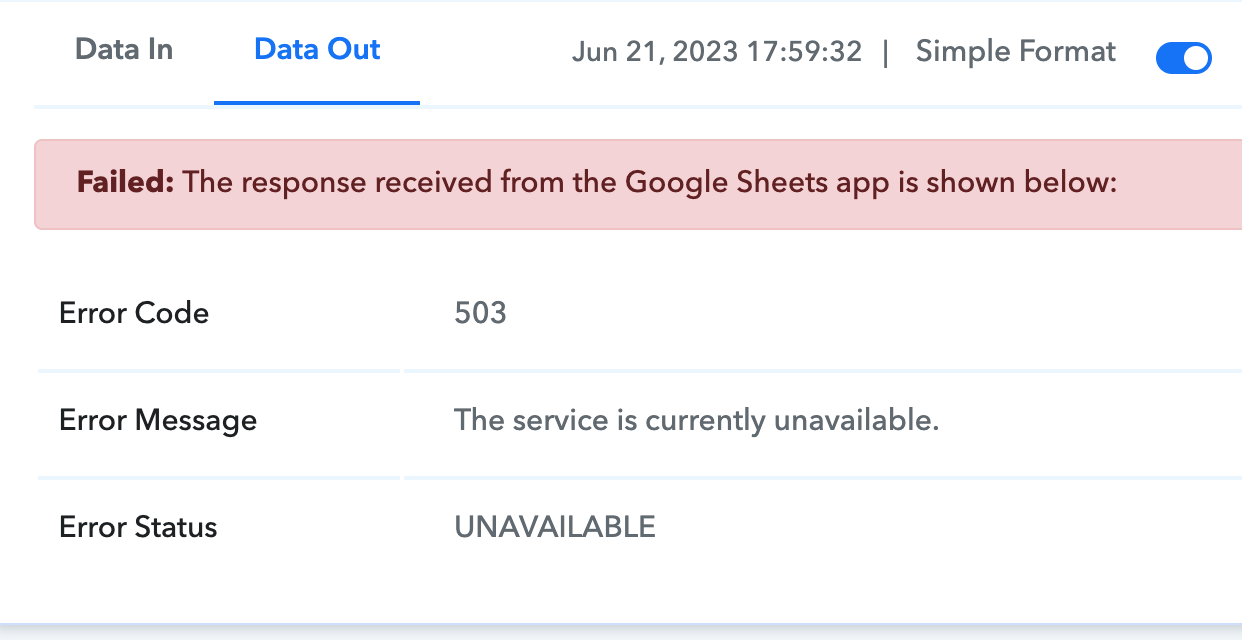
This issue is now causing some very serious issues for us. How can we get this fixed ASAP!?
Attachments
Hey @rjwalkerz3sm
We have submitted the issue to the technical team to check it. We will keep you updated on the status of this issue.
I appreciate that. It is very urgent at this point, please have them address is ASAP if possible!