Google Sheets problem (started a couple of week ago)
Status: Closed · Asked by Vincenzo Tortora on · 0 views
Hi Dear,
I have a workflow through which some values are captured via webhook and sent to Google Sheets (as "append value").
Untile some couple of week ago, it works smoothly. Then, I receive often this message:
Step Name: Google Sheets > Append Values
Connection Name: Google Sheets #1
Task Error Detail:{
"error > code": 400,
"error > message": "Invalid JSON payload received. Unknown name \"\": Root element must be a message.",
"error > status": "INVALID_ARGUMENT",
"error > details > 0 > @type": "type.googleapis.com/google.rpc.BadRequest",
"error > details > 0 > fieldViolations > 0 > description": "Invalid JSON payload received. Unknown name \"\": Root element must be a message."
}
but nothing changed from my side. Is there some changes in how Pabbly Connect manage some data?
Hey @Oukside
Can you please pass the values in the double quotes comma separately and then try again?
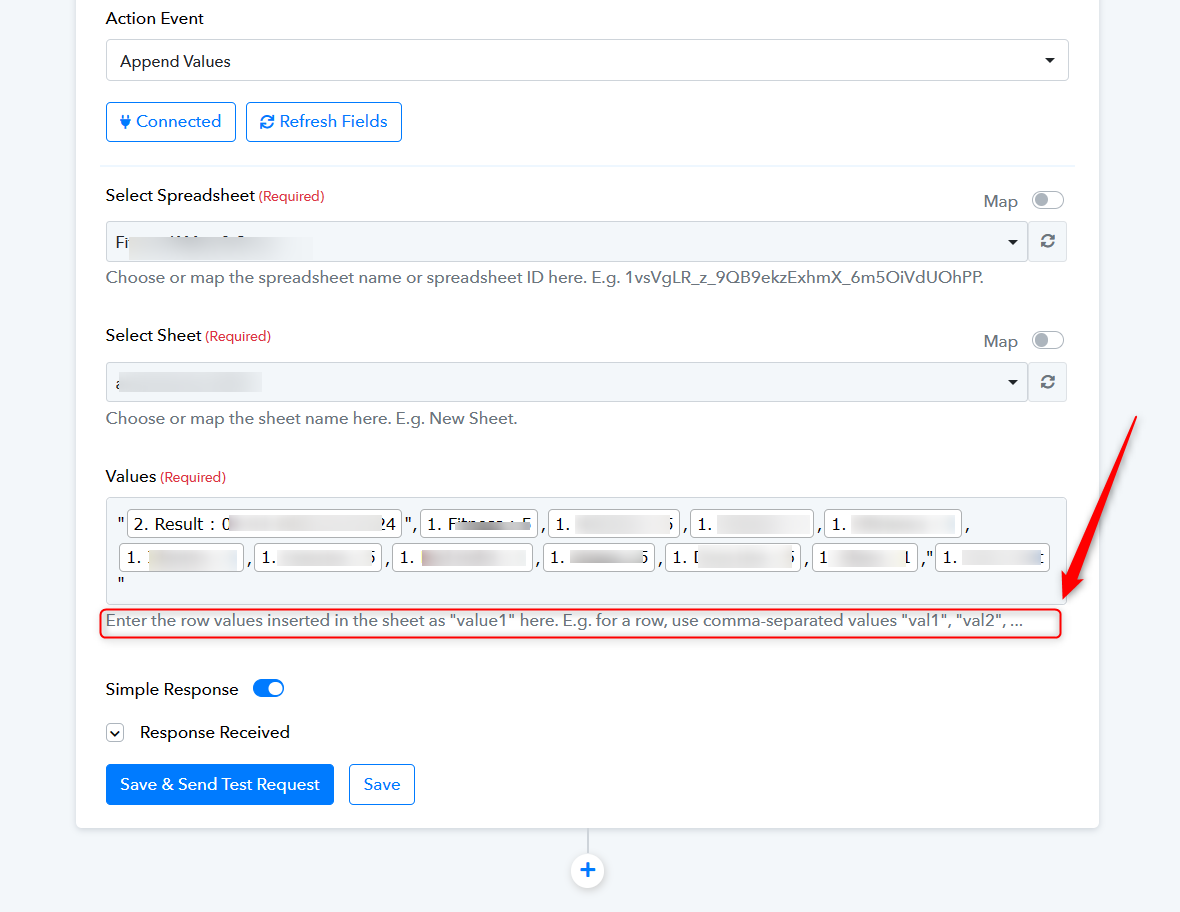
Done!
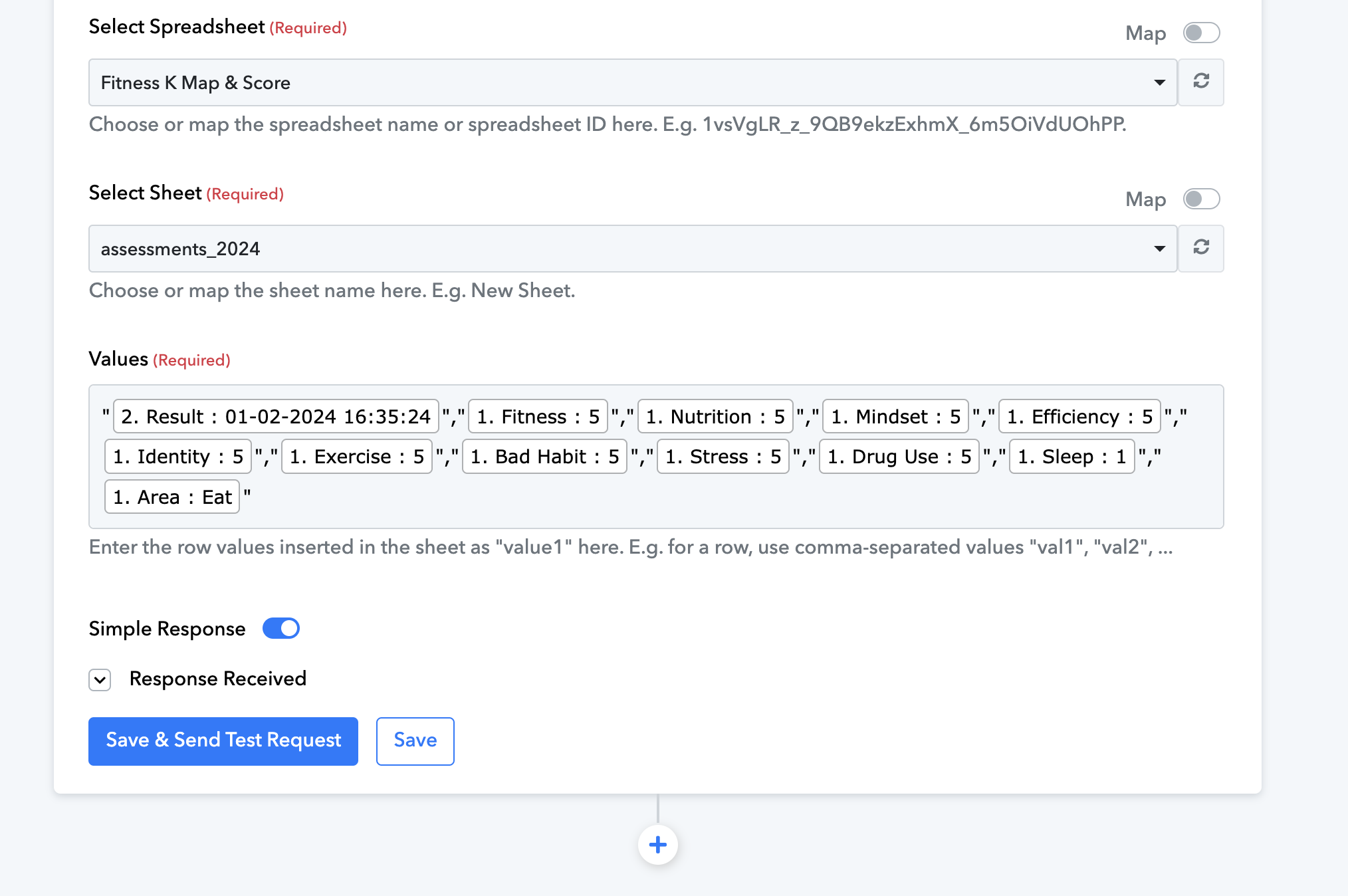
I'll wait a couple of days because the problem doesn't happen on every run. I'll let you know!