Google Sheets Shared Drive
Status: Closed · Asked by Carilyn Tolentino on · 0 views
Hello,
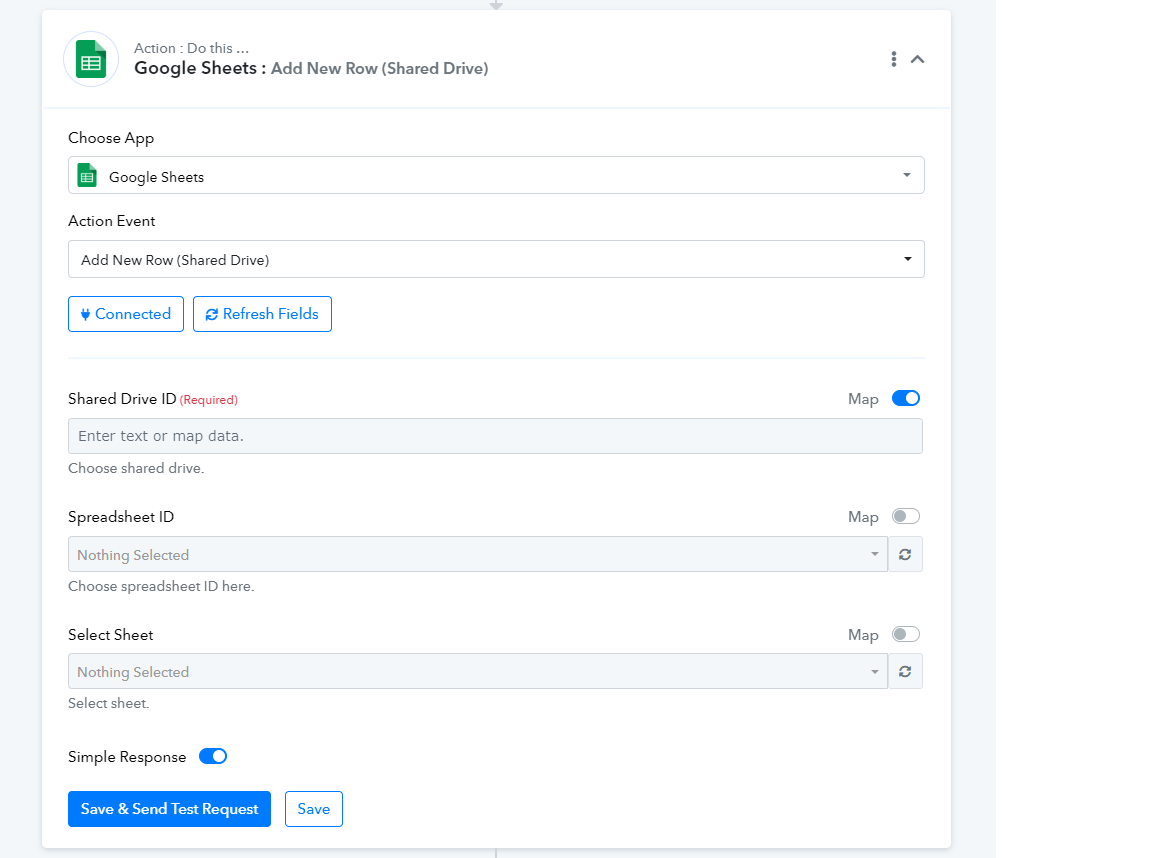
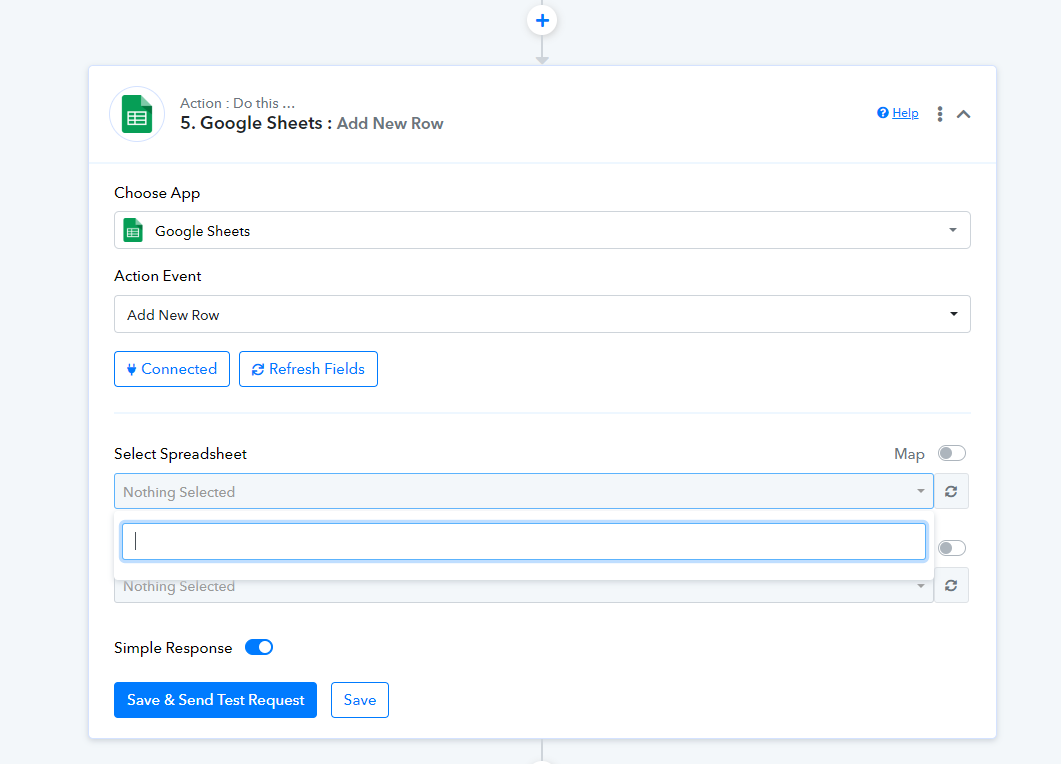
I am trying to connect a Google Sheet from a Shared Drive but the drive and sheet are not being fetched. Can you help me with this? Thank you.
Hey @Caryl
Can you please share the workflow URL in which you are using the same Google Sheets?
So that we can look into it.
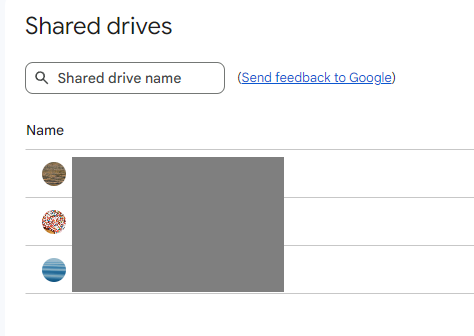
Could you please share a screenshot from your Google Drive displaying the number of drives you currently have?
I have 3 shared drives.
Hey @Caryl
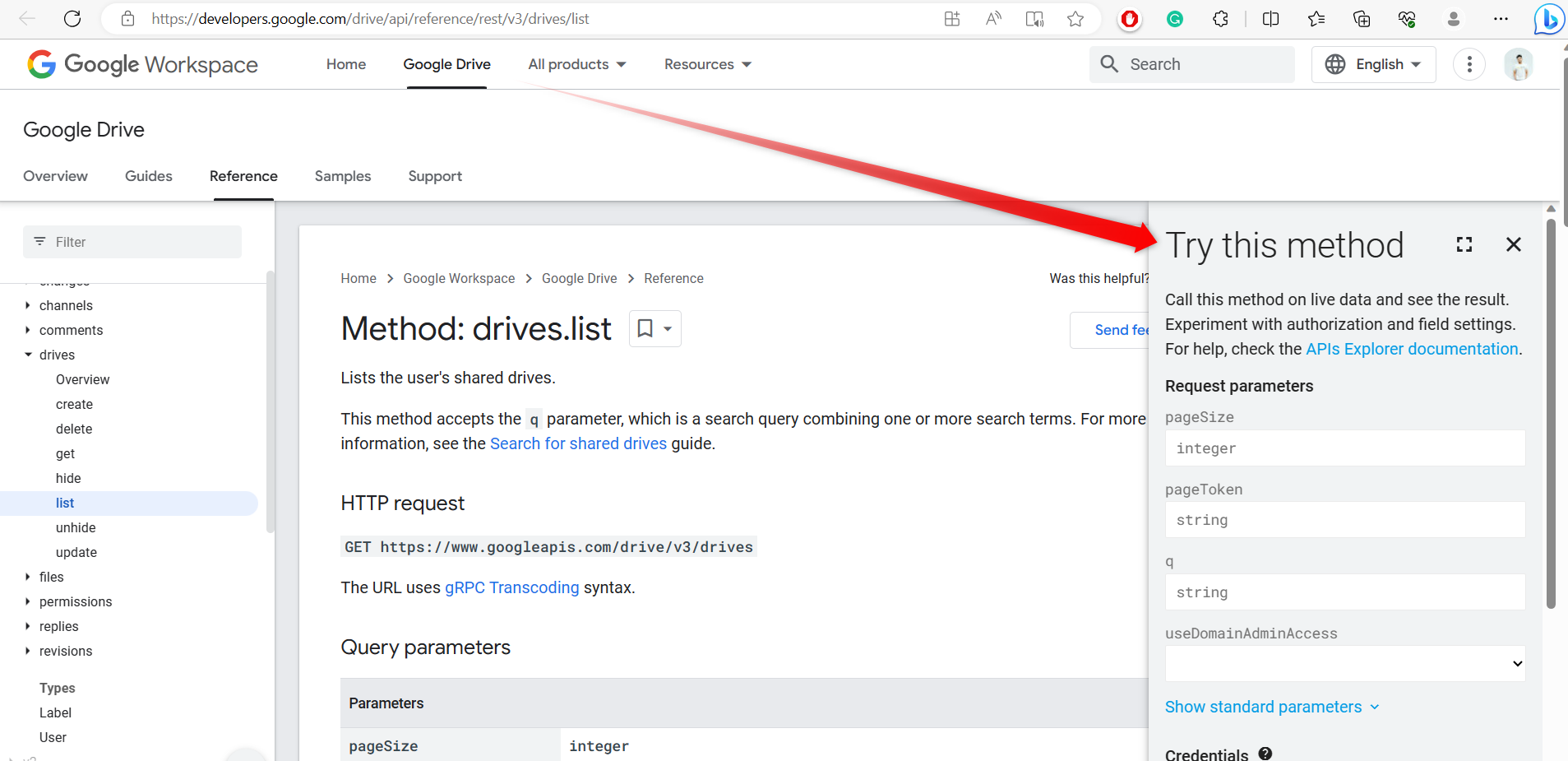
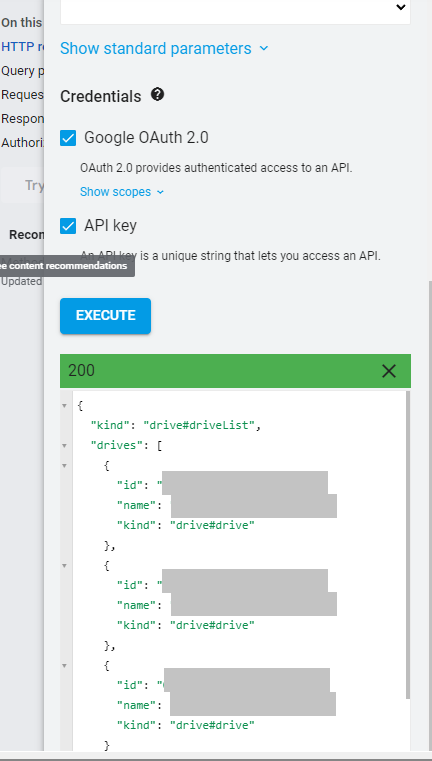
Can you please try the following Google Drive API directly to check whether the Shared Drive is getting a list from their end or not?
https://developers.google.com/drive/api/reference/rest/v3/drives/list
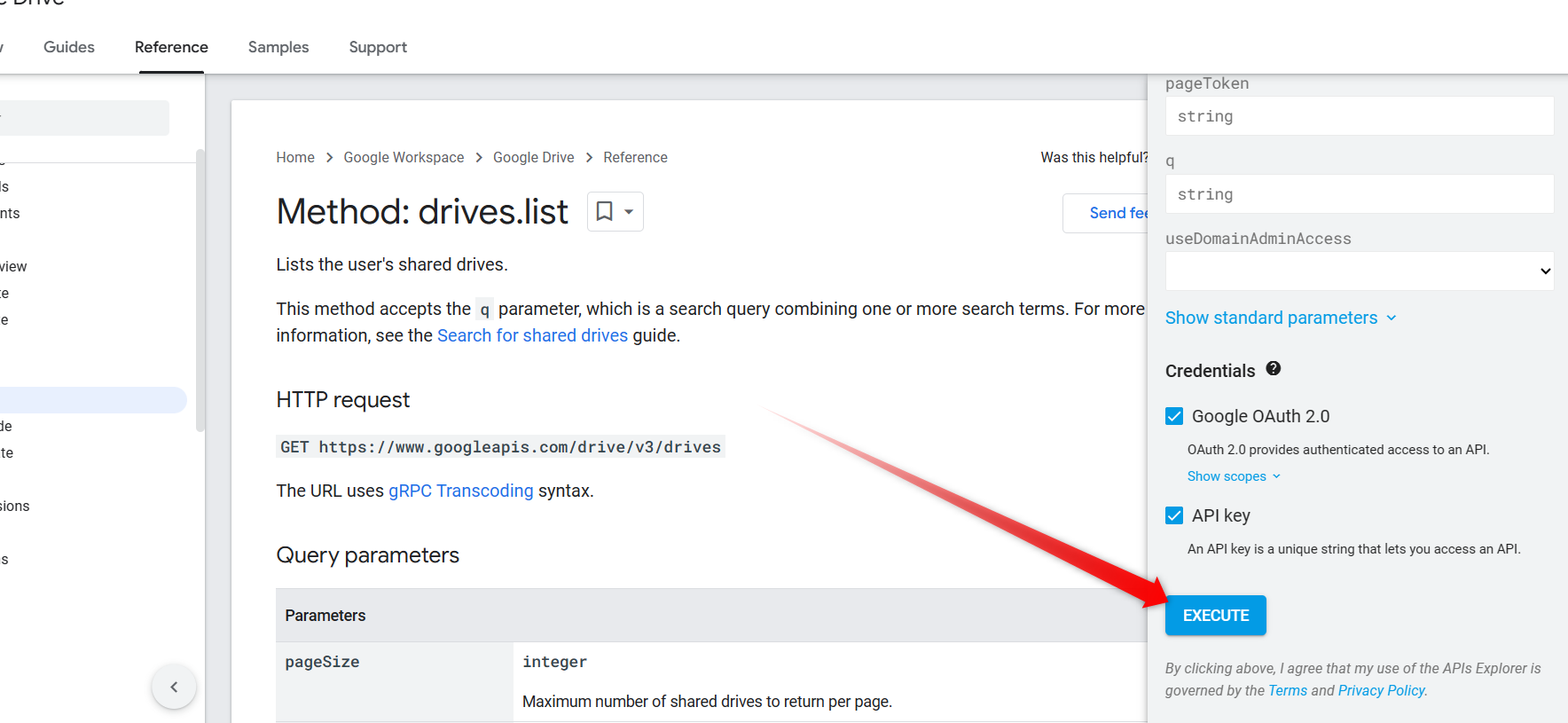
Hello, yes all my drives are showing up on the list.
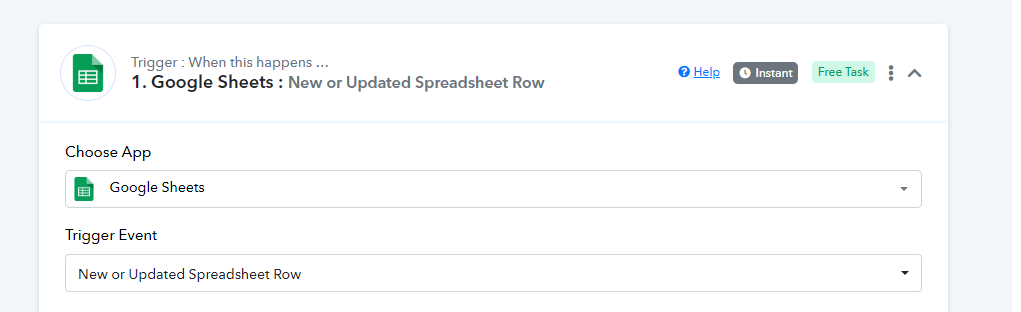
Actually, I have another workflow with a Google Sheet and it's working. The Google sheet is the first step. But when you need to update the Google sheet (Add new row) like the one above, it's not capturing it.
Kindly allow us some time, we are currently looking into it.
Hello. This has not been solved yet. It's still not fetching the google sheets.
Sorry for the delay, we are currently looking into it. Shall notify you soon.
Hey @Caryl
Can you please make a new connection and then try again? Our technical team has made a small adjustment.
Hello. I'm trying to do this again but it's not fetching anything.
https://connect.pabbly.com/workflow/mapping/IjU3NjUwNTZjMDYzMzA0MzY1MjZjNTUzYzUxMzAi_pc
We have forwarded your concern to the team and shall notify you with an update soon.
Following up on this. Thank you.
Our technical team has thoroughly reviewed all the parameters and conducted tests on our end, which have yielded successful results.
However, it's possible that there may be permission issues or access problems with the Google account you're using when trying to access the sheets from Google Drive.