Google Sheets to Microsoft Office 365 integration
Status: Closed · Asked by ghalitzka on · 0 views
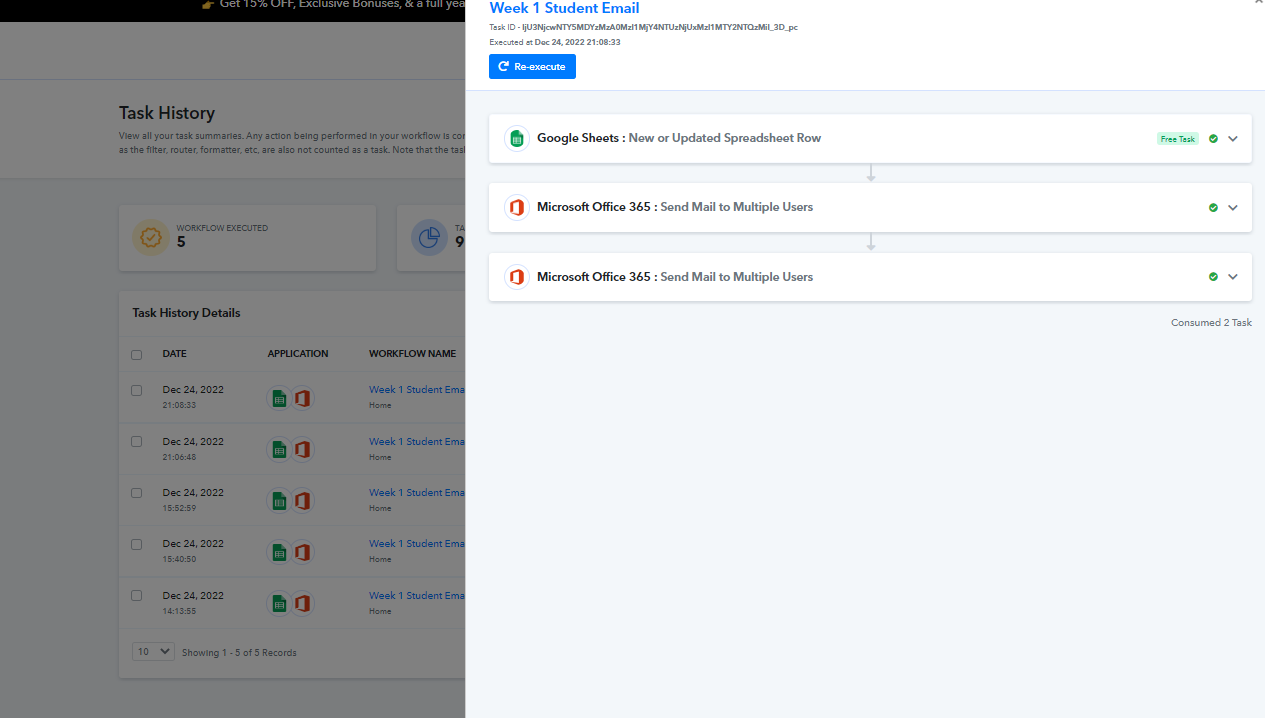
I'm working on an integration between Google Sheets (Trigger: New or updated spreadsheet row) and Microsoft Office 365 (Action: Send mail to multiple users).
I'm using the concatenate function in Sheets to format emails properly to transmit to Outlook in the format:
{"emailAddress": {"address": "[email hidden]"}}
Then I'm using TEXTJOIN to combine multiple addresses with a comma separator. So the result looks like this:
{"emailAddress": {"address": "[email hidden]"}},{"emailAddress": {"address": "[email hidden]"}}
So long as I'm combining at least two addresses, everything works great! But when I try to send a message to a single address, something in the chain (I suspect it's Google Sheets, but it could also be Pabbly) is stripping off the proper formatting.
Instead of looking like this:
{"emailAddress": {"address": "[email hidden]"}}
The email is sent to Office 365 in a "plain" format like this:
[email hidden]
That triggers an error in Office when I try to send the message because the address is not properly formatted.
Could you give me any pointers on how I might be able to resolve this, so that Office 365 receives a properly formatted email address, even when there's only a single address involved?
Hey @ghalitzka
Could you give me any pointers on how I might be able to resolve this, so that Office 365 receives a properly formatted email address, even when there's only a single address involved?
As we can see from your recent task history you have properly managed to pass the email address in the given format.