Google Sheets: Update Row not load the full list of rows
Status: Closed · Asked by Sourabh Jain on · 0 views
Google Sheets: The update Row function can not load the complete list of rows can you check, please?
and tell my mistakes
in Lookup Spreadsheet Rows it loads the full list but in update Row, it will not load the full list it shows only a alphabet rows
it shows approx 50 row but in sheet there are 90 rows
(there are limits on rows ?)
Hey @Sourabh Jain
If you are having more than 52 columns in your Google Sheets after the AZ column then you should use the "Google Sheets: Update Row Values" action step.
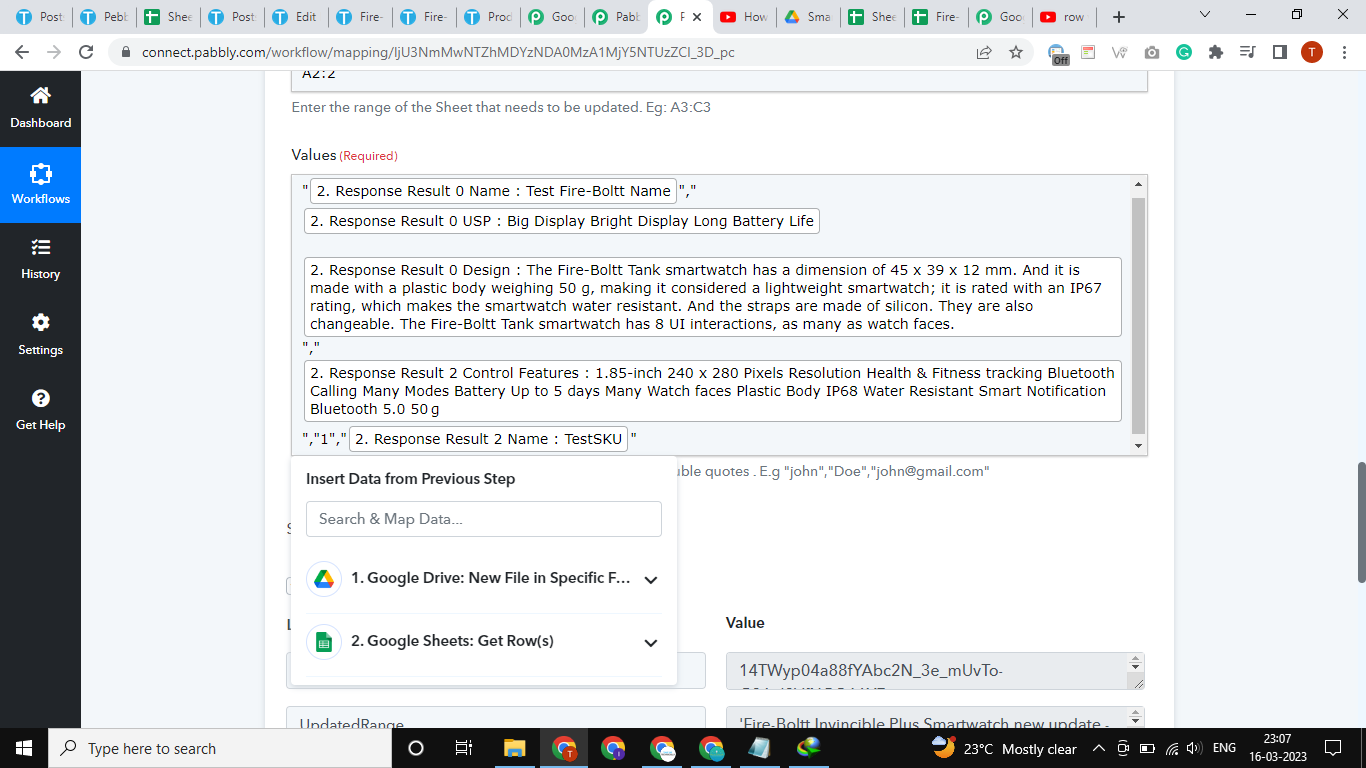
ok but can I ignore the same row as the default value in the image I need to ignore the 3rd-row value?
Hey @Sourabh Jain
Could you please eleborate on your question in more details and share a video recording of the issue to check it further?