Google Spreadsheet error 400
Status: Closed · Asked by Patrik_NM on · 0 views
Hello,
i am trying to set up my first pabbly connect
I use a webhook and spreadsheet where I want to add a row with variables from the webhook.
If I set the variable to the spreadheet in the first column, the update will go without problems. However, if I put the variable in the 2nd or other columns, it will show some errors:
- Error code: 400
- Error message: Requested writing within range ['Google Ads: Leads'! A6], but tried writing to column
- Error Status: INVALID_ARGUMENT
Can you help me pls?
Hello,i am trying to set up my first pabbly connect
I use a webhook and spreadsheet where I want to add a row with variables from the webhook.
If I set the variable to the spreadheet in the first column, the update will go without problems. However, if I put the variable in the 2nd or other columns, it will show some errors:
- Error code: 400
- Error message: Requested writing within range ['Google Ads: Leads'! A6], but tried writing to column
- Error Status: INVALID_ARGUMENT
Can you help me pls?
Please reconnect the Google Sheet steps and try again. Make sure to clear your browser cache issue once -
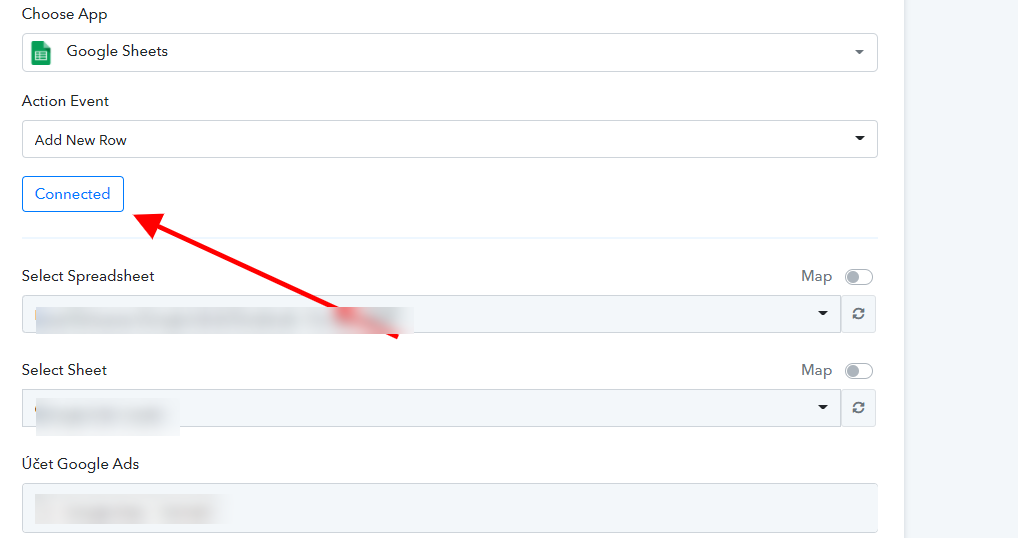
A Google Sheet Error 400 typically indicates that the credentials used in the integration are invalid. If Google Sheets returns a Bad Request - "Unable to retrieve cells" error, this is because you do not have column labels in the first row of your sheet.
the problem was that the sheet name contained a colon, after removal it works without problems