Googlesheet
Status: Closed · Asked by Kong Wai Wong on · 0 views
hi Pabbly,
I encountered a problem with a PDF from Google Docs and then Google Sheets. I followed a tutorial on YouTube, but it didn't work out for me. Here are the templates that I have set up for the following.
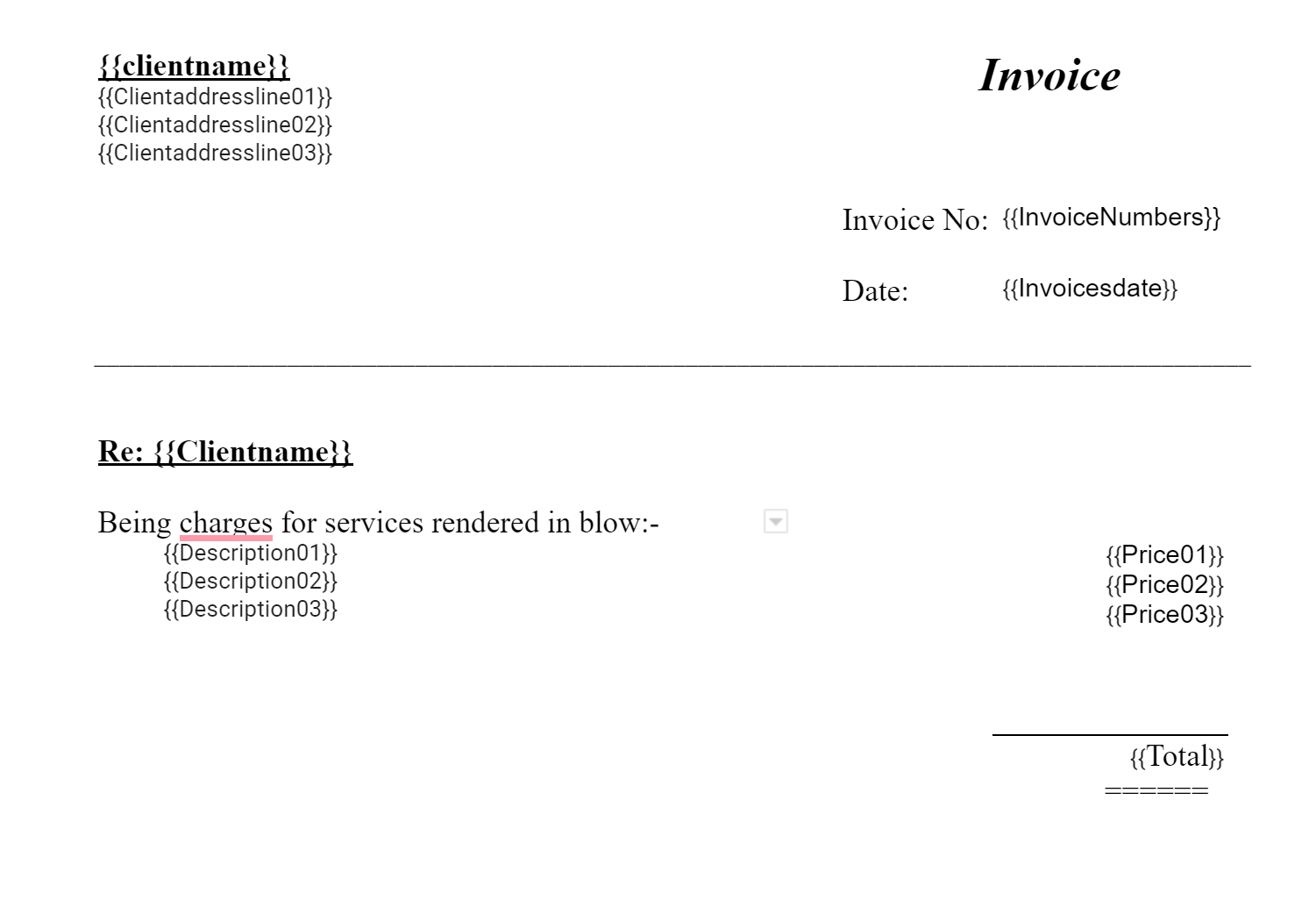
Here are the result after go through Pabbly workflow: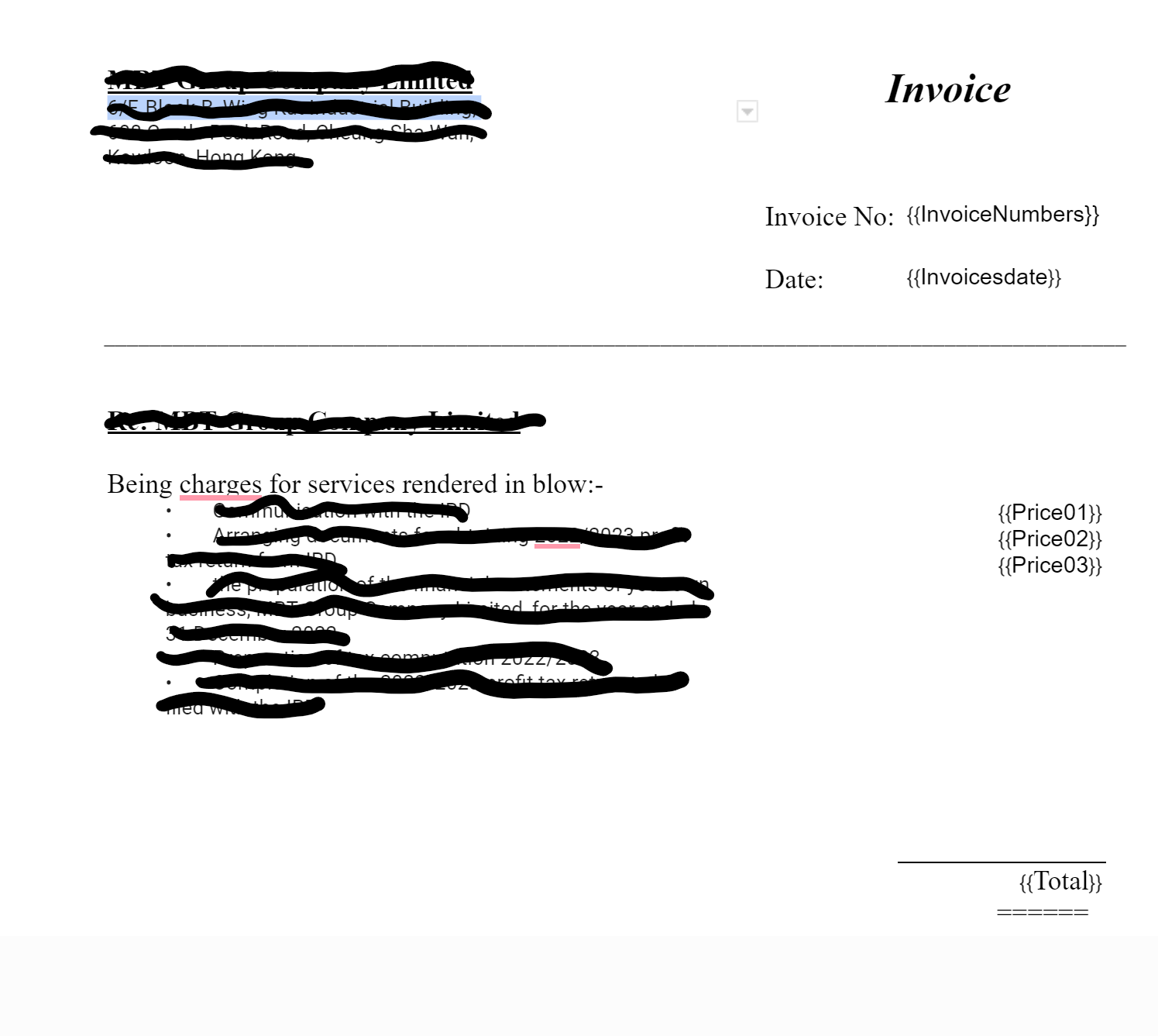
And my question is, why are some data not showing? I'm not sure why this is happening.
Could it be due to the screenshot below? Because that is another unusual thing, I observed in the Pabbly system.

Thank for your time in advance
Attachments

Hey @Kiwi
Could you kindly re-establish the connection for the action step involving your Google Doc, and then proceed with the reconfiguration by remapping the data from the trigger response? It seems there may have been modifications made to your Google Doc template, which could be causing the information to not be transferred as intended.
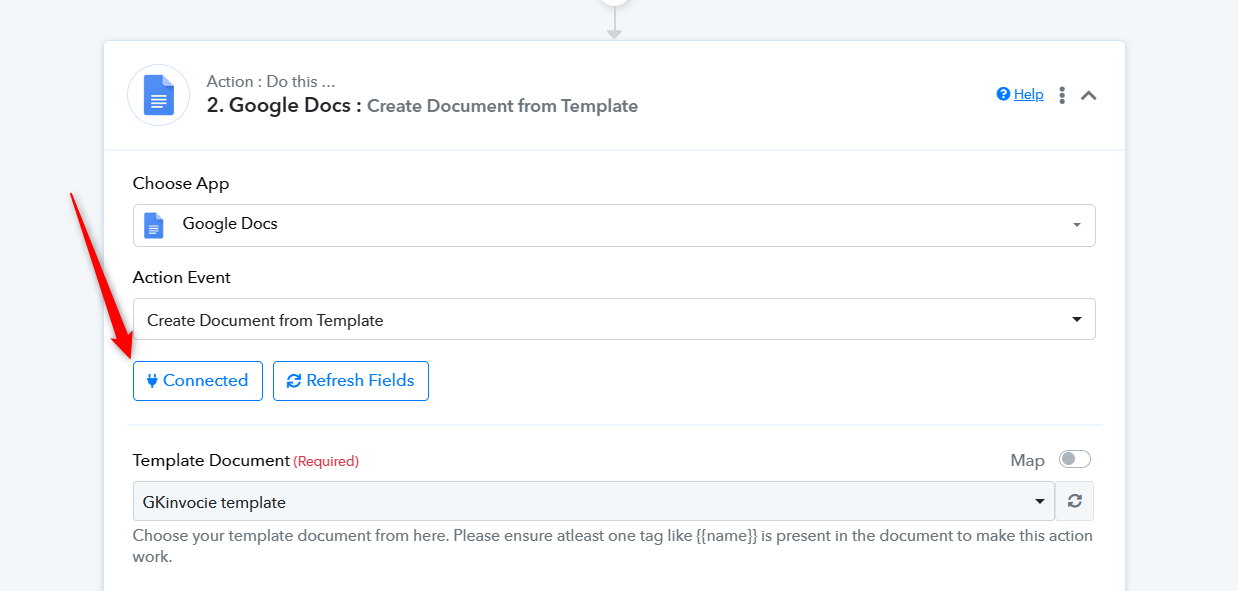
Thank you for your reply. I tried the steps you mentioned, but I am experiencing the same result.
May I know why some of the fields are displaying different names than expected?
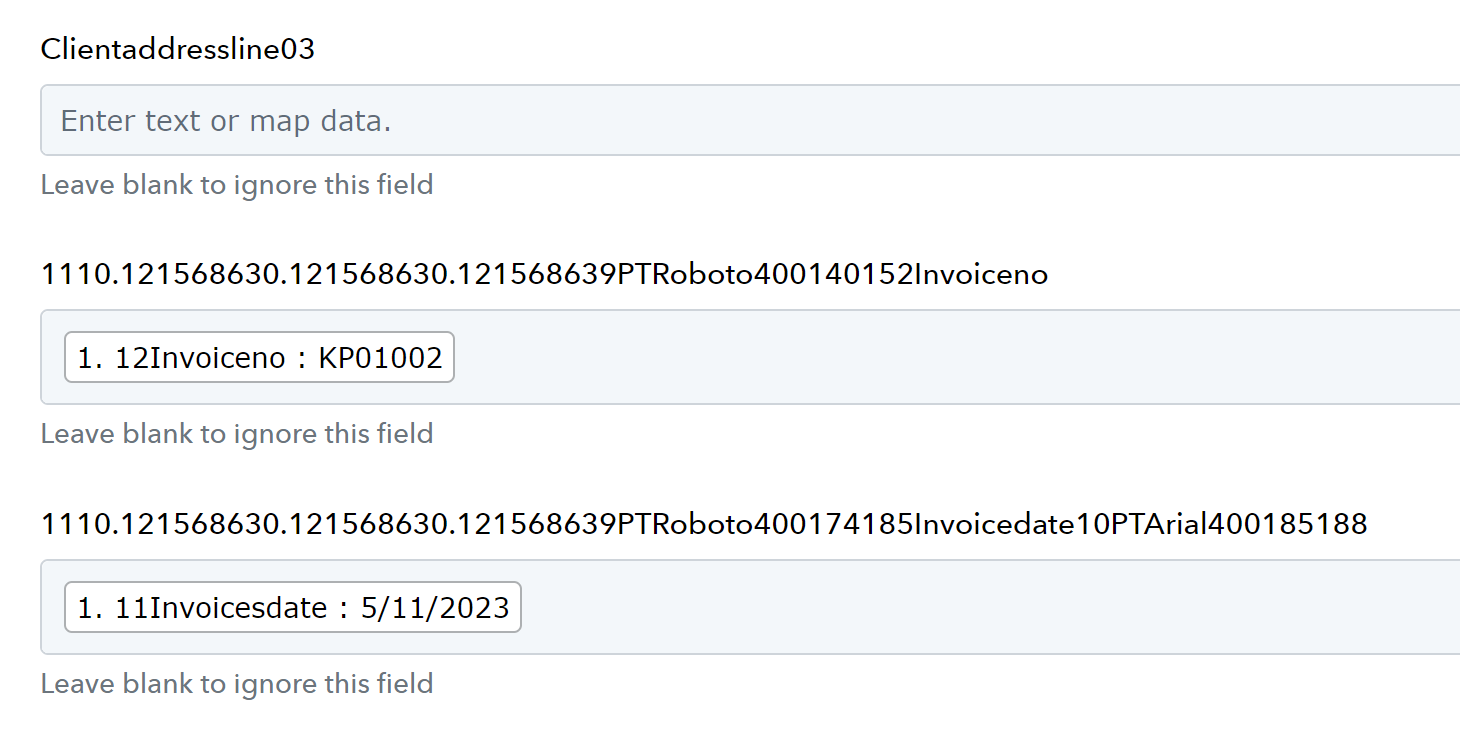
In light of your inquiry, it appears that you may have utilized a copy-and-paste method for the template fields, resulting in the formatting issue with font styles and sizes that you have observed.
We kindly request that you take the initiative to remove the template fields and instead manually input the parameters.
Thank you very much for your help, it is now working perfectly.