Got error while creating new templte google slide
Status: Closed · Asked by drdaga on · 0 views
needed help in google slides
trying to create new slide via template but giving error
Insufficient permissions for the specified parent.
[IMG alt="May be an image of text that says 'Jellybean, jM2ODMxNSI_3D Dashboard Name Franchising Workflows JSONString Invoice Customer Name History Leave blankt ignoreth Brother Field Response Settings Response Received Help Error Errors Domain Value Error Errors Reason global Error Errors Message Error Code insufficientParentPermissions Insufficient permissions orthe Error Message 403 parent. Save Send Request Insufficient permissions Save the specified parent. . search Type'"]https://scontent-bom1-1.xx.fbcdn.net/v/t39.30808-6/280420414_5472098332815039_8419668249612511787_n.jpg?stp=dst-jpg_p180x540&_nc_cat=105&ccb=1-6&_nc_sid=5cd70e&_nc_ohc=VyCoeeBdH_4AX80zFso&_nc_ht=scontent-bom1-1.xx&oh=00_AT_9ipgLp8JNtKoG9eceAMf-WTb-h7Q_QYKDAEpplwS3Rg&oe=627DCFCE[/IMG]
1 Comment
Like
Comment
Hey @drdaga
It seems like you might not have complete permission to use the respective template in the action. Kindly check if you have complete permission for the template or not, if you get the shared template, then reconnect the action event and try again.
In the Google Admin panel do the following:
Security->Advanced
settings->Authentication->Manage third party OAuth Client access
And delete if there is anything like this "380063494358.apps.googleusercontent.com"
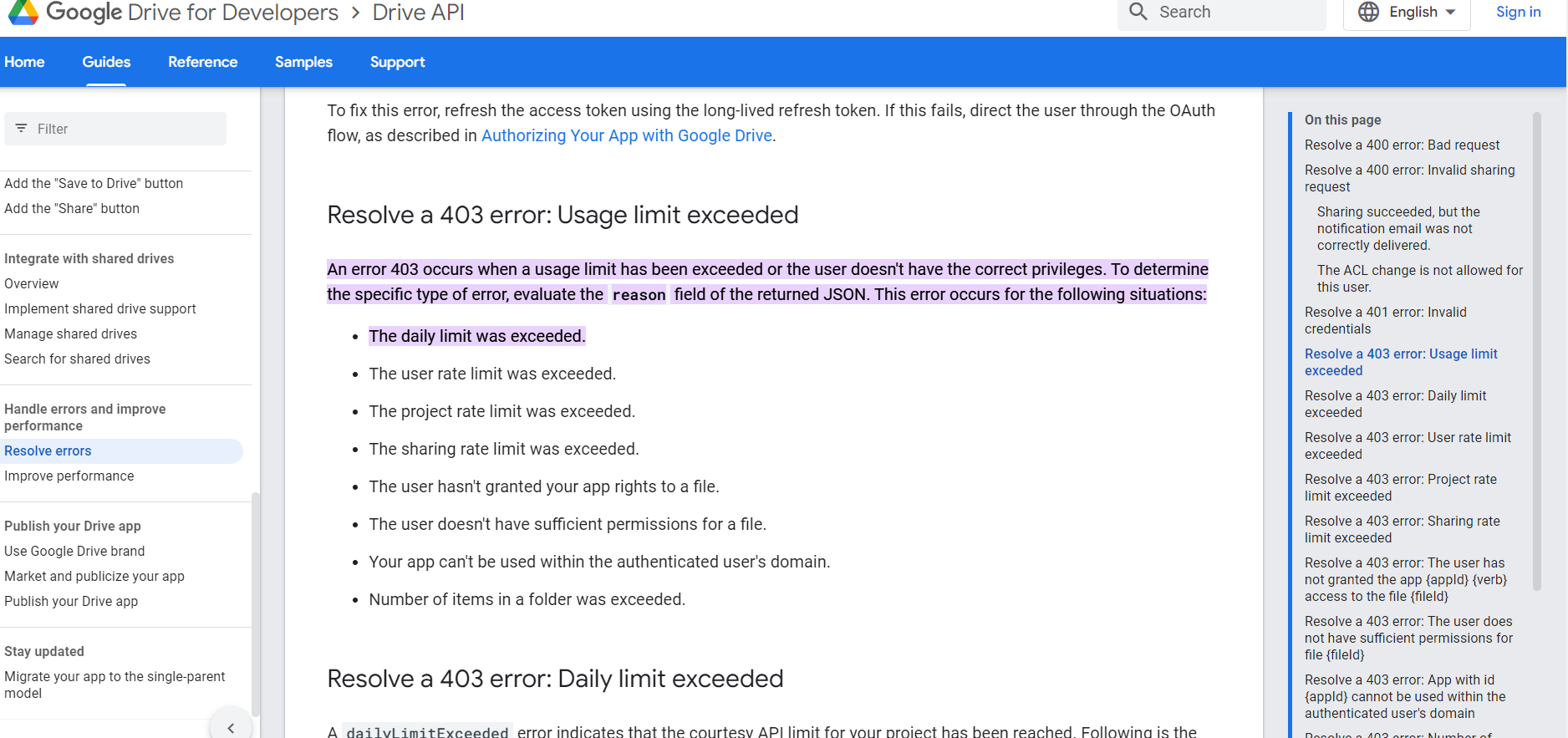
Please check out the following Google Docs API for your above concerning error-
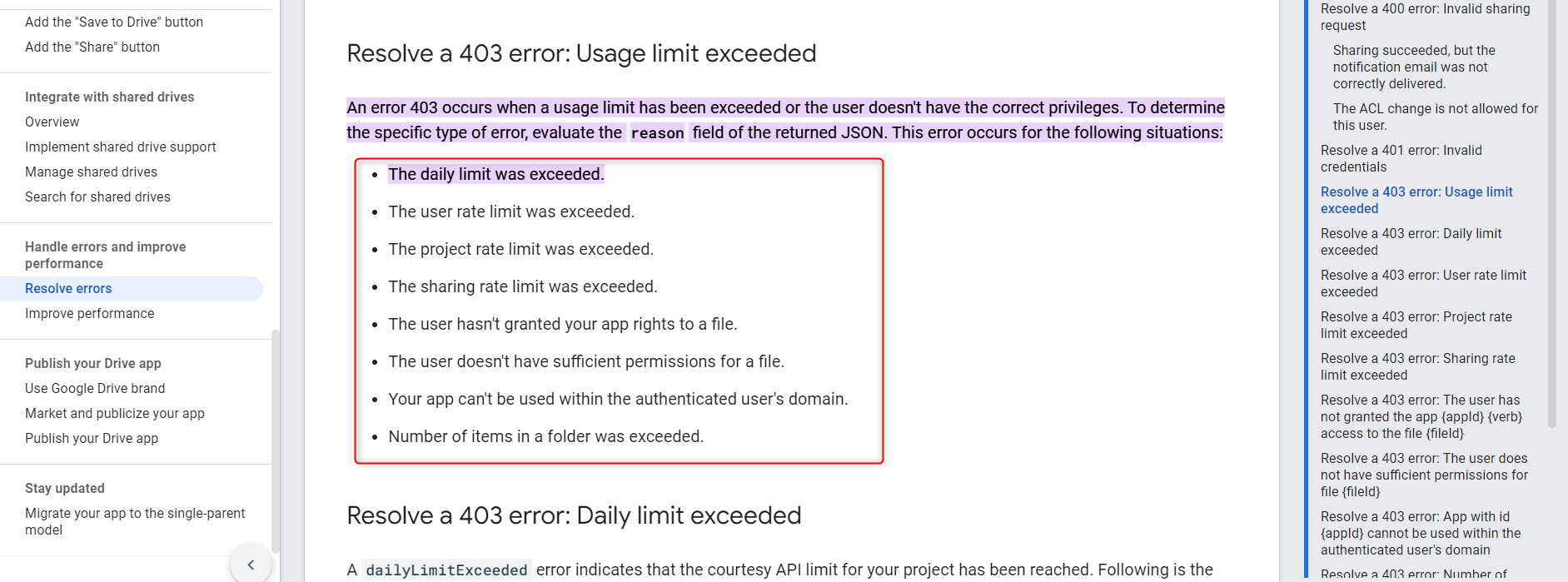
Attachments
make changes now working
now i have new weired issue
i share the google slide by share to everyone
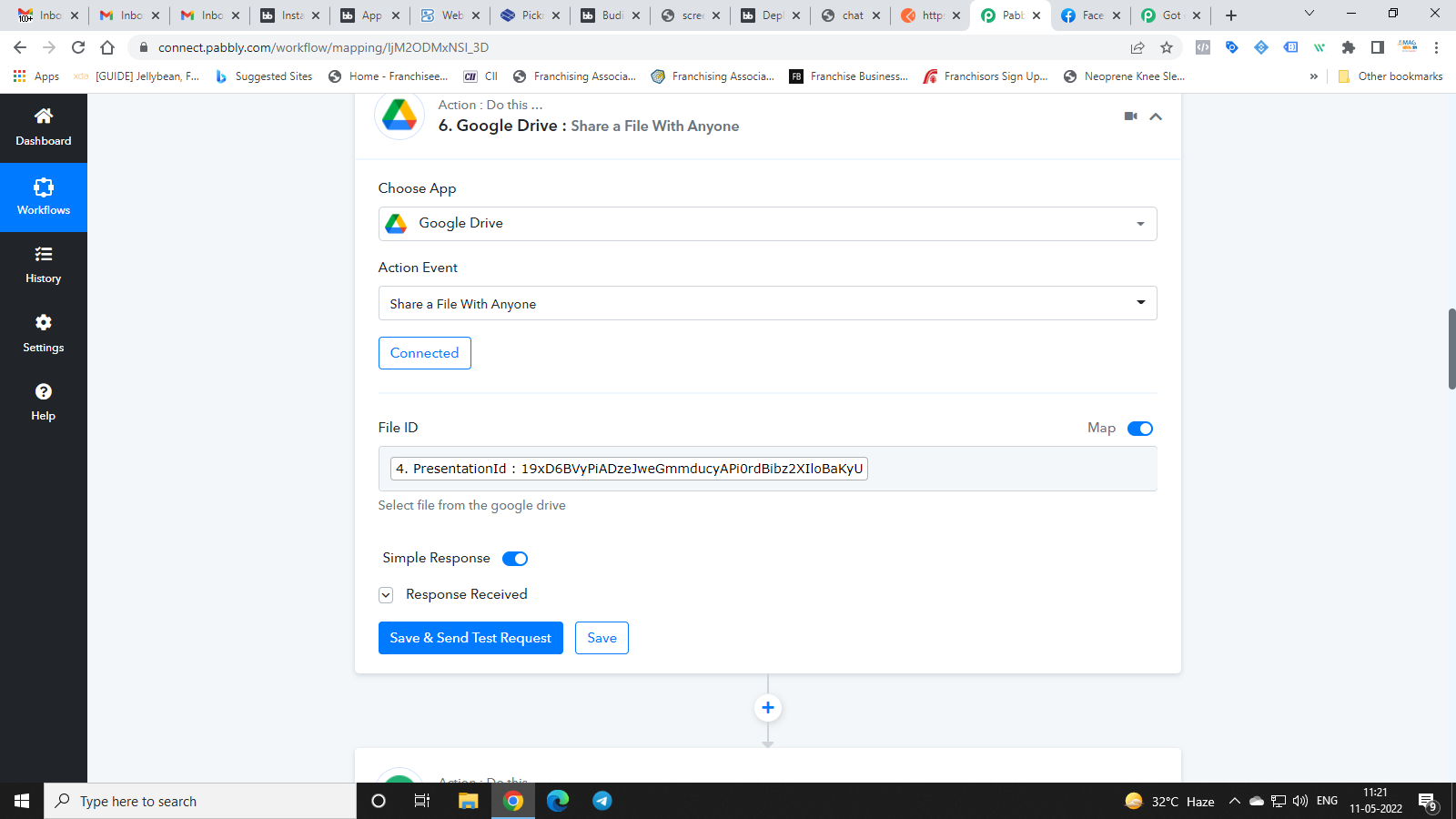
use same link in next step as pdf shared url and save it
at that time it just goes as useal but after again i check the api it giving follwoing error in red
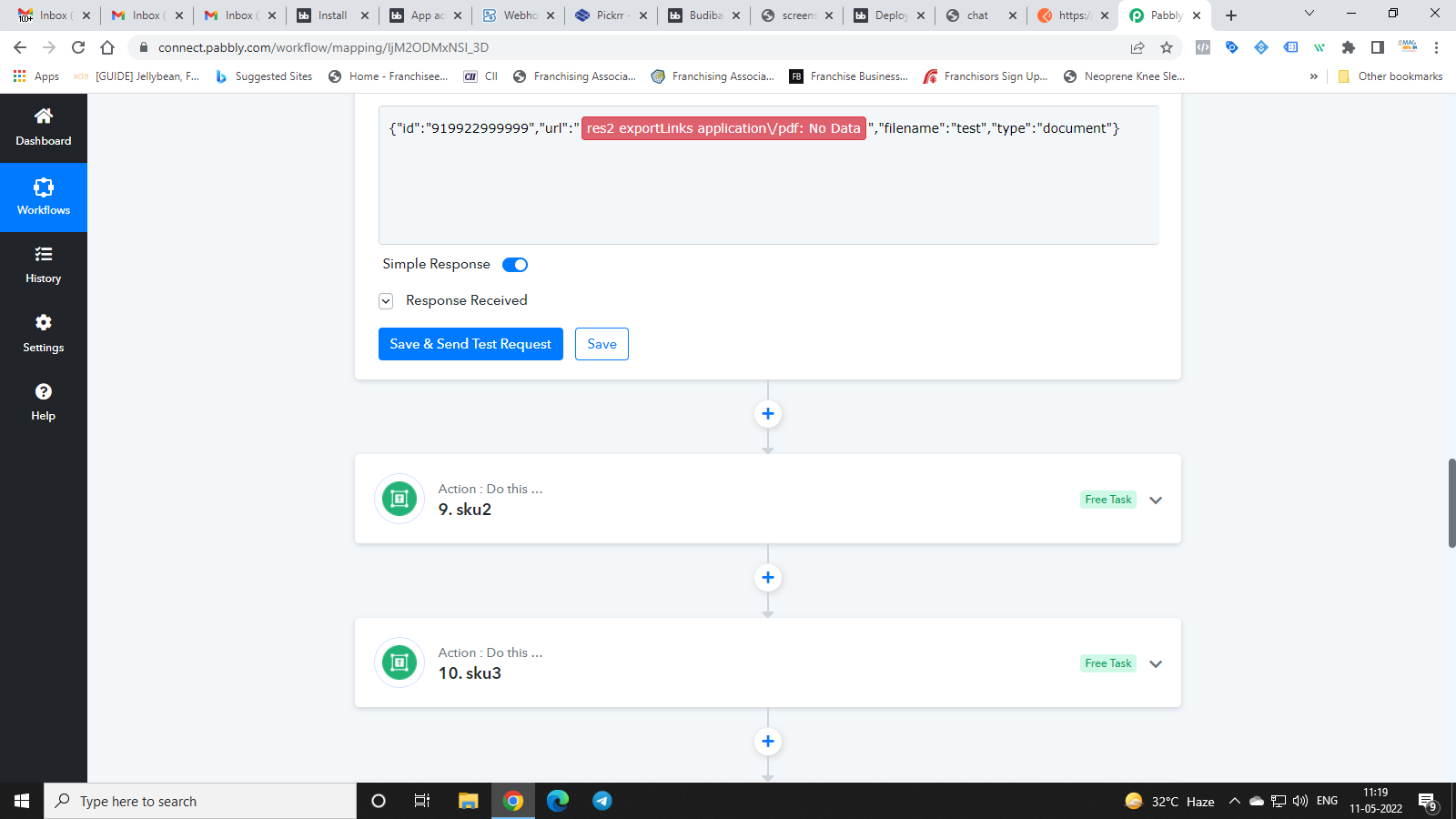
Attachments
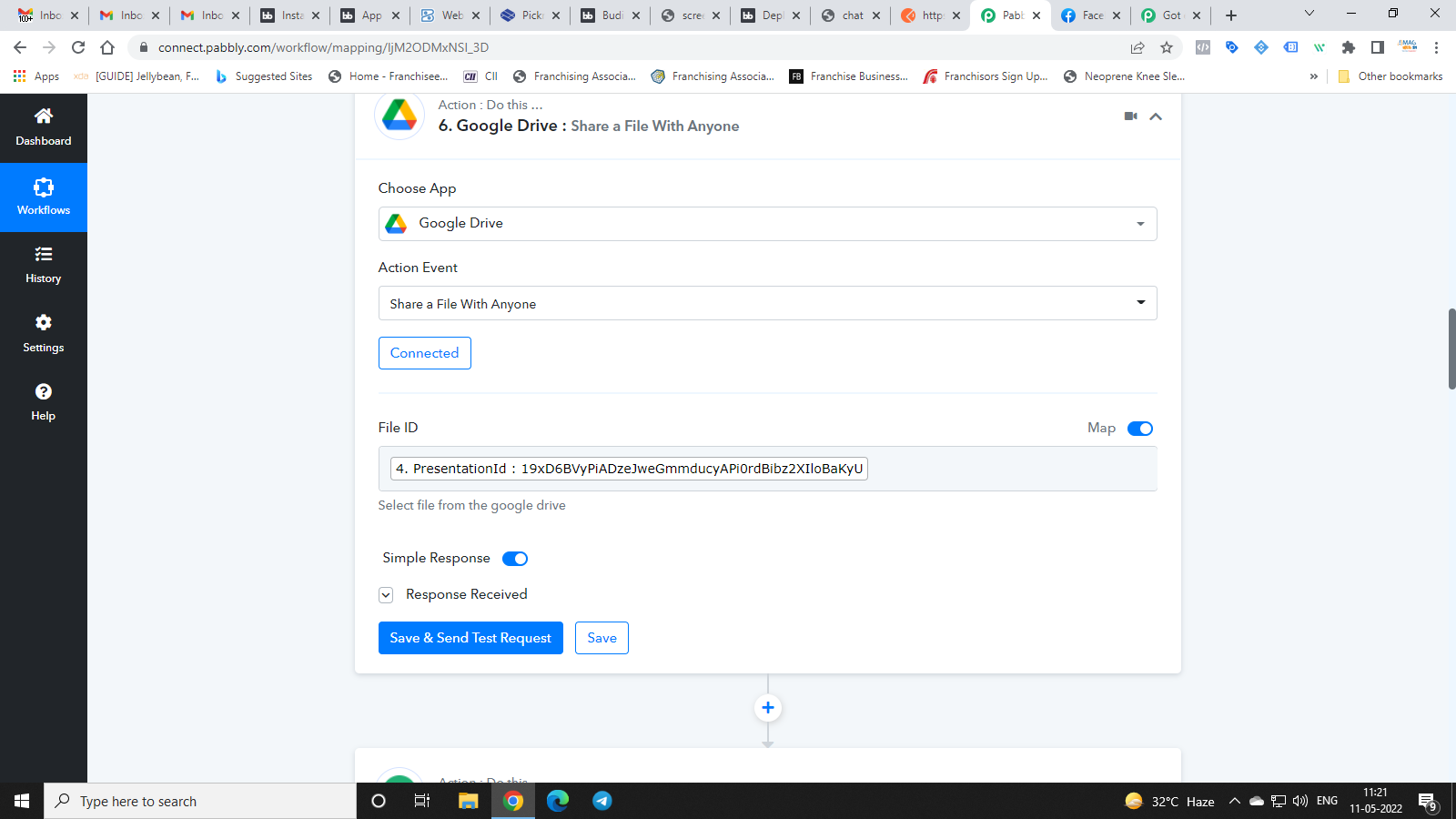
Hey @drdagas
It seems like you might have made some changes in your workflow and because of that previously mapped get empty as it no longer exists.
So, kindly re-map the respective field and try again.