GoZen to Google Sheets not working
Status: Closed · Asked by Technology Coaching on · 0 views
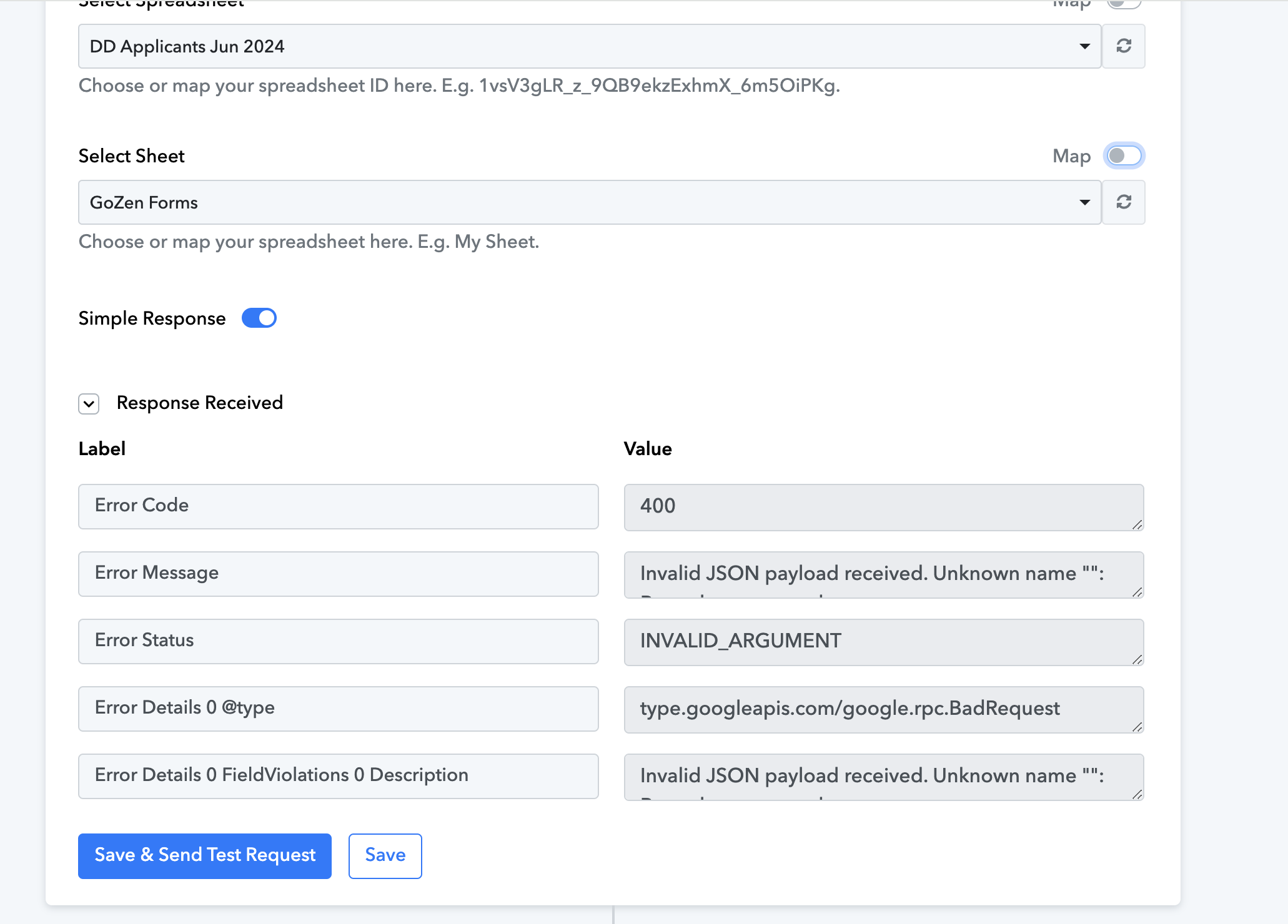
Hi, I am attempting to connect a Gozen form to Google Sheets. I have setup the webhook on GoZen, and connected the Google Sheets, and the correct tab where the new row is to be added. I added a test response, however, it is showing an error to pull the data from gozen to populate onto Google Sheets. I've tried simple reponse, and no simple response, I've tried removing the connection and adding it back in again. I've tried a new spreadsheet. I've tried a new webhook connection. All getting the same results. Here is the link to the workflow - https://connect.pabbly.com/workflow/share/CEADMVYBCGteFFI4BVYHIAsfUFRVD1VtUEkGFAAPVS0HSQliVxYMZlgUBScFZAloUhsIYlINBWAPGwAEVQMDcAEbCBpUV10nUB0CeVQ3ADMIVgMrVjc#
Hey @Technology Coaching
You just needed to map the response from GoZen forms into your Google Sheet step. Although we have done the mapping in your workflow for now.
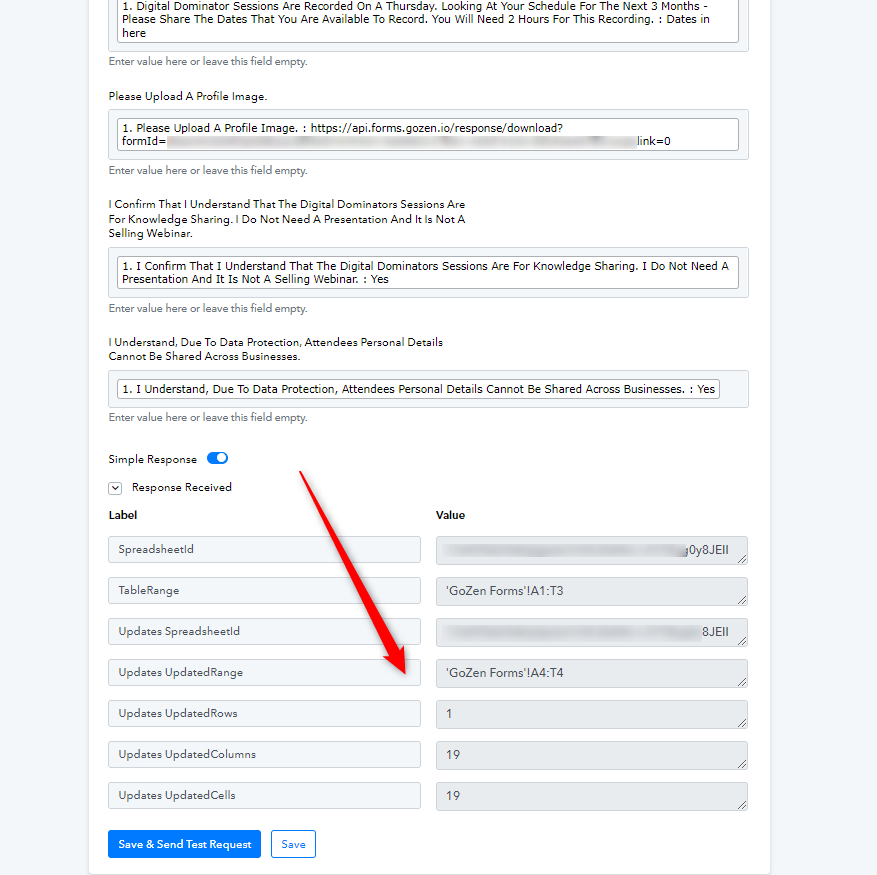
You can learn about mapping your details by following the instructions mentioned in the video below from 7:10.
None of this was possible for me. I would have preferred that you SHOW ME this issue, how to resolve it, than doing it yourself, however I'm thankful that it's resolved.
Hey @Technology Coaching
The response which is captured from GoZen is supposed to be entered in the fields in Google Sheets step. Please refer to the image below,
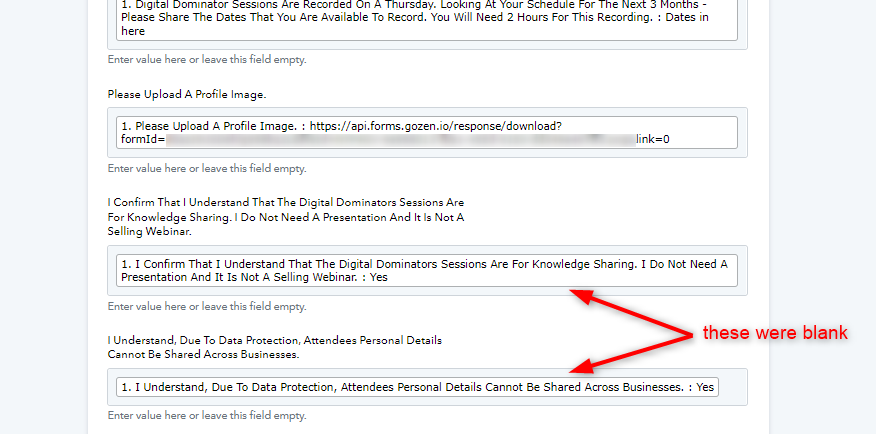
The same process is described in the video provided with the previous reply. Kindly check that for reference.