Gravity forms connection scrambling array
Status: Closed · Asked by Durkis on · 0 views
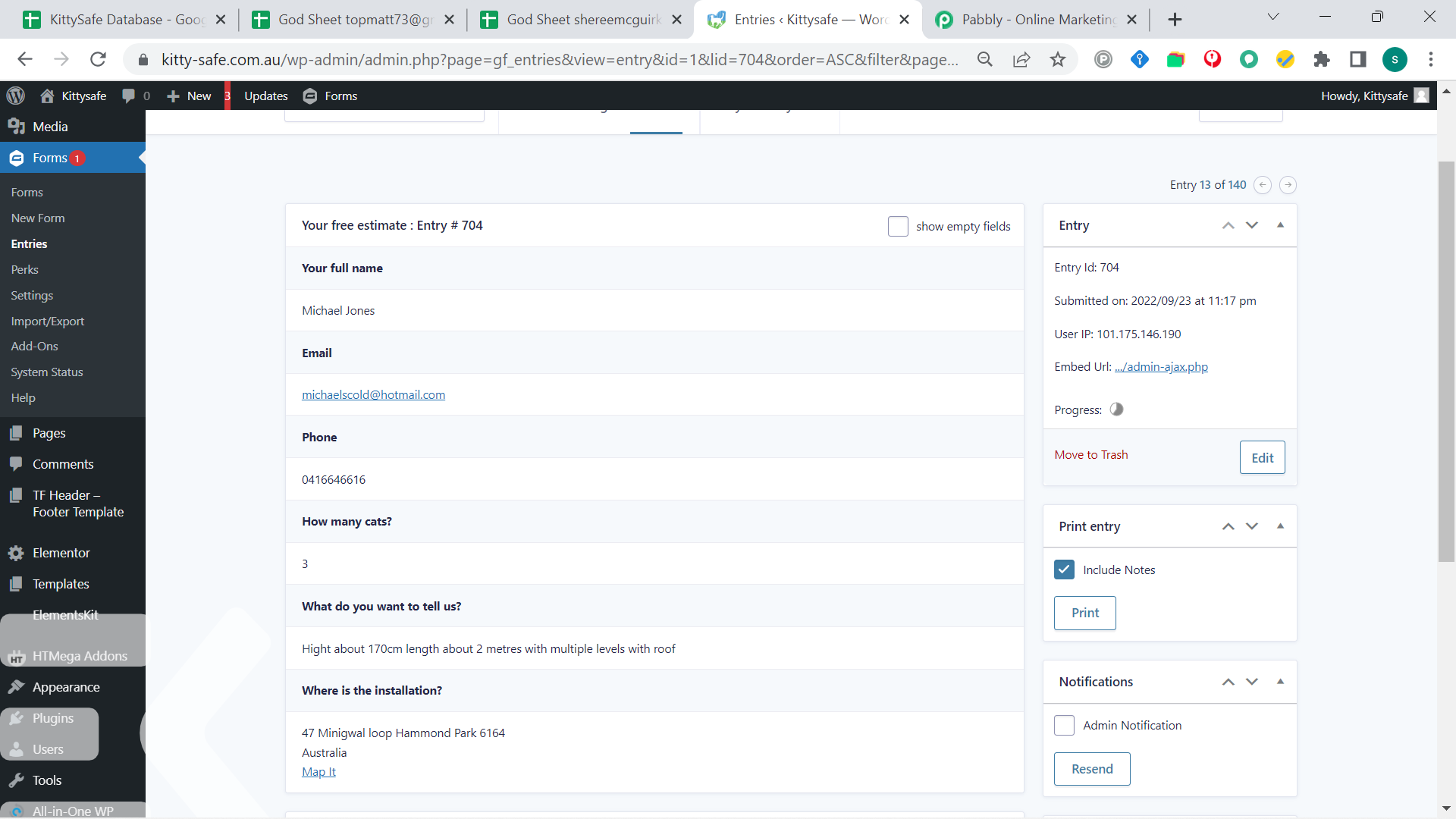
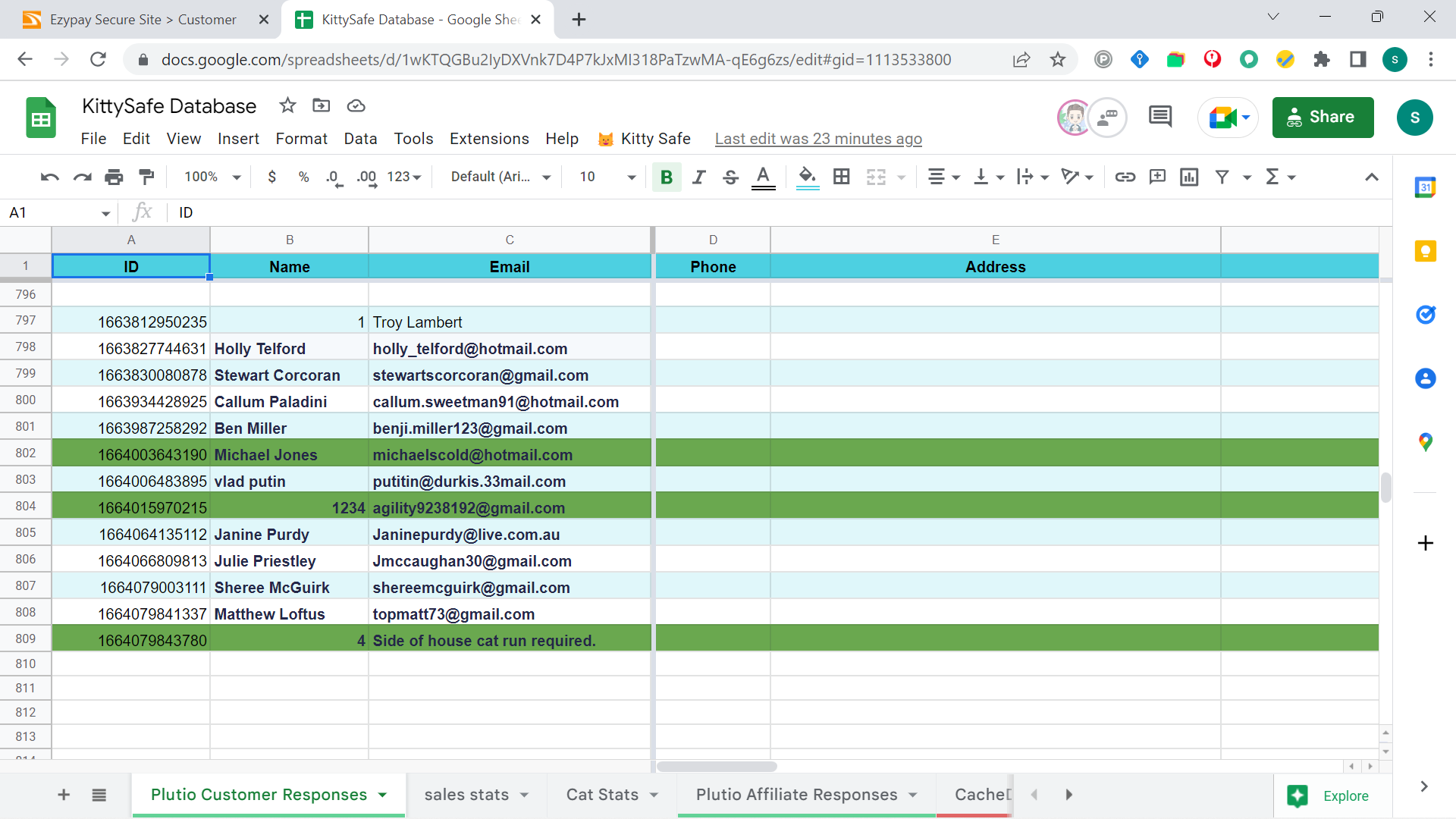
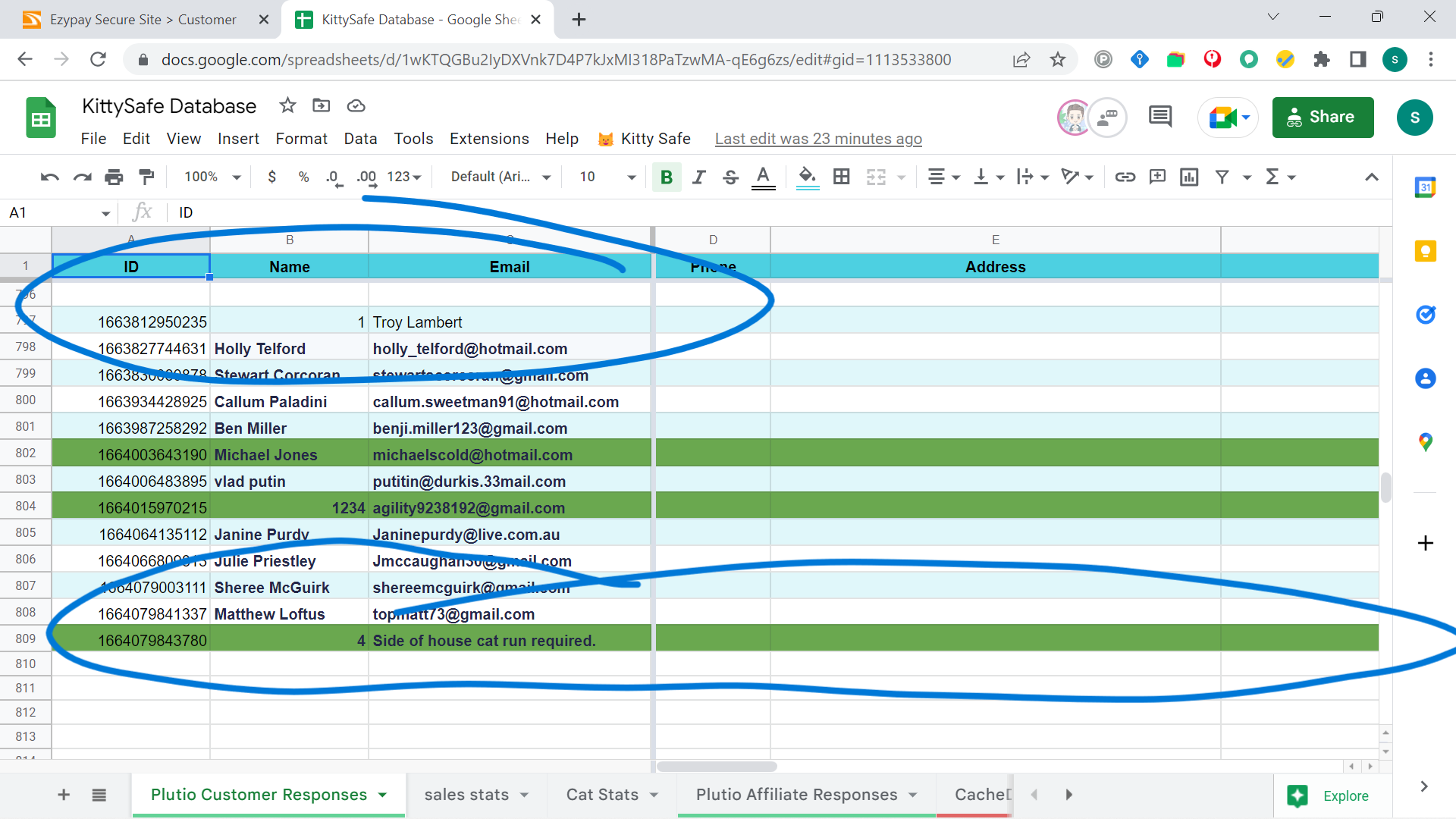
Hi, above you can see gravity forms output which is fine. I connect to P. Conn. via webhook. Below you can see the output from Pabbly to the sheet. The record in question is the bottom one, but you can see another instance at the top.
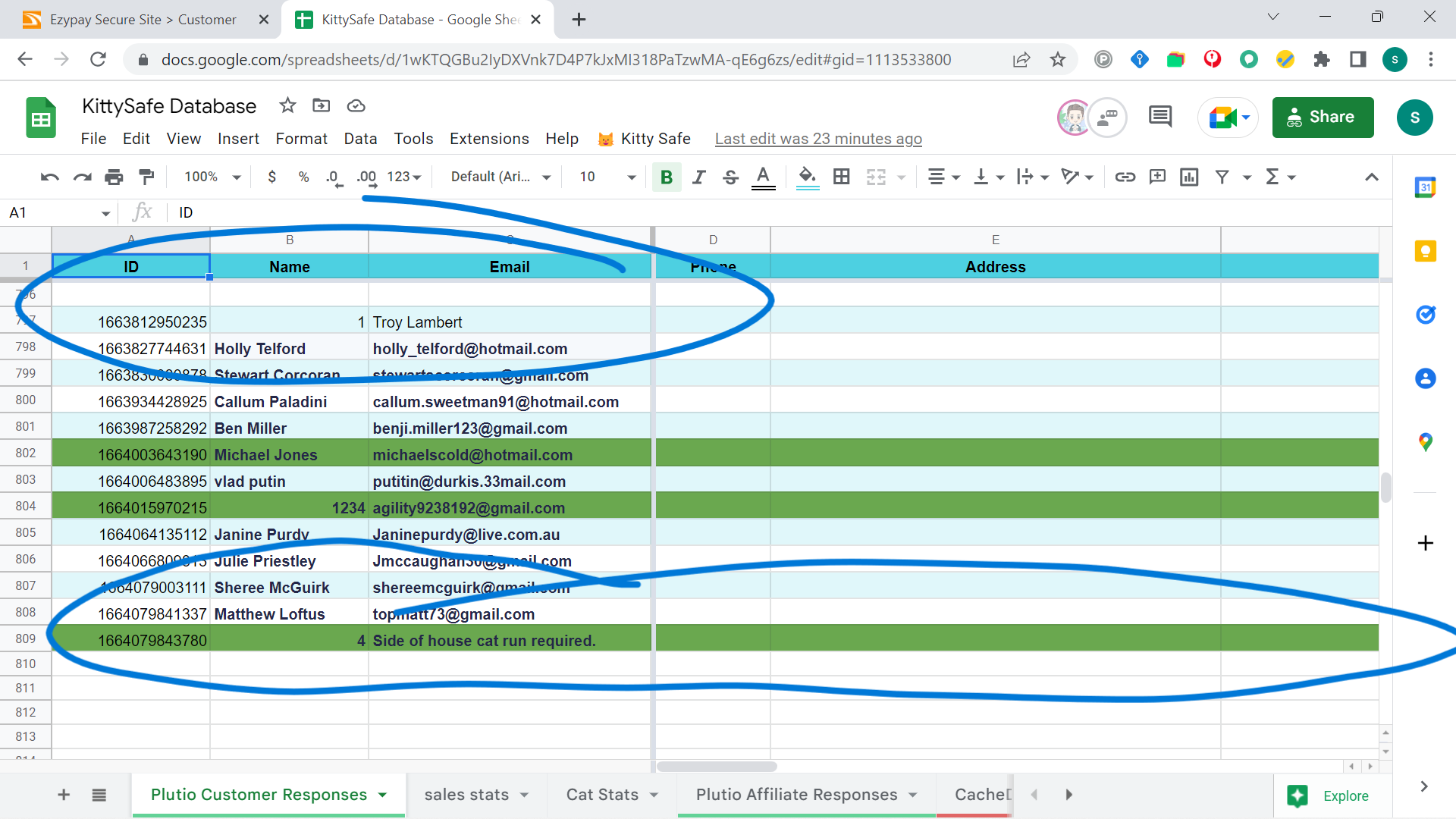
Can you help untie this Knot please?
Here's the automation:
Thanks,
Stuart
Attachments
Hey @Durkis
The data labels which you are getting from the trigger response is getting shuffled as compare to your previously mapped data.
Perhaps you might have done some changes in your Gravity Form and because of that your data is getting passed into different data labels.
So kindly recapture the webhook response once and then try again.
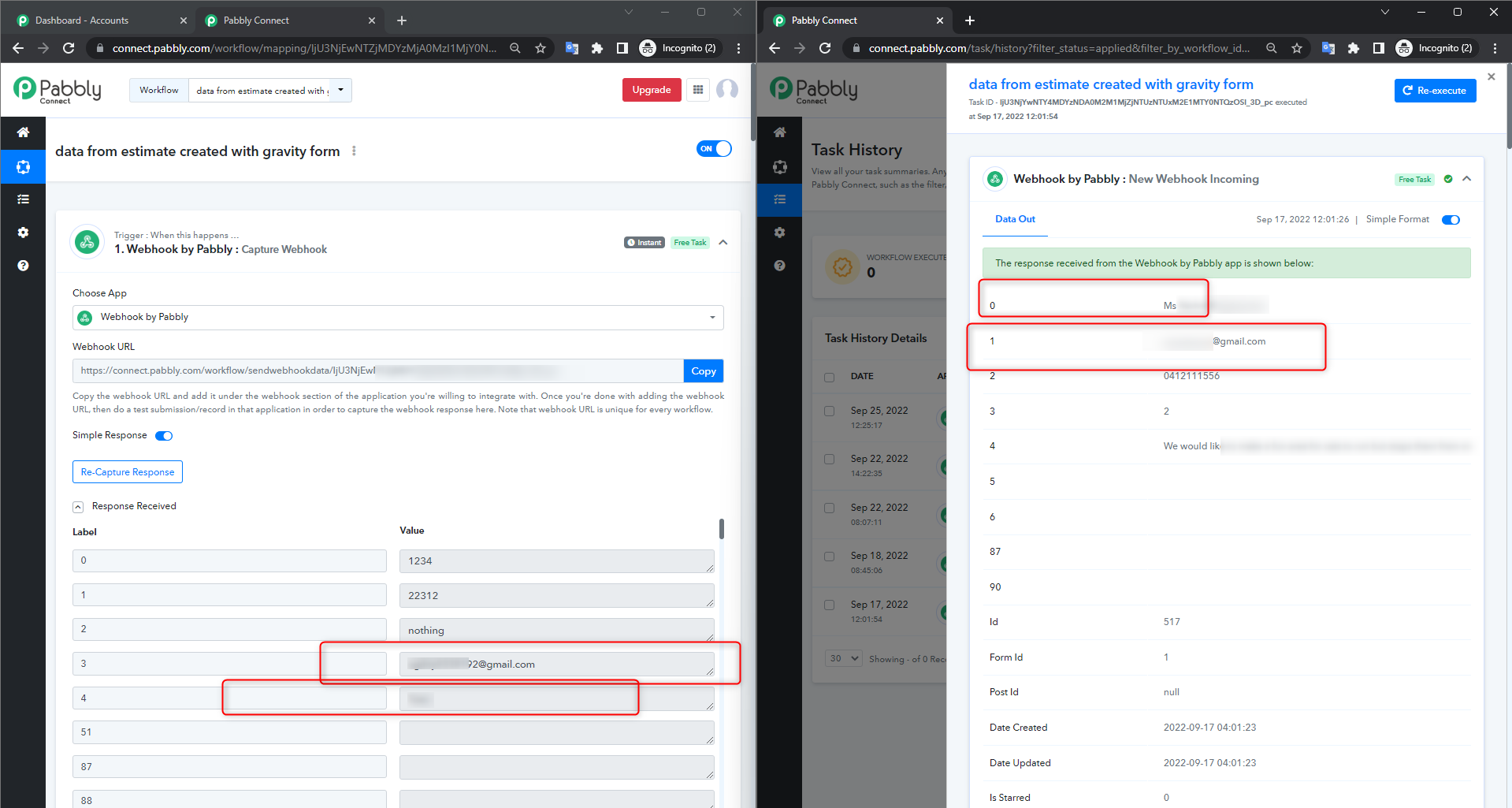
Hi,
Tried this but got the same result. I also tried cloning the workflow and connecting that one, but get the same result. History says no errors, but still the result on the google sheet is scrambled. I have another workflow pushing submissions to this sheet as well from another source, and this one is working OK. 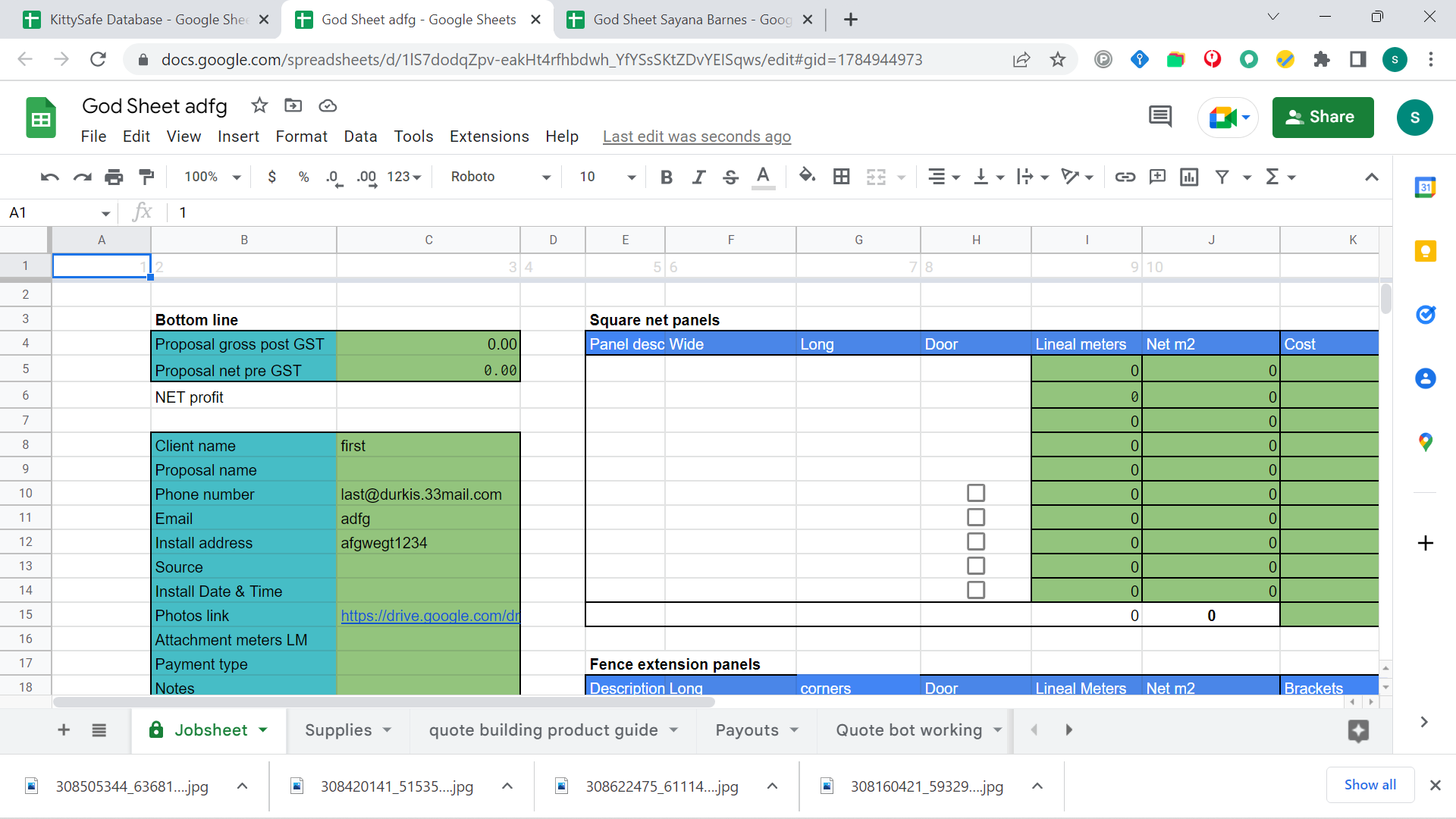
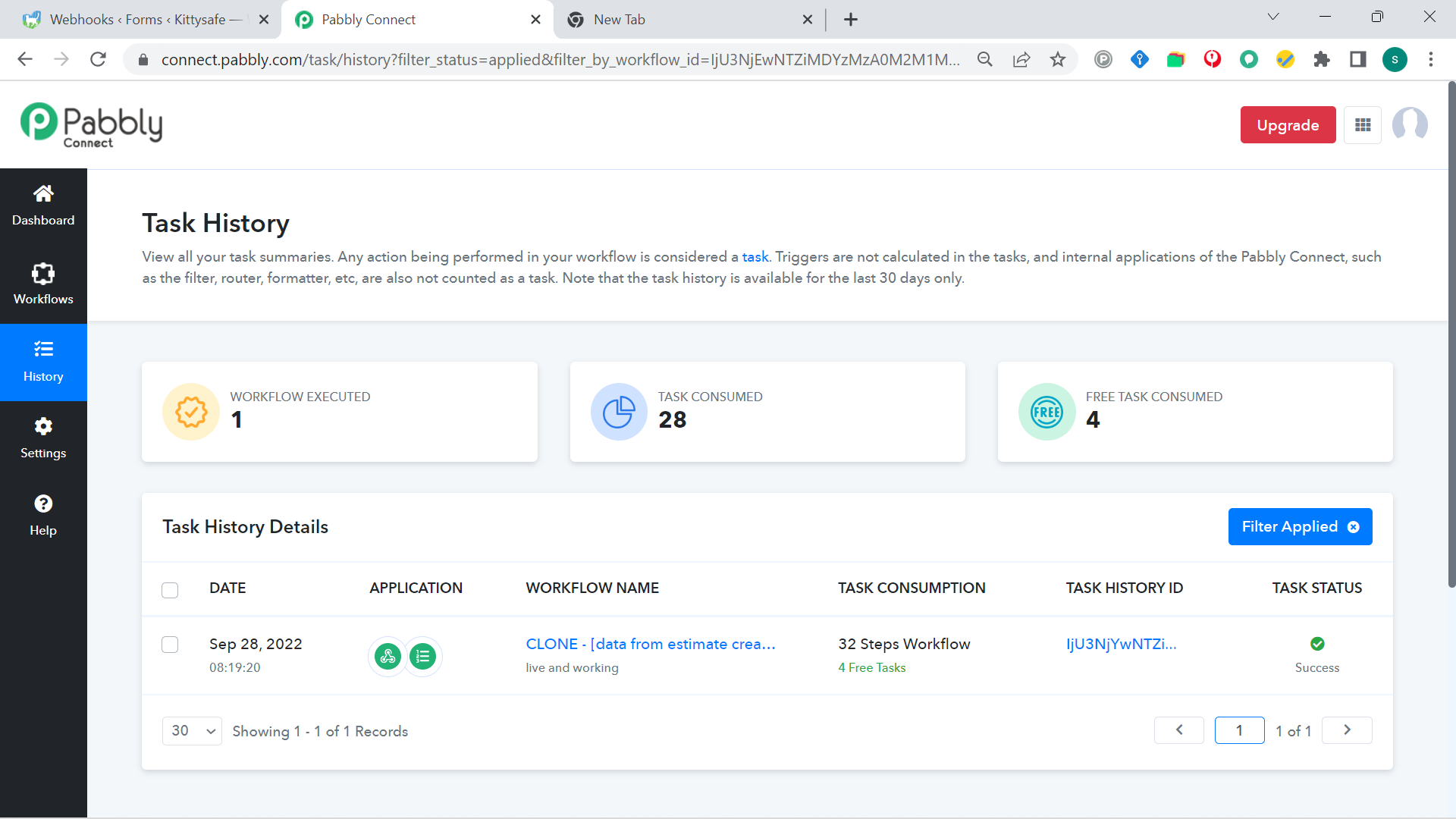
Hi,Tried this but got the same result. I also tried cloning the workflow and connecting that one, but get the same result. History says no errors, but still the result on the google sheet is scrambled. I have another workflow pushing submissions to this sheet as well from another source, and this one is working OK.
Seems like you still haven't captured the webhook response with new data labels.
As we can see from your recent task history and the labels are still coming in different labels whereas you are still getting the data in scrambled form.
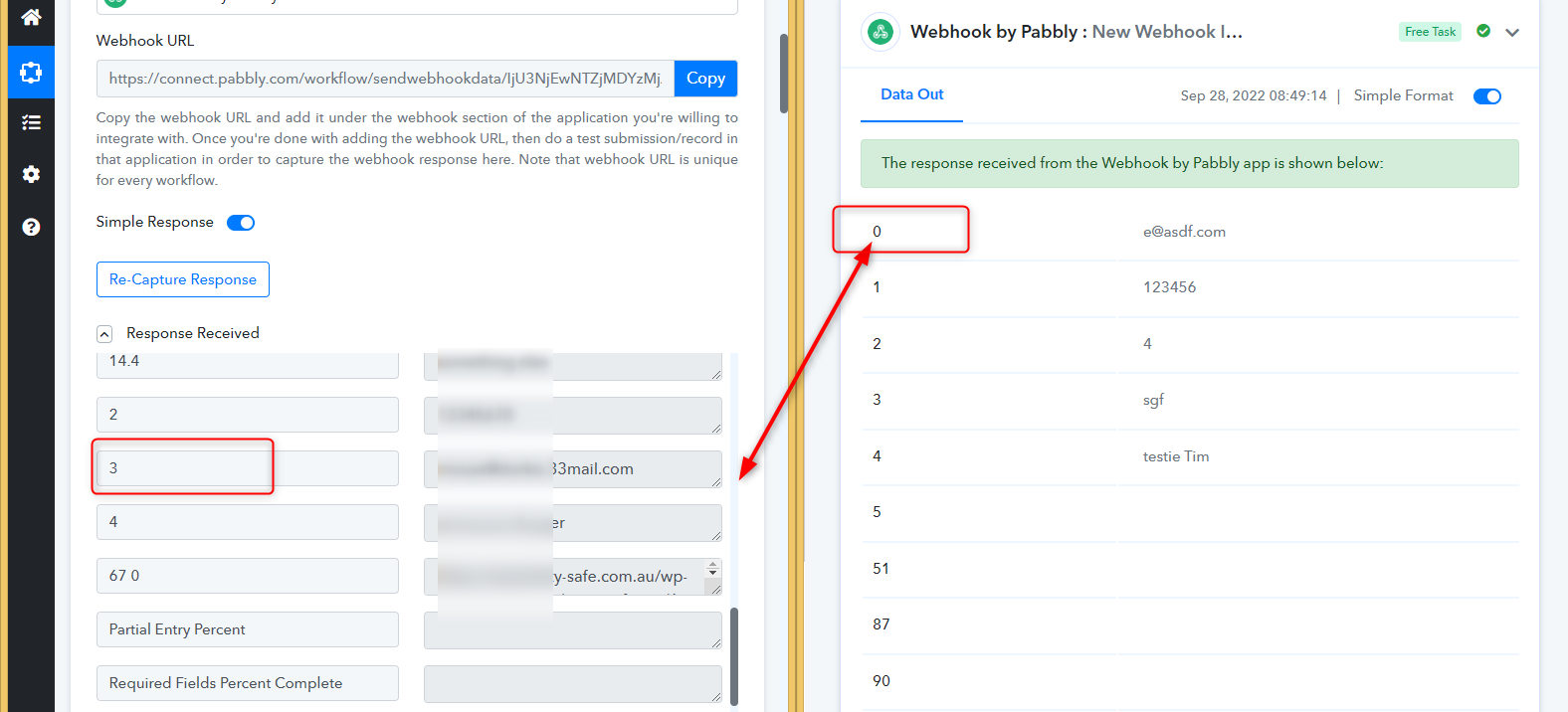
Hi, here's a loom video of this: https://www.loom.com/share/9efde106adca43fdb852230a4e9de5eb
I recaptured the webhook response. Pabbly says the automation performed properly, but no response in the sheet at all this time.
Attachments
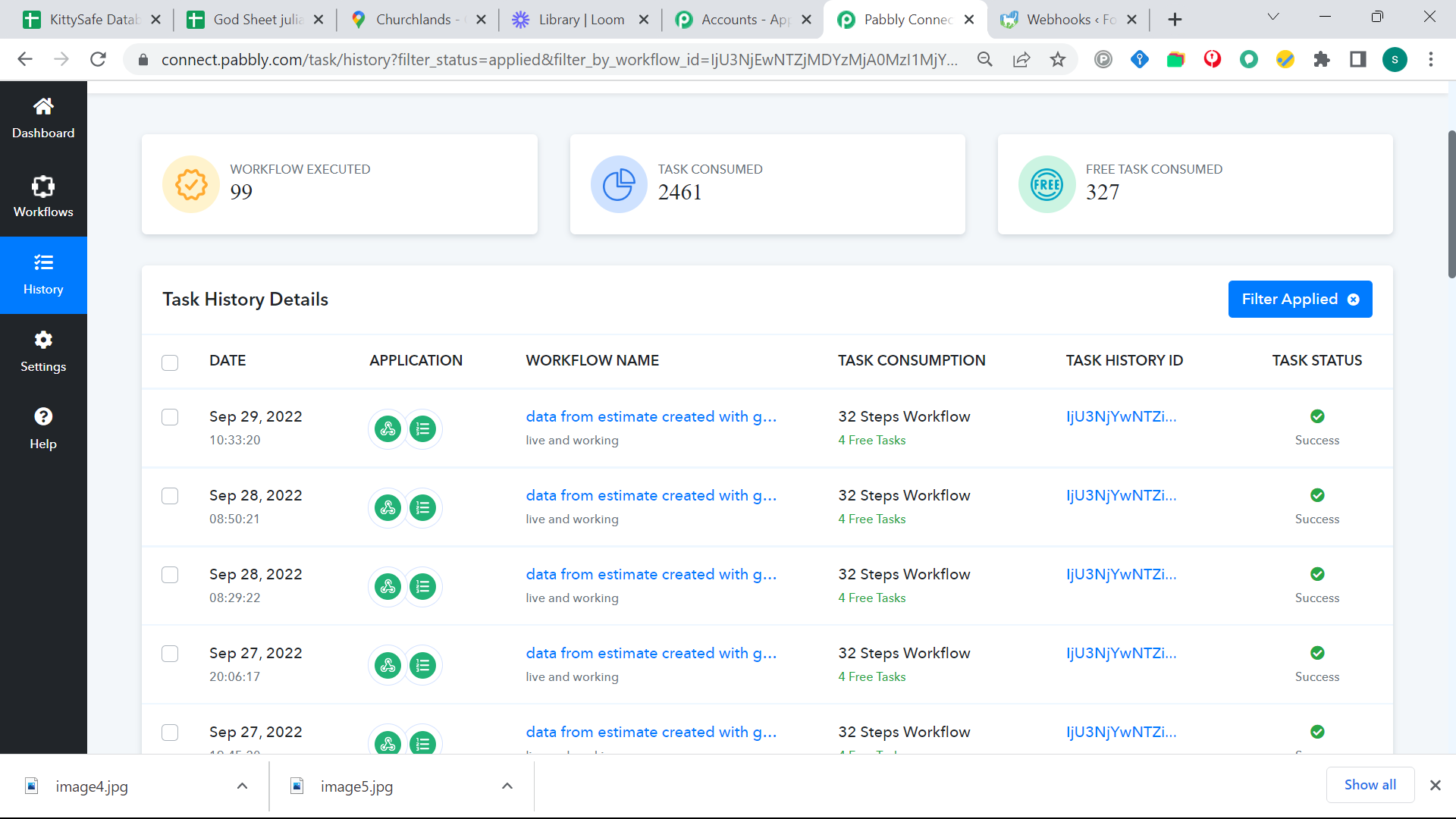
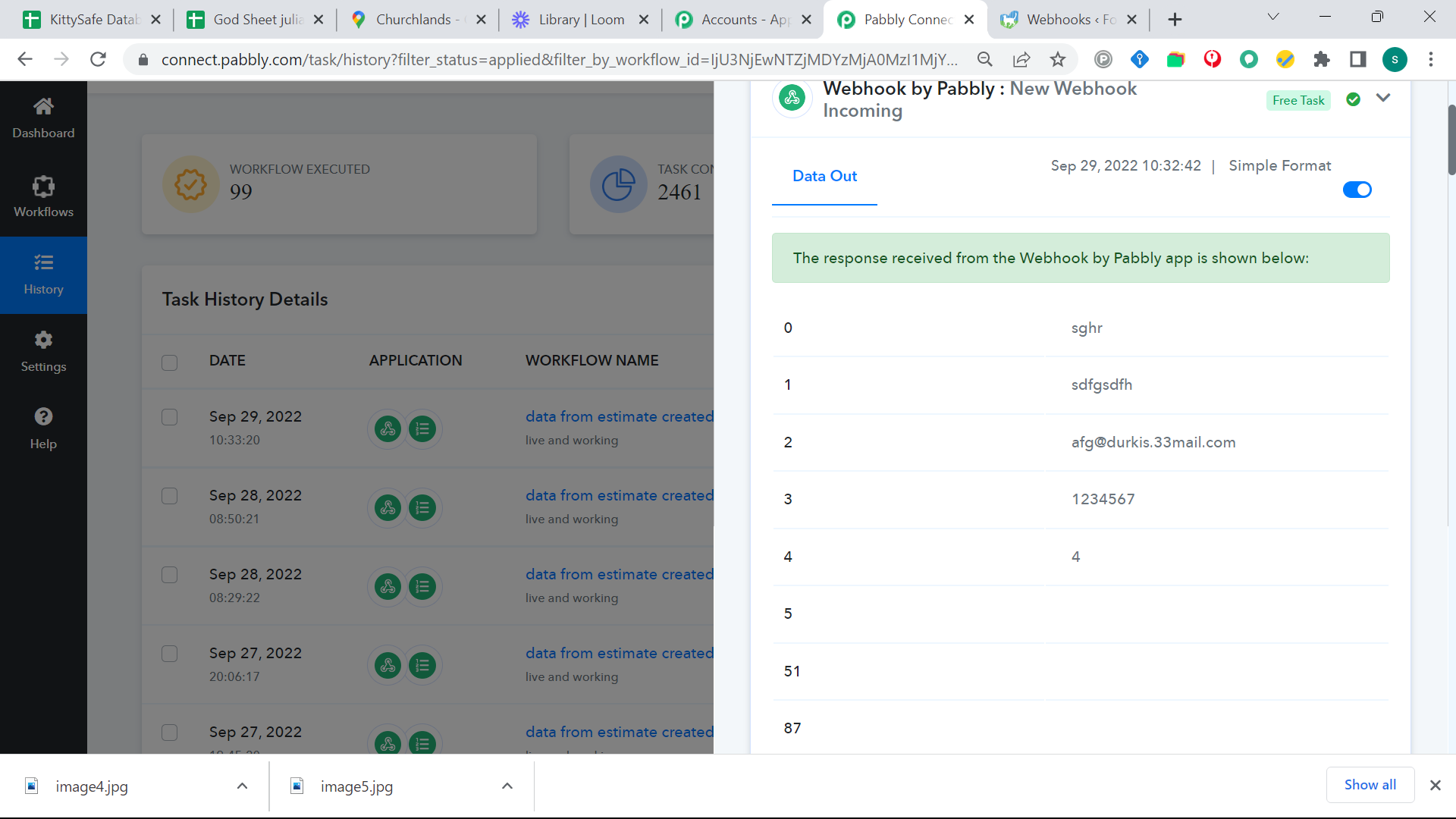
so the re captured webhook landed, but two tests produced nothing, and history says its working.
Attachments
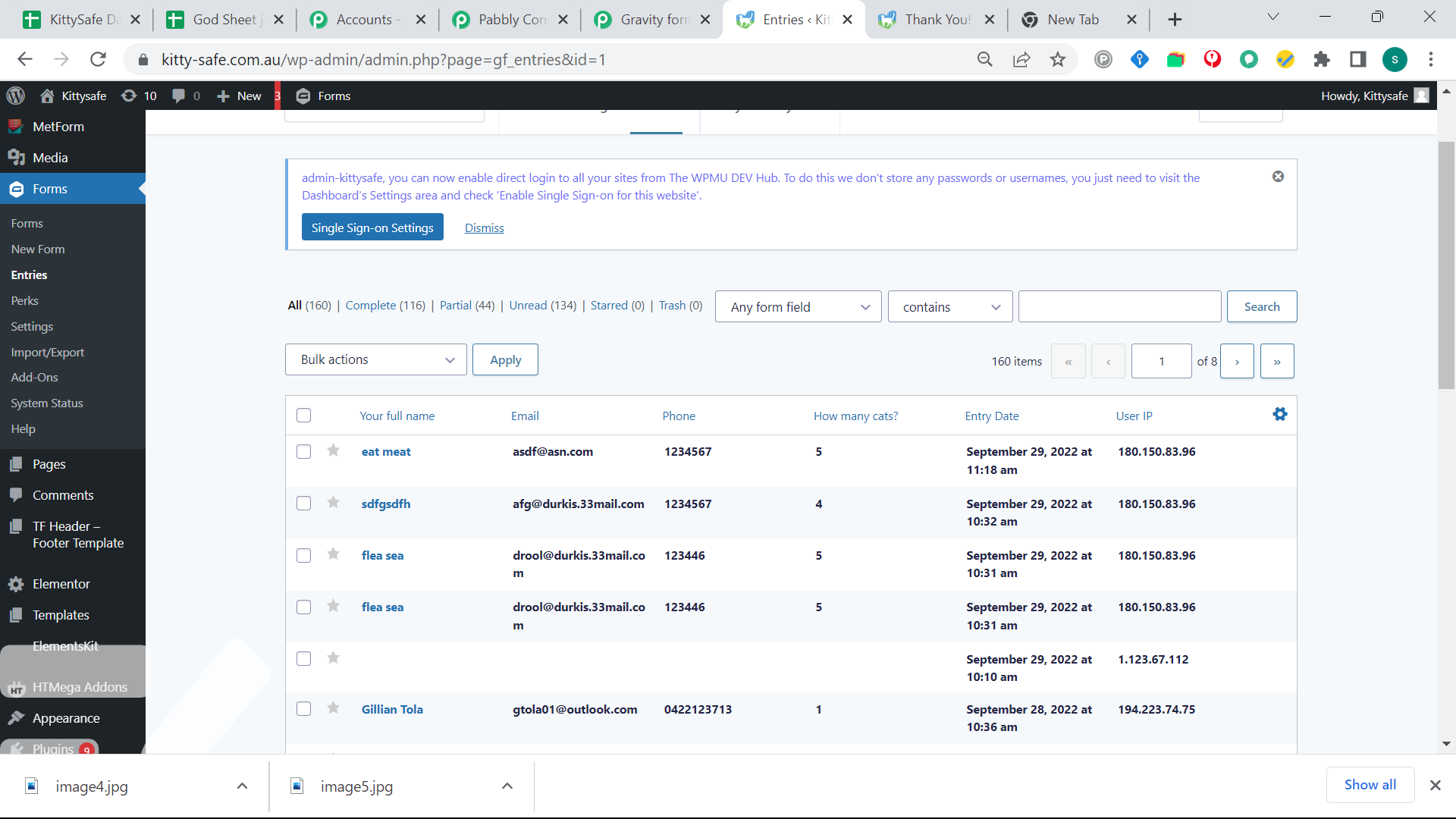
Hey @Durkis
Seems like you have captured the webhook response with new submission, so now please remap the values in the corresponding action step correctly.
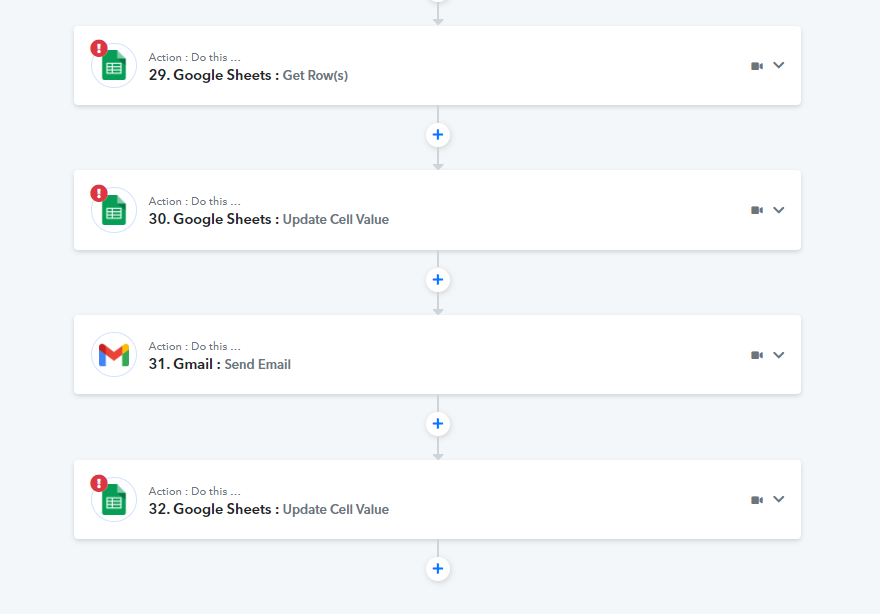
OK, I re the webhook and filled all the fields but got the same result. Its completely scrambled, and yet the history shows a successful execution. I am losing customers.
Am I misunderstanding your instructions?
Am I misunderstanding your instructions?
If you have recaptured the webhook response then you were supposed to remap the data label fields in every action step.
Please make sure that the newly captured webhook data is mapped correctly in your action step to pas the data to your applications.
I re did the automation, remapping the data labels in each action step. It came through scrambled. I re mapped all the action steps again so they were going into the right place, and it came back scrambled.
Whilst working on the automation and checking that steps have appeared in the right spot, all the steps work. When I go from the gravity form, they mess up.
Here's an example of the output form gravity, the fields are all good.
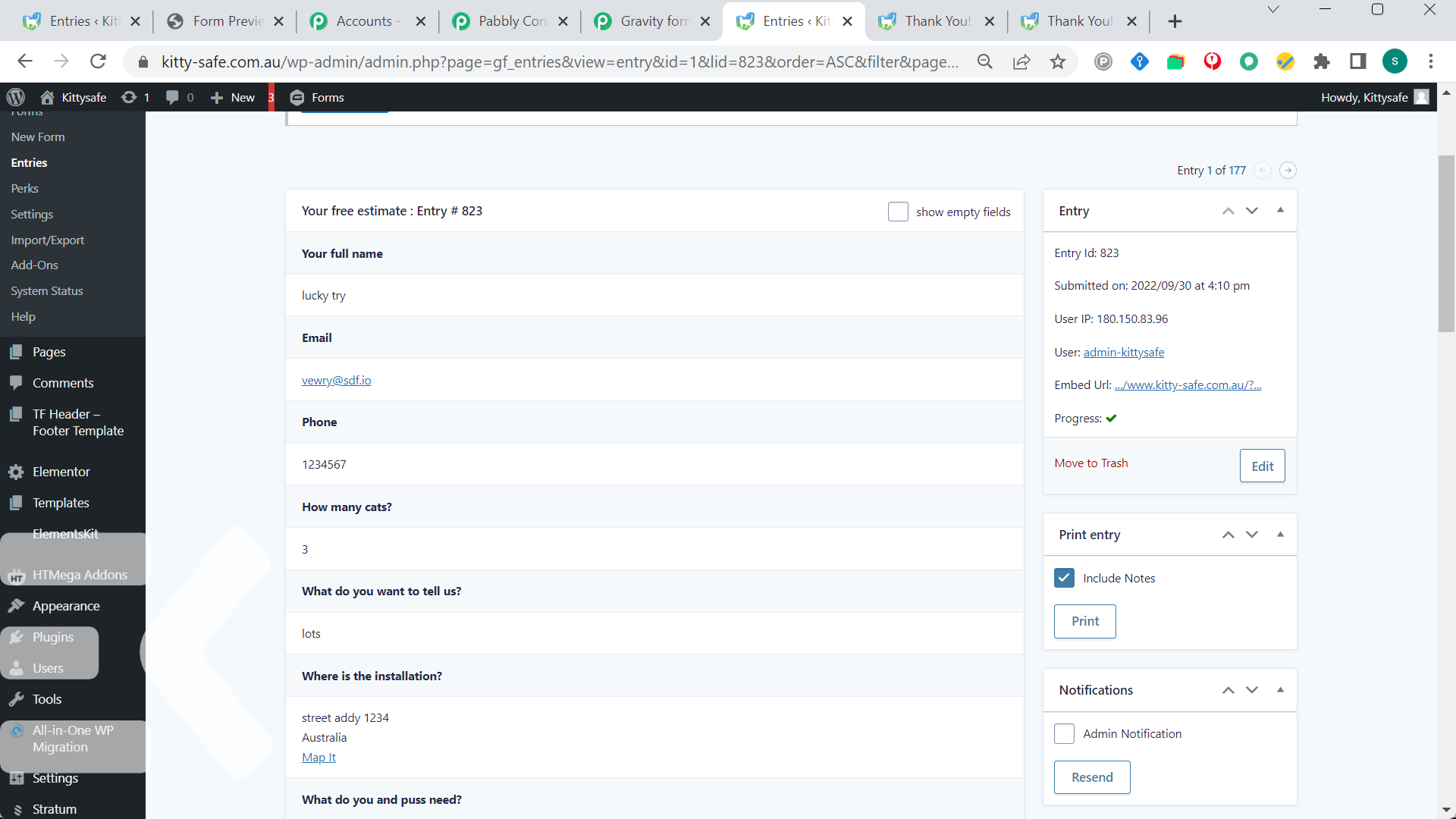
as soon as it goes through Pabbly, they are messed up. This example is not too bad, just the email is missing, but thats not how it is presented in the flow and it gets much worse than this.
The link to automation:
https://connect.pabbly.com/workflow/share/CkIDMVMEAmFTGVM5URJUcwoeCw8IUQRkARgDEQYJVy8HSQRvB0YPZQtHByVSHQFgVB0DaVMMUzYBFQEFUwUEd1ZPAT5TTABdV2QJTAdYASsKaA##
thanks
Attachments
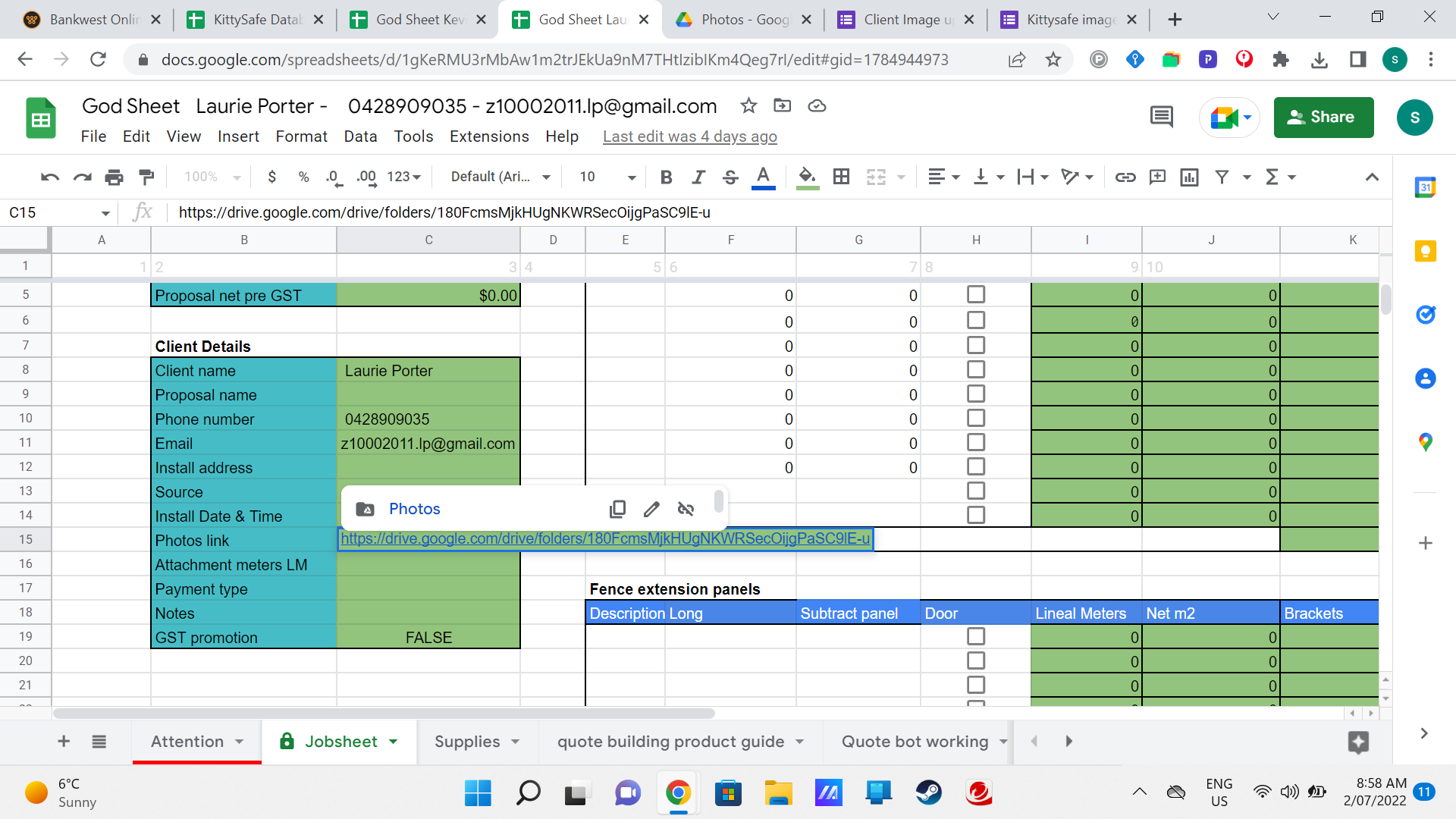
Hey @Durkis
As we can see from your task history Id you are continuously getting the jumbled fields from your triggering application and because of that your data is getting passing in irregular way.
Further, the Gravity Form trigger is based on Webhooks. Pabbly Connect captures any webhook that is sent to it.
We collect million+ webhooks each day flawlessly.
If your event is not arriving and not getting captured inside Pabbly Connect there is a good chance that it not being sent to Pabbly Connect. In cases like these, you will have to contact the Gravity Form team to see why your event is not being sent from Gravity Form.
To double check, you can also confirm it through a webbooks testing site by the name of webhook.site.
You can copy the webhook URL provided by Webhook.site inside Gravity Form and do the test event inside Gravity Form to see if the webhook is being captured on not inside Webhook.site. This will double confirm the issue.
Here is a sample video that you can follow to track the webhook issue: