Gravity Forms > Google Sheets - not pulling in all columns
Status: Closed · Asked by efelle creative on · 0 views
We've successfully connected Gravity Forms to our Google Sheet. I ran a successful test mapping a handful of fields so the automation is working. The issue is when selecting the specific "sheet", it's only showing columns A - BA when it should show all columns (A - DV). It's a large Gravity Form and Pabbly is picking up the webhook response just fine. I can see all the form fields/values. Does Pabbly have a Google Sheet column limit? Also, this is my client's workflow we're accessing from our account (she added us as a team member). Thanks!
Hey @ec_206 !
Sure, there is a column limitation for "Google Sheet: Add New Row" which is till AZ.
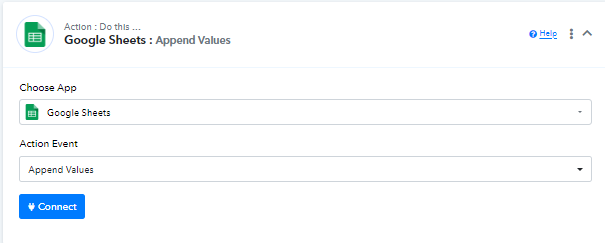
In order to add more data beyond this, then in that case you need to use "Append Values", that has no limits-
You can refer to this video tutorial for your reference-
youtube.com/watch?v=3sqSu4zKGJk
This will work for you as per your requirement.
Hey @ec_206 !Sure, there is a column limitation for "Google Sheet: Add New Row" which is till AZ.
In order to add more data beyond this, then in that case you need to use "Append Values", that has no limits-
You can refer to this video tutorial for your reference-
youtube.com/watch?v=3sqSu4zKGJk
This will work for you as per your requirement.
Thank you so much @Subin! This is perfect.