Gravity Forms to Google Sheets
Status: Open · Asked by Bram on · 0 views
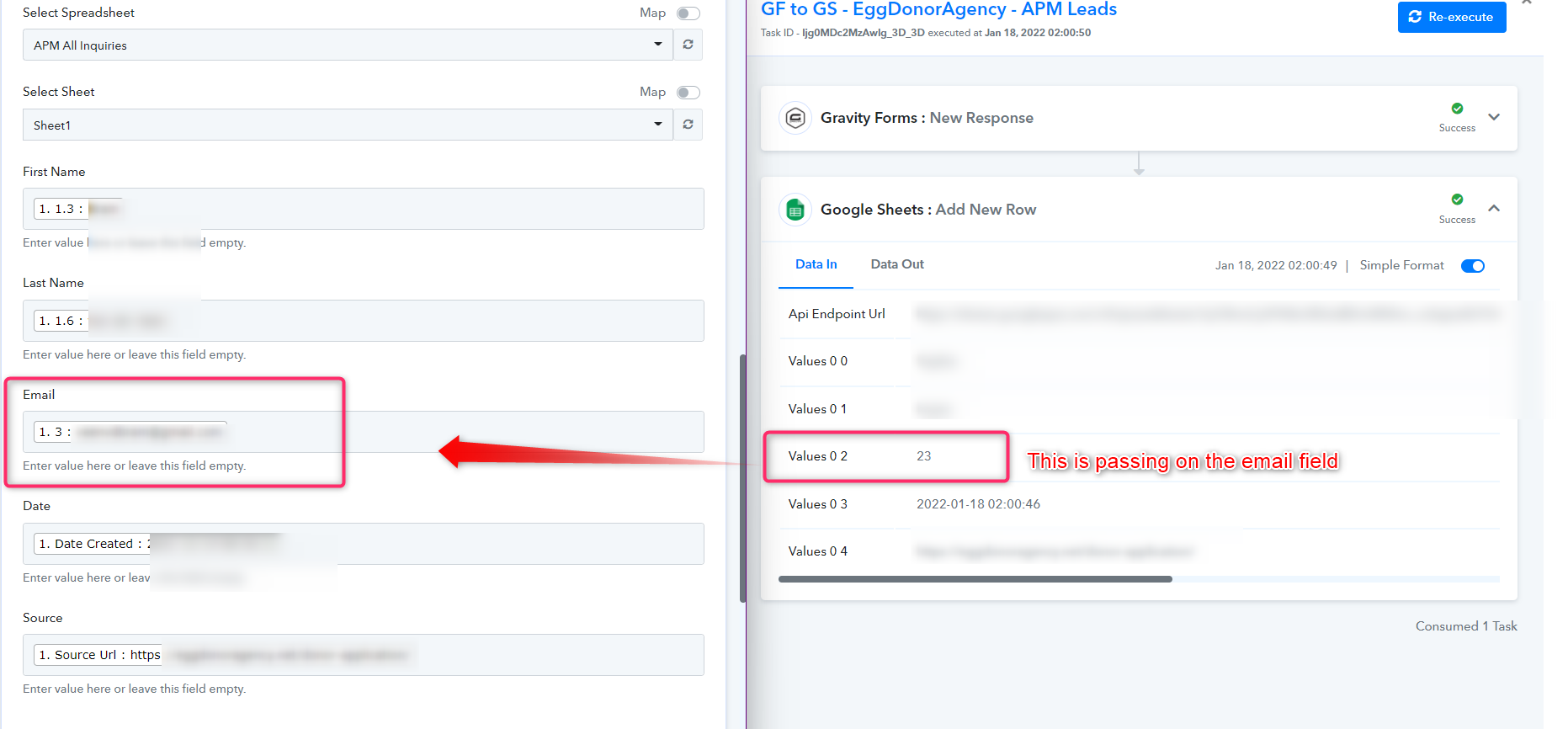
The issue I have is that the integration is no longer putting the correct value in the email cell on Google Sheets. It was working before, but it's suddenly grabbing another value from the Gravity Form. I have not made any changes to the form.
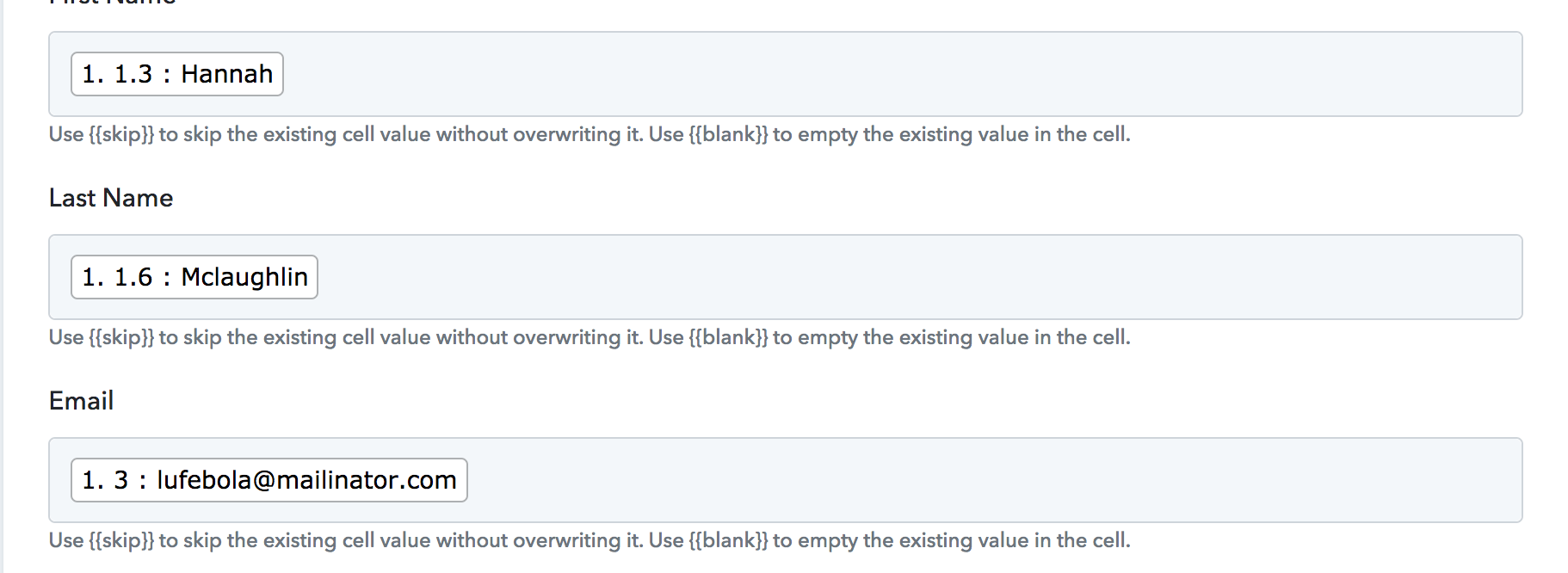
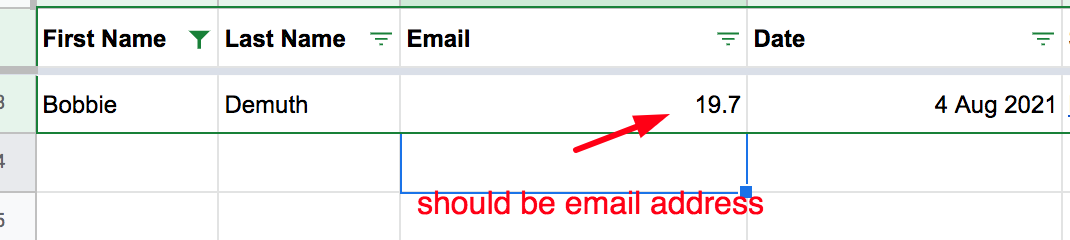
When I send a test entry, it does work correctly:
Hey @robbiereyes
Could you please share the workflow name and the respective Gravity form so that we can test it and can assist you better?
Thanks!!
The issue I have is that the integration is no longer putting the correct value in the email cell on Google Sheets. It was working before, but it's suddenly grabbing another value from the Gravity Form. I have not made any changes to the form.
When I send a test entry, it does work correctly:
Did you change any fields on the form recently?
If you changed the fields on the form or even changed the order of the fields in the form, you may have to capture the webhook response again and would have to re-map the fields again.
I did not change or reorder any fields.
Sometimes it puts the correct value in the cell, other times it takes another value.
This is the link to the Workflow: https://connect.pabbly.com/workflow/mapping/IjgyNzMzIg_3D_3D
I did not change or reorder any fields.Sometimes it puts the correct value in the cell, other times it takes another value.
This is the link to the Workflow: https://connect.pabbly.com/workflow/mapping/IjgyNzMzIg_3D_3D
Looks like the webhook parameter has been changed from Gravity forms end as a result of variation are appearing.
We request you to kindly recapture the webhook response once and then do re-map the further steps.
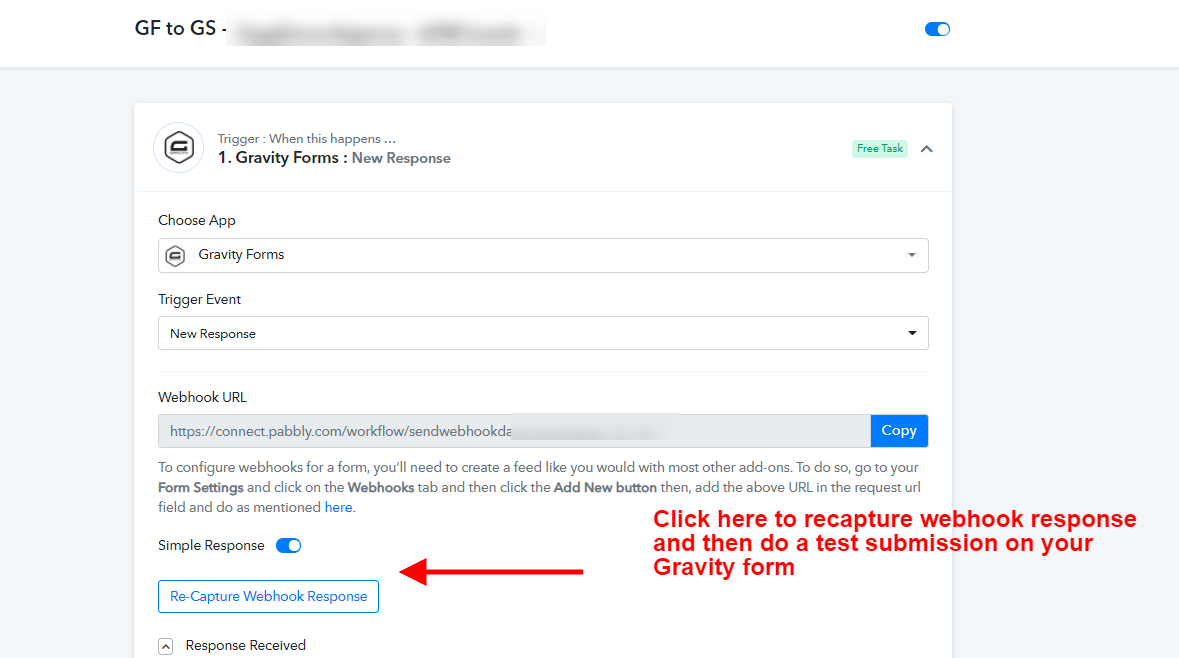
I've recaptured the webhook response and remapped the fields. It worked for a while but now it's again putting the wrong values. Please assist.
Hey @robbiereyes
The jumbled and disrupted data is coming from your Gravity form, kindly cross-check the data from the Gravity account. since the Gravity Forms Webhook trigger which you are using is a descriptive-based webhook URL, so the Webhook data which was received by the Gravity Forms API in the Webhook Response of Pabbly directly comes from their end. So, It just catches the data whenever send by the application and shows it in the Pabbly Connect workflow.
So, we would recommend you to contact Gravity forms' support team for the same.
Thanks
Hi @Supreme
The data from the Gravity account is staying unchanged. All I had to do is add the webhook:
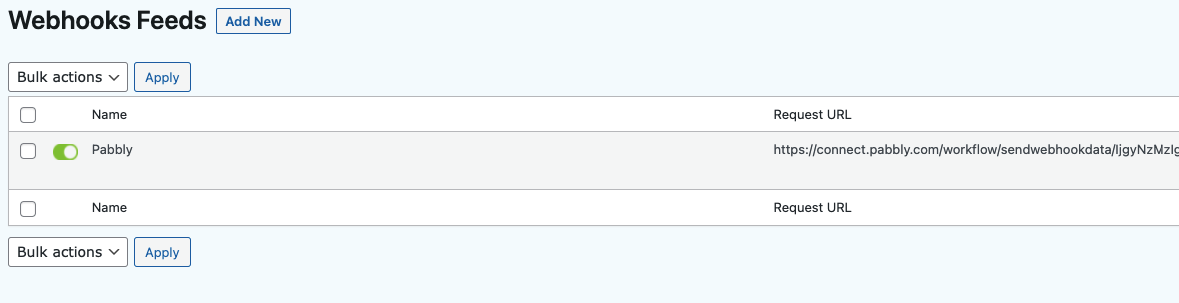
Even on same day submissions the field mapping is incorrect:

Hey @robbiereyes
As we looked into your account and now it looks like the data is coming from your Gravity form correctly and it is passing through your Google Sheets as well.
Kindly try again and let us know if it is working for you.
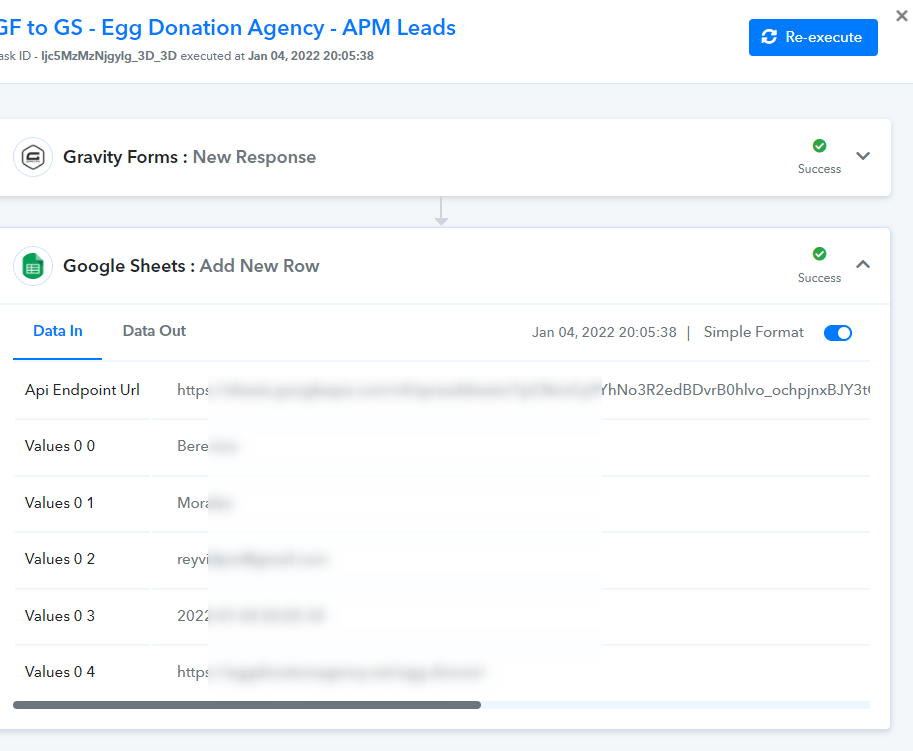
@Supreme Thanks for looking in to this. Unfortunately it is still not working. Sometimes it's taking the correct value and other times it doesn't.
Hey @robbiereyes
As we can check for your workflow's history section your automation is working fine. Except you might have changed the email label from your Gravity form which you have mapped previously.
So, now the data is coming in different fields according to your current mapping. Other than that the workflow seems fine to use.
Further, if you make the changes in your Gravity form, then kindly recapture the webhook response and then re-map the corresponding fields accordingly.