Grok API is giving Error
Status: Open · Asked by Yash Bhojwani on · 0 views
Your Workflow URL: https://connect.pabbly.com/v2/app/workflow/mapping/IjU3NjcwNTZkMDYzNzA0MzE1MjY1NTUzYzUxMzIi_pc
Consent to Access & Modify: I authorize Pabbly Support to log in to my account and make changes to the specified workflow for troubleshooting.
I am using Grok API, so in the Grok by xAI connection in pabbly it is showing me invalid token when I put the API key in the connection and also when I use that API in the API by pabbly so there it gives me error that api requires message input but there is no any option of Raw JSON body where I can put that so please tell me how to fix it.
Hi @Yash Bhojwani,
Please create a workflow in the Classic UI and then try to establish a connection with your Grok account.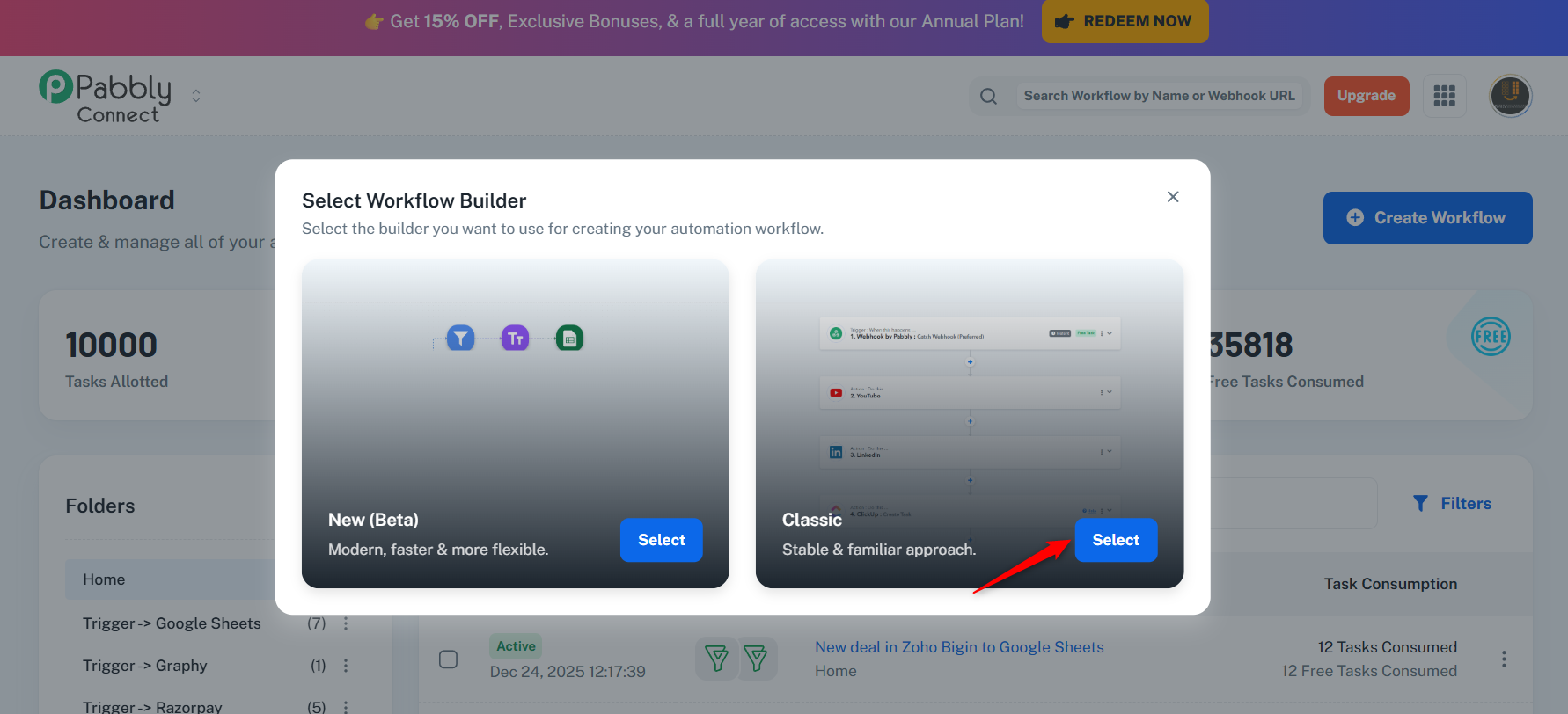
Try using the 'Custom POST Request'; it will allow you to enter the JSON in the Data field.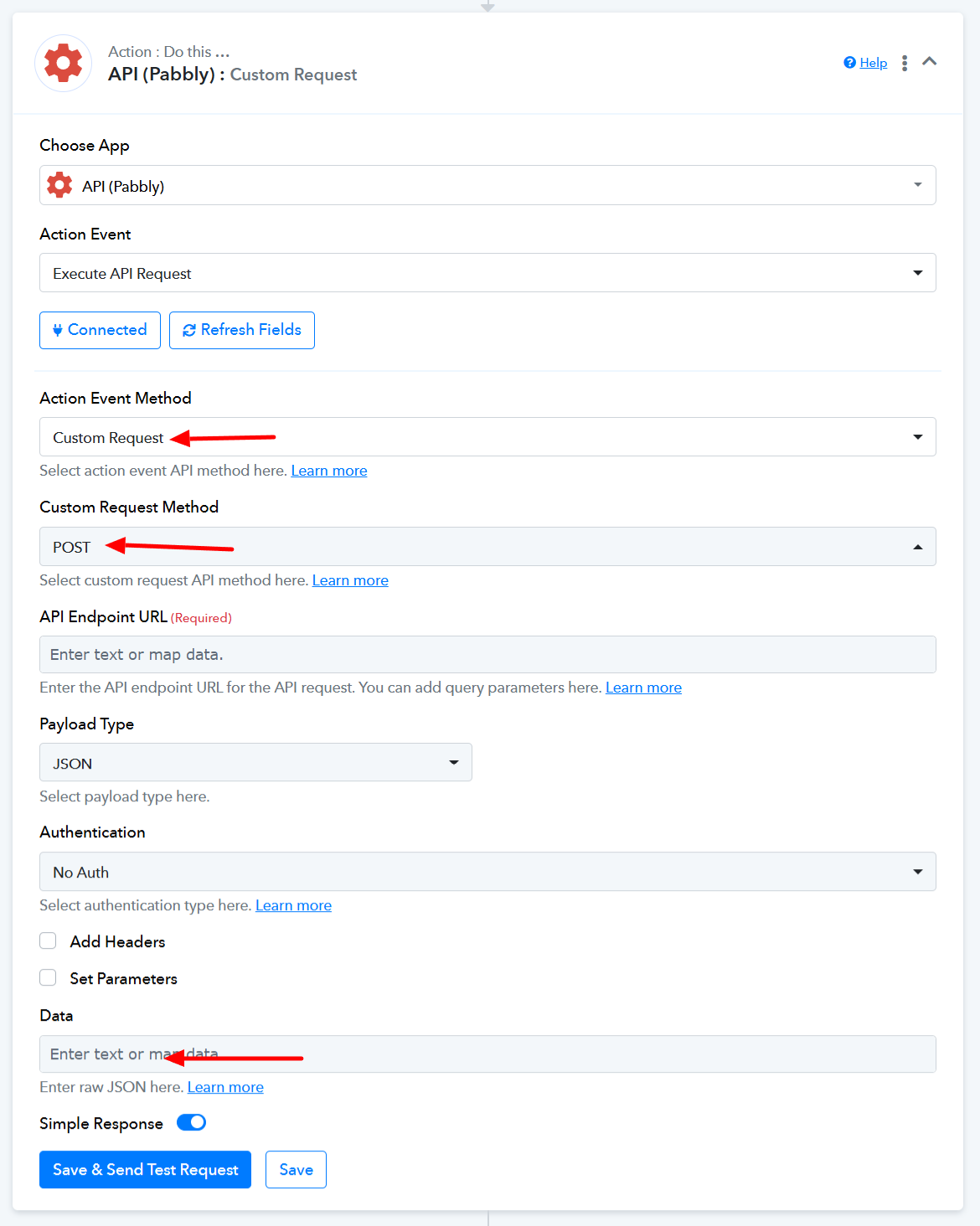
Thanks & Regards,
Arshil Ahmad
Customer Support Associate
Pabbly.com
?Rate your support