Groovemail Custom Fields Not Showing In Webhook Response
Status: Closed · Asked by Wolf Mode on · 0 views
Hi.
I can't get the webhook to show any of my groovemail form custom fields in it's response. I would like to use pabbly to take those form fields and update them using the Google Sheet Action. This worked months ago but not anymore. I have the same webhook sending me and email with using the Gmail Send Email action and it is send all of the information I would like to collect. I can't figure out why that is working but not showing in the response so that I can map them to the google sheet.
Here's the Groove Page with the form that I want to collect the responses for:
https://wolfmode.groovepages.com/sherwood_country_club/wine-order-april
Here's the Workflow: https://connect.pabbly.com/workflow/share/CUEAMlEGA2BfFVc9D1wAJwEVUlYHXgNjXURSQFJdVi5QHVEUVhcKYAtHBCZTAFMyUxoGbFUKBWRcSAAECV8CcVdNCRtUV1YsWxZSKQVUXG8JVwAoUTA#
I was able to make it work by using the input field element in groovepages but I want to keep the "dropdown" field feature for each selection and that can only be used when creating the form in groovemail.
Please let me know if there's a work a round or better solution to achieve this. Thanks!
Hey @Wolf Mode
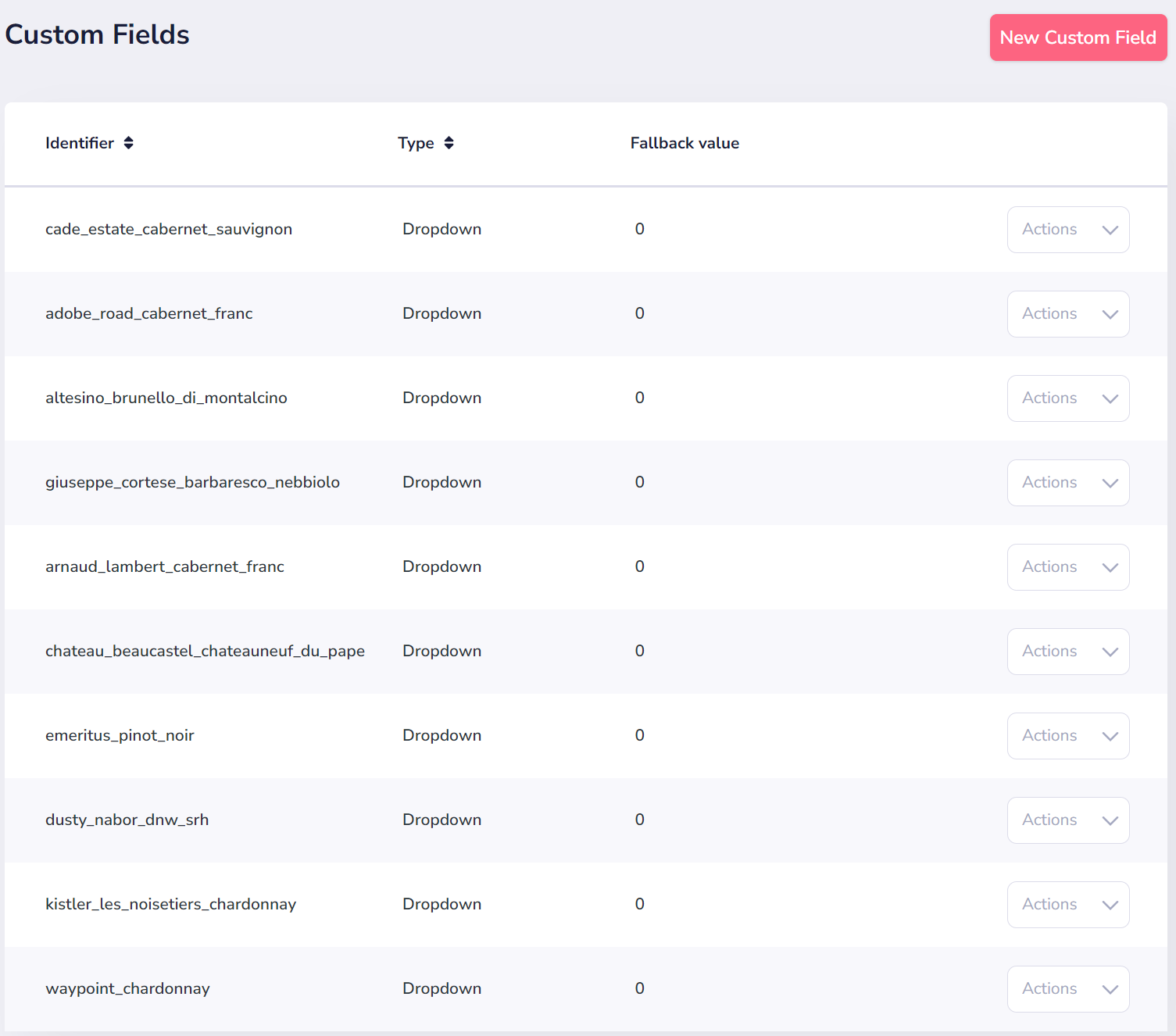
Could you kindly provide a screenshot of the custom fields you've chosen on your Groove page that you're expecting to see in the trigger response?
Hey @Wolf ModeCould you kindly provide a screenshot of the custom fields you've chosen on your Groove page that you're expecting to see in the trigger response?
Hi Supreme,
Thanks for looking into this for me! I've attached a screenshot of some of the custom fields.
Attachments
Hey @Wolf Mode
Could you recapture the webhook response again? I believe the response was captured before you added the custom fields.
We can see that in your other workflows' trigger responses, you did receive the custom fields from Groove Pages as expected.