Gumroad -> New Sale trigger on 2 workflows
Status: Closed · Asked by sinergiadigital on · 0 views
Hey guys,
I have 2 products sold via Gumroad(one is an upsell of the initial one), priced at $47 and $59. Every time a purchase is made, the user is added to WishlistMmember into its own membership and then added to an email marketing software(Sendinblue).
For this I have created 2 workflows that work like this:
Workflow 1: Gumroad->New Sale->Filter(If product name matches value of product $47)->Continue with the rest of the setup
Workflow 2: Gumroad->New Sale->Filter(If product name matches value of product $59)->Continue with the rest of the setup
The problem is that Pabbly only triggers one workflow - the $47, and not both at the same time. So if I have a sale of $59, then the $59 workflow is not triggered, but the $47 one instead. Example: https://prnt.sc/01SwM47xNcTK
Any thoughts?
Could I just use an IF statement inside the workflow? That might be a workaround.
Thank you!
Madalin
Attachments
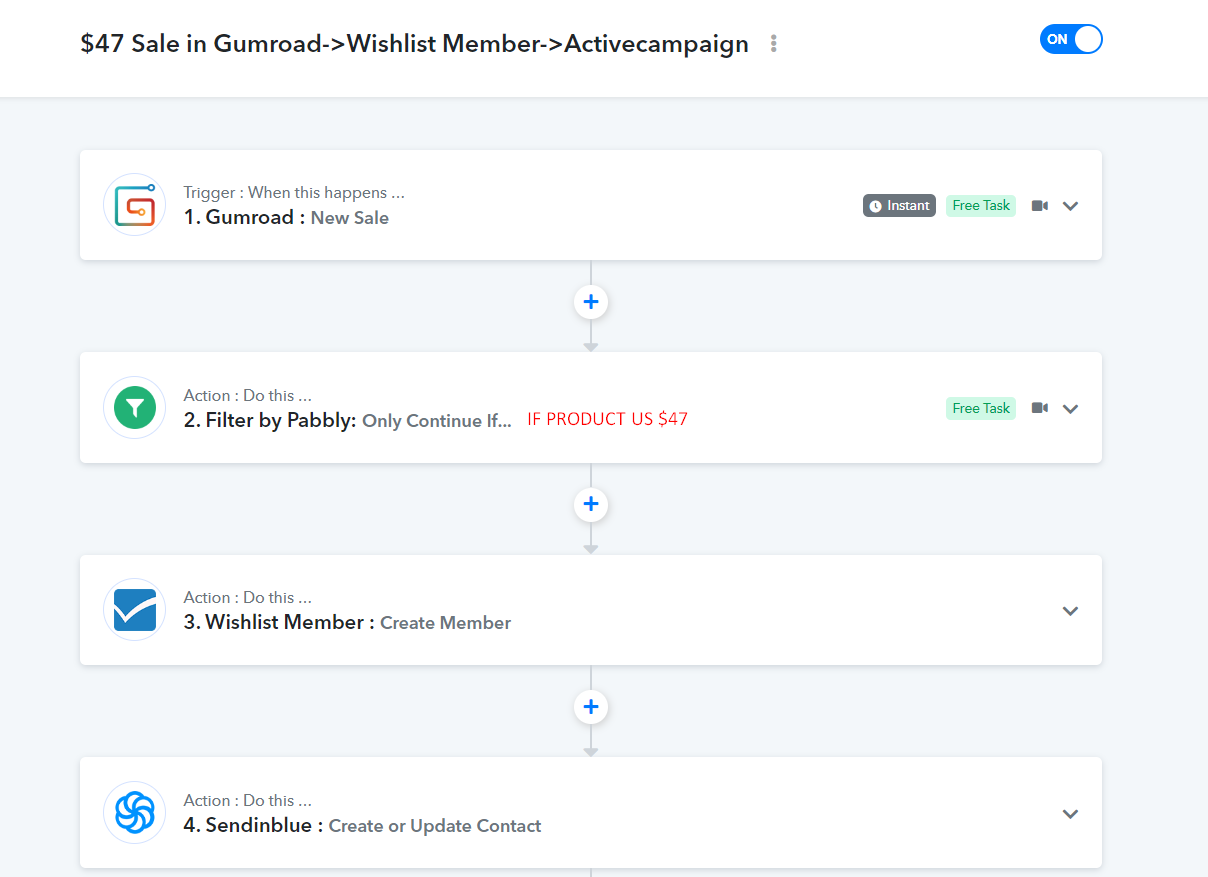
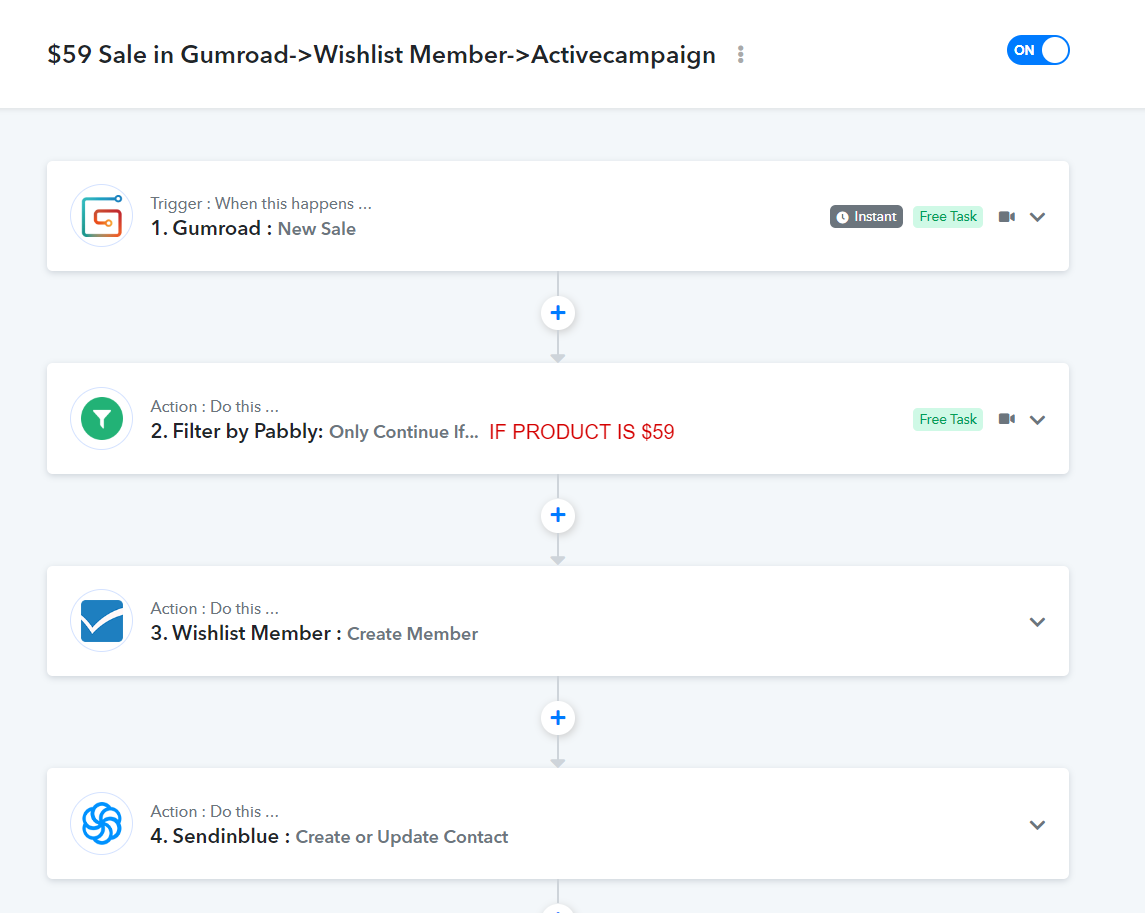
Update: I recreated the workflows, thinking that one of them was a copy of the other. They are 2 "built from scratch" workflows now, however, after tests, now Pabbly takes the 2nd one into consideration. So, the same issue. Both have "Simple response" to OFF.
Any thoughts?
Hey @sinergiadigital
We would recommend you use the router action step instead of creating another workflow for the separate product type. Whereas with the help of a router you can add routes for both products and process them accordingly.
You can refer to the following video tutorial on how you can use the router action step.
Hey @sinergiadigitalWe would recommend you use the router action step instead of creating another workflow for the separate product type. Whereas with the help of a router you can add routes for both products and process them accordingly.
You can refer to the following video tutorial on how you can use the router action step.
Oh man, my bad for not digging into the documentation more thoroughly. Thanks a lot!