Hello, if a specific cell is a number, how can I set the number value to +1 for each update?
Status: Closed · Asked by hugo168tm on · 0 views
youtube.com/watch?v=3Iuk0ZTEbb0:478
How can I use mathematical operations to set the value of a specific cell to +1 every time it enters the workflow?
A solution has been found. I'm very sorry to bother everyone.
How should I set the data to be converted from Google Sheet row 2 (L2) to row 3 (L3) every thirty days?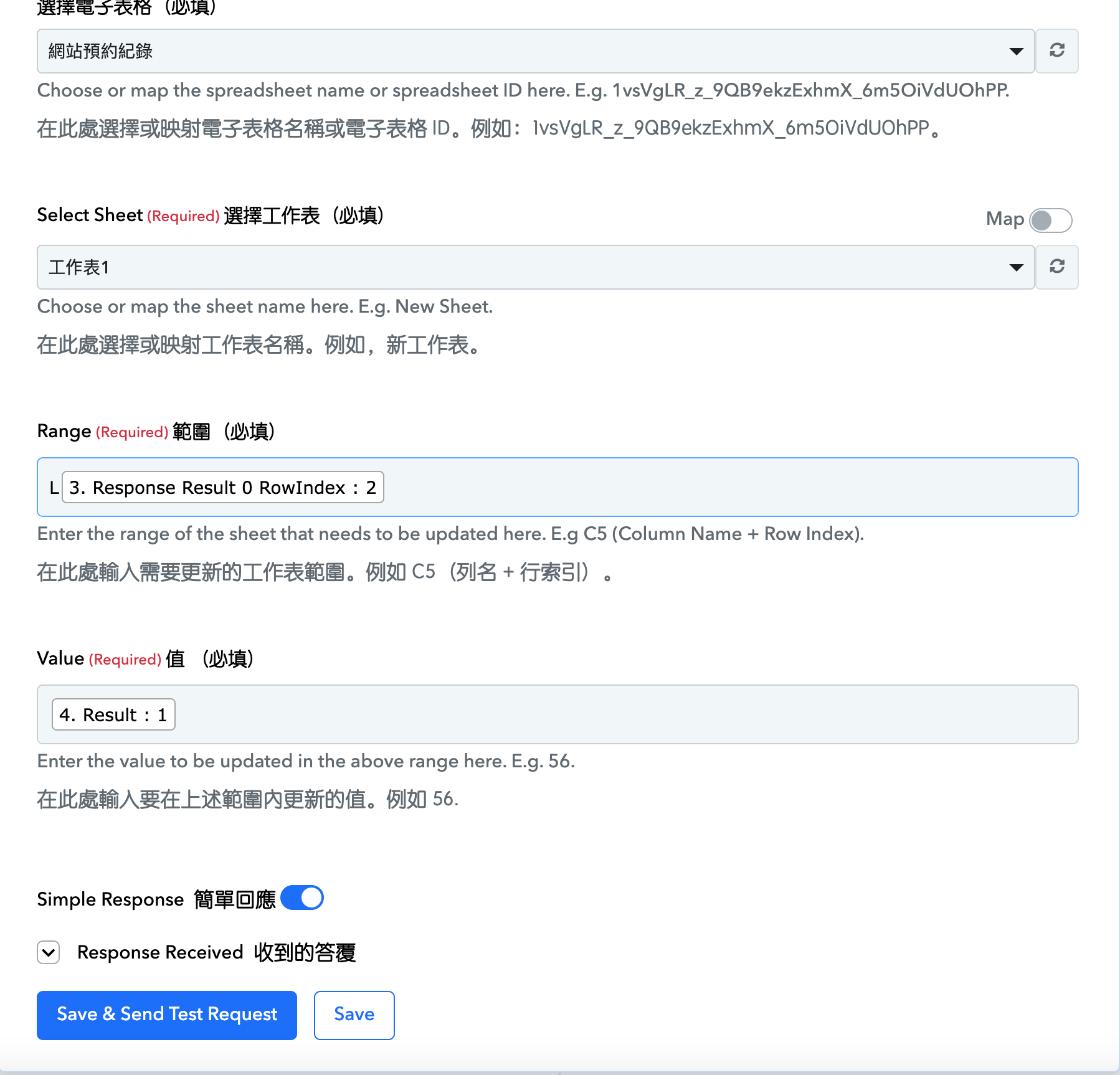
How should I set the data to be converted from Google Sheet row 2 (L2) to row 3 (L3) every thirty days? [IMG width="548px" alt="螢幕截圖 2024-05-09 下午1.09.37.png"]https://forum.pabbly.com/attachments/%E8%9E%A2%E5%B9%95%E6%88%AA%E5%9C%96-2024-05-09-%E4%B8%8B%E5%8D%881-09-37-png.41954/[/IMG]
Please elaborate on your concern in brief, so that we can look into it. Along with the workflow URL in which you have tried the same.
How can I automatically increment the range by +1 every 30 days from [L RowIndex: 2] to [L RowIndex: 3] in this workflow?
Hey @hugo168tm
Please refer to the following short recorded video on the use case. I hope this might help you.
Thank you very much for the quick reply. I have watched the relevant videos and gained new inspiration. With your professional help, I was finally able to achieve the effect I wanted.
Okay, thanks for the update. Further in the Range field, I think you need to pass the index value through the Number Formatters response.
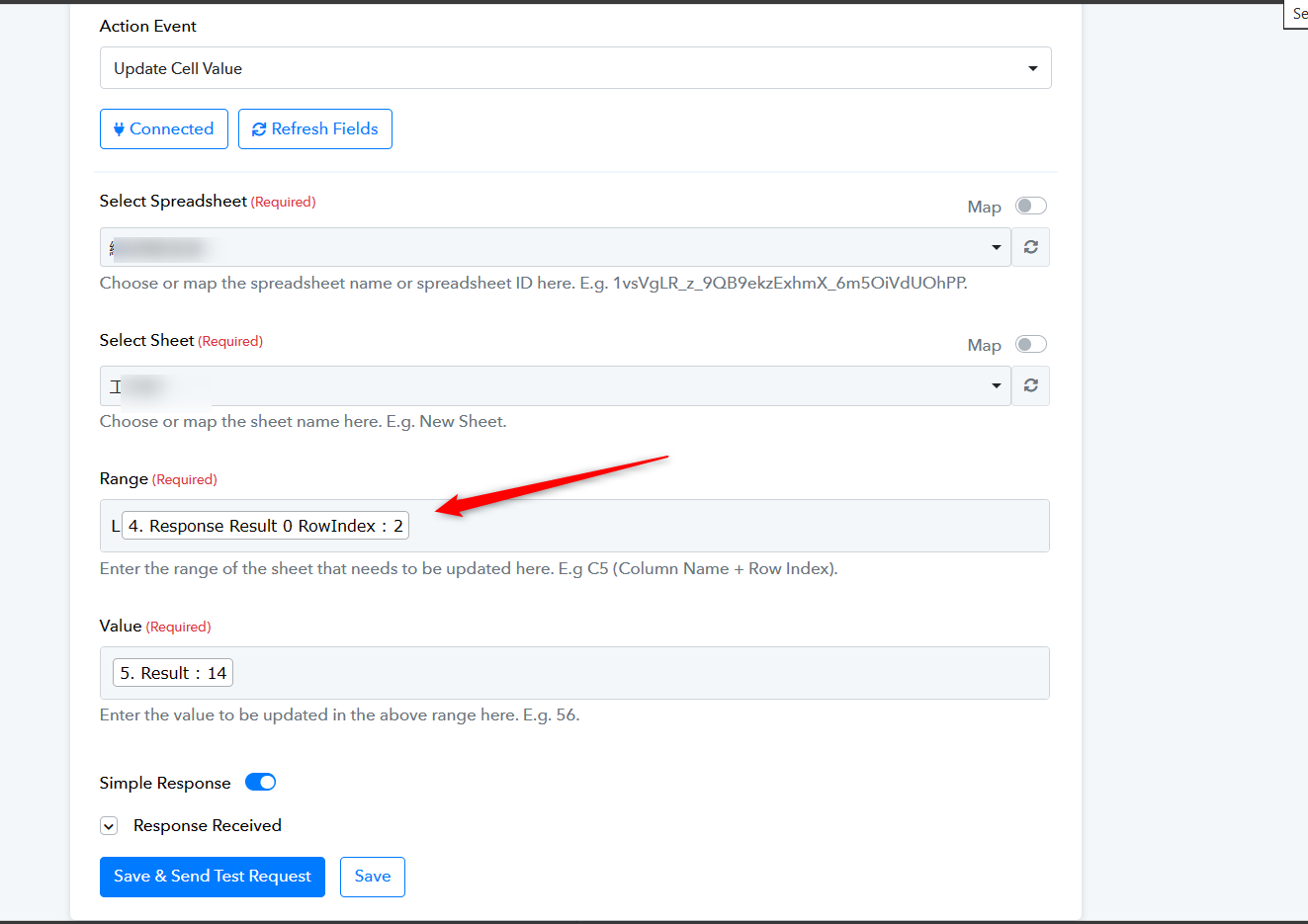
好的,謝謝您的專業建議,我會立即更改