Help debugging Wave transaction error
Status: Closed · Asked by outlookcreek on · 0 views
I have tried and tried and tried and finally I come to you. I can enter Wave transactions normally, and in fact, the step just prior to this step succeeded, but for some reason I don't understand, I cannot get this one transaction to enter. Every time I try I get this:
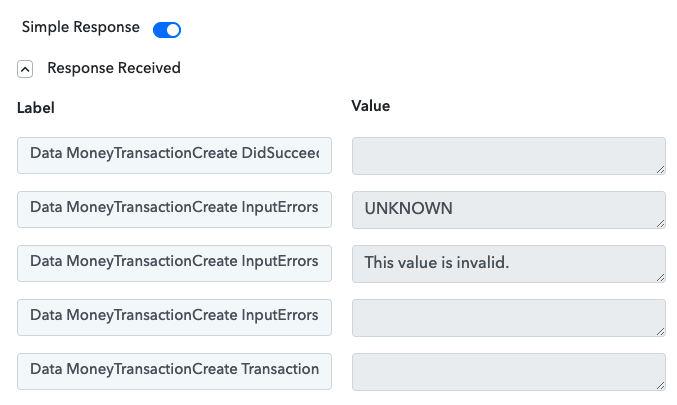
That doesn't help me at all and I have no idea how to fix it. Help?
Hey @outlookcreek
It seems like your "Anchor Account" is not allowed to make the transaction. Kindly check your Anchor Account and then try again.
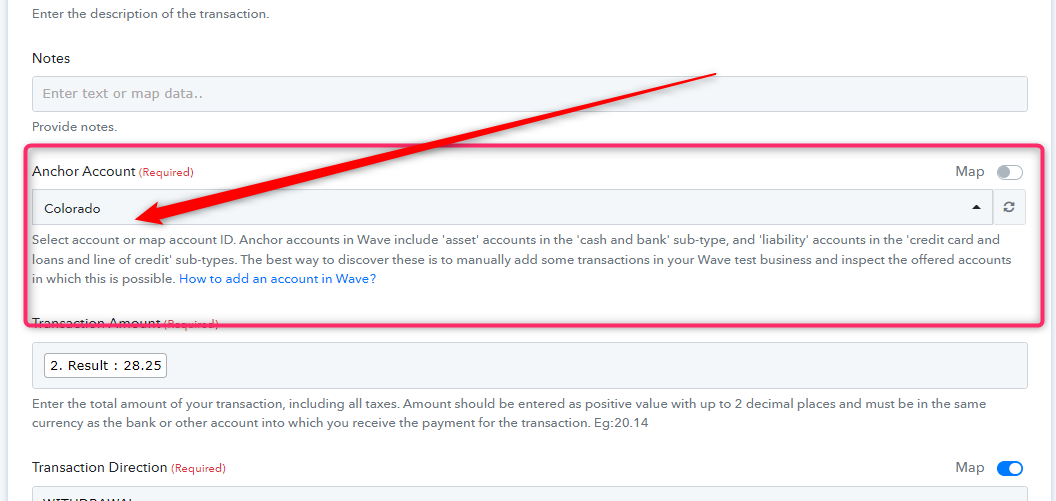
@Supreme
What the... that was NOT what was originally in there. o_O
I just retried it. Same result.
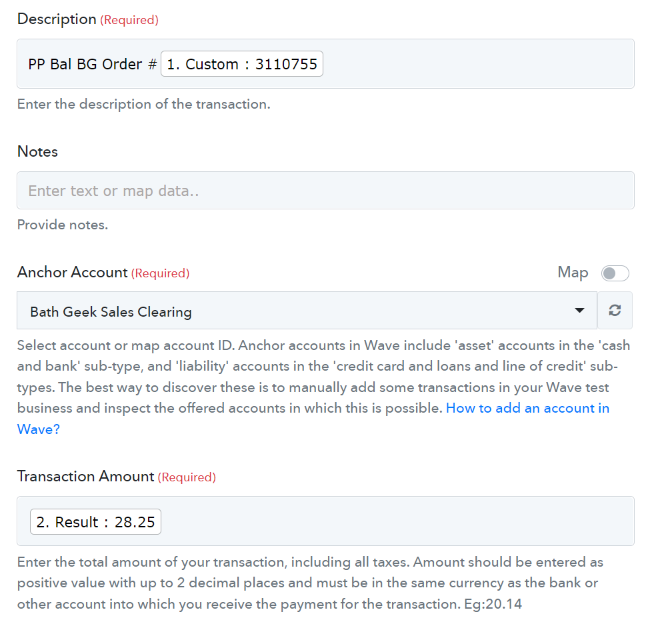
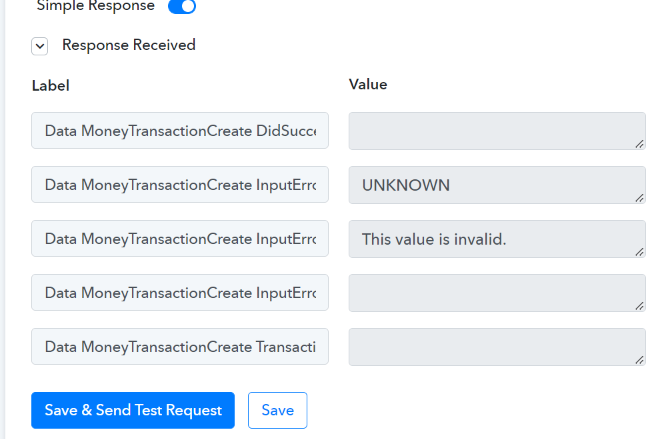
Hey @outlookcreek
We have tested the action event from our end and it is working fine. It seems like the Input Error that you are getting is coming from the Wave application itself.
Kindly contact their support team regarding the error and inform them that you are getting an error while using Wave API.
For better understanding, we have recorded a short video which you can check -
@Supreme
I think that the error only occurs if this is the second Wave transaction in a route. Look in my account for an example. In the workflow BG Completed Order, the first Route. The filter works fine. The first Wave transaction works fine. The second Wave transaction causes an error. Can you please double-check before I reach out to Wave?
@Supreme when you re-test can you please test with the anchor account in Money in Transit and the Line Item account in Cash in Bank? OR, test with both accounts in Money in Transit?
@Supreme I've done some testing and it seems like if both accounts are Assets Wave freaks out. Transferring between accounts shouldn't be an issue... help?
Hey @outlookcreek
We have already tested the action event from our and it is working fine. Kindly contact their support team and check your anchor account in which you are having such an issue and do share the screenshot with them.