Help With Error Message
Status: Closed · Asked by jessicadanielle on · 0 views
Getting this error message:
{
"object": "error",
"status": 400,
"code": "validation_error",
"message": "body failed validation. Fix one:\nbody.properties.[IMG width="21px" alt="??"]https://fonts.gstatic.com/s/e/notoemoji/14.0/1f4aa_1f3fe/72.png[/IMG] Exercise.multi_select[1].id should be defined, instead was `undefined`.\nbody.properties.[IMG width="20px" alt="??"]https://fonts.gstatic.com/s/e/notoemoji/14.0/1f4aa_1f3fe/72.png[/IMG] Exercise.multi_select[1].name should be populated, instead was `\"\"`."
}
Exercise is a multi-select property in Notion.
Hey @jessicadanielle
Can you capture the webhook data in advance response by toggling the "Simple Response" button? So that we can do the changes accordingly.
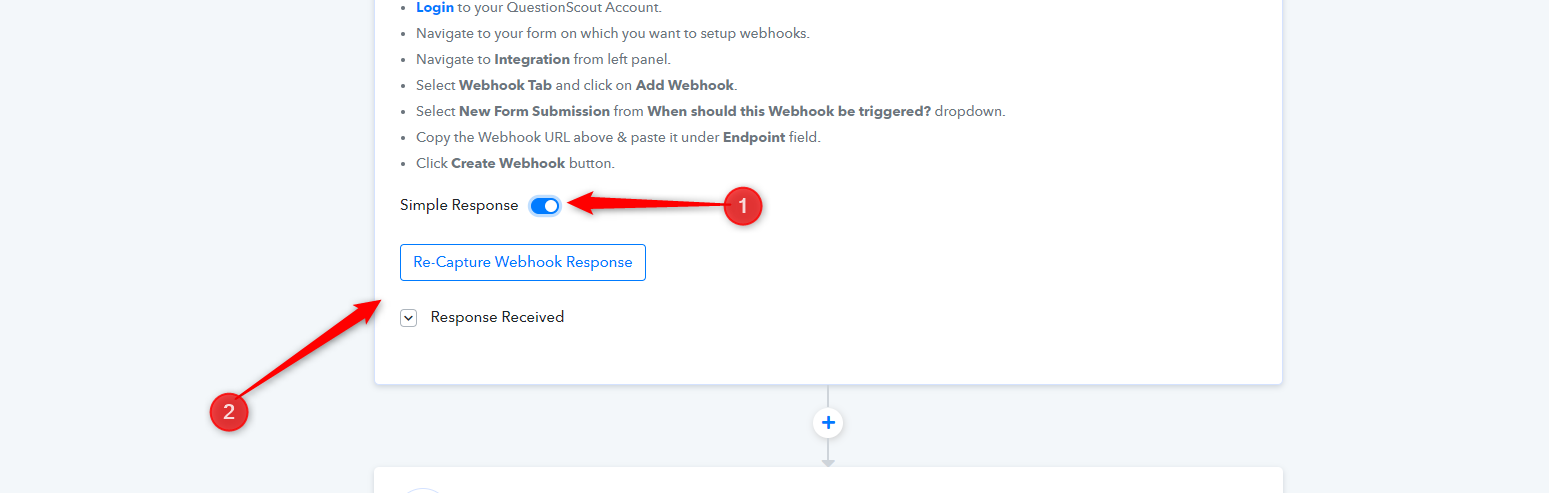
It's been toggled off @Supreme
Hey @jessicadanielle
Please allow us some time we are currently looking into it.
Hey @jessicadaniellePlease allow us some time we are currently looking into it.
Hi. Have you had any luck figuring it out?
Hey @jessicadanielle
Since you are using a multi-select field for your work, you need to create a Lookup Table in your workflow as we showed you on your another thread.
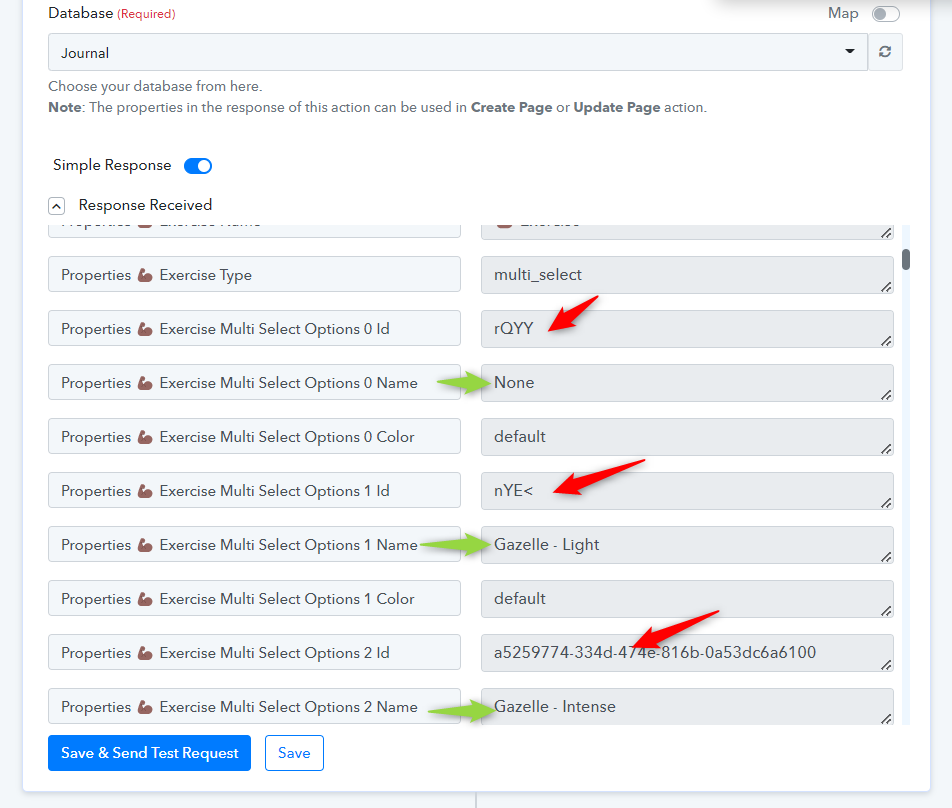
Where you need to pass the Name and Option ID in the Lookup Table action step, so whenever a user selects the option it will pass it option Id to select its corresponding option.
You can refer to the following video tutorial for the same and the thread.
youtube.com/watch?v=0umsoycOlfo
https://forum.pabbly.com/threads/checkboxes-help.5492/
You will get the Option and its option Id from the "Notion: Get Database Details" action step.