Help with Hubspot CRM
Status: Closed · Asked by gregdev on · 0 views
I have a workflow that creates a blog post in hubspot crm, but the default status of the blog post is set to DRAFT, please how do I change that
This is the current step I have https://zwdrive.com/TktL3W
Hey @gregdev
Can you please try selecting the "True" in the Publish Immediately field and then try again?

Alright
Let me try that
I have done that and I still get the same error
I have forwarded your concern to the technical team and they are currently looking into it.
Alright thanks
Please any update on this?
We're on it! Our tech team is actively working to resolve the issue. Expect an update from us soon.
Okay thanks
Hey @gregdev
We have added the "Publish or Unpublish Blog Post" action step as per your concern, kindly give it a try and let us know.
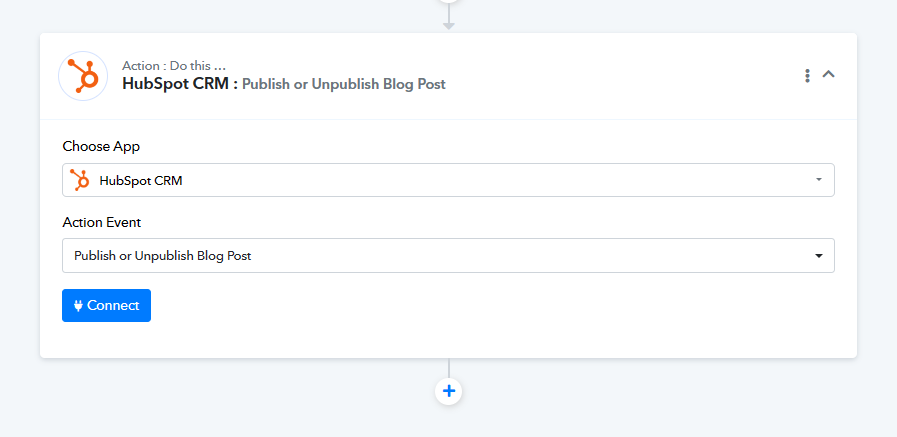
I get this error:
Error Code: 204
Message: The application processed the request but returned a blank response. Refer to the HTTP status code above for details.
https://zwdrive.com/lZu6Hc
does it mean I am not mapping the correct ID?
Have you passed the Blog Post ID? Once you receive a '200 OK' or '204' response, it indicates that the operation has been successfully executed.
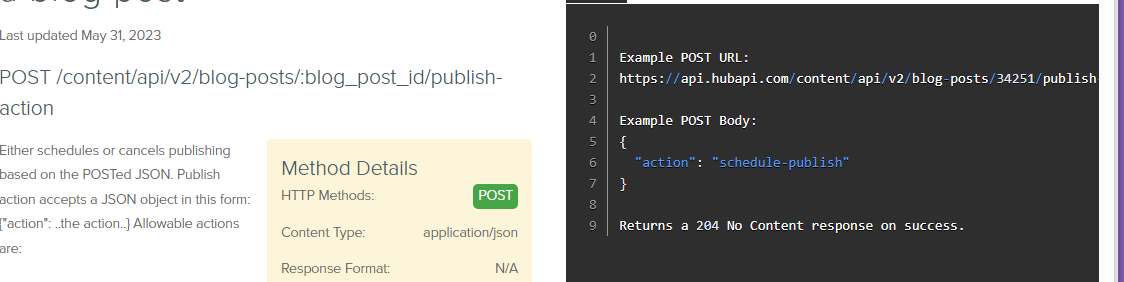
It worked
Thanks