How can I move a sub-folder into another sub-folder in Google drive?
Status: Closed · Asked by Kaman on · 0 views
How can I move a sub-folder into another sub-folder in Google drive?
How can I move a sub-folder into another sub-folder in Google drive?
As of now, we don't support moving sub-folders. Please allow us some time to check with the team.
@Kaman
Please reauthorize the Google Drive application. It will support moving to sub folder now.
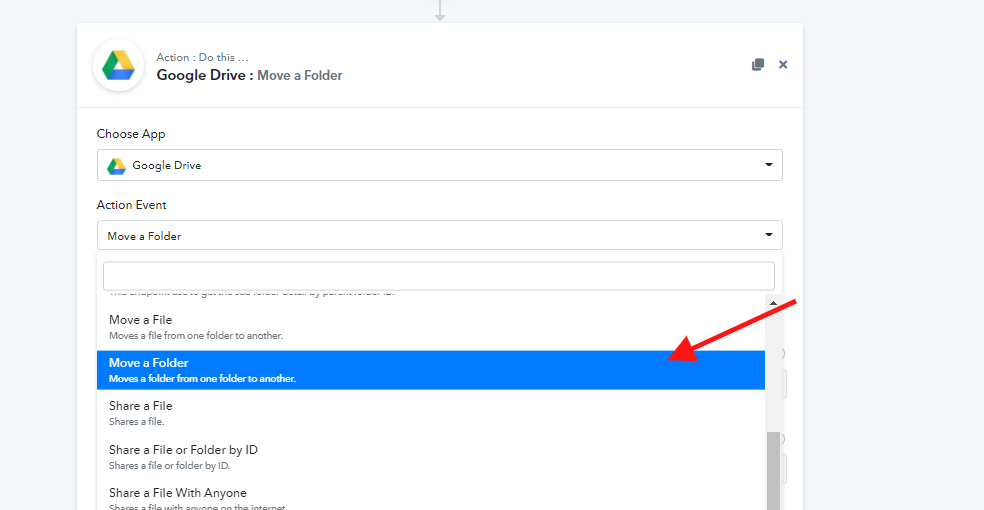
@KamanPlease reauthorize the Google Drive application. It will support moving to sub folder now.
Thank you! I tried "move a folder" functionality, however, it does not allow me to choose the sub-sub-sub folder. It only allows me to choose the subfolder (first layer) under "my drive", I need to move the folders from the third layer (sub-sub-sub folder)
Thank you! I tried "move a folder" functionality, however, it does not allow me to choose the sub-sub-sub folder. It only allows me to choose the subfolder (first layer) under "my drive", I need to move the folders from the third layer (sub-sub-sub folder)
In your workflow, you have used the legacy action event "Move a Folder"-
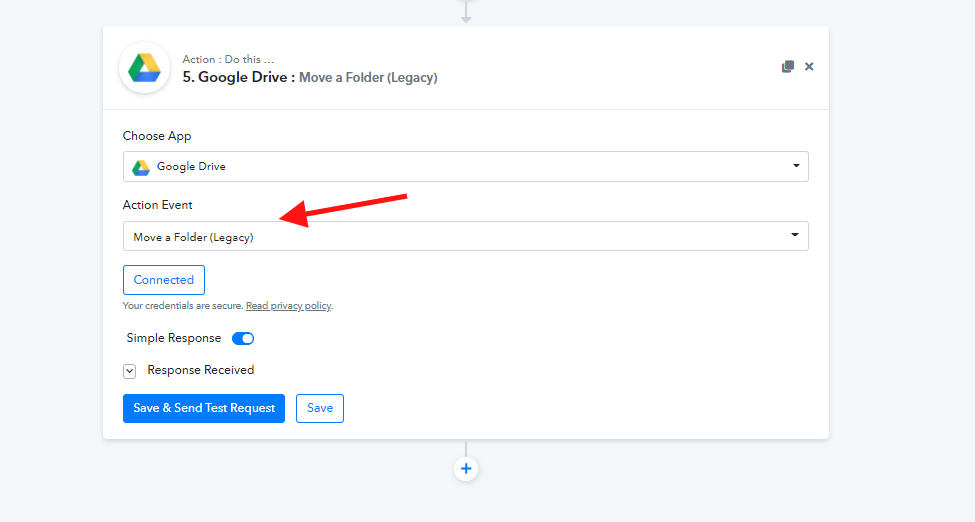
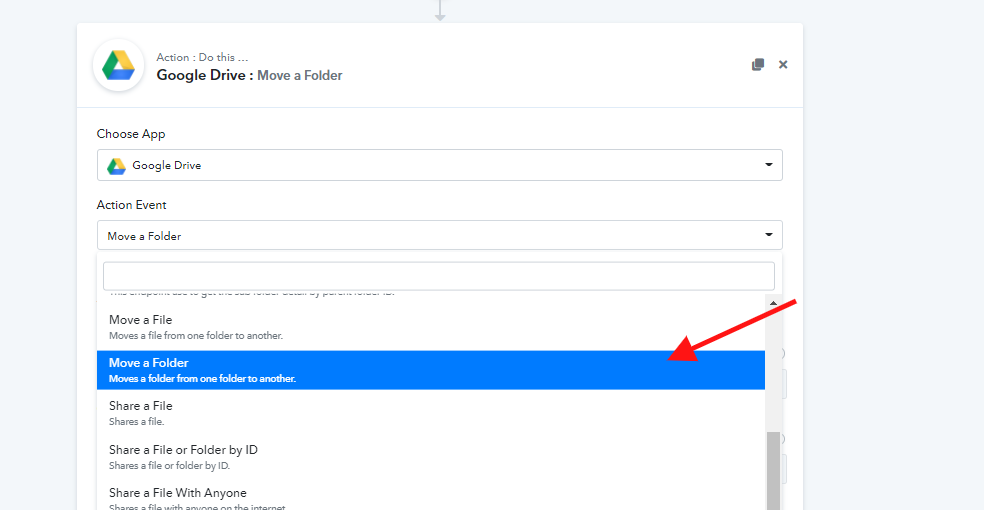
You need to try with the new action event "Move to Folder" as shown below. We even tested up to the 10th subfolder and were able to successfully move the folder to that.
thank you. I can do it now.