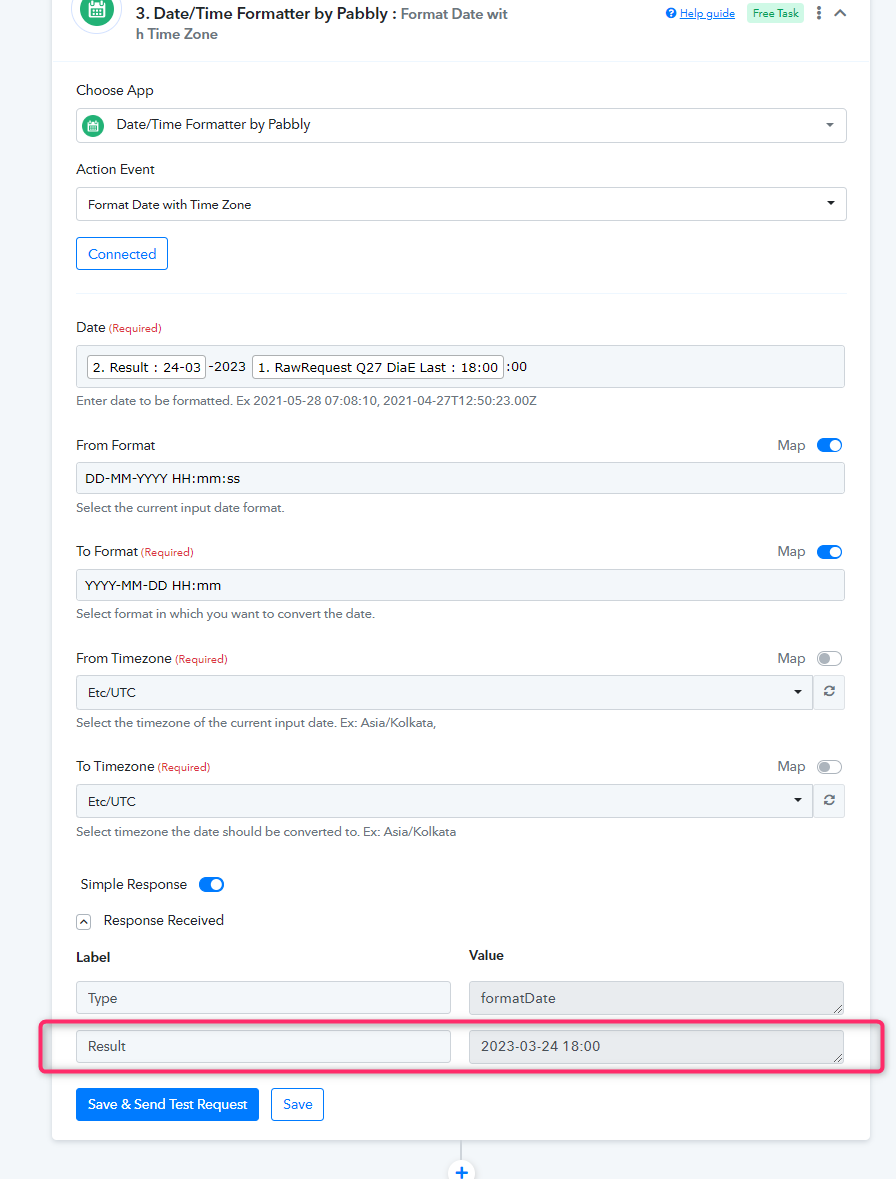
How can I put two field data together at the same field data ?
Status: Closed · Asked by Carlos Melo on · 0 views
Hi guys,
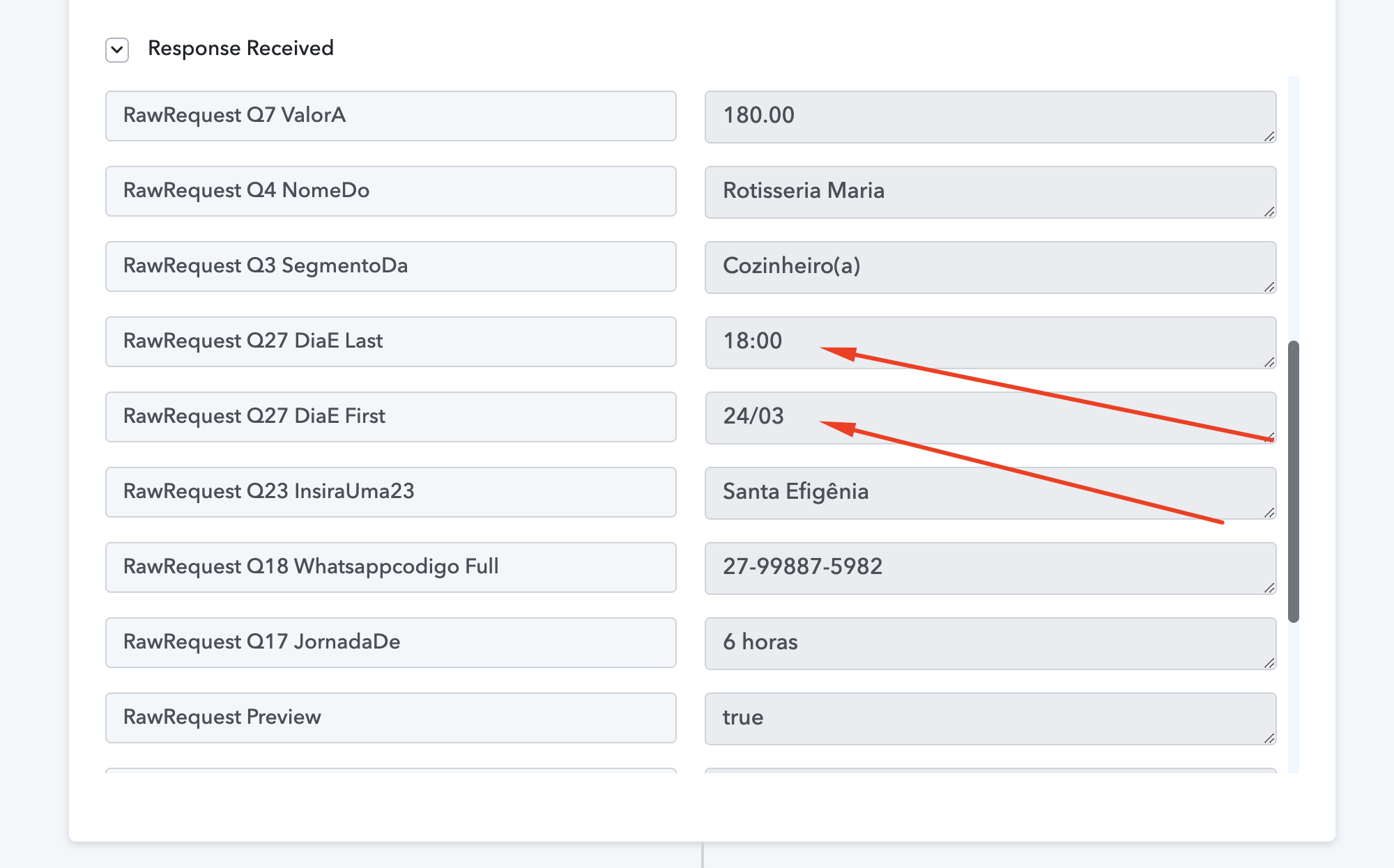
Frequently the data comes separated from JotForm and I would like to know how I can use the Formatter app to put data in the same field.
For example, the dates in this image attached came with the day and month in one field and the time in another. I need both fields to be only one showing day/month + hours.
How can I use Formatter step do set that ?
Thanks,
Carlos Melo.
Attachments
Hey @Carlos Melo
You can use the DateTime Formatter action step after the trigger event and can convert the date and time into the desired format.