How Can I re-execute Tasks in a Time Interval?
Status: Closed · Asked by Nelson Success - CPA and Affiliate Marketing on · 0 views
Hello, is there a way to re-execute tasks in a time interval rather than all be done at once when i click "re-execute".?
Thanks
Hey @1on1
You can select the tasks which you want to re-execute with the help of the checkbox button and can re-execute accordingly.
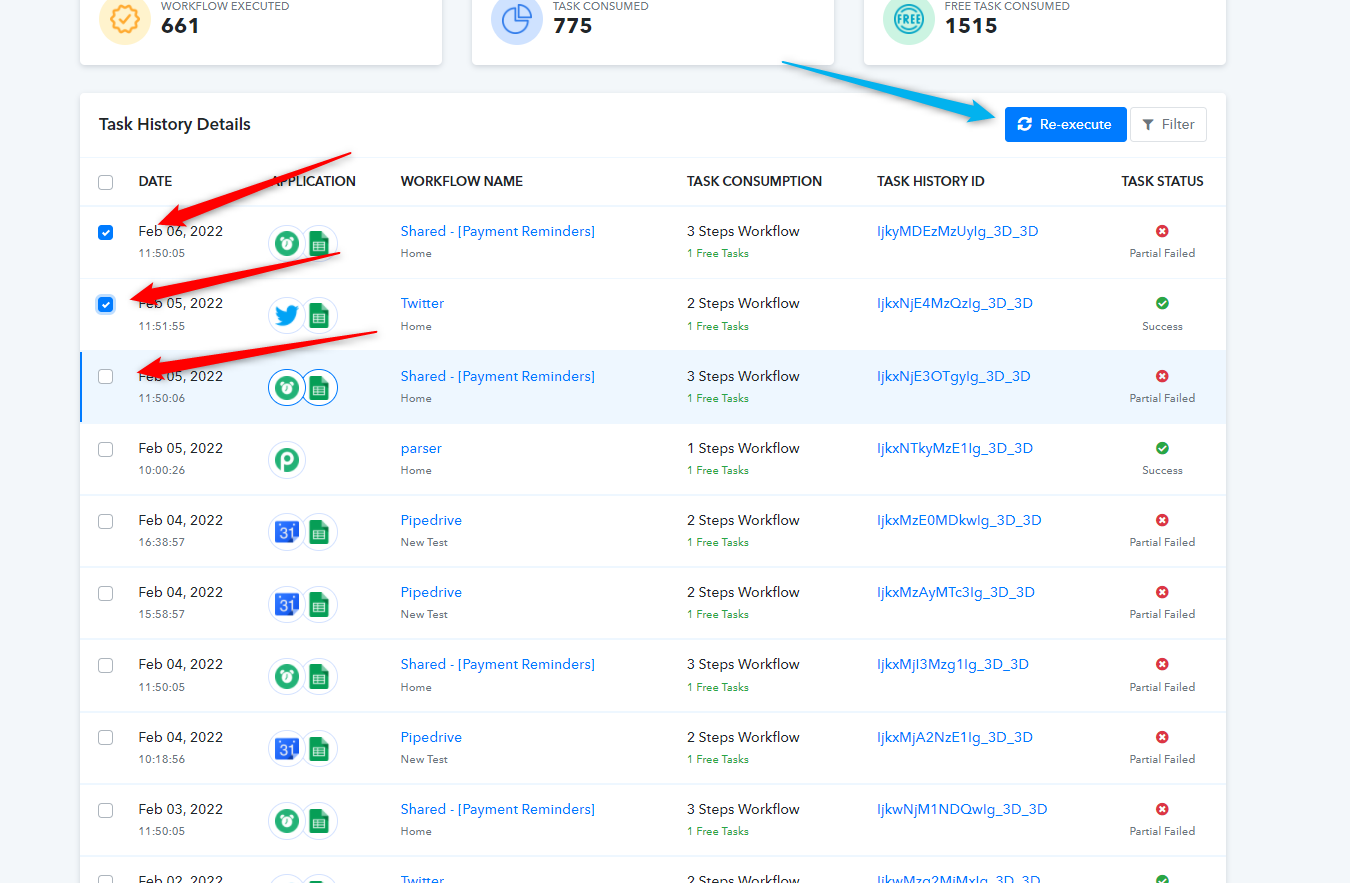
Thanks for your reply. But I mean in a time interval. When I select some tasks and click "Re-execute" all will be execute immediately. Let me know if i misunderstood this.
Hey @1on1You can select the tasks which you want to re-execute with the help of the checkbox button and can re-execute accordingly.
Thanks for your reply. But I mean in a time interval. When I select some tasks and click "Re-execute" all will be execute immediately. Let me know if I misunderstood this..!
Hi @1on1
Providing time interval for each re-execution is not possible.
You will have to select each particular workflow manually as per your desirable time interval or select overall history to re-execute all workflows together.