How can I run task only during working hours? [Conditional/filters]
Status: Closed · Asked by montilla21 on · 0 views
Hi there!
I am new here at Pabbly because of the new and wonderfull Whatsapp Cloud API module... and I would like to run the whatsapp messages only during working hours.
How can I do that?
Thank you!
Hey @montilla21
I am new here at Pabbly because of the new and wonderfull Whatsapp Cloud API module... and I would like to run the whatsapp messages only during working hours.
We have created a small workaround as per your condition, please review the following shared workflow once and let us know if that works for you.
Further, set the action step inside the router step to make the action step work.
https://connect.pabbly.com/workflow/share/DUVTYVADUDBfFQFFUTQNaQseVVZTGVQCUDdTQQ##
Hi Supreme,
Thanks a lot for your quick and great reply!
I think it's my fault but I am not sure that your solution would work, since I need the trigger to be "Google Sheets : New or Updated Spreadsheet Row".
Please check the screenshot, Right now my workflow works like this:
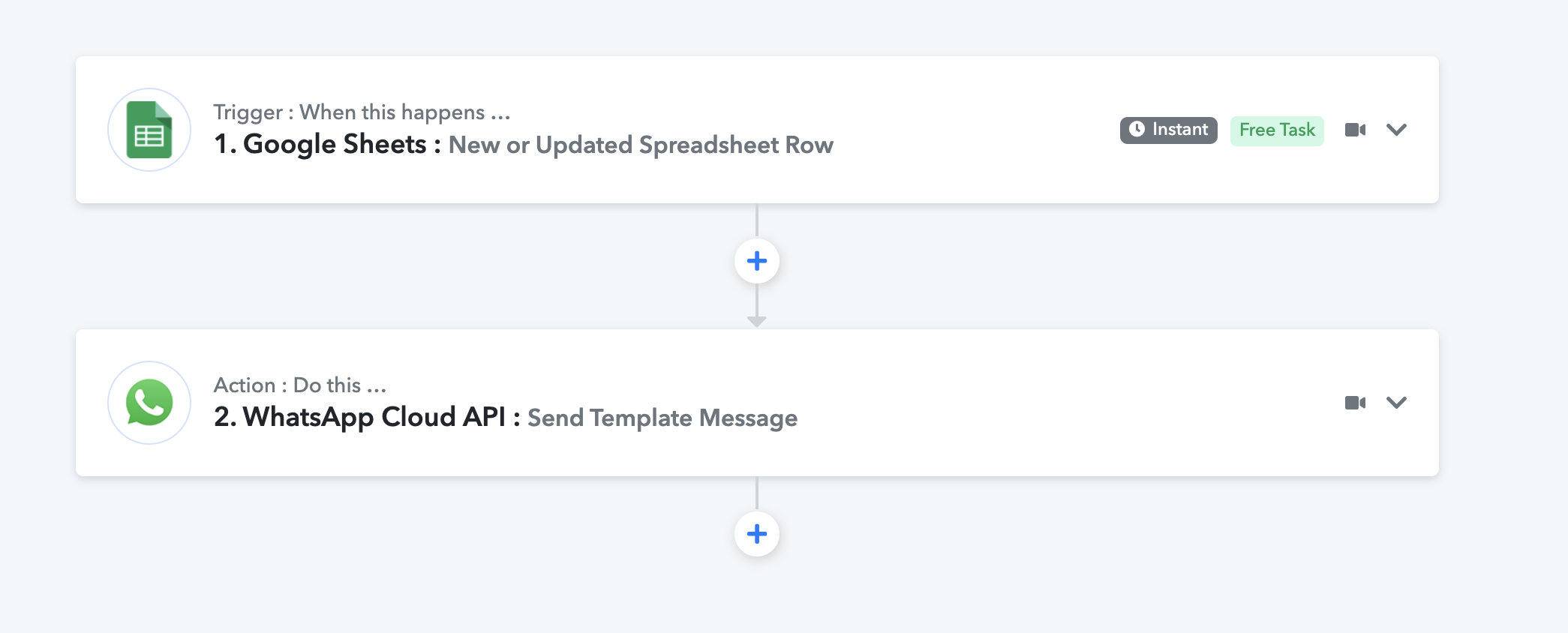
Current:
1. Trigger: Google Sheets : New or Updated Spreadsheet Row
2. Action: WhatsApp Cloud API : Send Template Message
And I would like it to be something like this:
1. Trigger: When a there is a new Spreadsheet row.
2. If current time is 9 to 18... then
3. Action: WhatsApp Cloud API : Send Template Message
4. Else... wait until 9 of the next day
5. Action: WhatsApp Cloud API : Send Template Message
What would be your workaround?
Thanks a lot and once again sorry for the lack of info
Hey @montilla21
Please refer to the following short recorded video for your above use case.
https://www.screenpresso.com/=iJvCc
You can refer to the following video tutorial on how you can configure the Cloud API action step.
youtube.com/watch?v=okJsWWwuCrc
Updated Shared Workflow - https://connect.pabbly.com/workflow/share/C0NTYVIBAWECSAdDD2oNaQ0YCwgHTQRSUjUCEA##
You are THE boss, thanks a lot!
I'll try and let you know if something bad happens!