How can I stop a trigger from waiting for a response?
Status: Closed · Asked by Keith Dream on · 0 views
Hi, I'm having a lot of trouble getting Pabbly to recognize that I switched a ThriveCart product purchase trigger from Test mode to Live mode.
It seems to be stuck waiting for a response, no matter how many times I run test (paid) purchases through.
This is the workflow.
https://connect.pabbly.com/workflow/share/C0MAMlUGB2ZTGQhcA0gDYw0aBC0FTwVTVzBVRw##
I tested the whole workflow in test mode, then tried switching to Live mode. When it gets stuck here, I've tried refreshing the page and it reverts back to Test mode and is very frustrating because I'm going in circles.
What can I do
Keith
https://keithdream.tech
Hey @Keith Dream
You can change the trigger application for a while and change it back to the Thrivecart once and then capture the webhook response again.
Since the trigger event is designed that way if the capture webhook response is on it will capture the new webhook response anytime whenever a new data is coming from the application.
Thank you. The problem is, it isn't capturing the next webhook response. I used https://webhook.site/ to verify that it was going through, but Connect didn't capture it.
I'll try to change the trigger application and see if that makes a difference.
https://keithdream.tech
I just ran another paid test after changing the application trigger and re-adding ThriveCart. It is still spinning on "Waiting for a Response".
https://keithdream.tech
Hey @Keith Dream
Kindly turn off then turn on the workflow once and then try again.
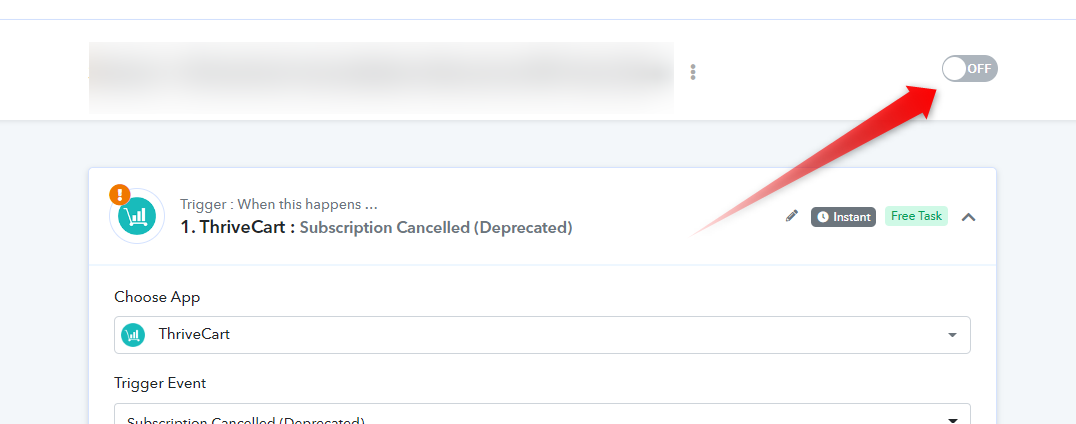
I had to do it a couple of times, but it finally it worked.
Thank you.
https://keithdream.tech