How can we add facebook lead email ad set name
Status: Closed · Asked by haroonsulehri on · 0 views
Hi,
I want to ad set email on with facebook lead notification. I mean if I receive email regarding lead then there should show also lead submission ad set.. How can I add that on email. Please help me to add. Many Thanks advance
Check this -
I have followed the same things 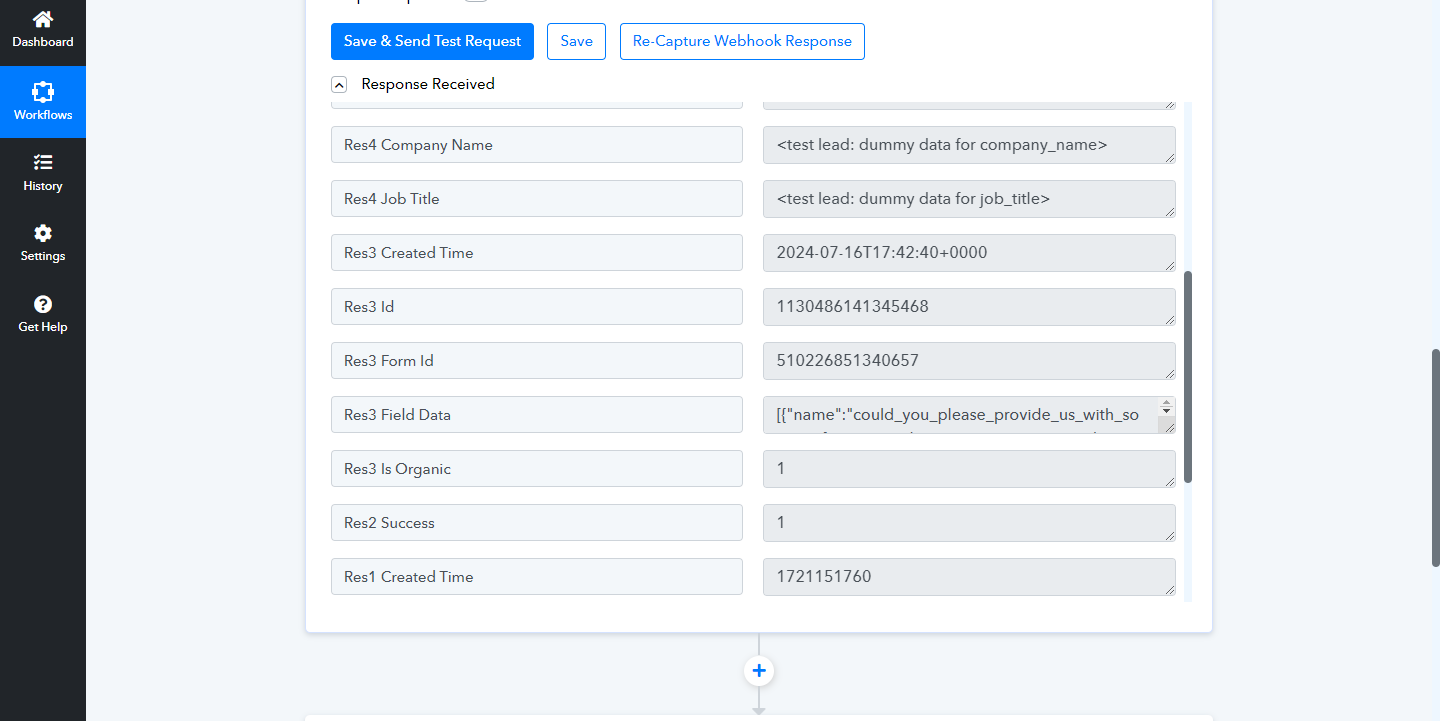
I not appear the ad set trigger field on the response. Could you please check what I doing wrong. Thanks
please help me to solve that issue.
Please enable 'Simple Response', then click on 'Re-Capture Webhook Response' and either submit a test lead or wait for a real lead to be captured.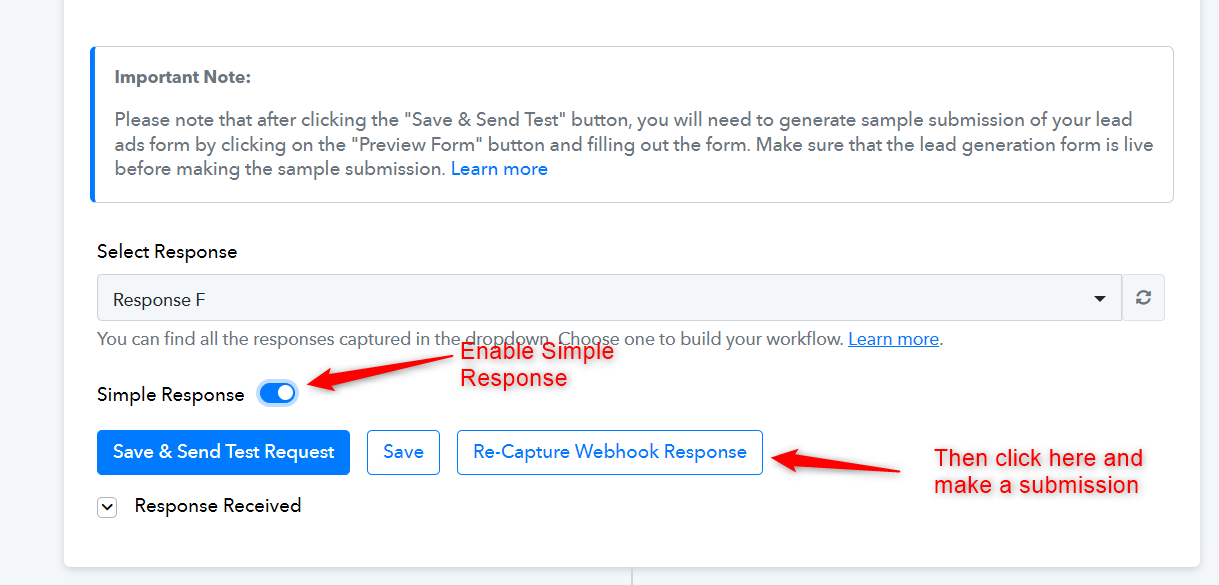
@ArshilAhmad, let me check
I have tried but again I not appear ad set name on the response.. Please check
Could you please confirm whether this is what you are looking for?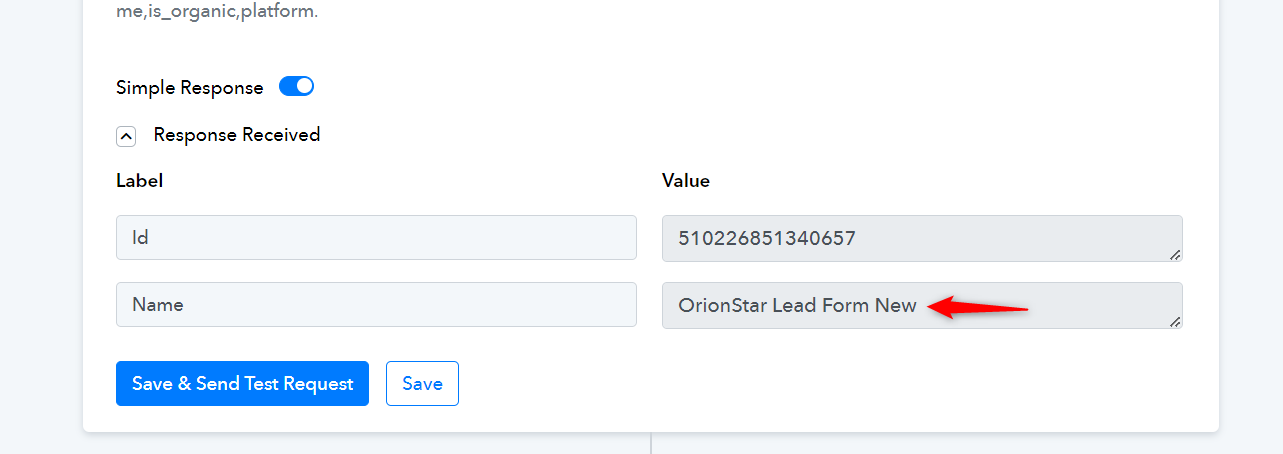
I am looking the Ad set name.. That's the lead form name... Can you please provide me ad set name on response so then I will add that on automated lead form email... THen i will be able to know the lead I received from which ad set..
Please submit a real lead, just like your customers would, to capture the response in the trigger step and let us know.
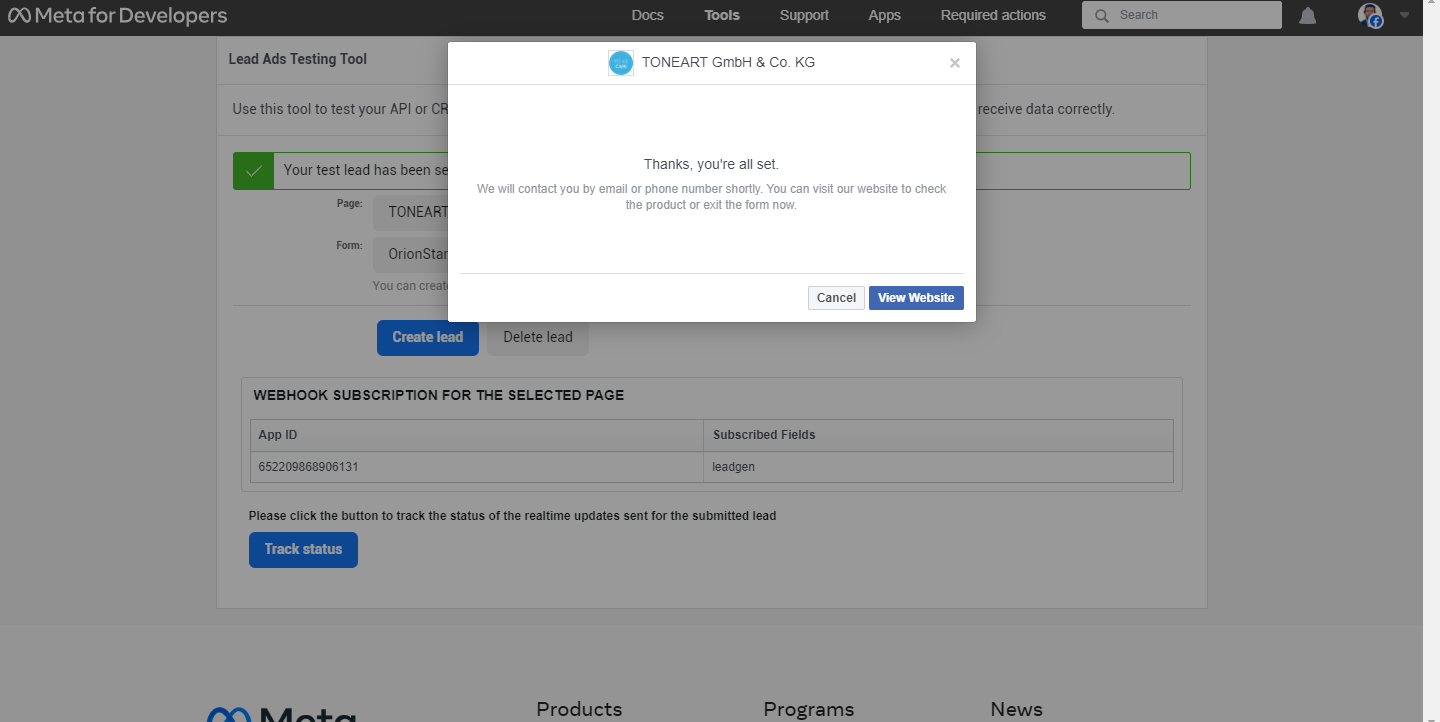
I have submit the lead
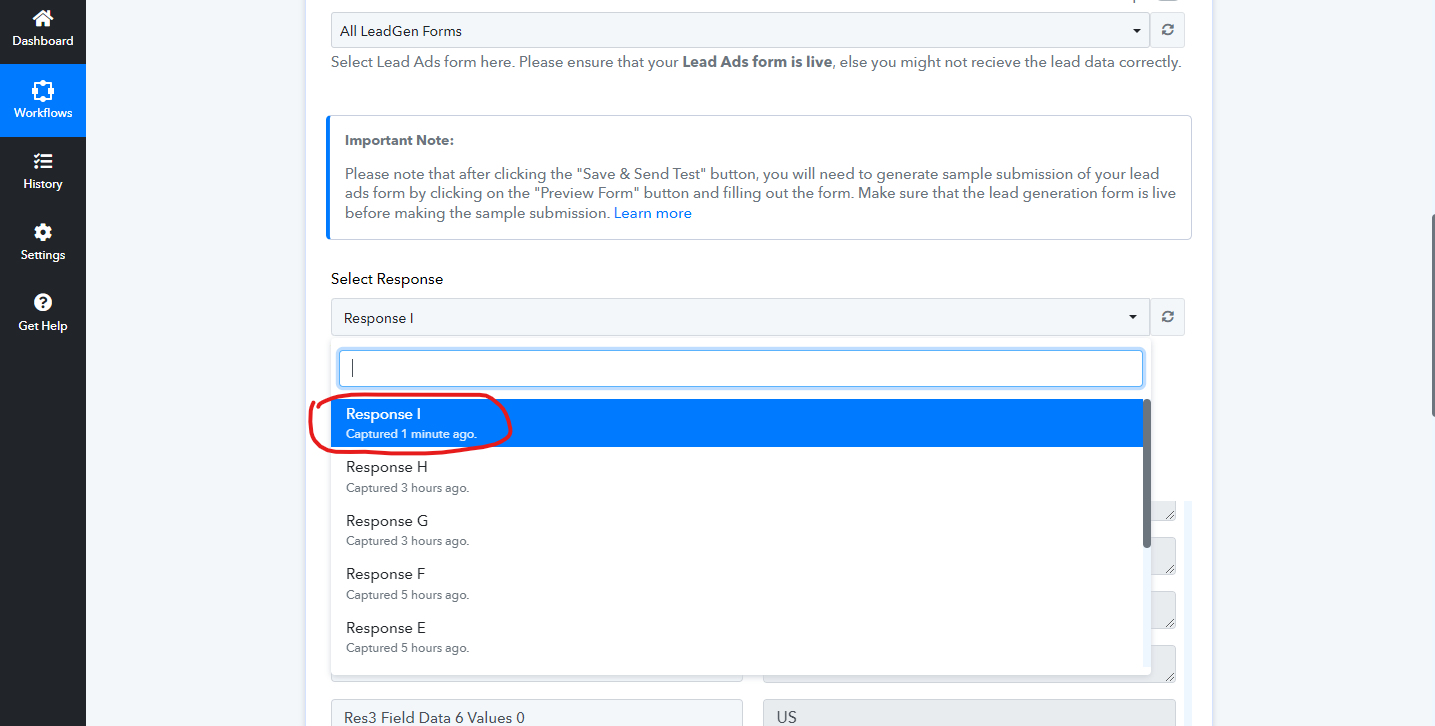
check that hope this will help you
Arshil you was right... The Ad name only show when physically lead submit otherwise not... I have get the ad name field my physical submitted lead...
Could you please confirm whether you have received the desired information?
Yes I have get the old lead response and then I add that into lead email... And test then I got the ad name in email..
Thank you for the update. We are glad that you received the desired information.