How Do I Pay For A Month?
Status: Closed · Asked by demonboy on · 0 views
I'll be honest, you guys make it really difficult to quickly purchase monthly credit. Every time I click on UPGRADE, it just takes me to that annoying, catch-all page with a thousand images that is, quite simply, baffling. I tried clicking on an option and it took me to checkout with a basket of $500 for three years! How do I buy monthly credit? Do you have a pricing page where I can just select one month's subscription?
Thank you
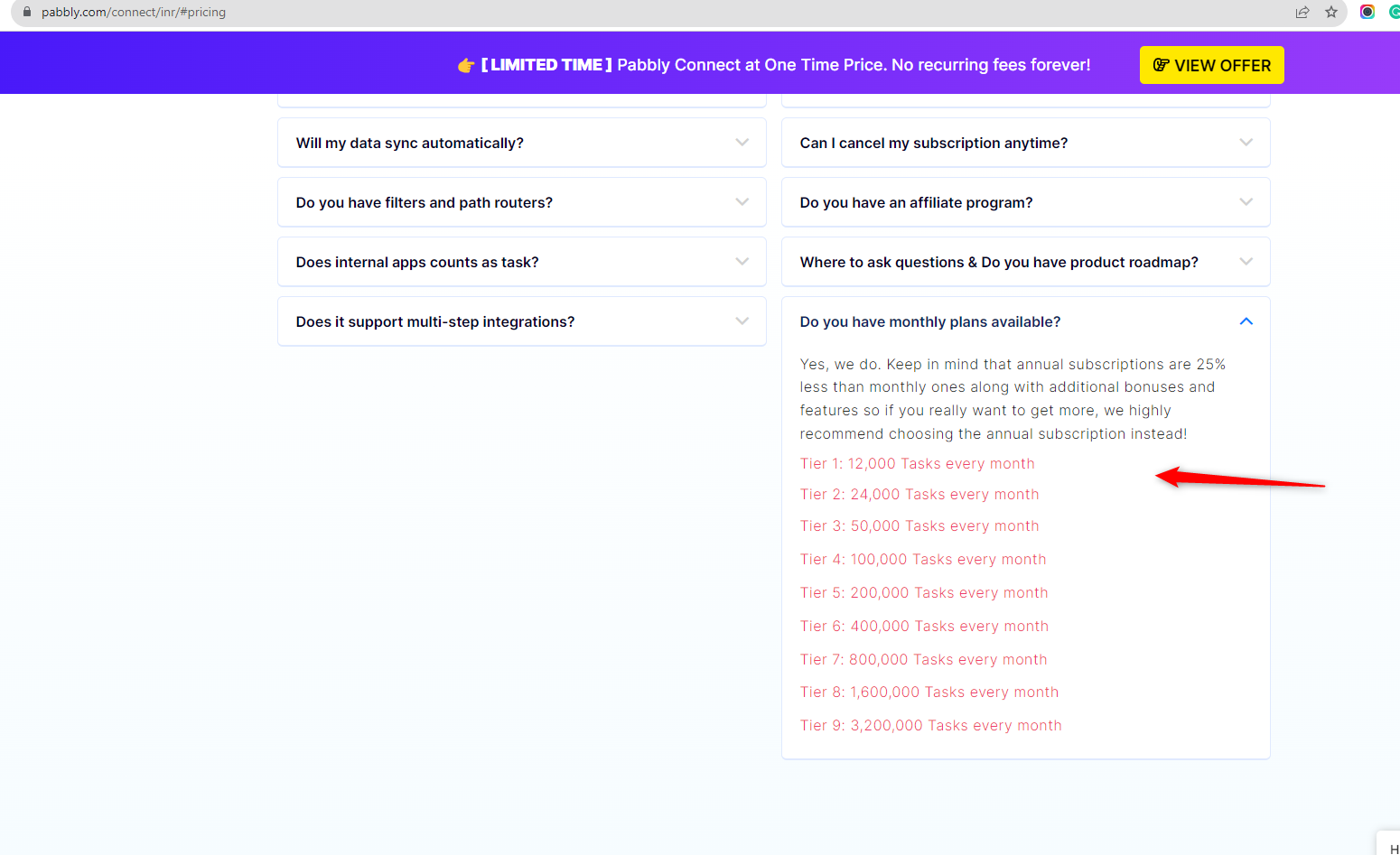
Scroll down to FAQs section the that same yearly pricing page and check 2nd last FAQ for monthly plans.
I appreciate your reply, @Fagun Shah, thank you. Pabbly needs to work on some aspects of its service. That page I linked to is just a mess, and every search result for Pabbly leads to it. When I look for online services, I want a thorough Pricing page. All these deals and flashing stars and quotes and certificates and "amount saved" by buying this month's deal, and then the actual price hidden away behind a collapsible FAQ right at the bottom, all cramped onto one page, isn't my idea of easy navigation. Just give me the price, man ?
I appreciate your reply, @Fagun Shah, thank you. Pabbly needs to work on some aspects of its service. That page I linked to is just a mess, and every search result for Pabbly leads to it. When I look for online services, I want a thorough Pricing page. All these deals and flashing stars and quotes and certificates and "amount saved" by buying this month's deal, and then the actual price hidden away behind a collapsible FAQ right at the bottom, all cramped onto one page, isn't my idea of easy navigation. Just give me the price, man ?
Check the FAQs at the bottom of the following page to purchase monthly plans - https://www.pabbly.com/connect/