


jonbstrong
Member
I was wondering if there is a way to take the contents of an email forwarded to Pabbly and format it properly to send to a Slack channel.
That means that the email body needs to be converted to markdown.
Cloud Convert is a service that connects to Pabbly that does this but it requires that a file be sent to it and it also outputs a file.
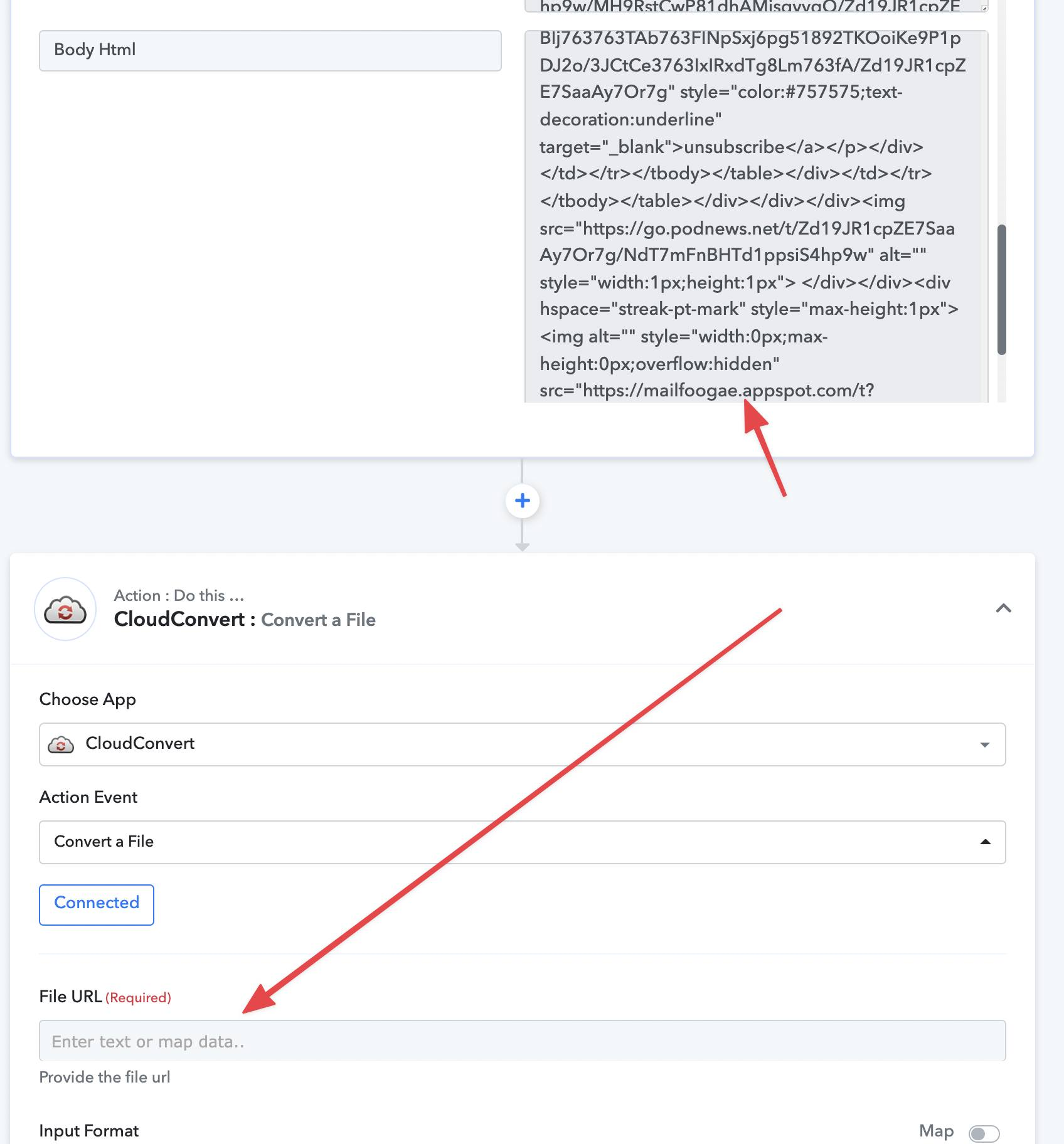
At the moment, I can't see how a file can be created, nor do I see how it can be converted back into the text required to send on to Slack.
Does the Pabbly team have any suggestions
That means that the email body needs to be converted to markdown.
Cloud Convert is a service that connects to Pabbly that does this but it requires that a file be sent to it and it also outputs a file.
At the moment, I can't see how a file can be created, nor do I see how it can be converted back into the text required to send on to Slack.
Does the Pabbly team have any suggestions


