How do I Take data from Convertkit and send to Google sheets?
Status: Closed · Asked by zest83 on · 0 views
How do I Take data from Convertkit and send to Google sheets?
ConvertKit Form to Google Sheet
Hey @zest83
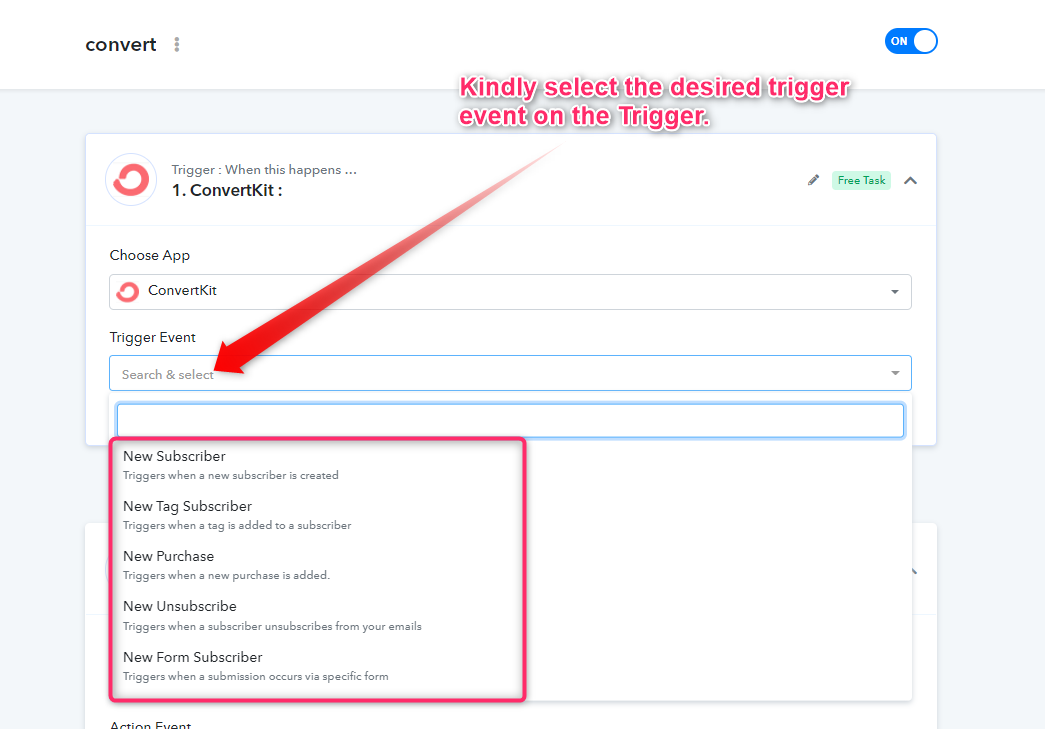
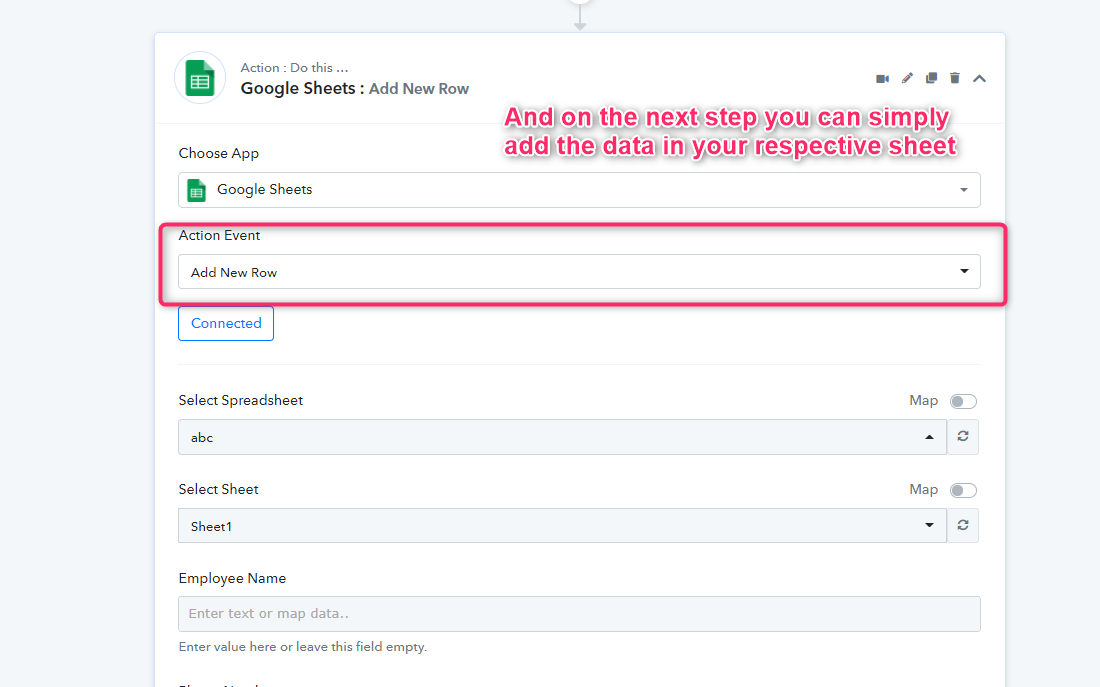
Please check out the following screenshot for your above concerning use case -
thanks for sharing.
An update on this,
please check workflow: https://connect.pabbly.com/workflow/mapping/IjIwNDcyOCI_3D
The Convertkit Landing Page is not capturing data into Pabbly
Landing Page URL: https://python.ludifu.com
I need to send all data to Google Sheets
Please help on the same
Workflow name is: Python DEMO: Check FB Leads Registered on CKit Page
an update on this... Data from Ckit got captured in the webhook BUT the next Google Sheet trigger did not execute
Tried the SAVE & SEND test but nothing happened in the respective sheet of Google Sheets
Hey @zest83
Kindly re-connect your Google Sheets action step and map the respective fields accordingly. It seems like you didn't connect your Google sheets.
Though now you only need to map the fields to make this work.
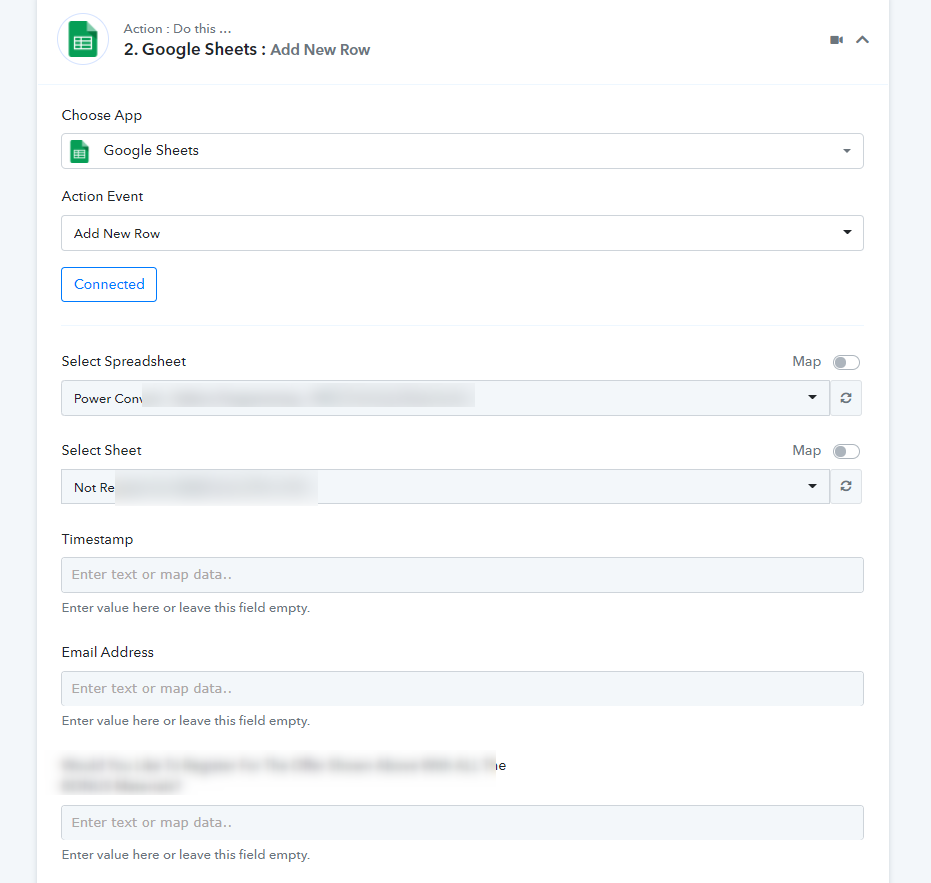
Now, there are two fields which are not being shown over here
The Day chosen by the user + time chosen by the user
These are two separate fields in ConvertKit form.
Landing URL has been shared above.
How do I get those two fields to show in Pabbly so I can MAP those fields?
Hey @zest83
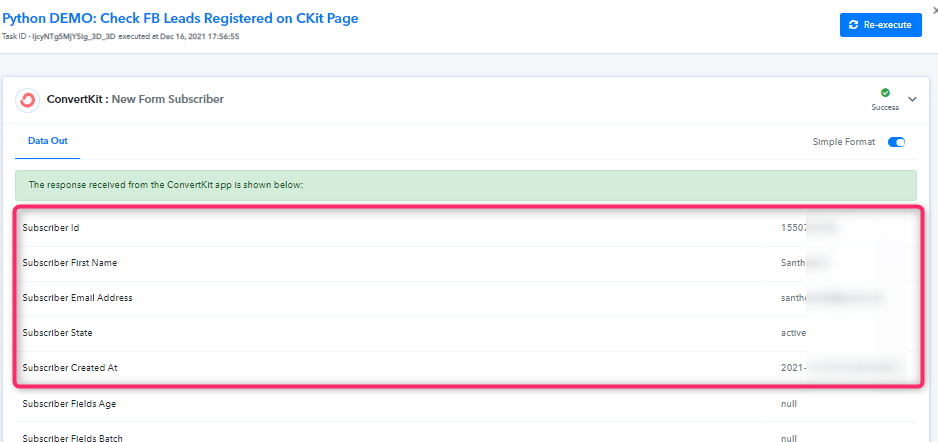
We checked your workflow and your ConvertKit form both seems working fine for us. Like the name, email, and other fields are coming correctly.
But regarding your other fields which are not appearing from your Form kindly check this with your Convertkit account or can contact Convertkit as the data is coming from your form.