How to add a product to a lead with Zoho CRM
Status: Open · Asked by Inel on · 0 views
I was looking for an option to add the products we have in Zoho CRM to a lead. Unfortunately, I didn't find a way to do it.
- I only found these fields related to leads:
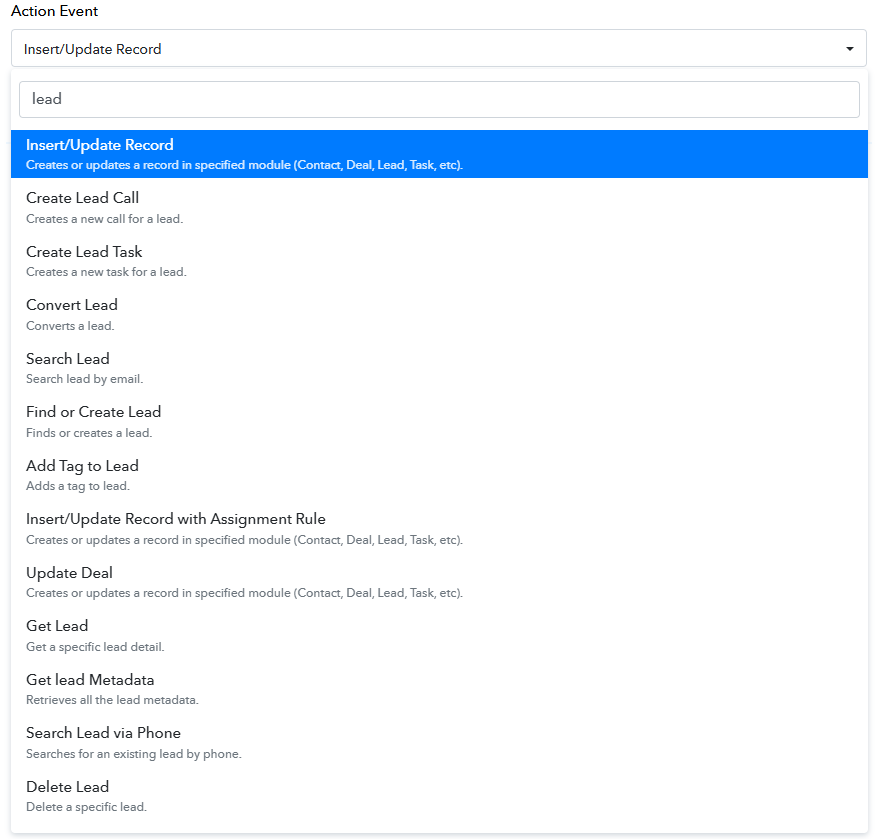
I share only the fields that allow adding:

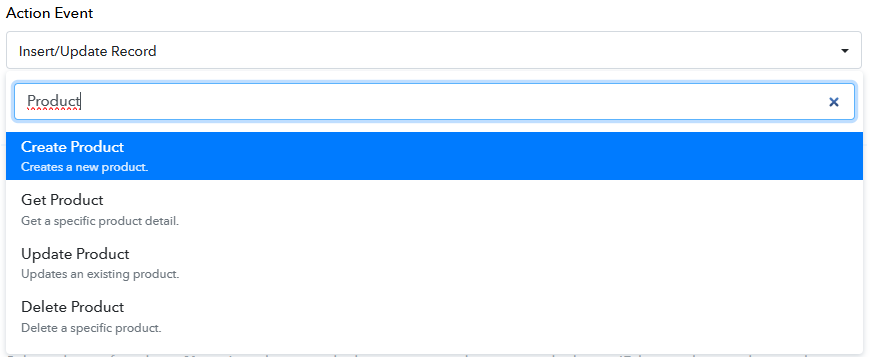
In products, I can't find a task to add a product to a lead:
Automation allows me to create the prospect successfully: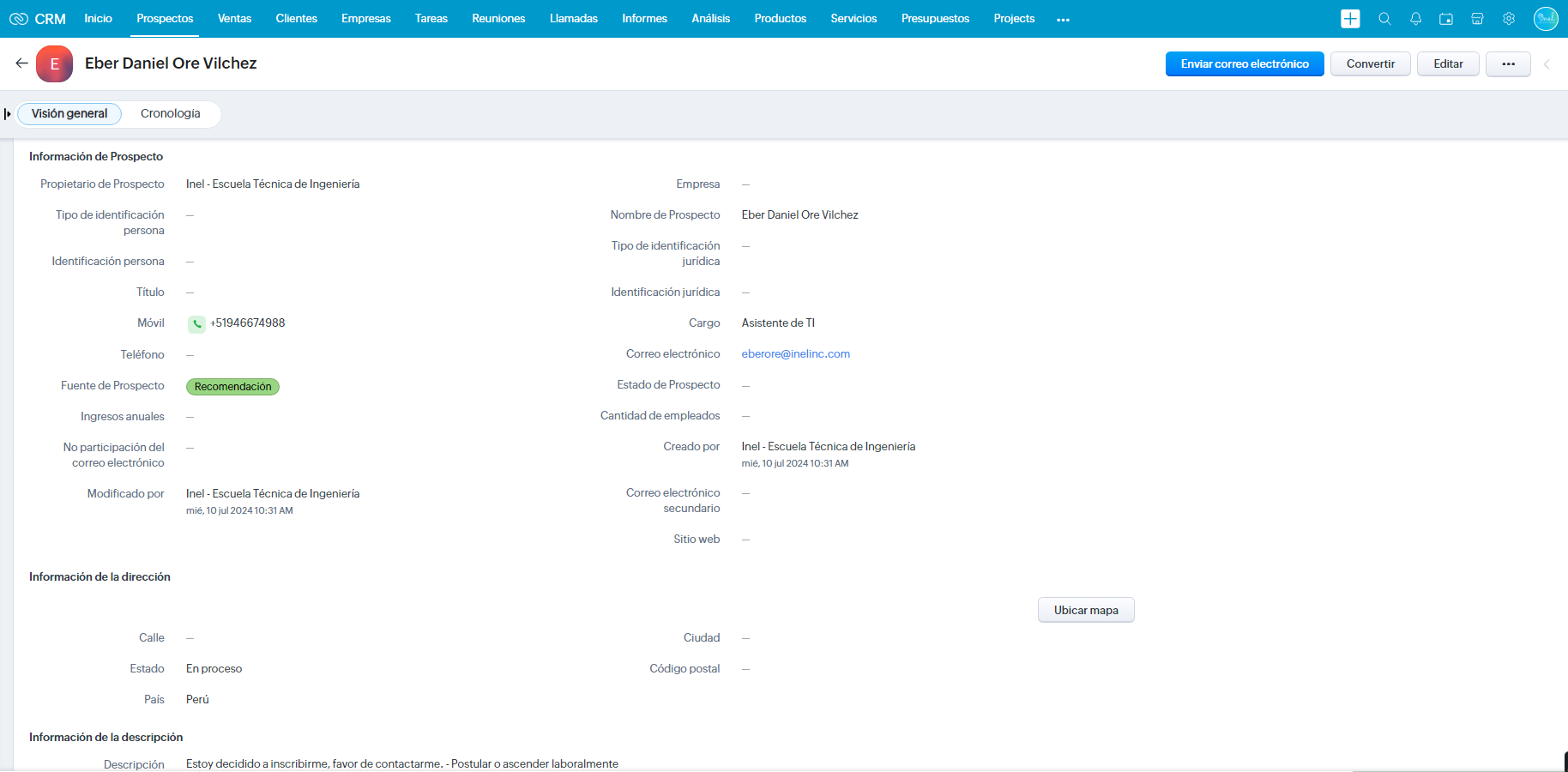
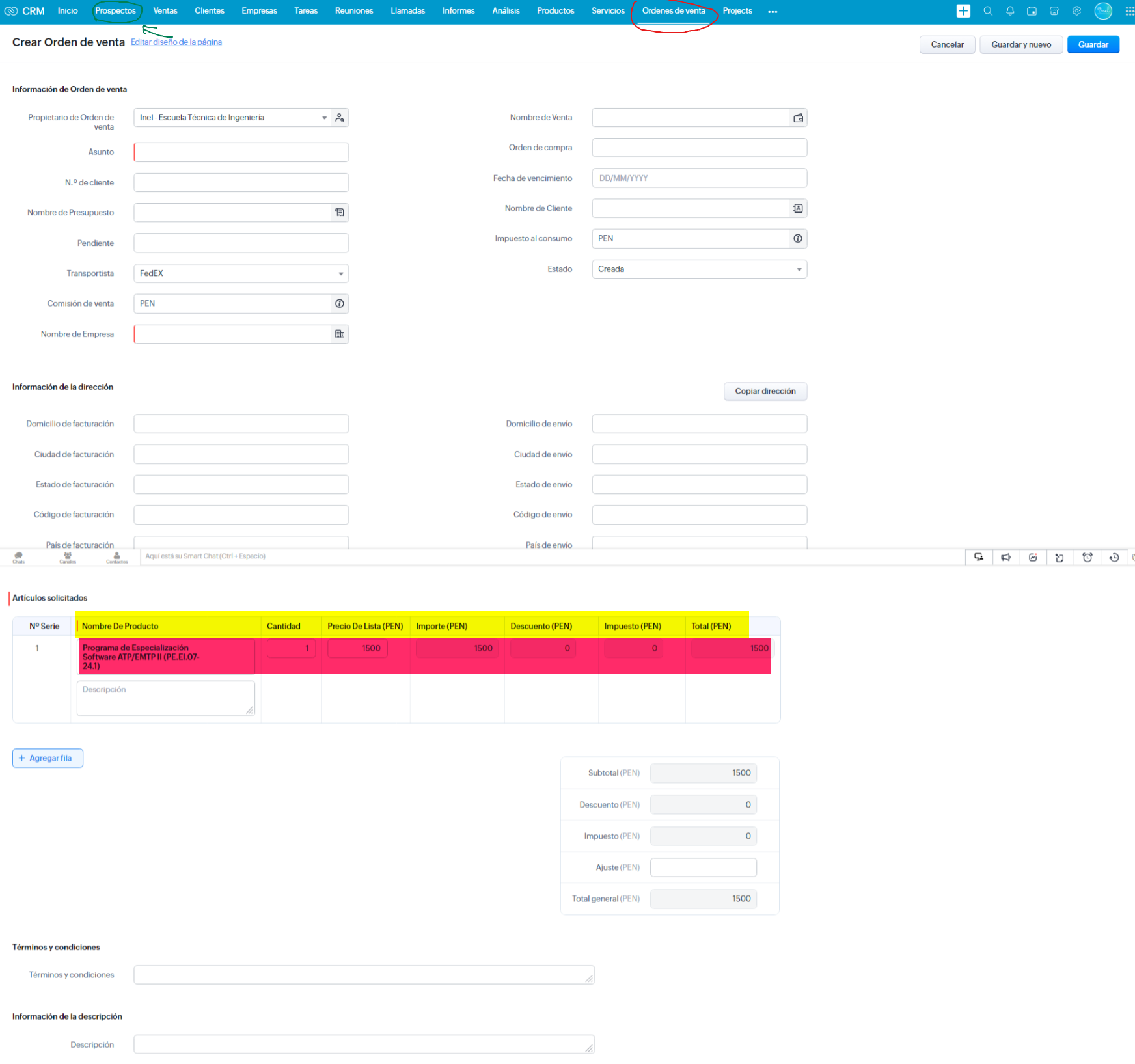
My goal is to add a product to the prospect from the same automation: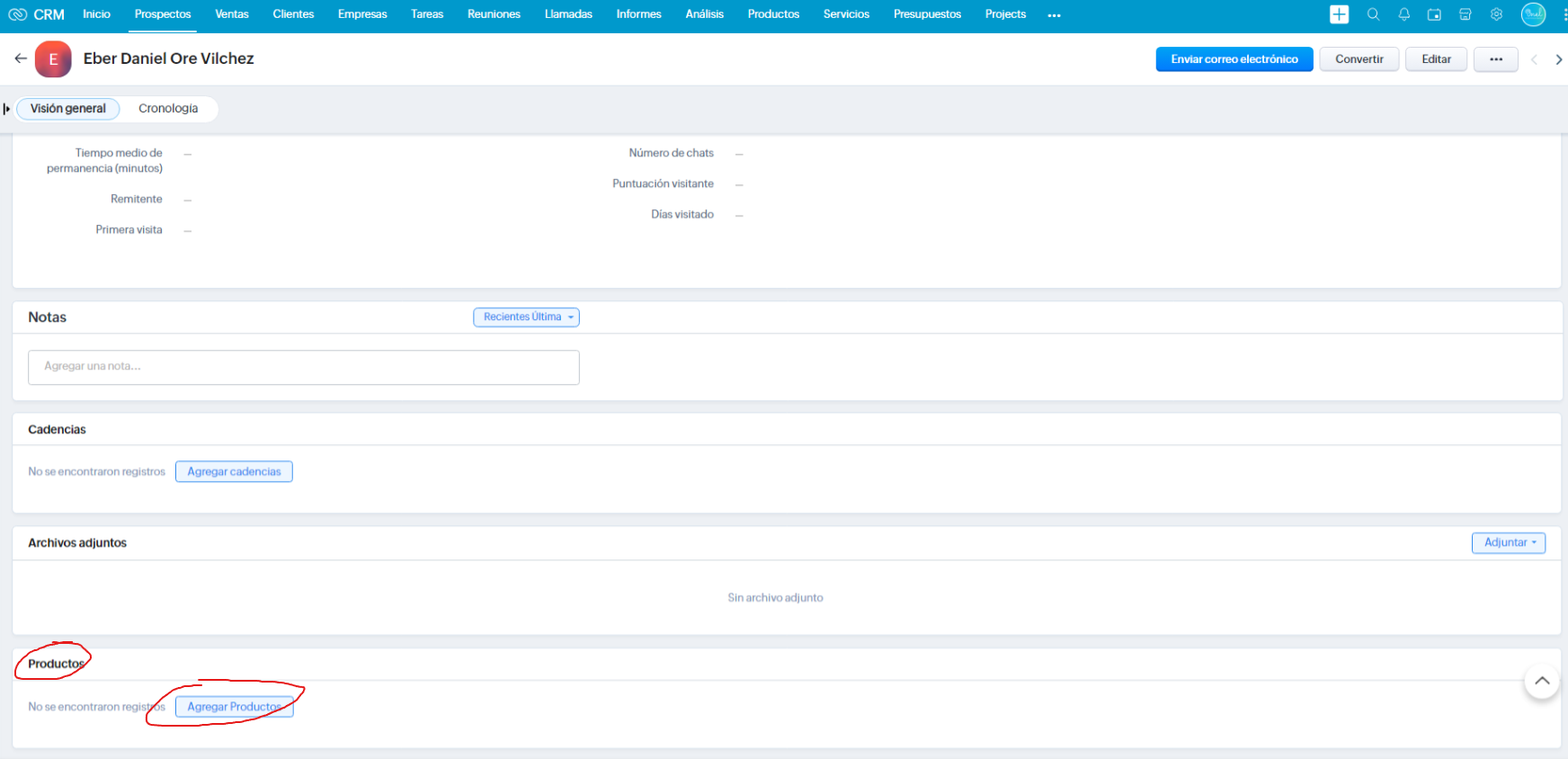
The result I need the automation to perform: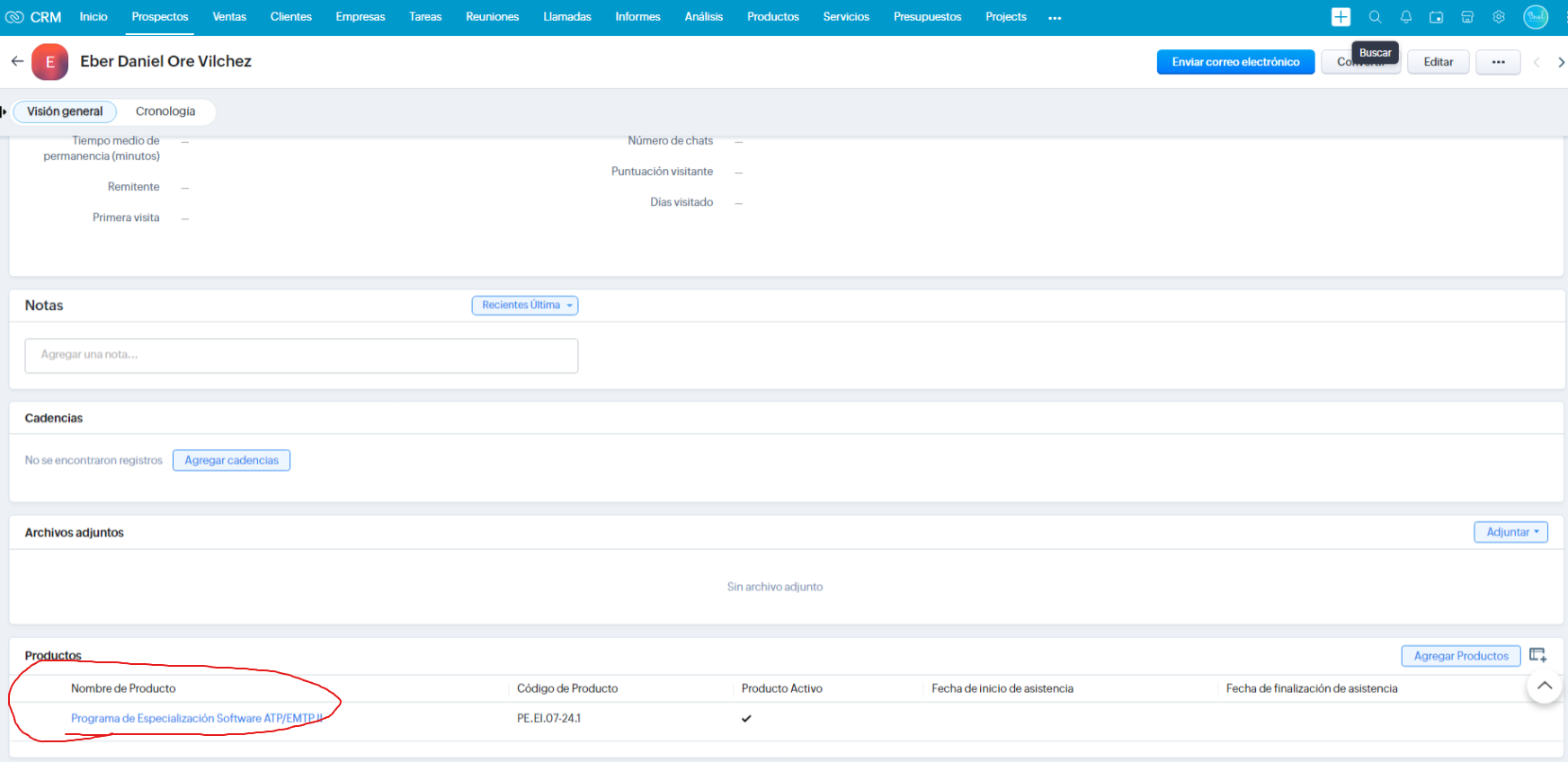
How could I do that automation?
I would like you to guide me to solve the problem, I may not be doing it correctly
Good day
Hi @inel,
It seems like you are looking to create a sales order. Please try using the 'Create Sales Order' action event to achieve your use case.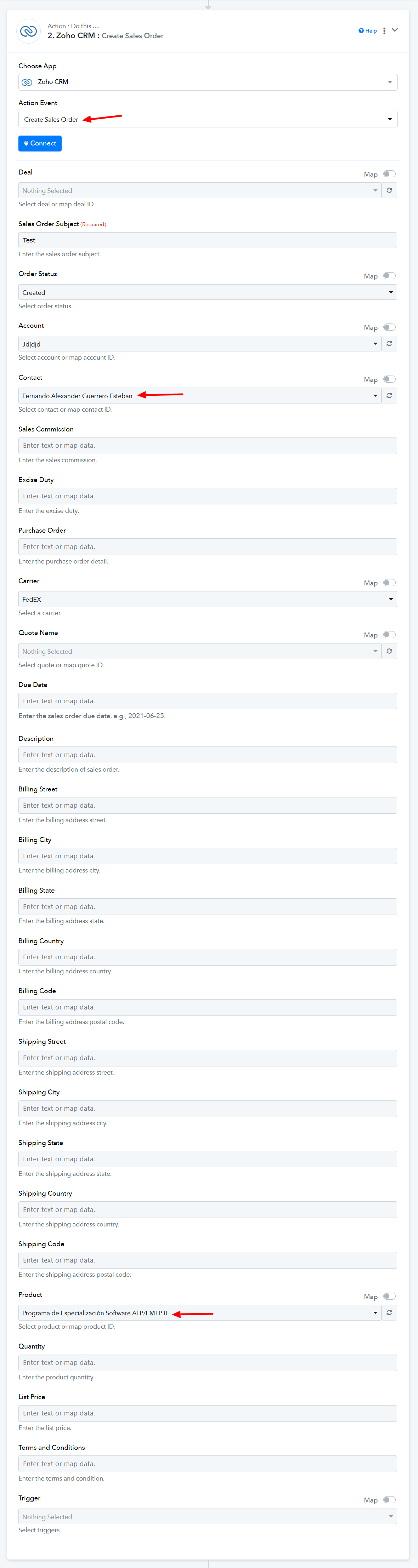
Hi ArchilAhmad,
I appreciate the immediate response. However, the "Sales Order" event is another Zoho CRM module that is not related to leads: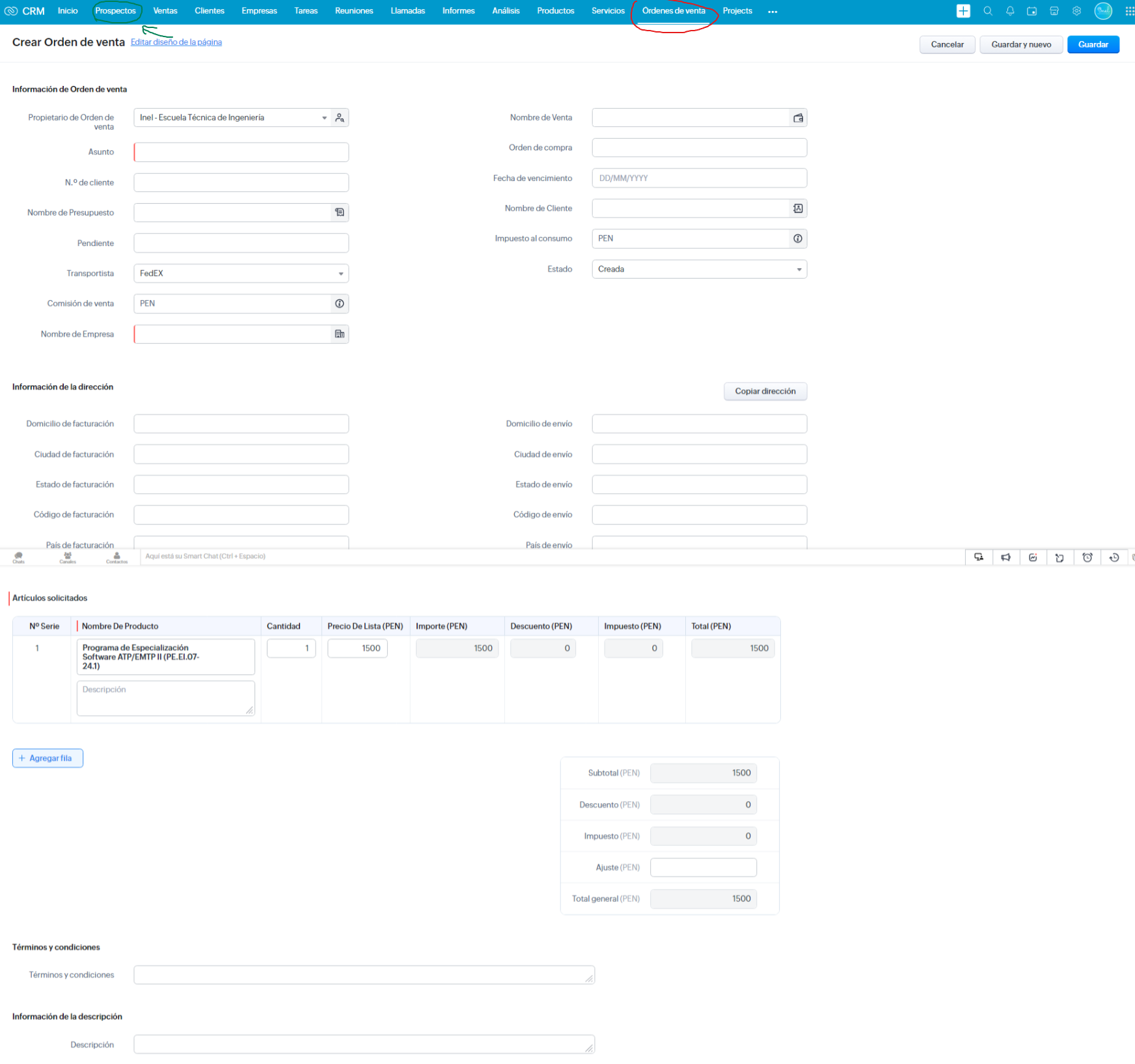
The automation we need is in the "Leads" - "Prospects" module.
When a record is created in the automation, it automatically adds a specific product to the lead.
I am grateful for your help. If there is a way to do that procedure, I would be happy if you could guide me.
Have a great day.
Is 'Nombre De Producto' a custom field, that you have added to the Lead module?
Si es un campo manual que hemos creado, ya que no hay ese campo, y necesitamos agregar un producto al prospecto desde la misma automatización.
Su ayuda por favor.
Please try using the 'Insert/Update Record' action event. It seems that the 'Nombre De Producto' field is being fetched now.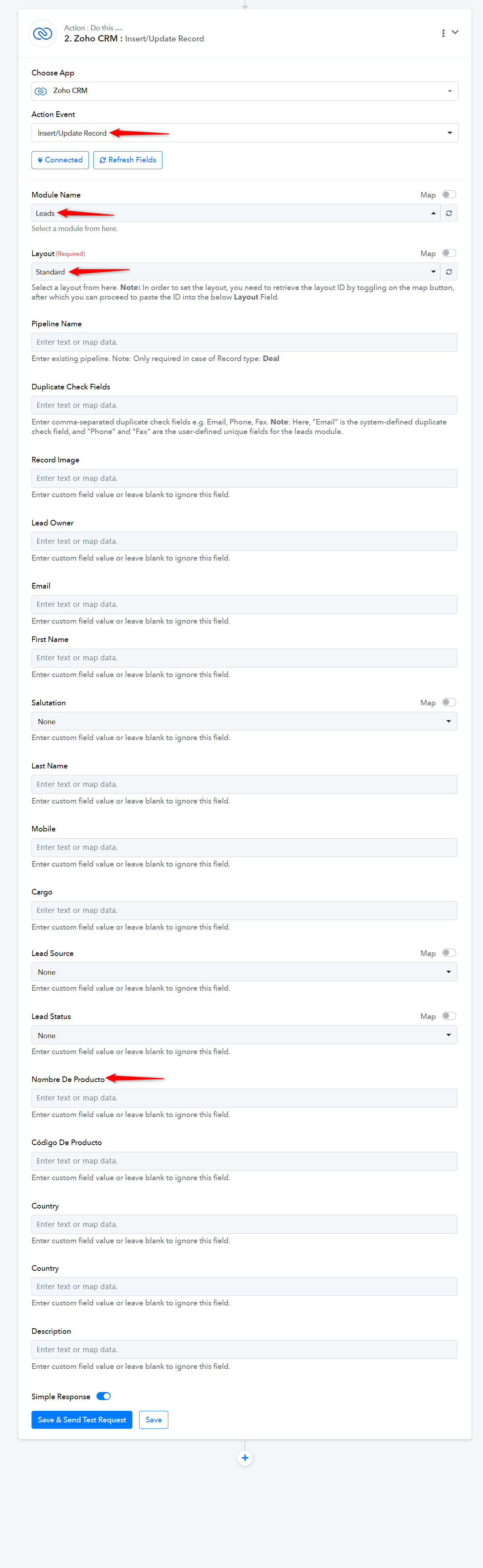
Good morning, I appreciate your support, but as I mentioned, I created the "product name" field manually, but that field does not exist in Insert/Update.
We want the product name to appear automatically in the prospectus, please help.
Attachments
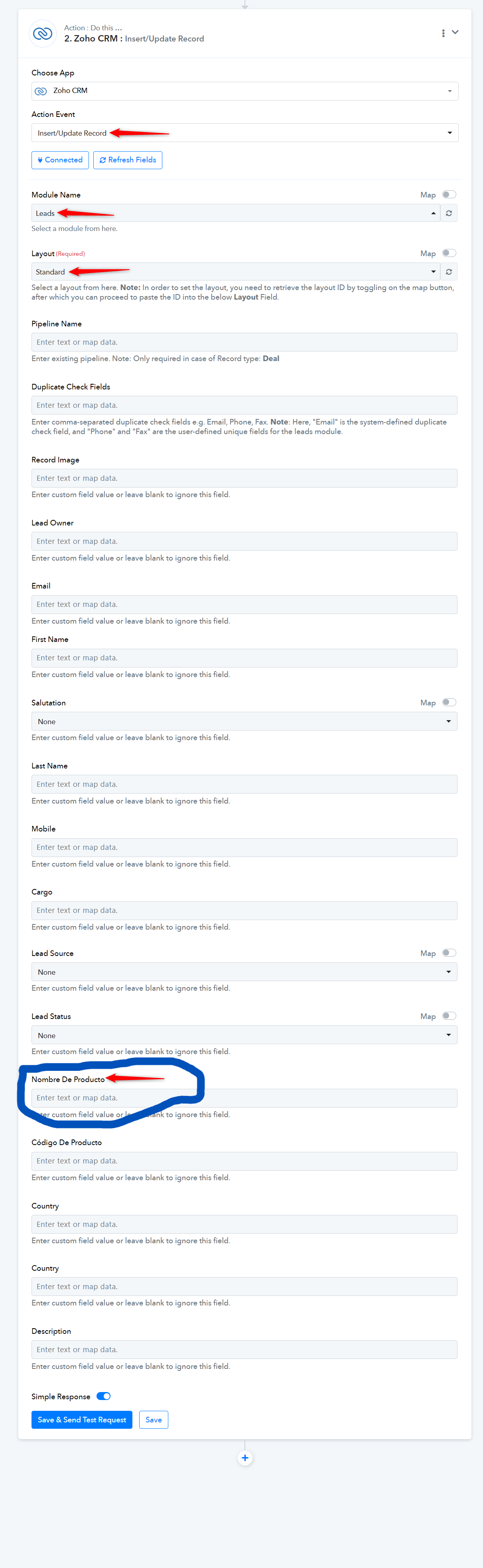
Do you want the fields marked in yellow or the product name marked in red to appear in action step?