how to add subscriber in sendmail.io mapping fields using google form
Status: Closed · Asked by SureshBabu Arumugam on · 0 views
how to add subscriber in sendmail.io mapping fields using google form which has 15 fields.
Attachments
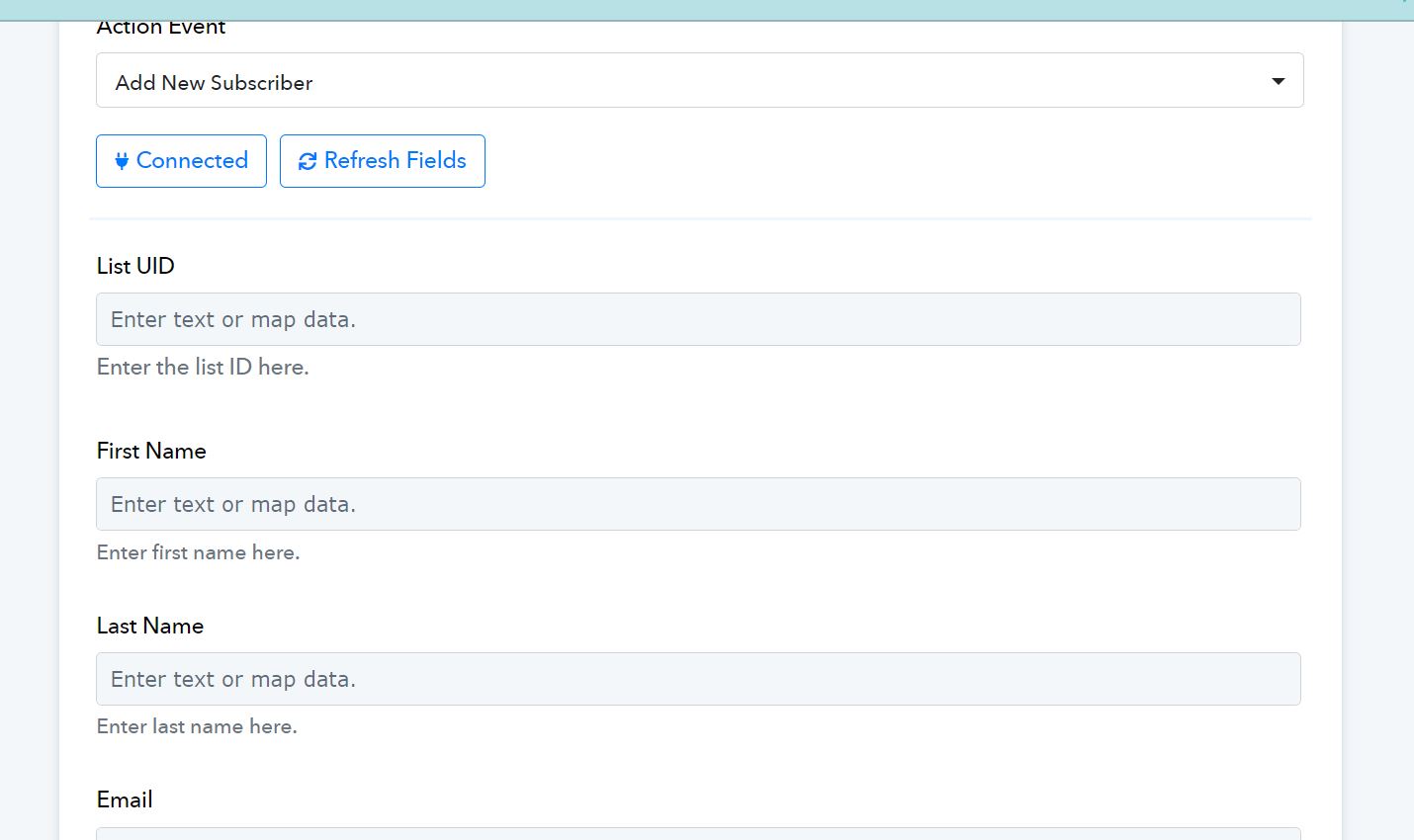
Hey @imsuresh
Kindly provide us the workflow name in which you are trying to add a subscriber in sendmail.io so we can check on it and guide you further.
Sendmail - New Lead - Add Contact in Mobile - CFJP this is what is used
Could you please confirm the name of the action step in which you are trying to add a subscriber?
We are currently unable to locate any action step in the workflow with the provided name in which you are facing the issue.
I provided the screenshot what I could see. I do not know what to select here to map. please use this google form and map the fields
PLEASE DO NOT MAKE ANY CHANGES IN THE SHEET SINCE ITS LIVE
google form
https://docs.google.com/forms/d/e/1FAIpQLSfzAy7EAx5gY1VSfExZnU4z6u4RheDBlMdmPEdPbAxWYasMEA/viewform
google sheet
I understand your concern, but before proceeding, I would like to confirm the name of the application to which you wanted to add a subscriber.
Currently, I can only see two steps in the workflow, and specifying the application name will help me assist you more effectively.
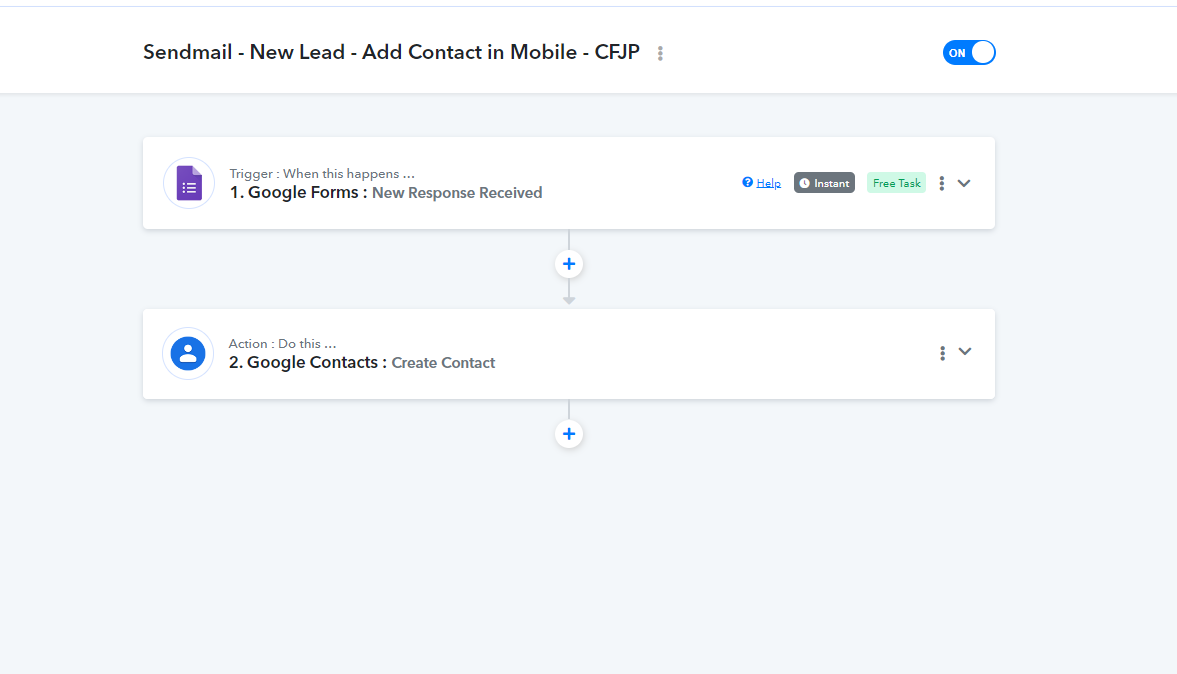
I saved it now with the application now sendmail. what i see is only 3 fields to map
We have added one more step in your workflow to list the "list UID" from the SendMails application.
I request you to please select the uid from the above action step of SendMails: Get All List and try again.
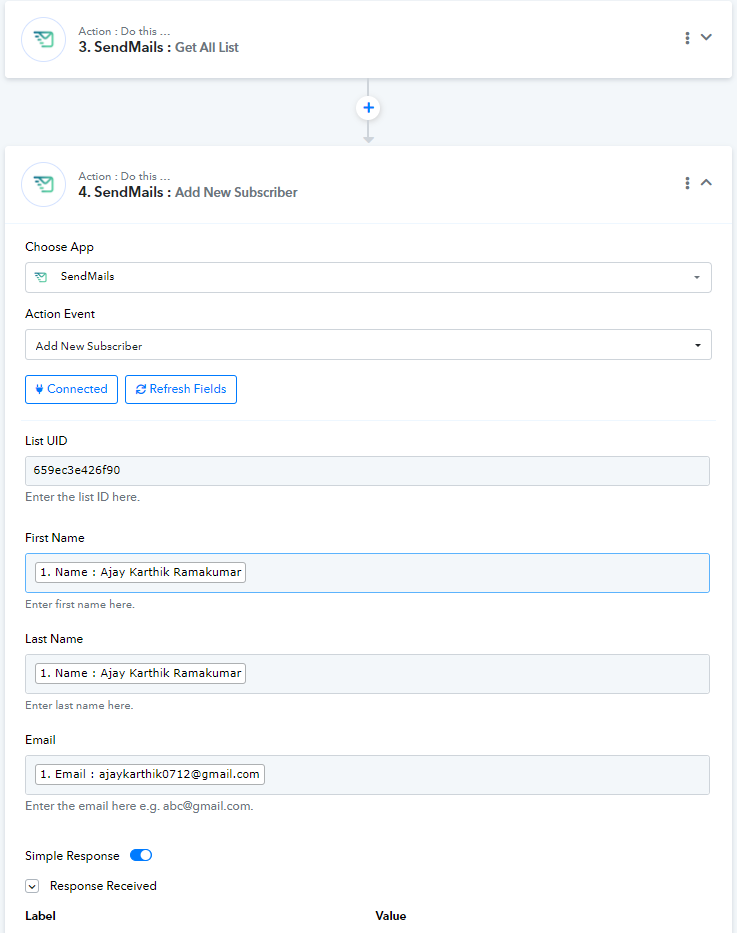
We have added one more step in your workflow to list the "list UID" from the SendMails application.I request you to please select the uid from the above action step of SendMails: Get All List and try again.
please close this ticket since i cancelled sendmail subscription.