How to capture all information on a Deal on FreshSales
Status: Open · Asked by Couch Skins on · 0 views
Hi, how am I able to capture all the information on a deal on FreshSales Suite? The result when I select search deal are just these information below:
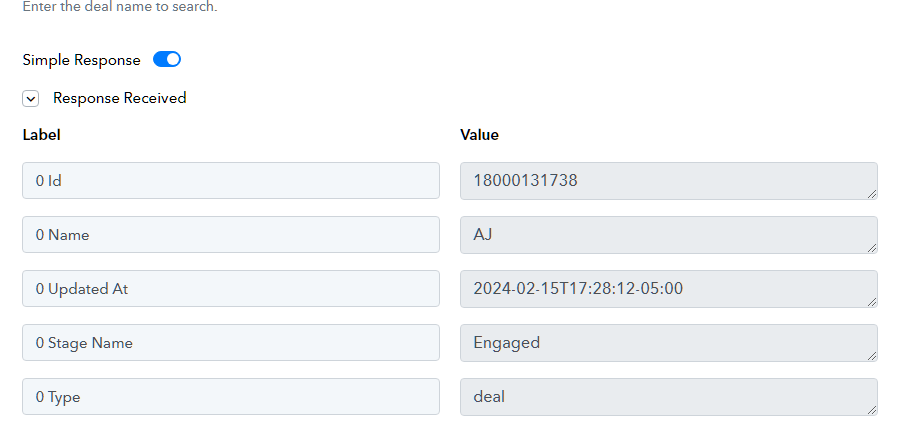
What I would want is the deal value, deal owner to be included as well. Thank you!
Hi @Couch Skins,
Could you please try using 'Get Deal' action event and see if that gives you the desired fields?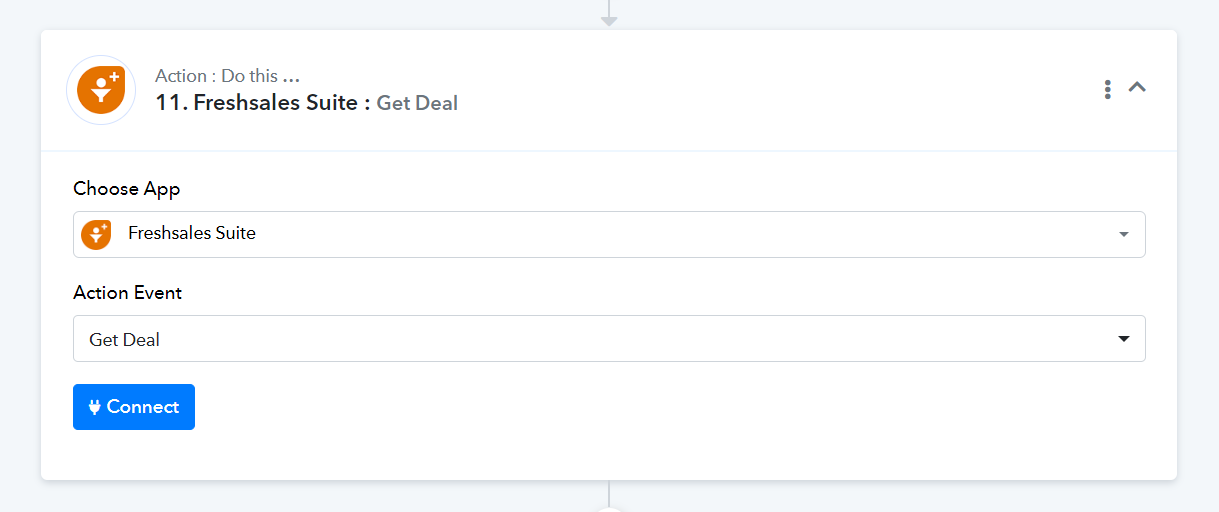
Hi @Couch Skins,Could you please try using 'Get Deal' action event and see if that gives you the desired fields?
This is the result I have.
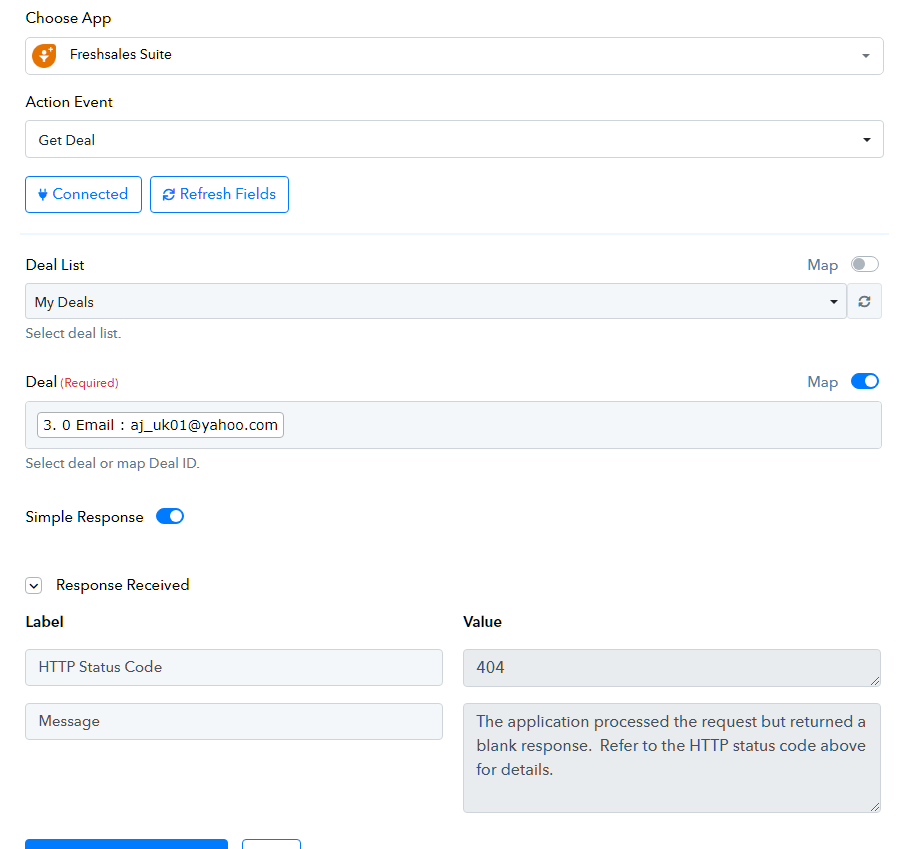
Please map the Deal ID instead of the email address and try again.
Please map the Deal ID instead of the email address and try again.
Same thing.
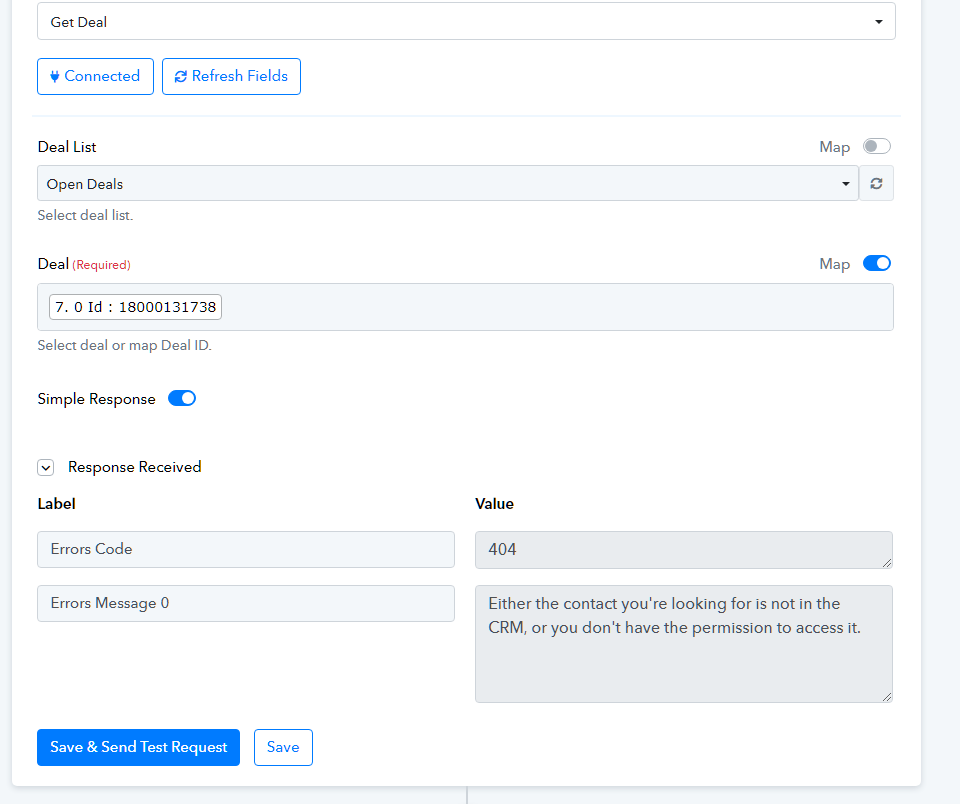
Could you please check in your Freshsales Suite if you have permissions to access the deals?
Could you please check in your Freshsales Suite if you have permissions to access the deals?
I do. I am an account admin on FreshSales Suite.
Regarding your concern, you can try using the "Search Deal" action step.
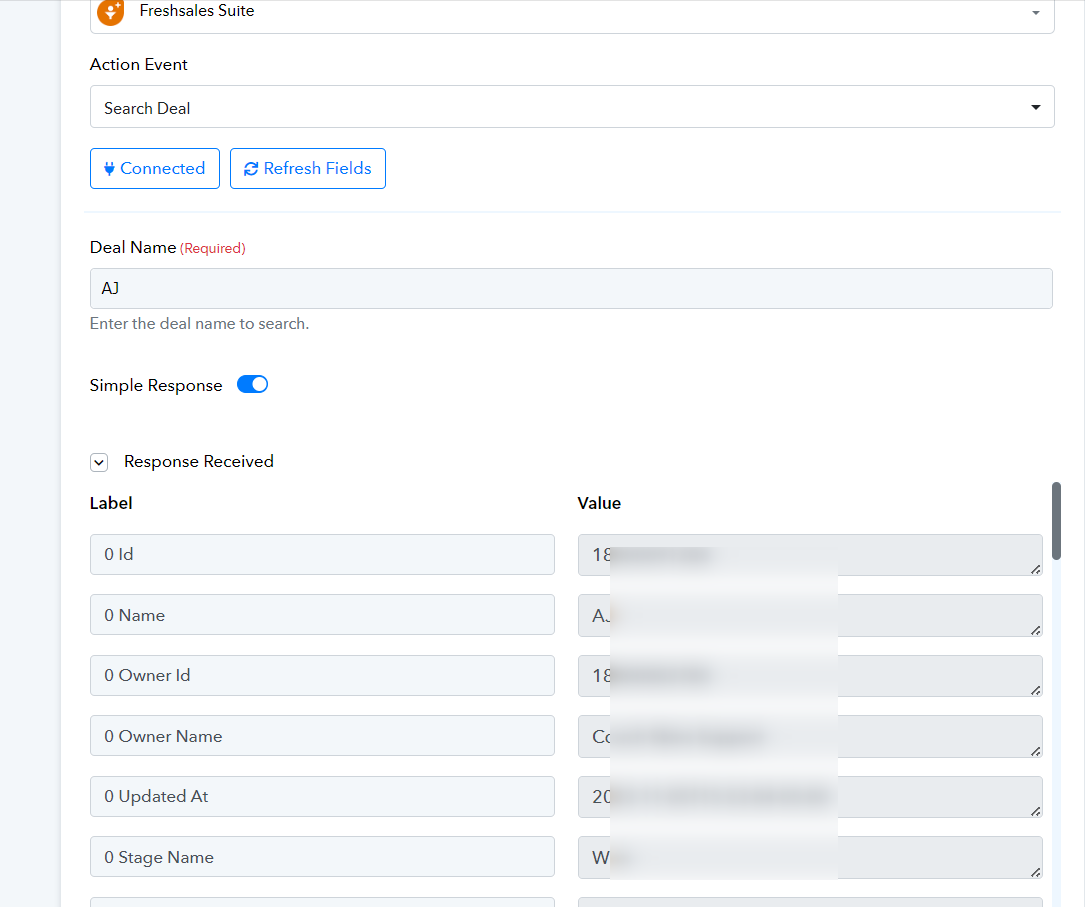
Regarding your concern, you can try using the "Search Deal" action step.
I see what you did, which is using the name on the deal but "name" is not unique... There are names on the deal that are the same. If you scrolled down on the test that you did, there are a lot of results there: AJ, AJ, AJ, AJ Woronovich, Amy, Aja, Ajla, Aja Dailey, Kristine.
Please allow us some time to look into this concern. We will get back to you with an update soon.
Please try executing this endpoint through API by Pabbly module and see if that gives you the desired result.