How to check for active Stripe subscription upon a new ZendDesk ticket?
Status: Open · Asked by joeadworld on · 0 views
When a new Zendesk help desk email is received, I want to automatically look up to see if the email has an specific active Stripe subscription and if they do, perform an action. If they do not, perform a different action.
When looking up a Stripe customer via the Stripe integration, the subscription data seems to be jumbled into JSON data. When Data Transforming the JSON, its not easy to determine if a specific stripe subscription is active or not...
Is this even possible to perform?
Hi @joeadworld,
Could you please share the Workflow URL in which you have this use case?
Also, please ensure that the Simple Response is enabled, so that you can receive the subscription status in a simple format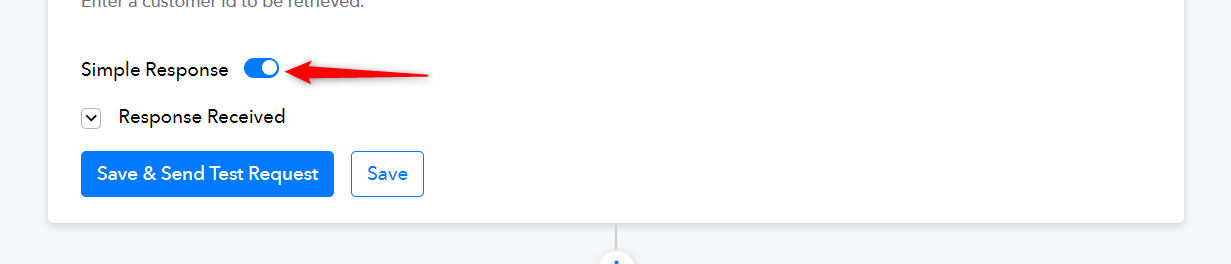
the workflow url I have is:
https://connect.pabbly.com/workflow/mapping/IjU3NjUwNTZmMDYzNzA0MzQ1MjY1NTUzNTUxMzUi_pc
I have it hard-coded to a specific email that has the subscription ID si_OXxf170JjcCyUq
But it has another subscription as well....
How can I easily verify that it has the right subscription when there are multiple subscription items in the results?
I have made some changes to your workflow and added two Iterators. The first Iterator will provide you with the account details along with Subscription Data in array format, while the second Iterator will assist you in setting the conditions for your router filter. In automation, the Iterator will iterate through each combination of subscription ID and its status and take the necessary actions based on your Router filter conditions.