How to Configure onboarding new student into learn dash course after successful payment.
Status: Closed · Asked by travafx on · 0 views
Hi all,
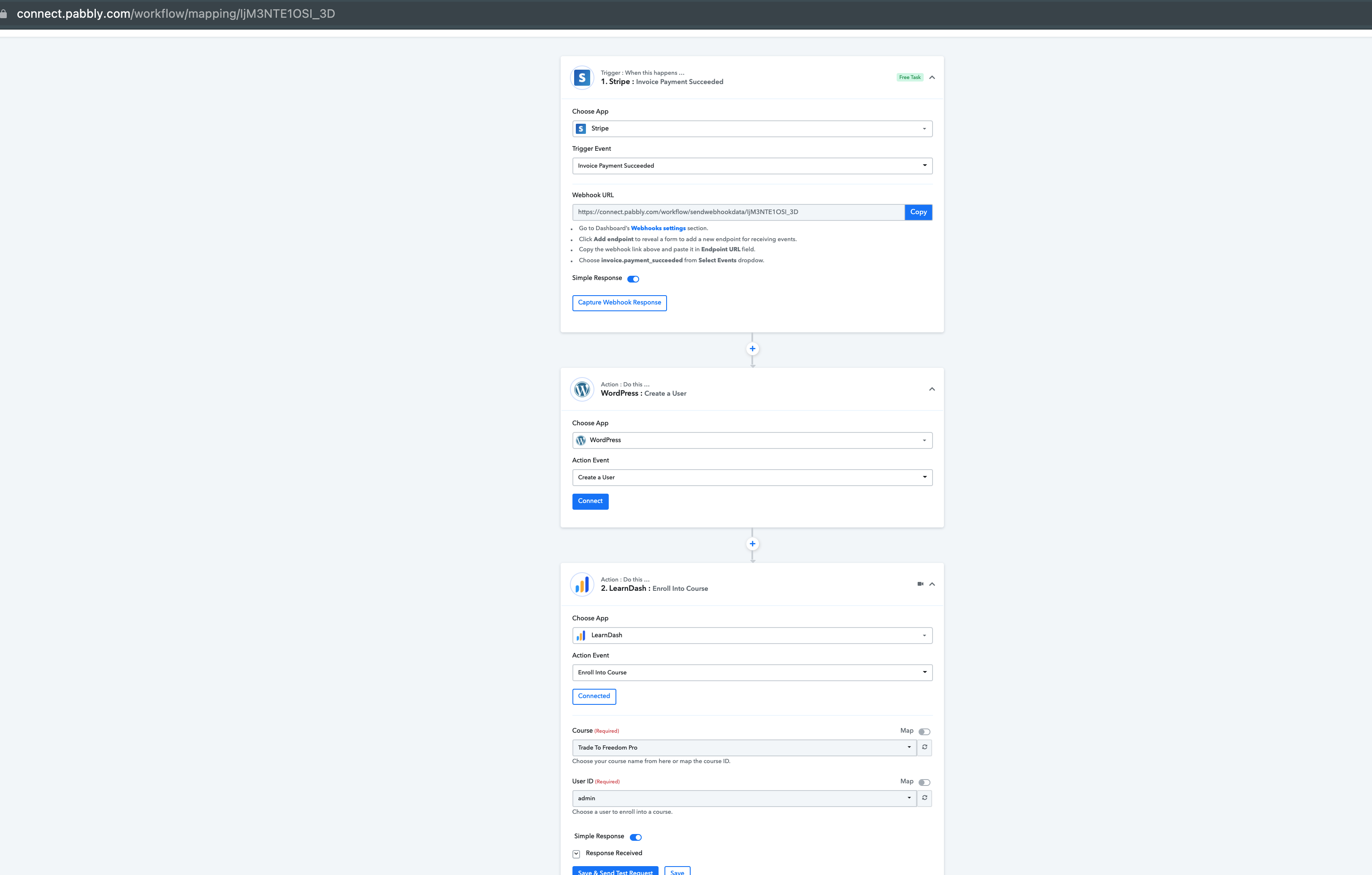
I have trouble configuring the workflow of onboarding new students into learndash course after successful payment via stripe.
So the workflow goes like this
Successful Payment Stripe -> Add New User in Wordpress (with details provided from client during stripe payment First Name, Last Name, Email) -> Auto-Enroll new user into learn dash course.
When im on task 2, pabbly connect only shows option for a specific user. i would like to automate on a huge volume basis. For example 10 students in one go.
Kindly help.
Attachments
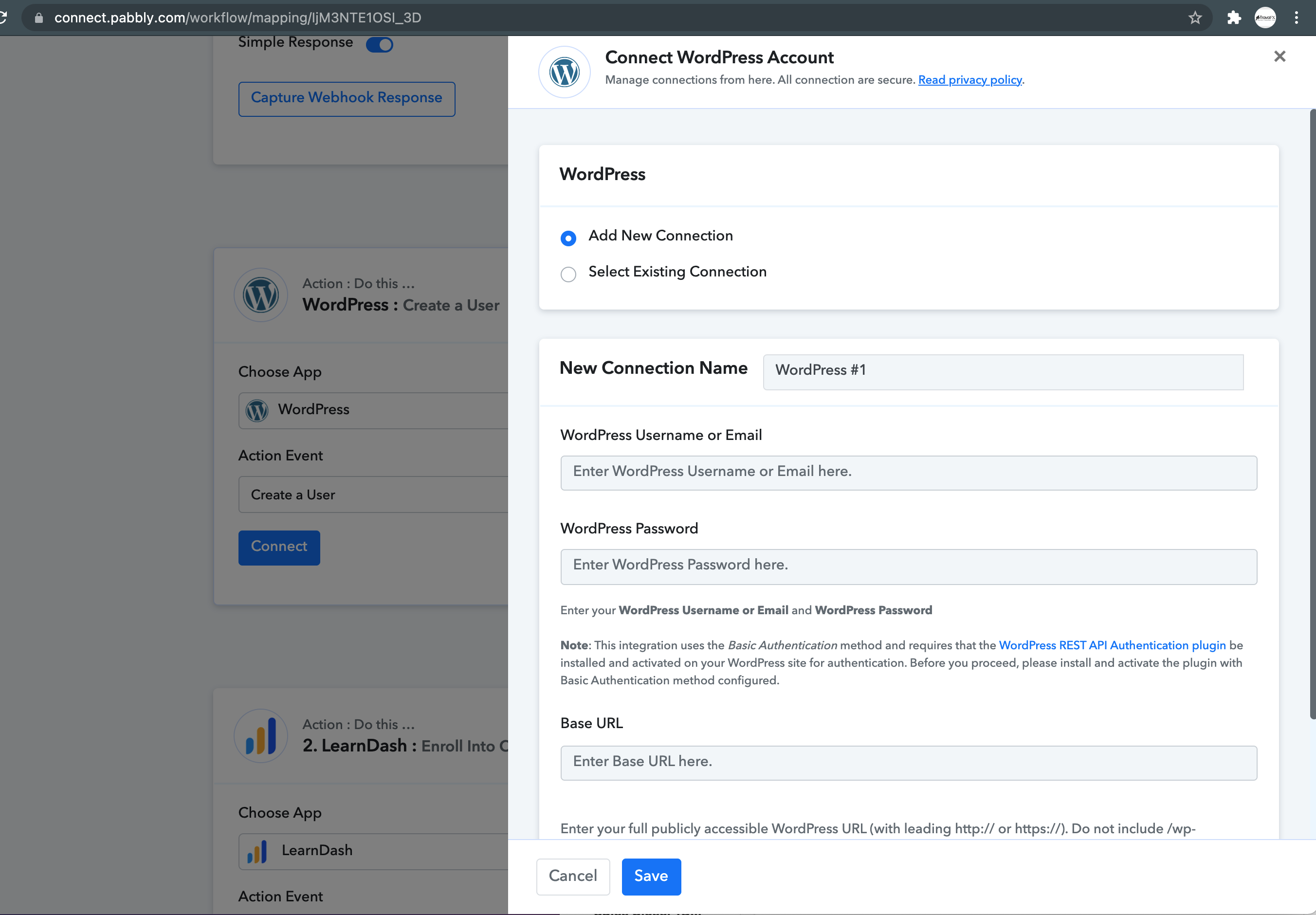
You cannot create bulk users in the WordPress "Create User" step.
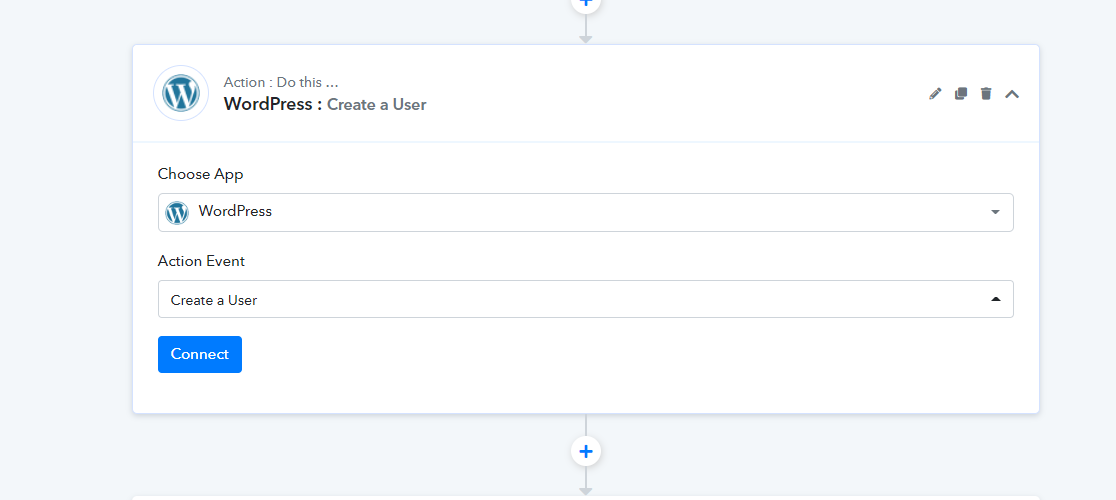
At a time, you can create only one user, which will then be processed to the next action step of enrolling in Learndash courses.
Will you be implementing bulk feature in the future for roadmap?
Will you be implementing bulk feature in the future for roadmap?
Right now, we don't have any such plan for doing this. We will be needing to check first if WordPress accepts creating bulk users.
We will notify you in future if something comes up around this feature.
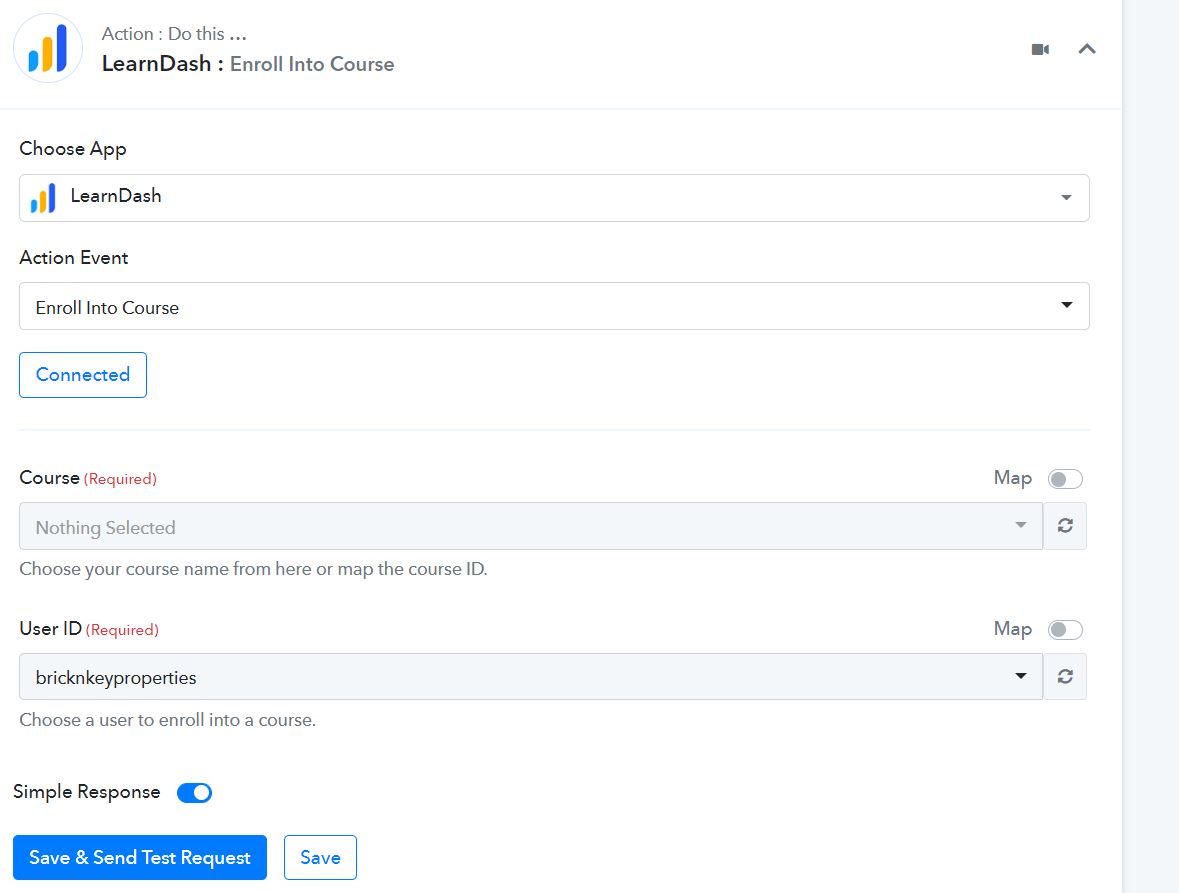
Hi, I am not getting any any courses when trying to connect with learndash, what to do?
Attachments
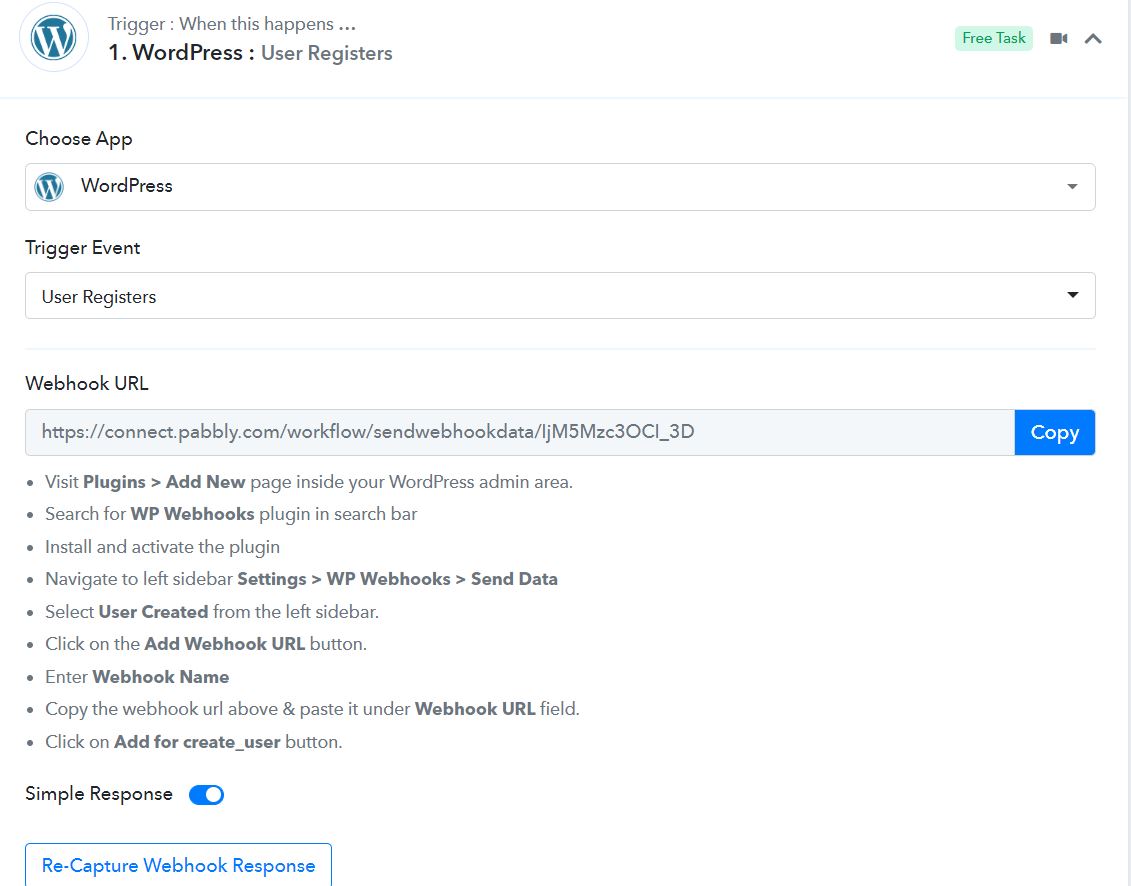
Hey @bricknkeyproperties
It seems like you might not have contacted the Learndash account incorrectly, kindly add a new connection and try again.
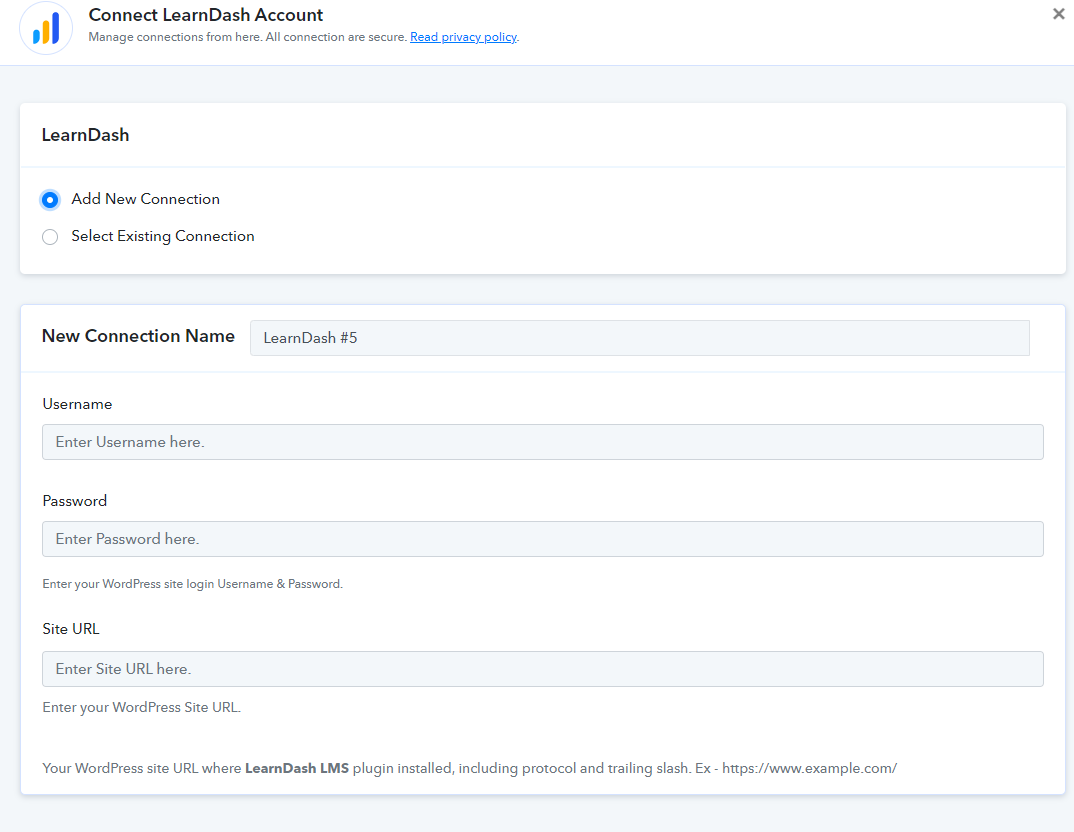
Hi, I have connected with Learndash with new connection, whereas my new User ID is showing but course area, its showing blank.What will be the problem here?
Hey @bricknkeyproperties
It seems like you might not have added the Basic Authentication plugin to your WordPress account.
Kindly check the following thread to add the plugin.
https://forum.pabbly.com/threads/learndash-permission-forbidden-issue.73/
Hey Supreme,
Thanks , its working by installing basic auth handler in my wordpress.