How to configure woo commerce attribute in pabbly
Status: Closed · Asked by Sourabh Jain on · 0 views
I am trying to add product (import product) by a Google sheet
And my product has 60 attributes (product specifications)
So how to configure attributes in pabbly connect
To create a new product in woo commerce
Hey @Sourabh Jain
Can you please share the workflow URL once in which you have tried the same? So that we can check the possibility.
In Attachment (additional information) for product specification
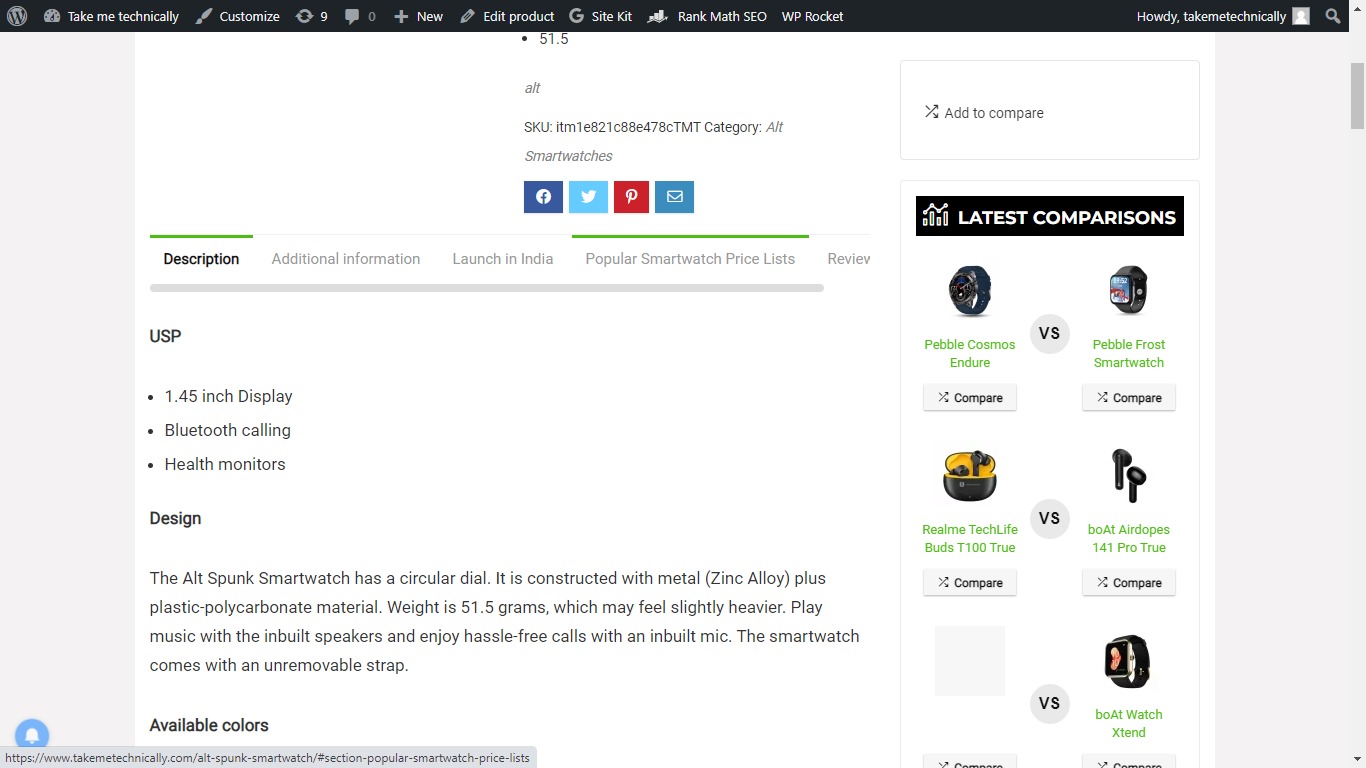
launch in India, popular Smartwatch price list, these are woo commerce custom tabs (I need to fill this field using pabbly connect)
Attachments
Can you please refer to the following screenshot once and try using the LookUp Spreadsheet Row action step to fetch the same response but in JSON by toggling the "Simple Response"?
Then after the Create product action step, use the "Create Product Variation" action step where you can pass the JSON data by processing it once in the Line Itemizer action step.

Thanks for replying
I will try this and inform you
(Can you tell me my Idea is possible with pabbly or not, or can you suggest me better way to do this)
First of all
I will tell you my whole idea
I have a 5 person team which creates a single product page and also a blog post. (On daily basis)
So I will automate this process with paddy to import the article and single products.
For this website
https://wordpress-517134-3314968.cloudwaysapps.com/ptron-force-x12n-smartwatch/
My idea is
Create Google drive folder where I store my Google sheet
For example I create a smartwatch folder where I upload the smartwatch Google sheet file one by one.
After uploading the Google sheet in this folder pabbly generates the action and creates the new product in woo commerce.
And same for blog post.
I
Can you please refer to the following screenshot once and try using the LookUp Spreadsheet Row action step to fetch the same response but in JSON by toggling the "Simple Response"?Then after the Create product action step, use the "Create Product Variation" action step where you can pass the JSON data by processing it once in the Line Itemizer action step.
After follow these steps it shows error can you tell me my mistake
(Discription and sku is map with Google sheet)
Attachments

IAfter follow these steps it shows error can you tell me my mistake
(Discription and sku is map with Google sheet)
(Can you tell me my Idea is possible with pabbly or not, or can you suggest me better way to do this)First of all
I will tell you my whole ideaI have a 5 person team which creates a single product page and also a blog post. (On daily basis)
So I will automate this process with paddy to import the article and single products.
For this website
https://wordpress-517134-3314968.cloudwaysapps.com/ptron-force-x12n-smartwatch/
My idea is
Create Google drive folder where I store my Google sheet
For example I create a smartwatch folder where I upload the smartwatch Google sheet file one by one.
After uploading the Google sheet in this folder pabbly generates the action and creates the new product in woo commerce.
We are not sure that placing Google Sheets in a Google drive automation will create a product in WooCommerce.
So, if you have tried the same in one of your workflows then please let us know so that we can check the possibility of the same.
After follow these steps it shows error can you tell me my mistake(Discription and sku is map with Google sheet)
Can you please share the workflow URL in which you have tried the same?
Can you please share your workflow URL instead of shared workflow along with your registered email address with Pabbly.
Hey @Sourabh Jain
After reviewing your use case and attempting to replicate it within your workflow, we regret to inform you that we were unable to achieve the desired outcome. Therefore, we have concerns regarding the feasibility of your use case.
ok
So there is option for WordPress import & export post and woo commerce product option in pabbly?
Hey @Sourabh Jain
I am not sure that the exchange of posts that you are looking for is currently not possible.
Further, we highly recommend hiring an automation expert who can design such automation for your workflow and manage everything for you - https://forum.pabbly.com/threads/pabbly-connect-experts-and-consultants.22/
And can even find automation experts in our Facebook group as well - https://www.facebook.com/groups/formget.deals/