How to convert currency with Pabbly Connect?
Status: Closed · Asked by gregv on · 0 views
Hello!
I've created an automation to automatically input information from different systems into Wave accounting every month. One charge comes in a different currency (MXN), and I need to convert it to USD before entering it into Wave. What would be the best way to accomplish this with Pabbly?
Thanks so much!
Hi @gregv,
Currently, we don't have a direct tool that can automatically convert MXN to USD. As a workaround, you can utilize the Number Formatter and perform mathematical operations to convert the amount from MXN to USD.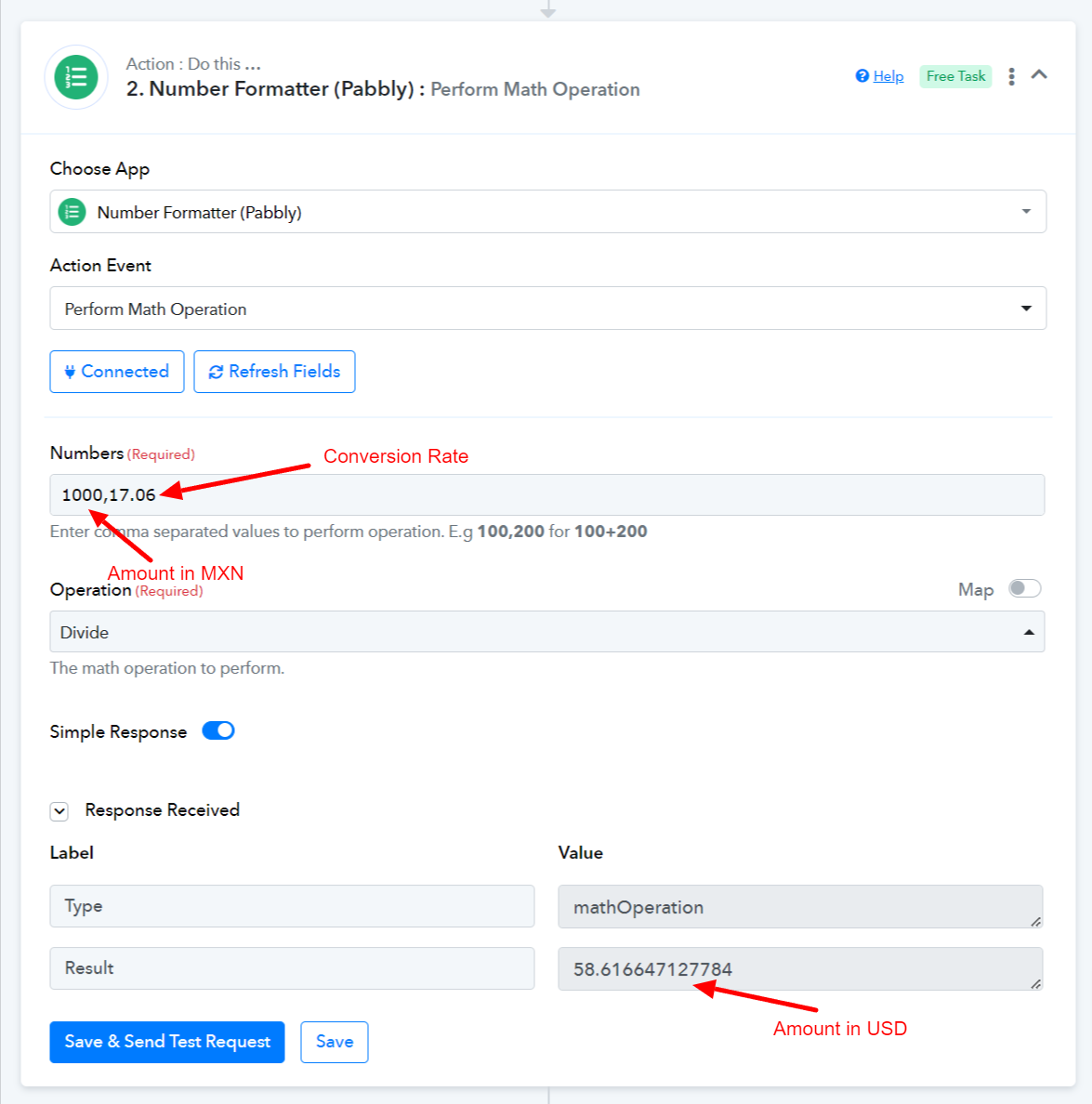
Thank you, @ArshilAhmad! Would you happen to know if there is an easy way to get the current rates at the time of the automation in Pabbly to use for the conversion?
I'm afraid currently, there isn't a direct tool available that can provide you with the current conversion rate. The conversion rate won't be dynamic.
Hi @ArshilAhmad , I came up with an idea. Google sheet has the latest rates available. Would pabbly be able to pull the data from a Google sheet and use that? Would it update the sheet so it pulls the latest?
You can use the 'Lookup Spreadsheet Rows' action event to fetch the rate from your Google Sheets spreadsheet (it will be latest data), and map that rate in the Number Formatter.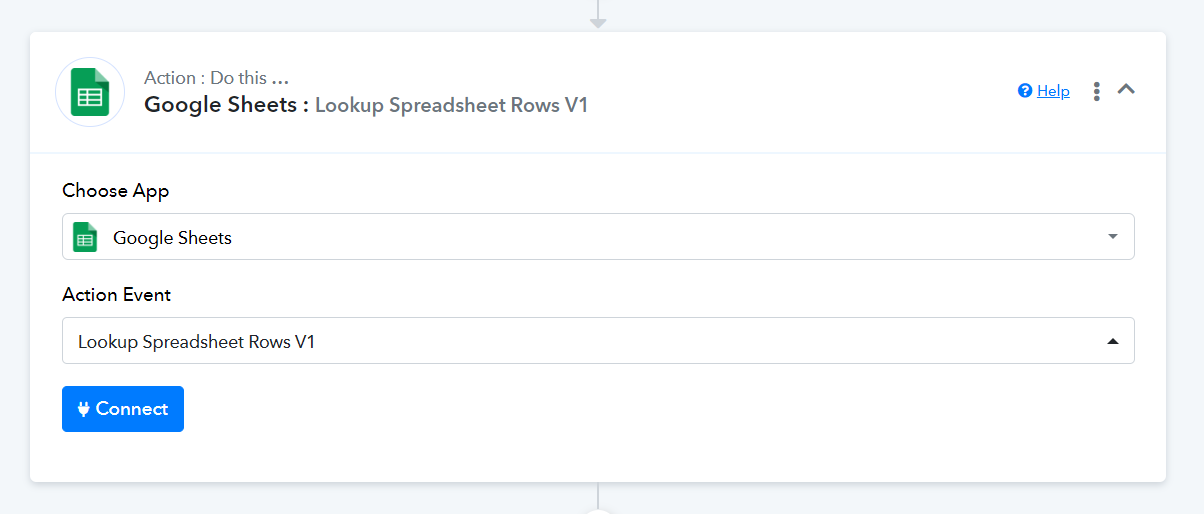
Got it to work using GetRow since the row will always be fixed! Thanks, @ArshilAhmad. I appreciate the help.