How to convert razorpay response in date format
Status: Open · Asked by analytics on · 0 views
Hi there,
Please let me know how to capture date in google sheet from razor pay account ,
Not understand which is the date format Pabbly is showing .
Hey @analytics
Regarding your concern, you can make use of the Date Time Formatter action step which will convert the incoming Timestamp to the desired time format.
e.g.-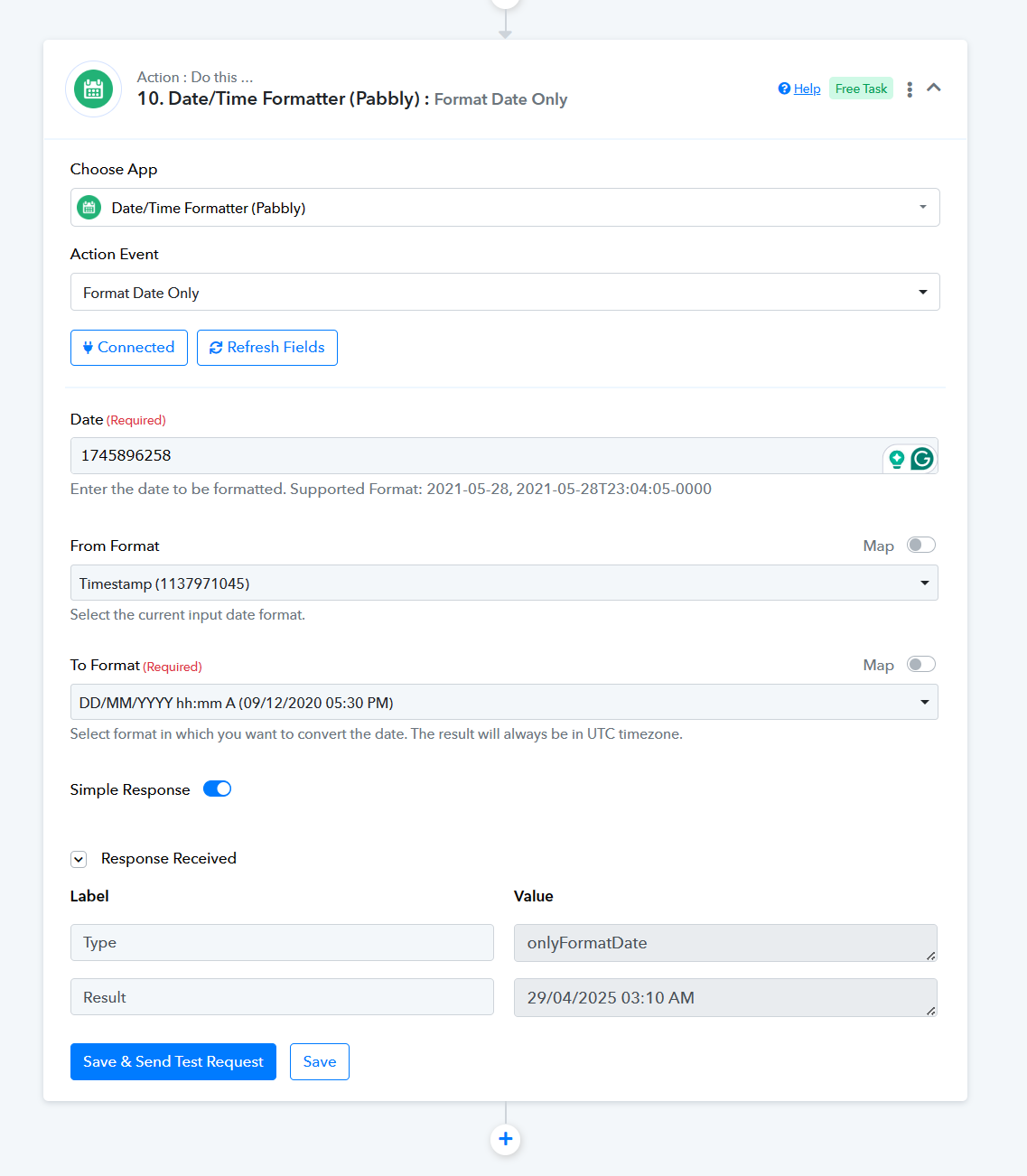
Hi there,
29/04/2025 is not correct result it should be today's date i.e. 7th March 2024.
29/04/2025 is not correct result it should be today's date i.e. 7th March 2024.
The date was just an example consider your date in place of the shown timestamp.
Please see the today's date in below image and let me know in which format pabbly is capturing the date from razorpya ?
For reference I have attached Screenshot of razorpya pay
Task ID : IjU3NjUwNTZiMDYzNjA0Mzc1MjZhNTUzZDUxMzIi_pc
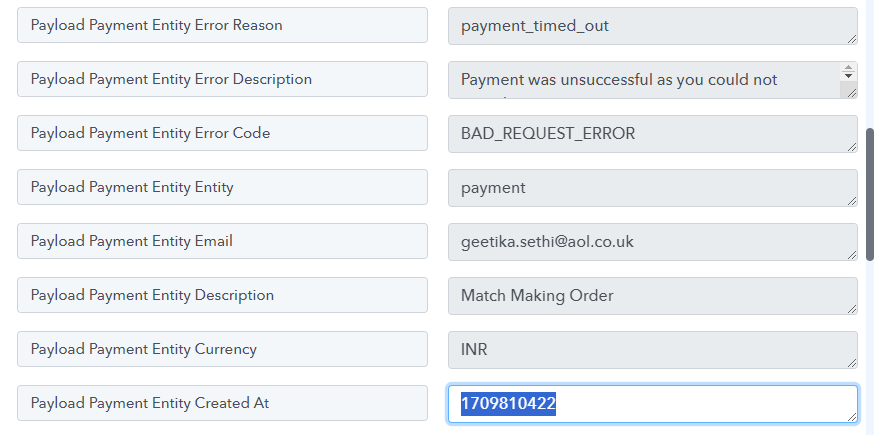
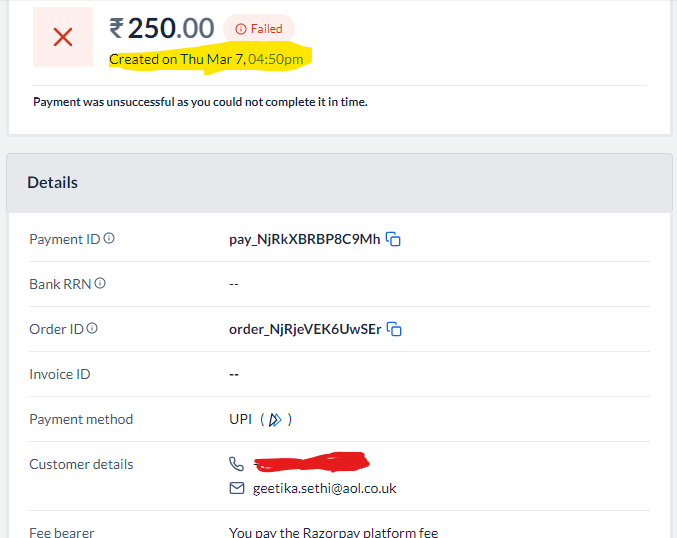
You needed to convert the time zone as well. I did that on your behalf and it seems to be giving the correct time now.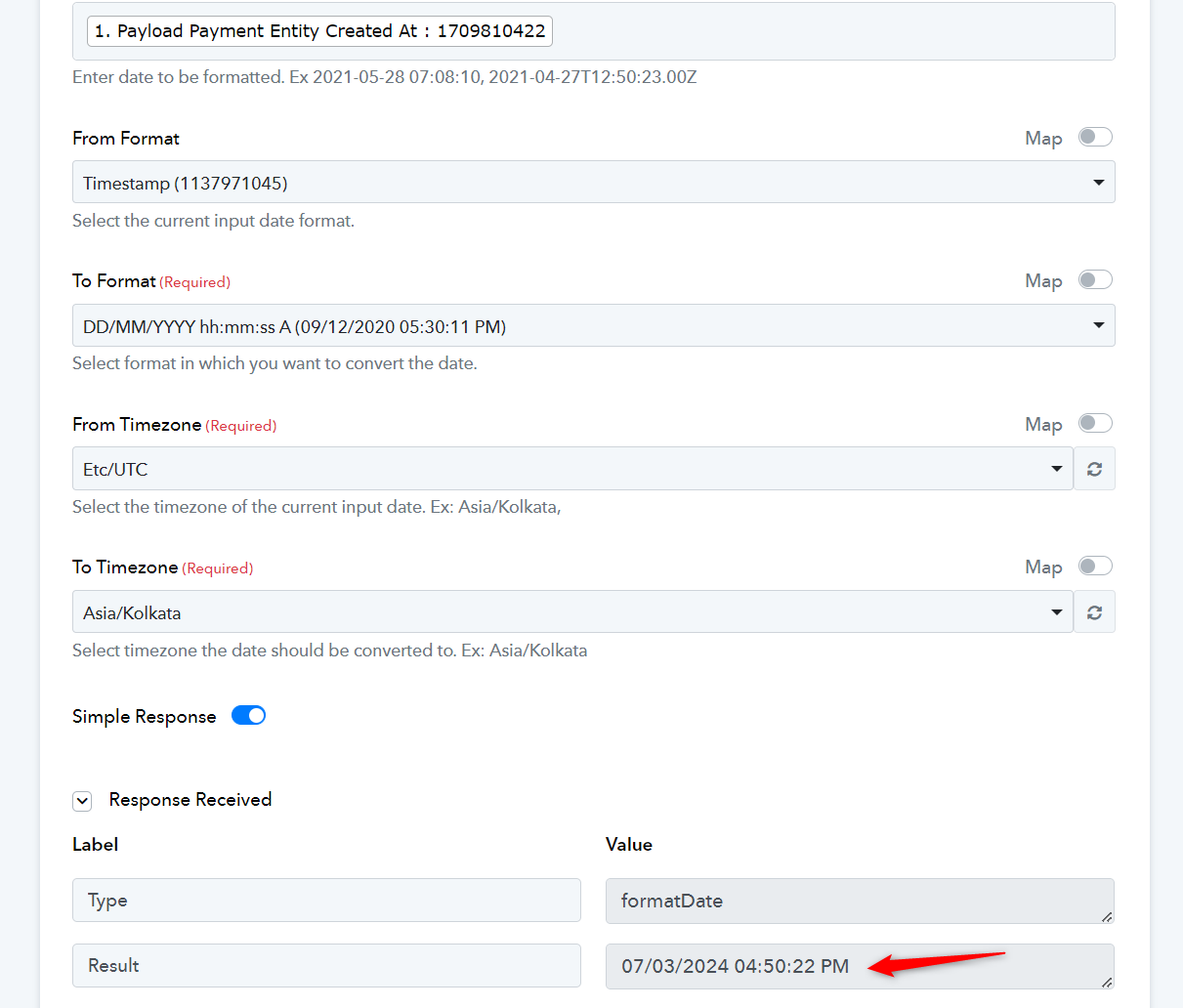
Hi,
Thanks for the update !
Can you please check IjU3NjUwNTZiMDYzNjA0MzI1MjZkNTUzMDUxMzAi_pc this work flow, it is not capturing email ID
Can you please check IjU3NjUwNTZiMDYzNjA0MzI1MjZkNTUzMDUxMzAi_pc this work flow, it is not capturing email ID
As we can see from your workflow's latest history log the email address is coming accordingly.
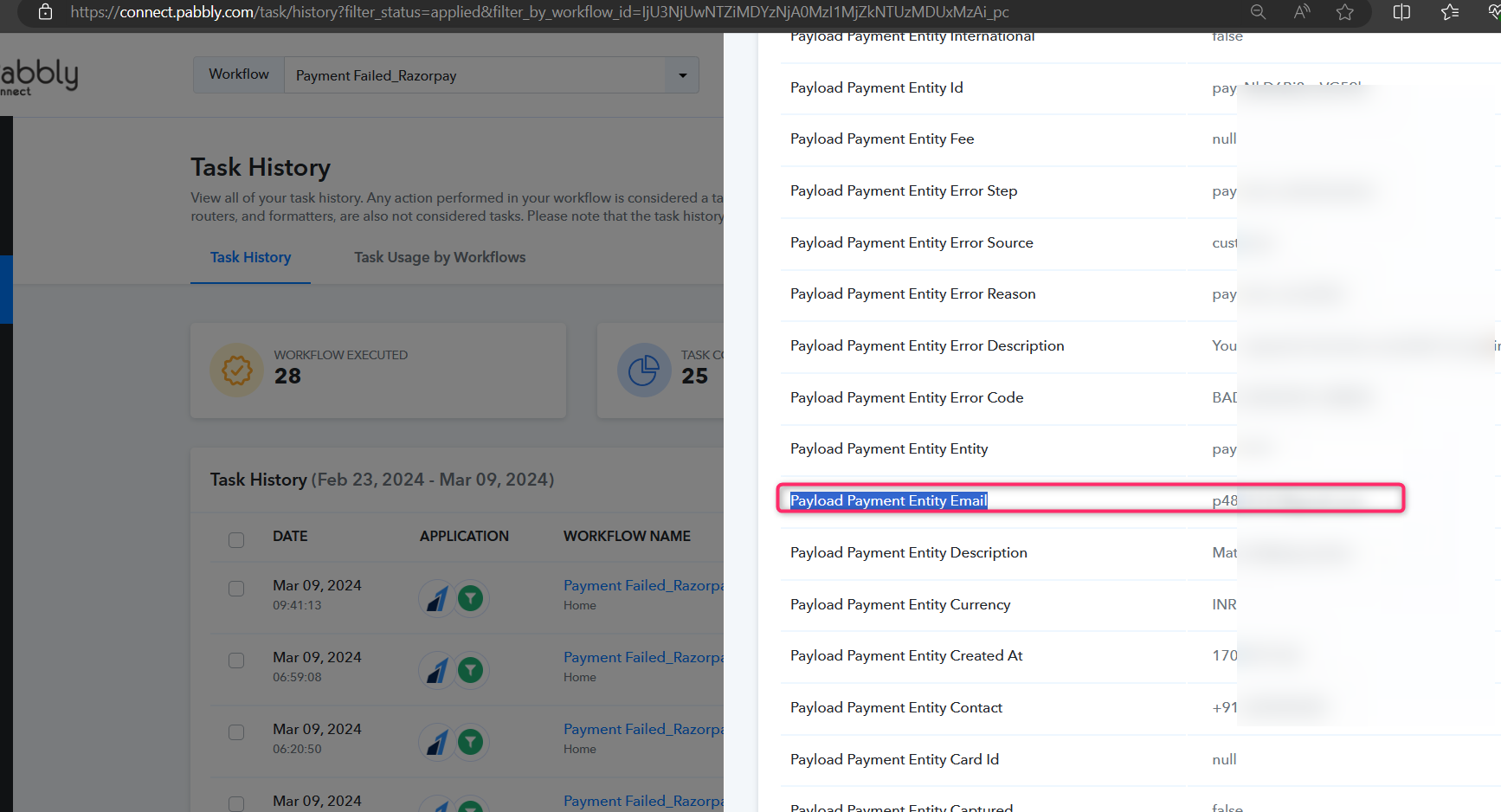
Further, you can try recapturing the webhook response again and then check.
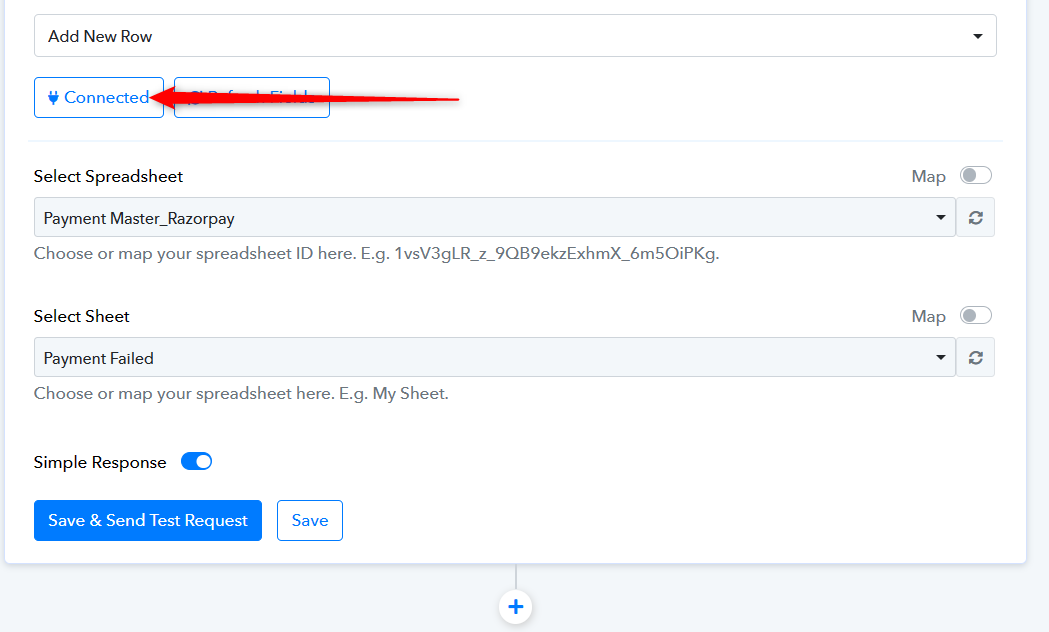
Also, it appears that you might have made some changes in the Google Sheets and because of that the entry might not be reflected.
So, kindly reconfigure the Google Sheets action step and then try again.