How to delete action ?
Status: Closed · Asked by ramaprshu on · 0 views
.
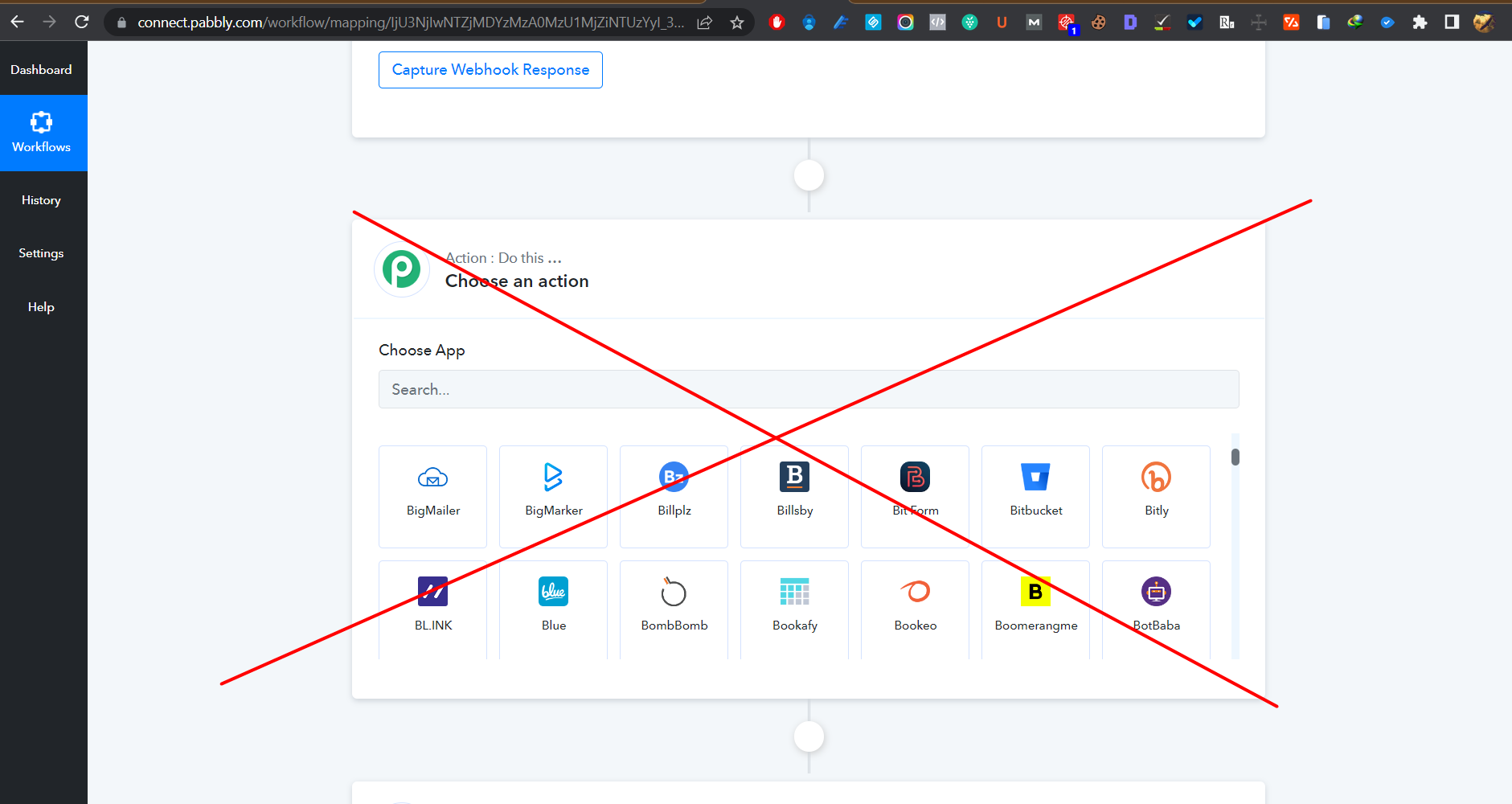
When I click white round, the action bubble was added. But I don't know how to delete this bubble action? can you tell me how to delete this
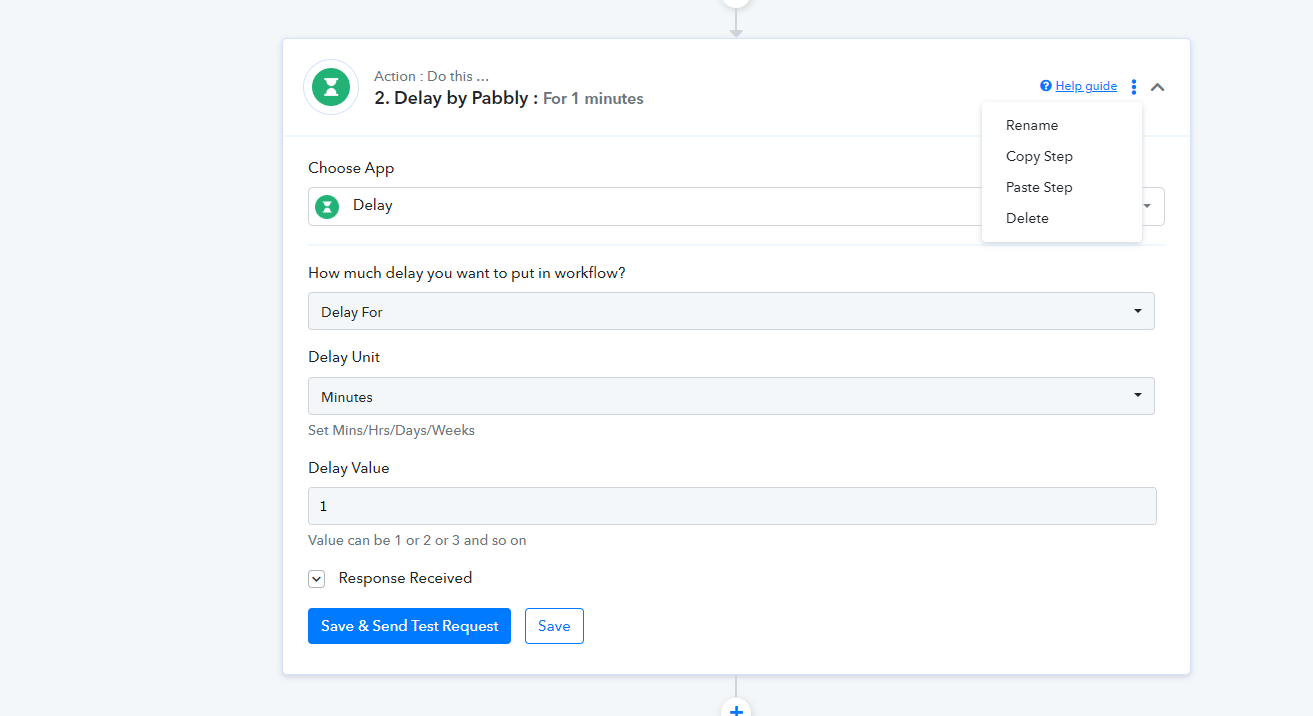
Hover over right upper corner of that step and you should see the delete icon - 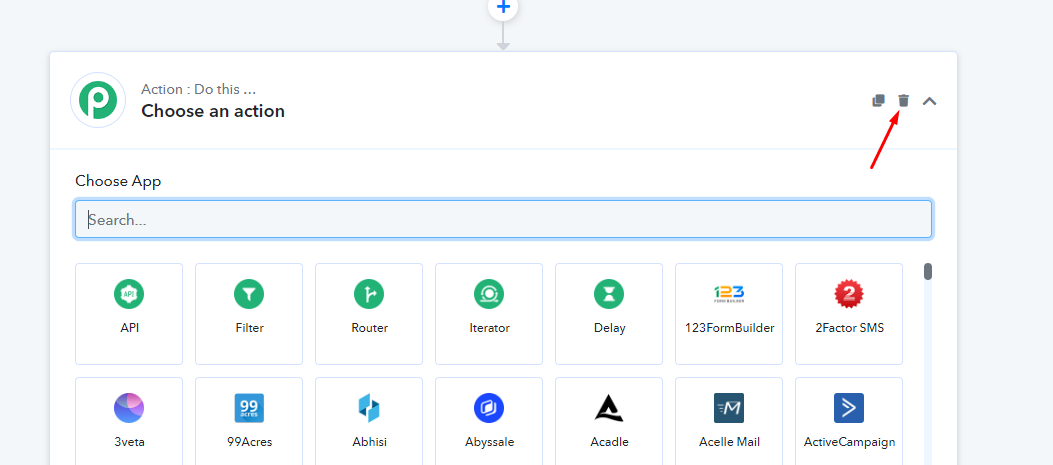
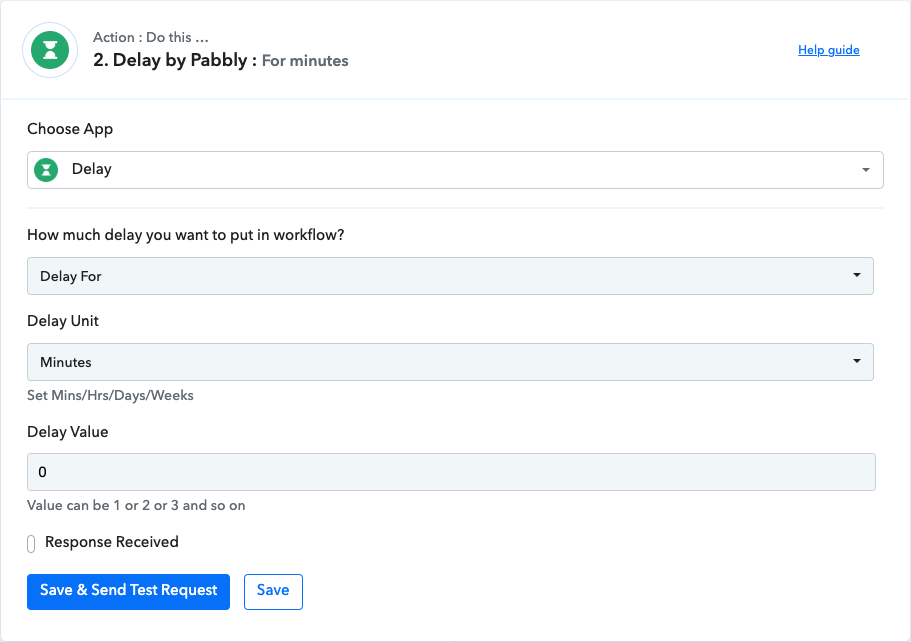
I'm not seeing that on any of my actions. I've had to create actions that do nothing to "delete" them:
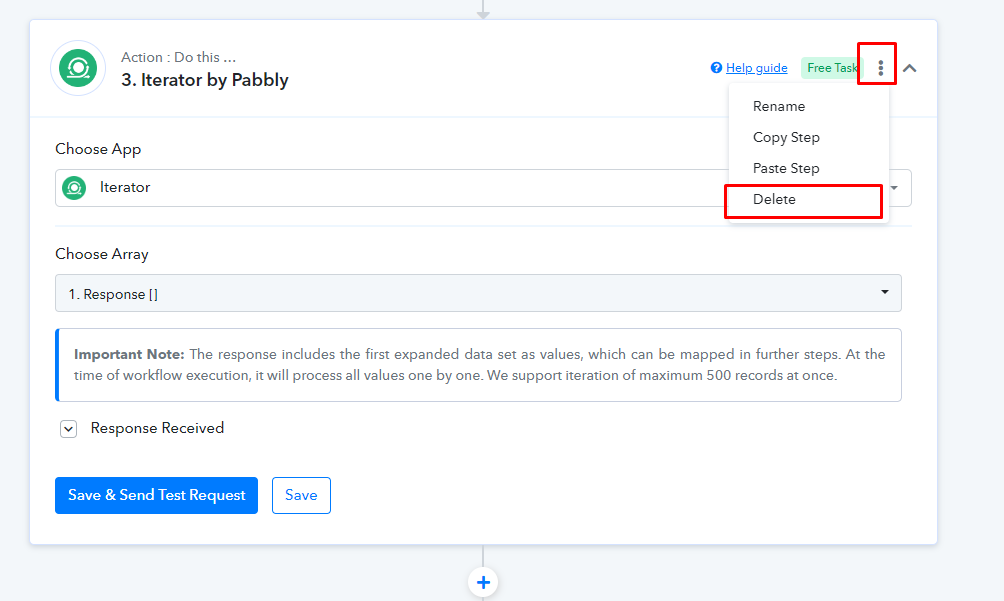
Can you a hard refresh. Ctrl + Shift + R and then you should see the 3 dot menu like below screenshot -
Hard refresh didn't change anything. Also tried an incognito Chrome tab with no luck.
Just tried using Safari as well. Same thing. There is nothing in the top right corner other than the "Help guide".
Let me tag Pabbly team member @Supreme @Pabbly
Hard refresh didn't change anything. Also tried an incognito Chrome tab with no luck.Just tried using Safari as well. Same thing. There is nothing in the top right corner other than the "Help guide".
Please share the workflow name so that we can review it.
Meanwhile we tested in your Pabbly Connect and was able to see the delete option, which was working perfectly -
It seems to be there now. Not sure what changed, thank you!