How to Execute Once and Stop Infinite Loop?
Status: Closed · Asked by David Ho on · 0 views
I want to run the loop once and stop infinite loop. How can I do it?
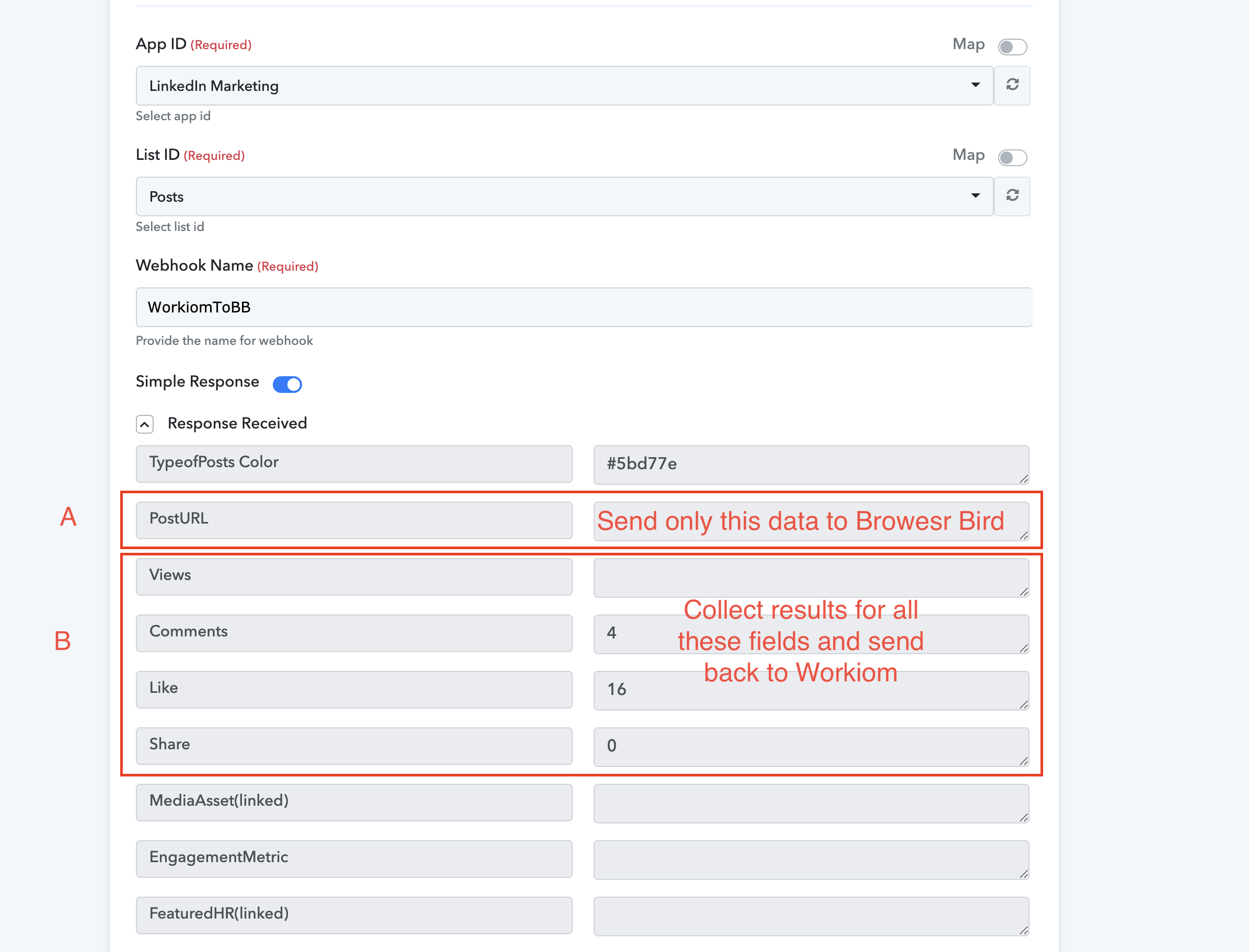
@david , if you want we can connect on FB and then solve your issue - https://www.facebook.com/fagun.shah.7/
No charges. But we may need to do a zoom call.
My limits are exhausted I need to wait for support to refresh because I could test and fix it. Seems like there is no easy way to stop a infinite loop that updates the same row of records in Workiom
My limits are exhausted I need to wait for support to refresh because I could test and fix it. Seems like there is no easy way to stop a infinite loop that updates the same row of records in Workiom
We have reset the task. Please check at your end.
We have reset the task. Please check at your end.
Please help me reset again.
Is there any suggestion to stop a infinite loop when updating the same record?
Please help me reset again.Is there any suggestion to stop a infinite loop when updating the same record?
We have reset the task. You can create two separate workflows which will resolve your loop issue permanently-
Workflow 1 - Workiom to Browser Bird to Google Sheets
Workflow 2 - Google Sheets to Workiom
We have reset the task. You can create two separate workflows which will resolve your loop issue permanently-Workflow 1 - Workiom to Browser Bird to Google Sheets
Workflow 2 - Google Sheets to Workiom
This makes me consumes more tasks and is an extra workflow. Any other alternative?
@Pabbly I just check my history of tasks and discovered that the webhook was triggered 8 times for a single "record update" event. Can we islolate the issue if it's from Pabbly Connect or Workiom?
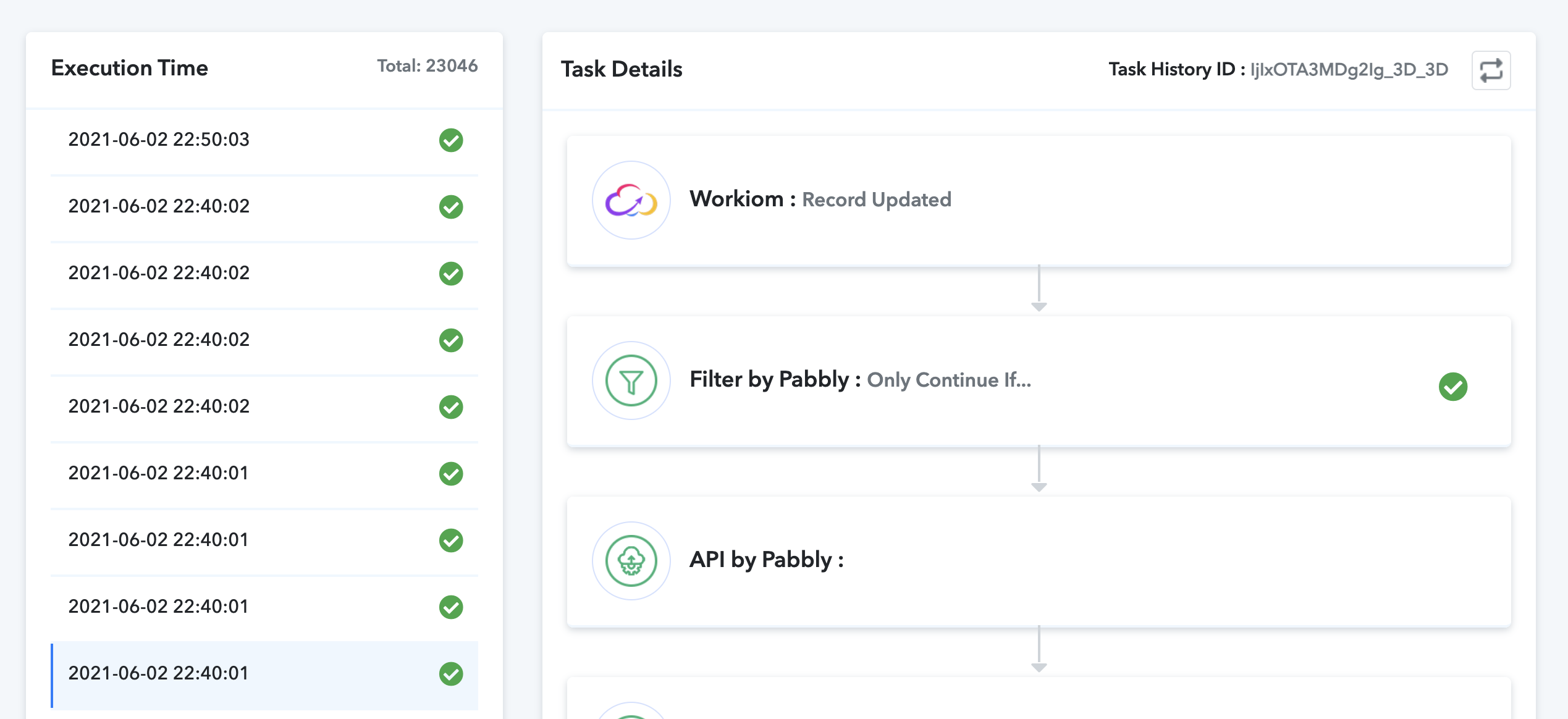
We are checking on this and will update you.
I tried to contact Workiom if it helps their response is here. Thanks @Pabbly Team! 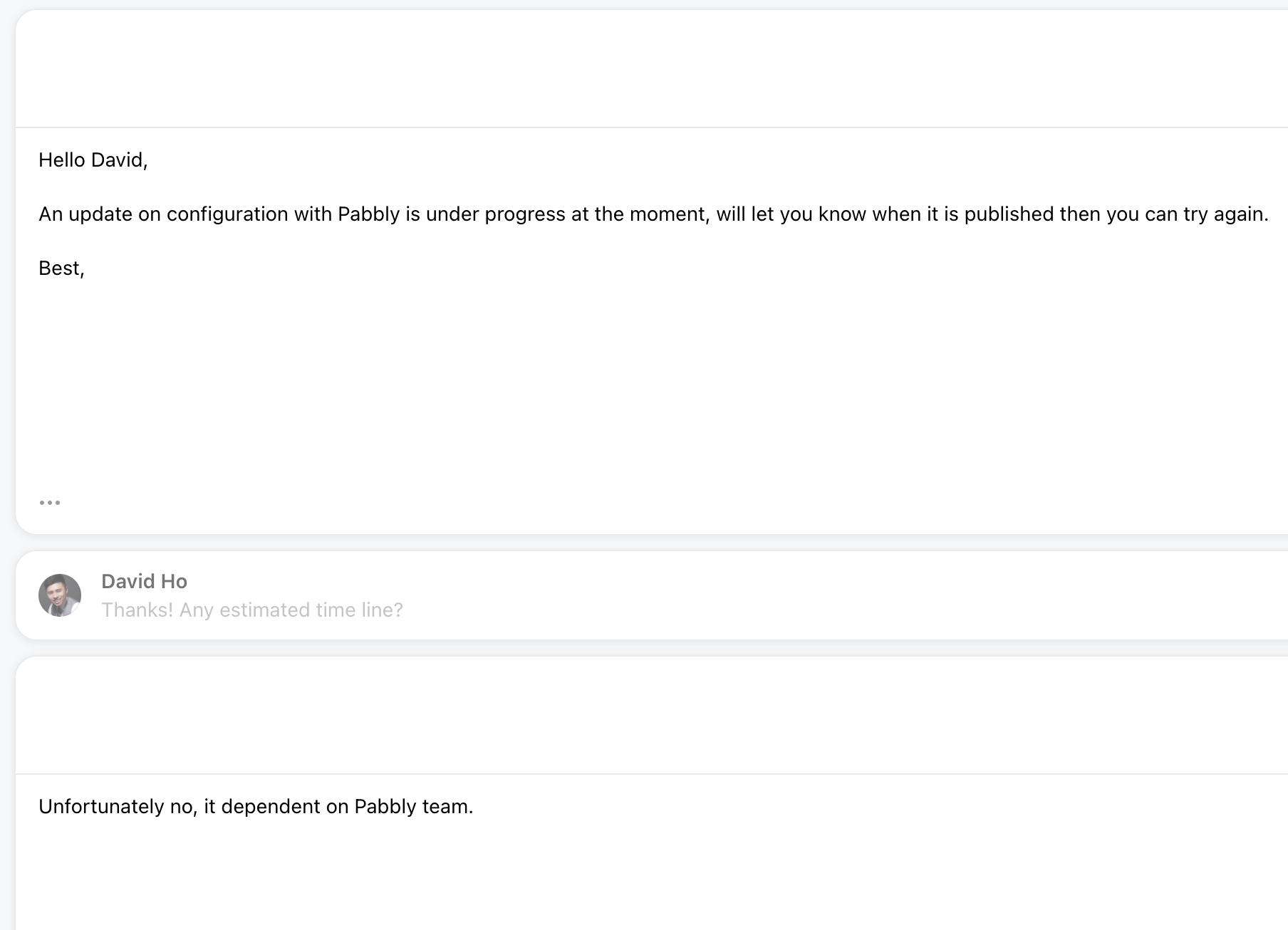
@david
Can you please share the full conversation screenshot that you had with their team here - https://forum.pabbly.com/forums/private-discussions.27/
Thanks in advance!