How to extract the same format content in gmail to slack. Text formatter can do??
Status: Closed · Asked by Izzati on · 0 views
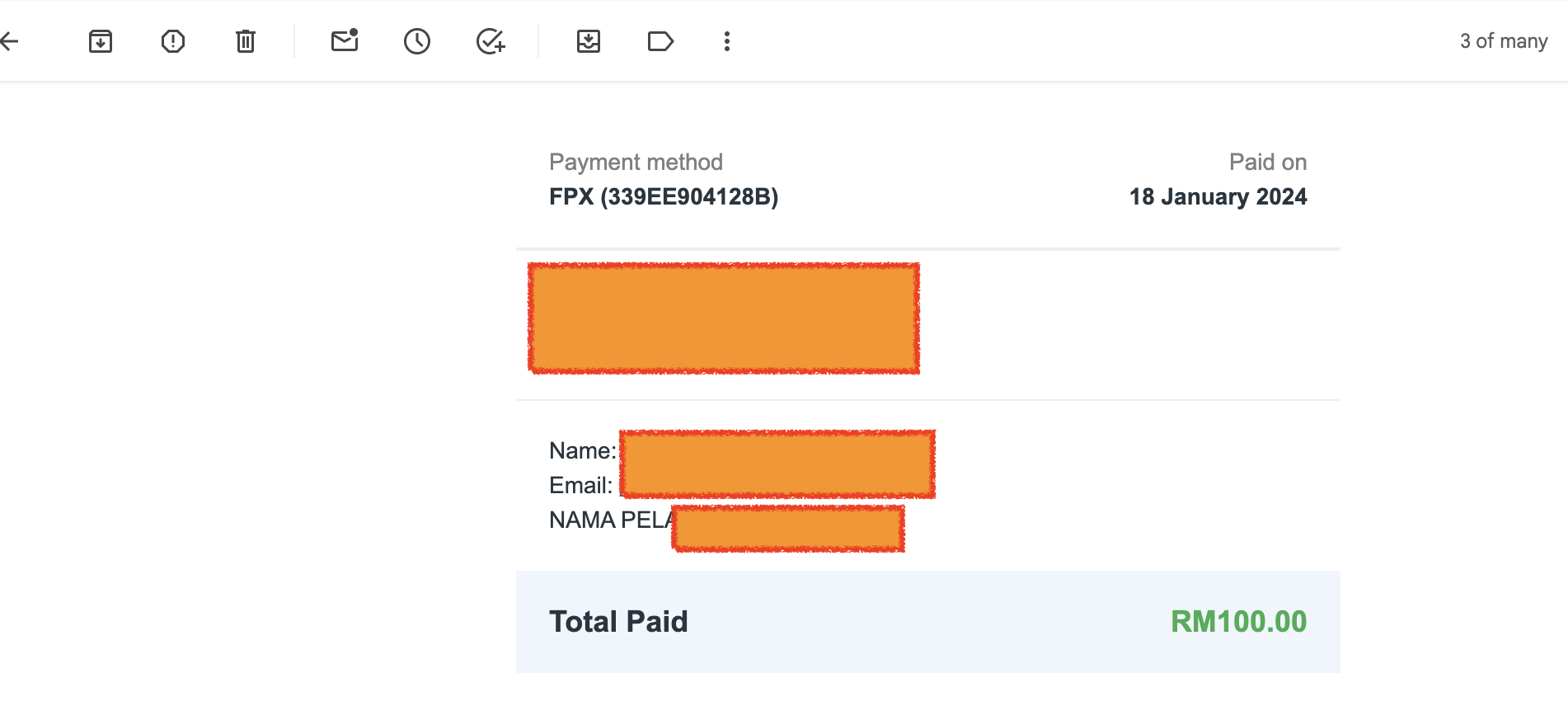
How can we extract the same format, arrangement, paragraph from email to slack? I noticed after link to slack, all the message lump into one piece
Split text doesn work for me, as some sentence didnt have full stop symbol
Here is the example
Attachments
Hey @Izzati
To address your issue, you can simply transfer the Markdown directly from the Email Parser trigger response to the Slack action step. This way, you'll be able to send the email content precisely as it is.
Please give it a shot and see if it meets your needs.
Hi i still not very sure. But i have recorded the video. Can you please assit which html code i should use?
Good day. Any update?
Thanks
Hey @Izzati
Are you looking to handle the entire email or just a specific part? Currently, the only available option is to directly send the content to Slack.
To ensure proper formatting in Slack, you'll need to manually set it up. You can extract the content from the email using the Text Parser action step, making it a seamless process. This way, you have control over how the information is presented in Slack.
Sample -
Hi i have watched this video twice before i post the question here. I cant find the solution that why i need help.
How to extract the same content & format directly to slack?
Can provide specific solution?
I have explained more details on the problem im facing here already
Hi i have watched this video twice before i post the question here. I cant find the solution that why i need help.How to extract the same content & format directly to slack?
Can provide specific solution?
I regret to inform you that there isn't a direct solution to fetch specific details from the Email Content. However, the workaround involves text parsing to extract the necessary information from the email content. Once you've extracted the data, you can seamlessly pass it to the Slack action step, ensuring it aligns with the required format.
Further, we recommend hiring an automation expert who can design such automation for your workflow and manage everything for you - https://forum.pabbly.com/threads/pabbly-connect-experts-and-consultants.22/
And can even find automation experts in our Facebook group as well - https://www.facebook.com/groups/formget.deals/
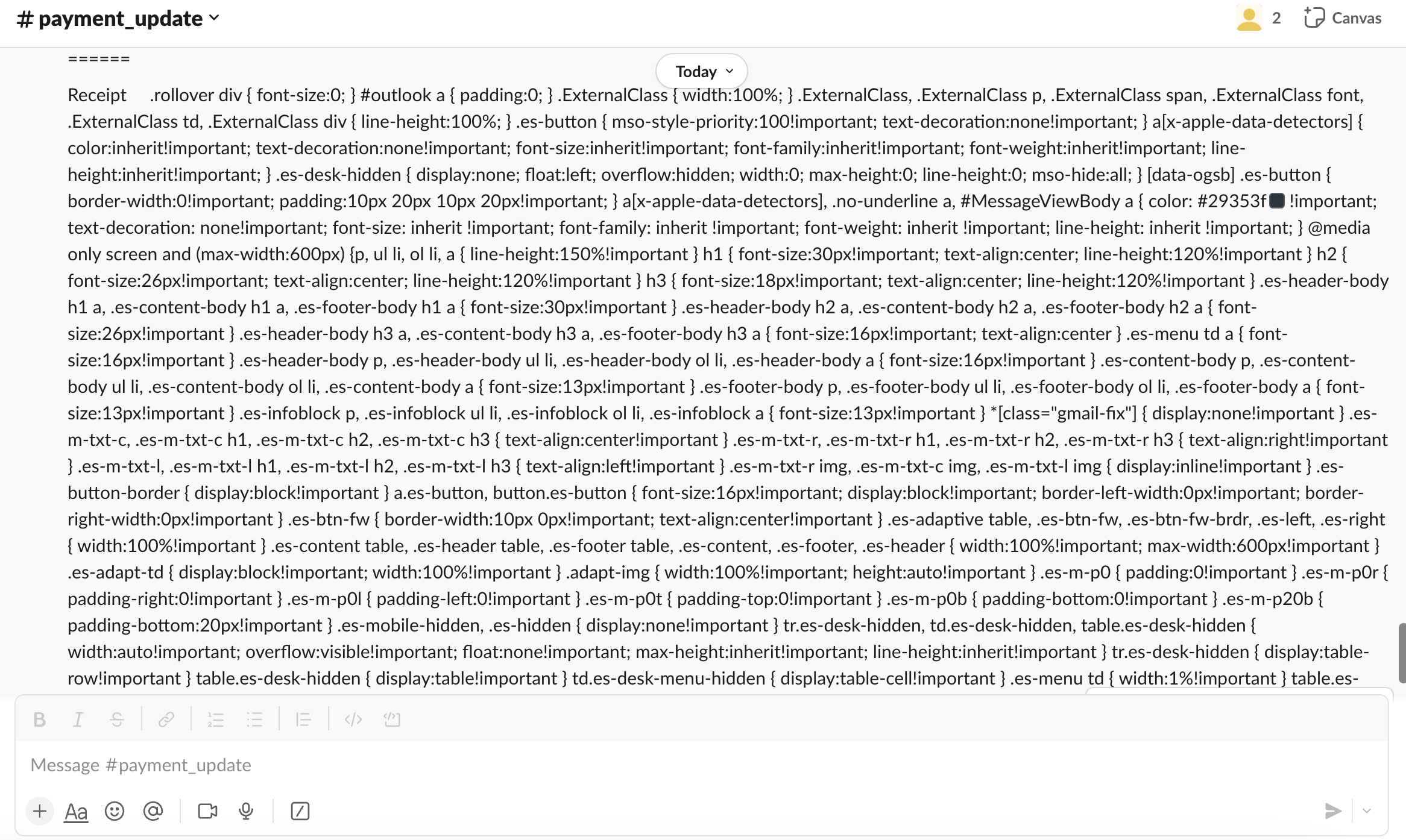
Hi, when I import this to Slack, it appears like this. How to change it to normal text that's readable?
Hey @Izzati
Based on the content you provided, it appears to be a combination of HTML, CSS, and Markdown. Due to this mixture, converting the content to plain text doesn't seem feasible.
I see, do you have any suggestion to solve this?
Unfortunately, I do not have any other workaround for the same.
no problem thanks