How to fix this PC Raw JSON formula in the module?
Status: Open · Asked by Mathew Kulkewycz on · 0 views
How to add the highlighted value into the Pabbly Connect Raw JSON existing formula?
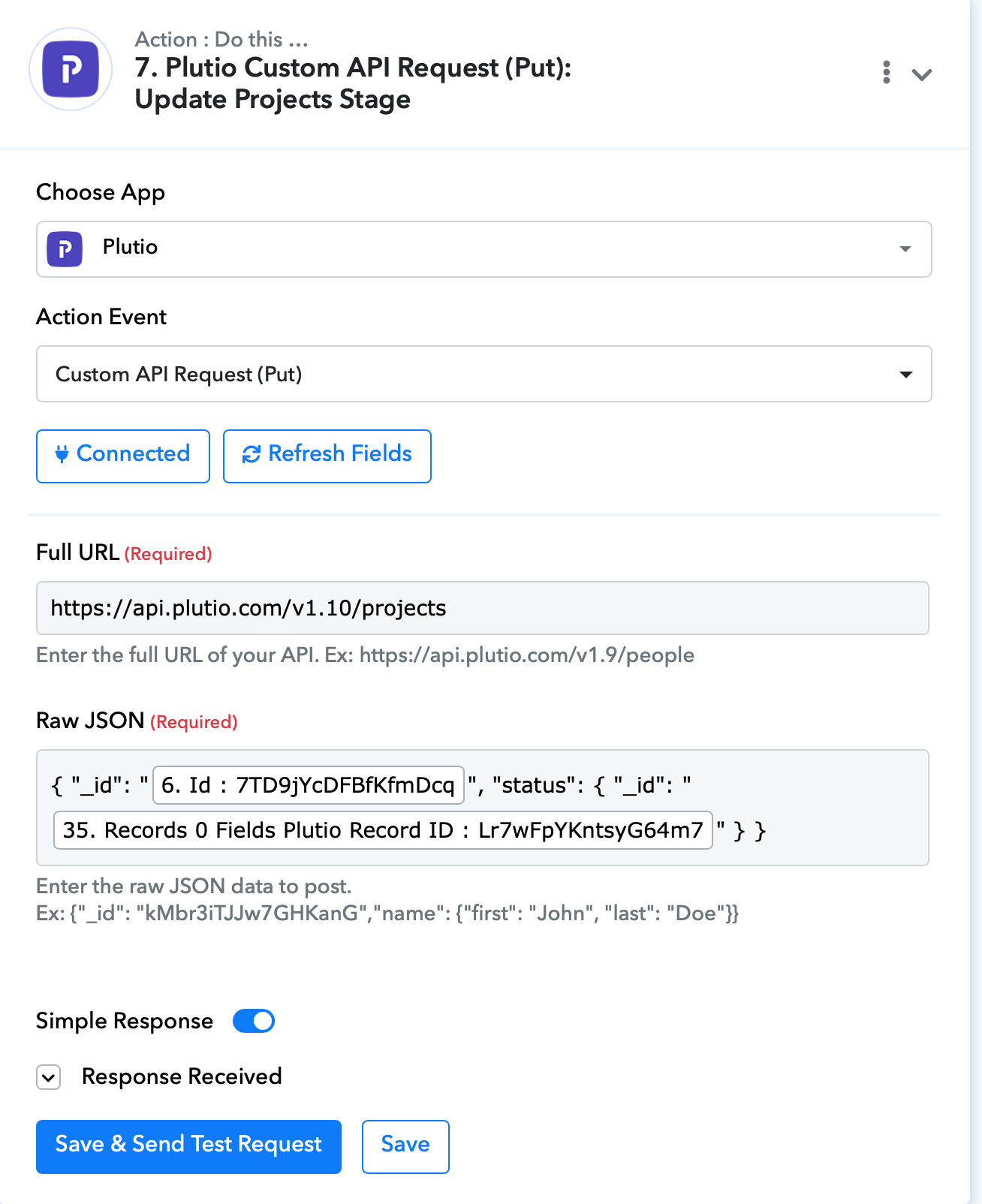
This Pabbly formula (and desired amended update) relates to Plutio (PM SaaS) 'Projects' whereby it will update the Project Status (currently working) and add/update the 'Current Step' (highlighted in yellow), of which I am stuck with the correct JSON structure and insertion??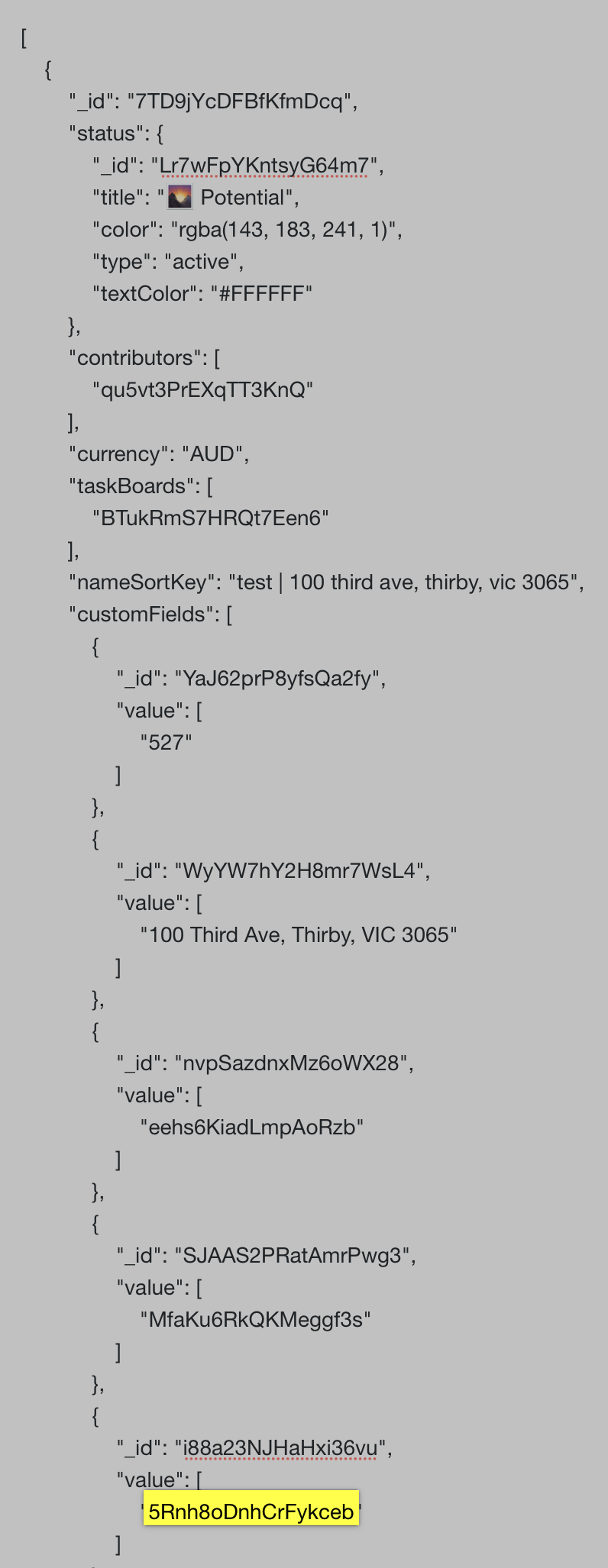
Hi @Mmmk,
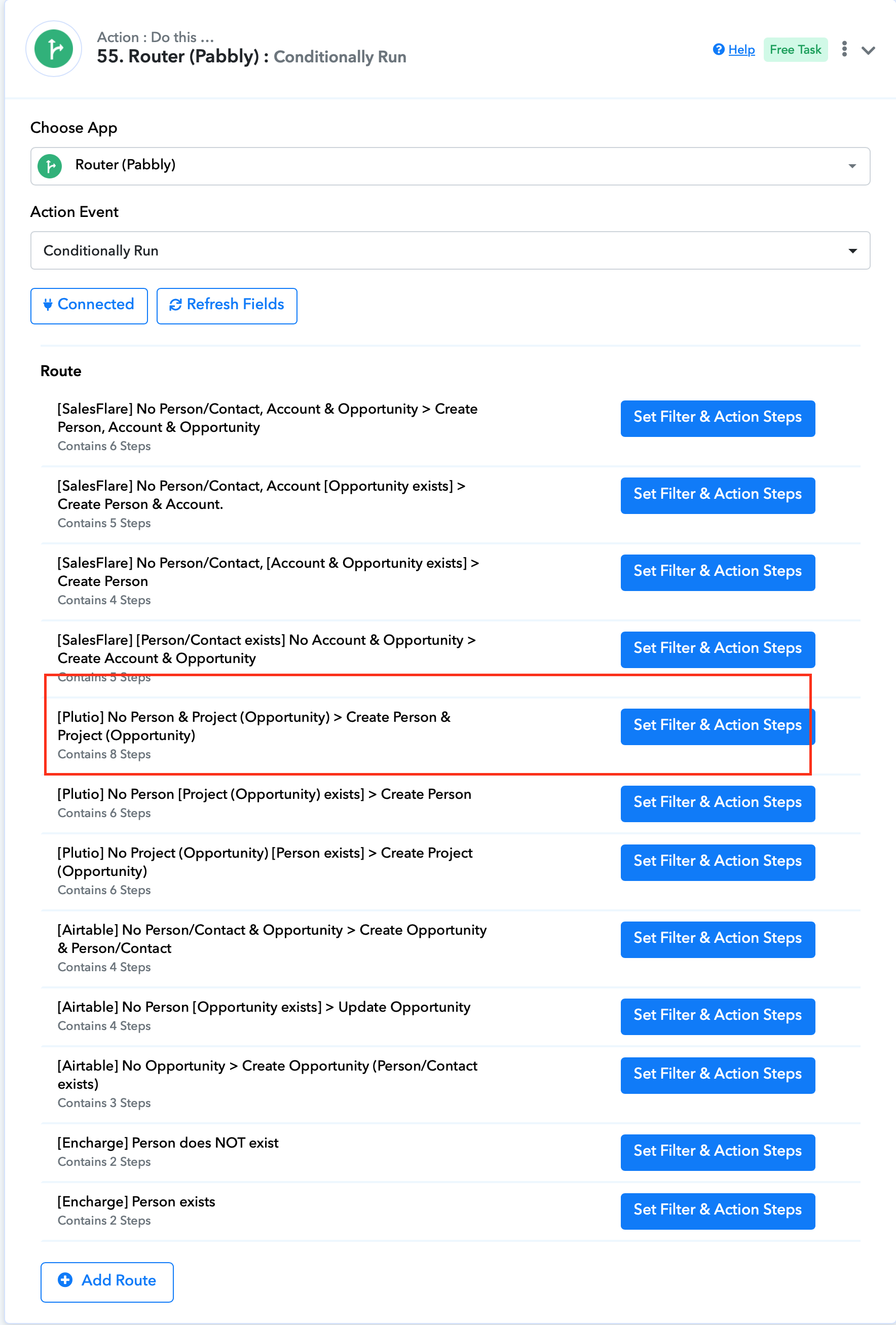
Could you please share the Workflow URL in which you have this concern?
1. [FluentForms #10 RFQ] > Airtable, Plutio & SalesFlare
55 >
Attachments
Hey @Mmmk
In Plutio's Custom API request, you need to pass the custom fields and their value in an array as mentioned below.
{
    "_id": "7TD9jYcDFBfKfmDcq",
 "customFields": [
        {
"_id": "Put the custom field's ID here",
 "value": [
"Put the custom field Value Here"
            ]
        }
    ]
}
Hey @MmmkIn Plutio's Custom API request, you need to pass the custom fields and their value in an array as mentioned below.
{
    "_id": "7TD9jYcDFBfKfmDcq",
 "customFields": [
        {
"_id": "Put the custom field's ID here",
 "value": [
"Put the custom field Value Here"
            ]
        }
    ]
}
Thanks soooo much. Worked. Was so excited to try it out and was the first thing I did when I woke up!
Had no idea how to structure an array. Do you have a resource where I can better my learning with that kind of stuff?
Had no idea how to structure an array. Do you have a resource where I can better my learning with that kind of stuff?
Please refer to the instructional video provided below for guidance on using the API in Pabbly Connect. Then, follow the API documentation of the application to pass the API request to your action step as per the guidelines.