How to get Lead Budget in Kommo integration?
Status: Closed · Asked by Edgar Rolla on · 0 views
Hi!
First of all, I absolutely love Pabbly and tell everyone I get the chance!!! ❤️
I'm trying to create a Lead in Kommo CRM, but I'm confused on how I can get the value for the field "Lead Budget". 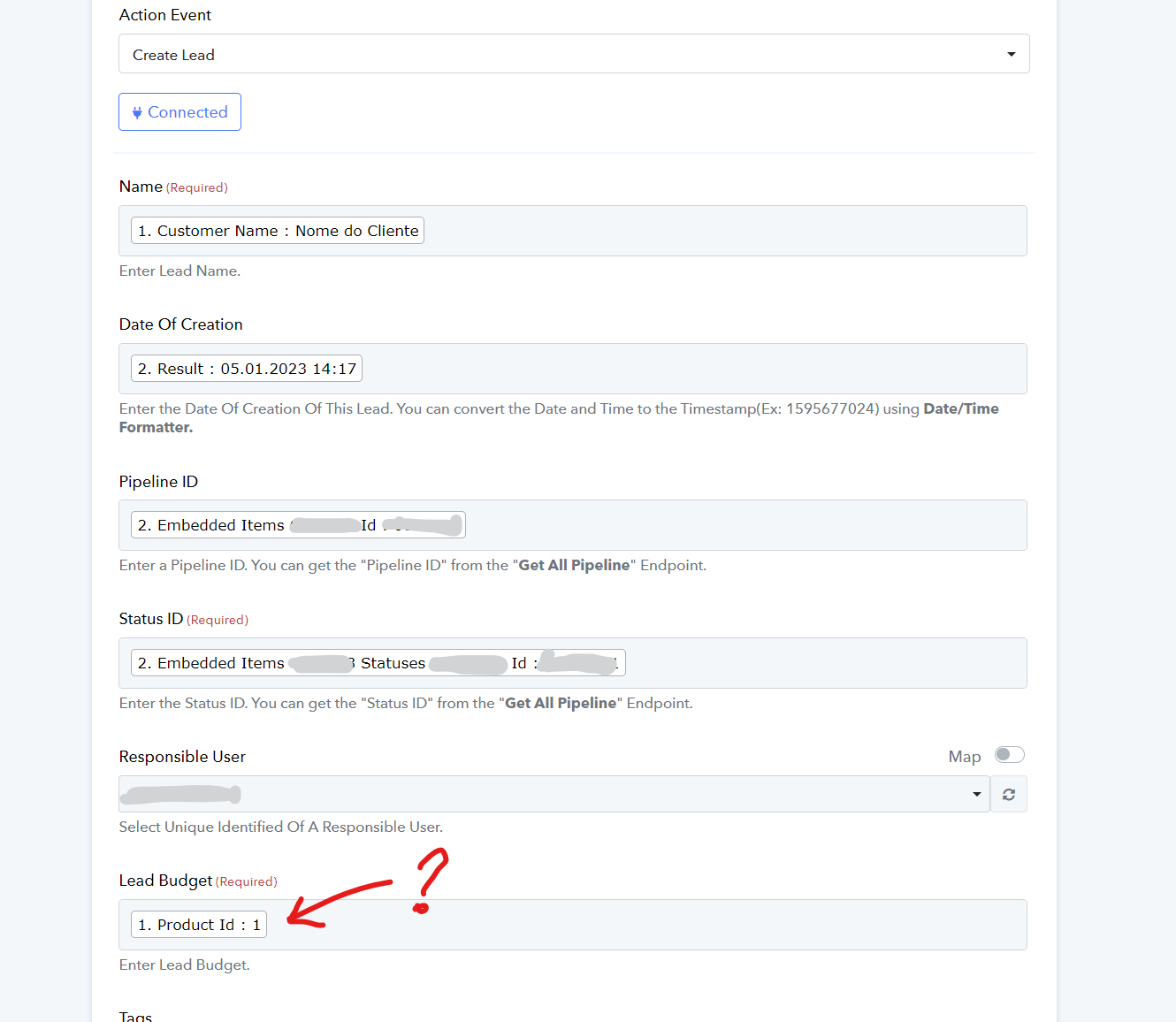
Could you help me out?
Thank you so much!
Regards,
Edgar
Hey @Edgar Rolla
The lead budget in Kommo CRM helps businesses manage resources and track ROI from lead generation. Setting a budget ensures strategic resource allocation, focusing on high-quality leads likely to convert. Monitoring allows businesses to identify and optimize lead generation strategies for improved results.
Furthermore, I couldn't find any option in the Kommo API reference to get the Budget Lead value, I think that value needs to be passed according to you.
Hey @Edgar RollaThe lead budget in Kommo CRM helps businesses manage resources and track ROI from lead generation. Setting a budget ensures strategic resource allocation, focusing on high-quality leads likely to convert. Monitoring allows businesses to identify and optimize lead generation strategies for improved results.
Furthermore, I couldn't find any option in the Kommo API reference to get the Budget Lead value, I think that value needs to be passed according to you.
Hi, Supreme!
Thanks for the help.
I talked to them. This field is arbitrary and it represents what the client has already spent with you. (purchase value)
Hope I've helped!
It appears that the Kommo CRM API is being updated and our team is currently looking into it.
Shall notify you with an update soon.
Thanks, Supreme.
You guys are the best!
Hey @Edgar Rolla
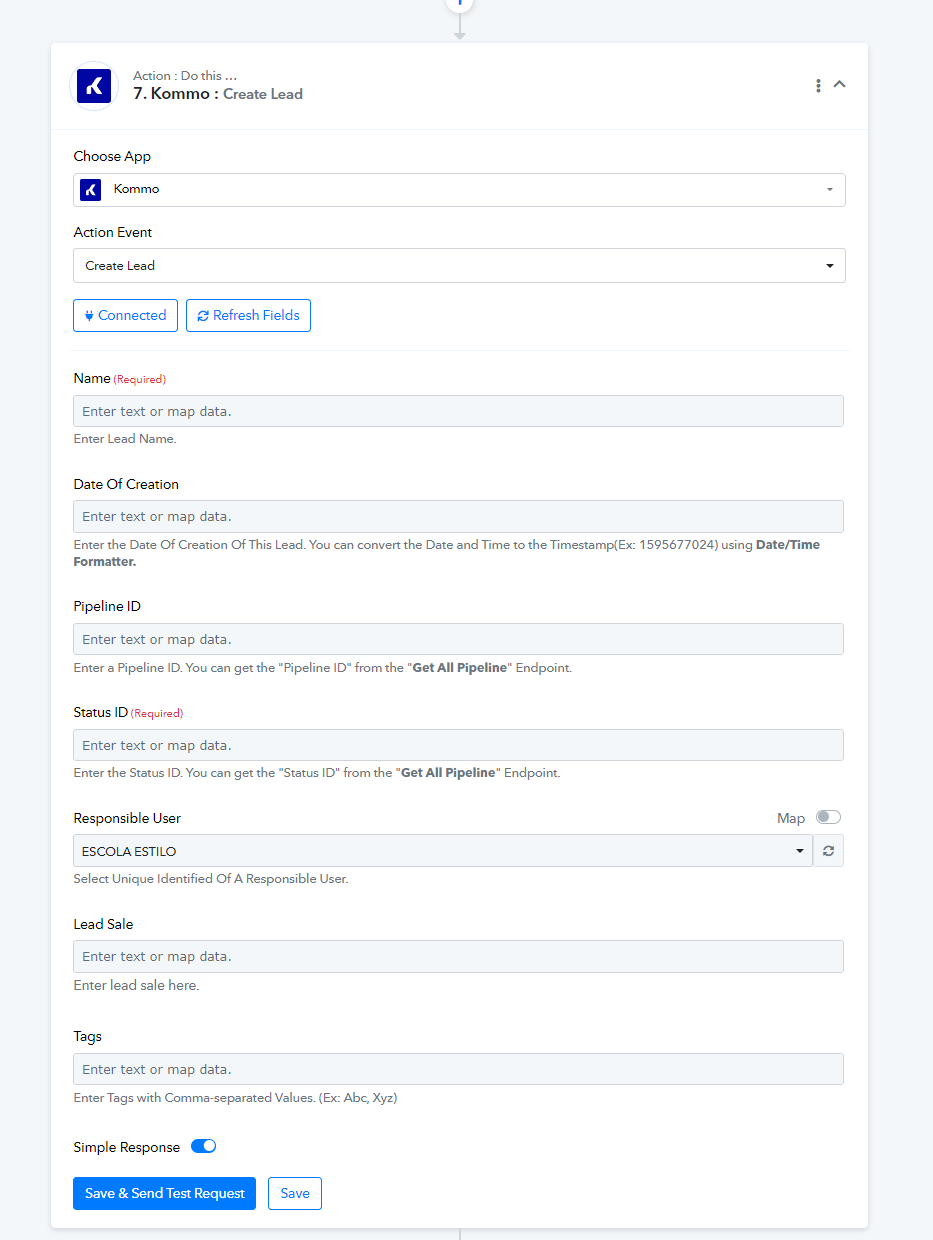
We've recently made some modifications to the "Create Lead" action step to align with the latest updates in Kommos' API documentation.
Now, you have the flexibility to include or exclude the Lead Sale value based on your specific requirements. If you find it unnecessary, feel free to leave it blank, as it's no longer mandatory.