How to get multiple numbers from Google Sheet using Iterator ?
Status: Closed · Asked by Carlos Melo on · 0 views
Hello guys,
So my issue is exactly that, how to get multiple numbers from Google Sheet using Iterator ?
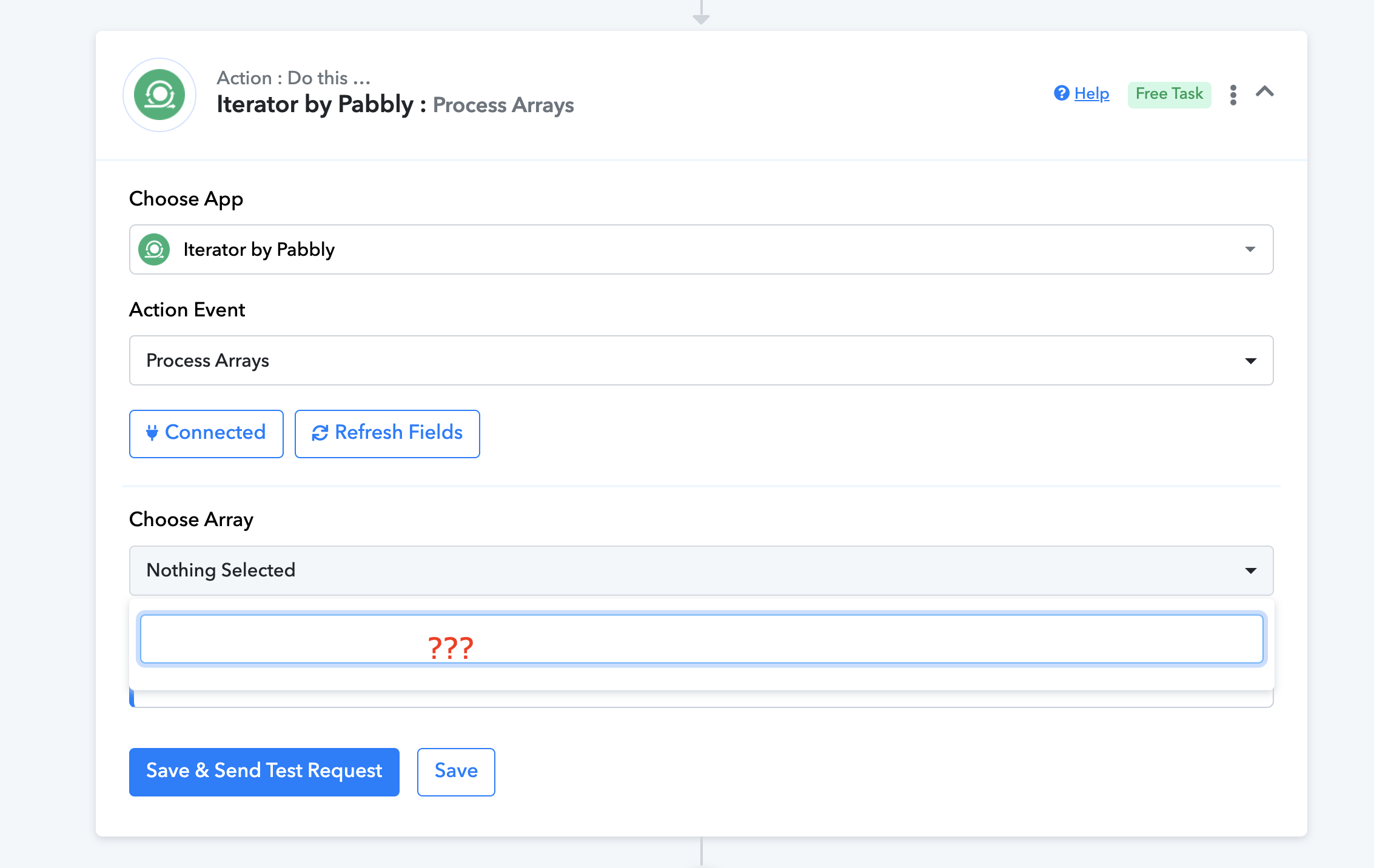
I am building a flow in which I am trying to do that. However, Iterator doesn't recognize Google Sheet in a previous step, as you can check in the flow:
Thank you,
Carlos M.
Attachments
Hey @Carlos Melo
In terms of using the Iterator action step, you need to first capture the API response of the action step in the advanced format by toggling the "Simple Response" button then you will be able to get the JSON array in the Iterator action step.
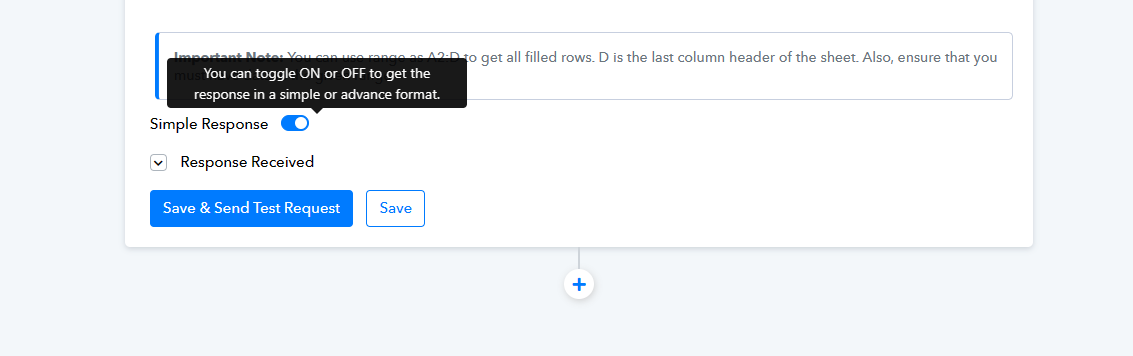
For a better understanding, you can also refer to the following video lesson on Iterator.
Thank you Supreme.
Yes, I have done what you said but Iterator doesn't get JSON array. The field remains empty.
If you check the workflow you can see that.
Hey @Carlos Melo
I've created a brief video demonstrating how to capture API responses in an advanced format and use the response in JSON array format within the Iterator action step.
Nice !
Thank you so much Supreme.