How to handle Data Values missed?
Status: Open · Asked by overnatural on · 0 views
Hi, I integrated Google My Business to respond to reviews, and the Data Value "Comment" sometimes comes and sometimes does not. How can I handle this error when the data is not coming? Is it possible to indicate that if the data value doesn't exist, just write a default value?
Hi @overnatural,
You can try adding Text Formatter: Default Value action step to your workflow to achieve this use case.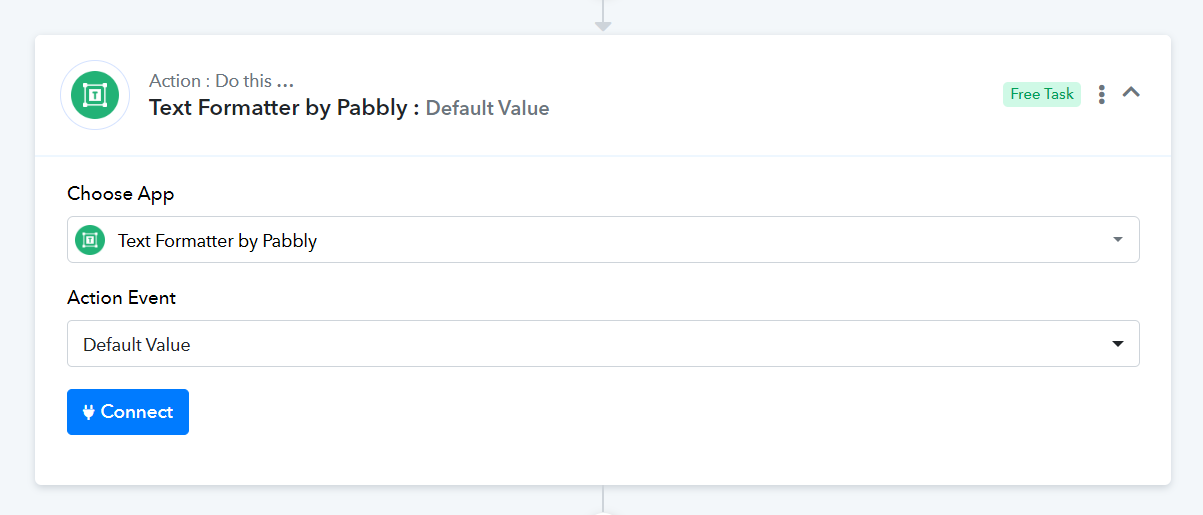
I cannot save the "Text Formatter" module if the Data Value does not exist, resulting in an error. If the Value does not exist and triggers an error, will the "Text Formatter" module interpret the error as an empty variable and use the "Default Value" I set?
Attachments
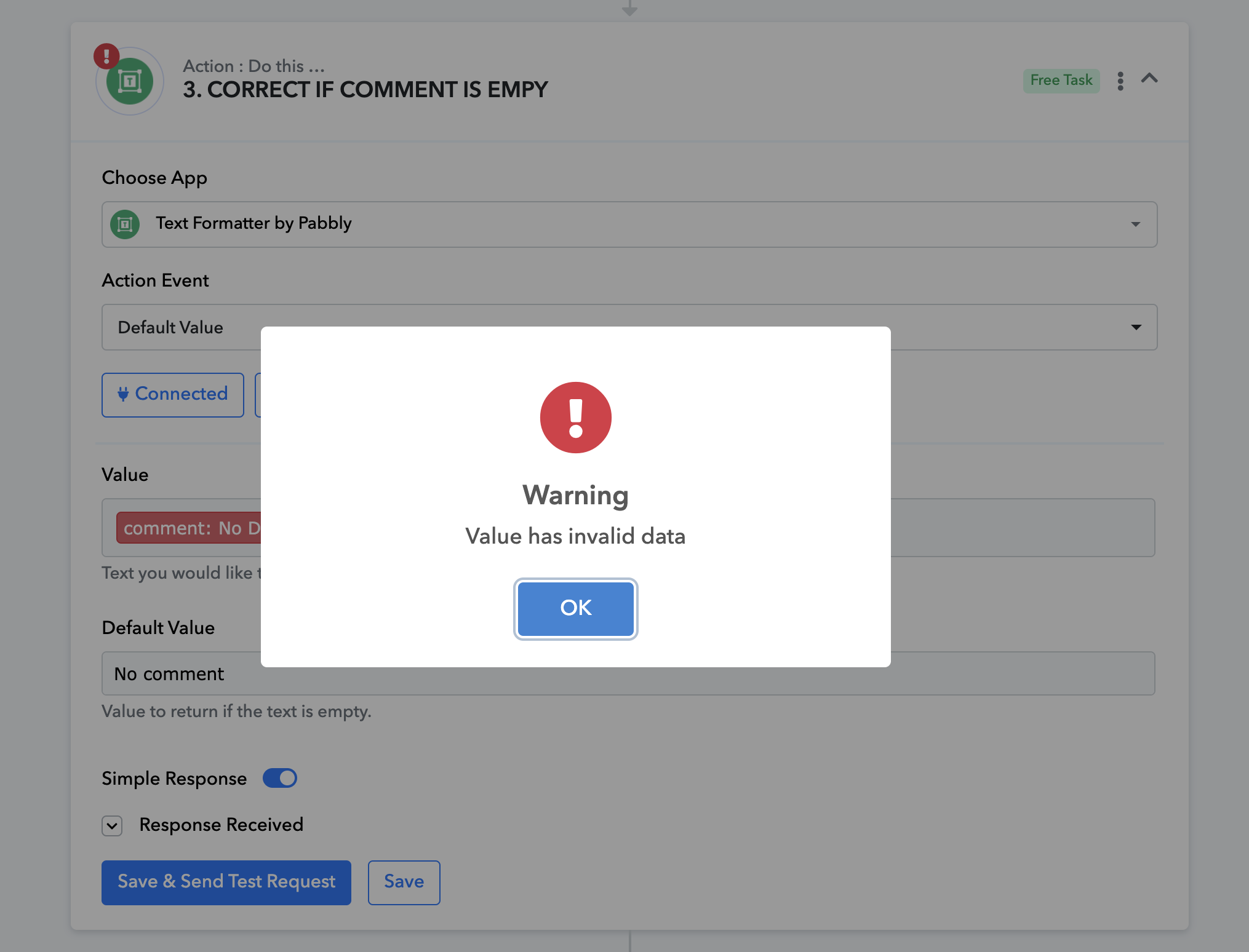
During the setup of your workflow, you need to map a data value (comment) that exists. Meanwhile, in automation, if the comment doesn't come from the trigger step, it will automatically return the default value you set.
f the Value does not exist and triggers an error, will the "Text Formatter" module interpret the error as an empty variable and use the "Default Value" I set?
Yes, that is exactly what would happen.