How to include images to LinkedIn Posts?
Status: Open · Asked by gabusam on · 0 views
I noticed that posts created with the LinkedIn connection doesn't include or offer the option to add images.
Is this going to be fixed and added on this Pabbly integration?
Otherwise it makes the integration MUCH less useful without using images.
Or, is there a work around?
Hi @gabusam,
Please watch the video shared below to understand how to create a LinkedIn post with an image.
Thanks for the suggestion, BUT are you sure the integration is still working?
I've noticed that AUTHOR is not coming from Linkedin and I can't add any other. maybe Linkedin changed something on their end?
Also, is there a way to add images avoiding the use of swithboard? Can't I just add the image url hosted on my server?
Hello @gabusam Any public image url will work. And if you need any server to host image then I'll suggest you to use Cloudinary.
Contact me - https://www.facebook.com/himeshsoni07
Email - [EMAIL][email hidden][/EMAIL]
I've noticed that AUTHOR is not coming from Linkedin and I can't add any other. maybe Linkedin changed something on their end?
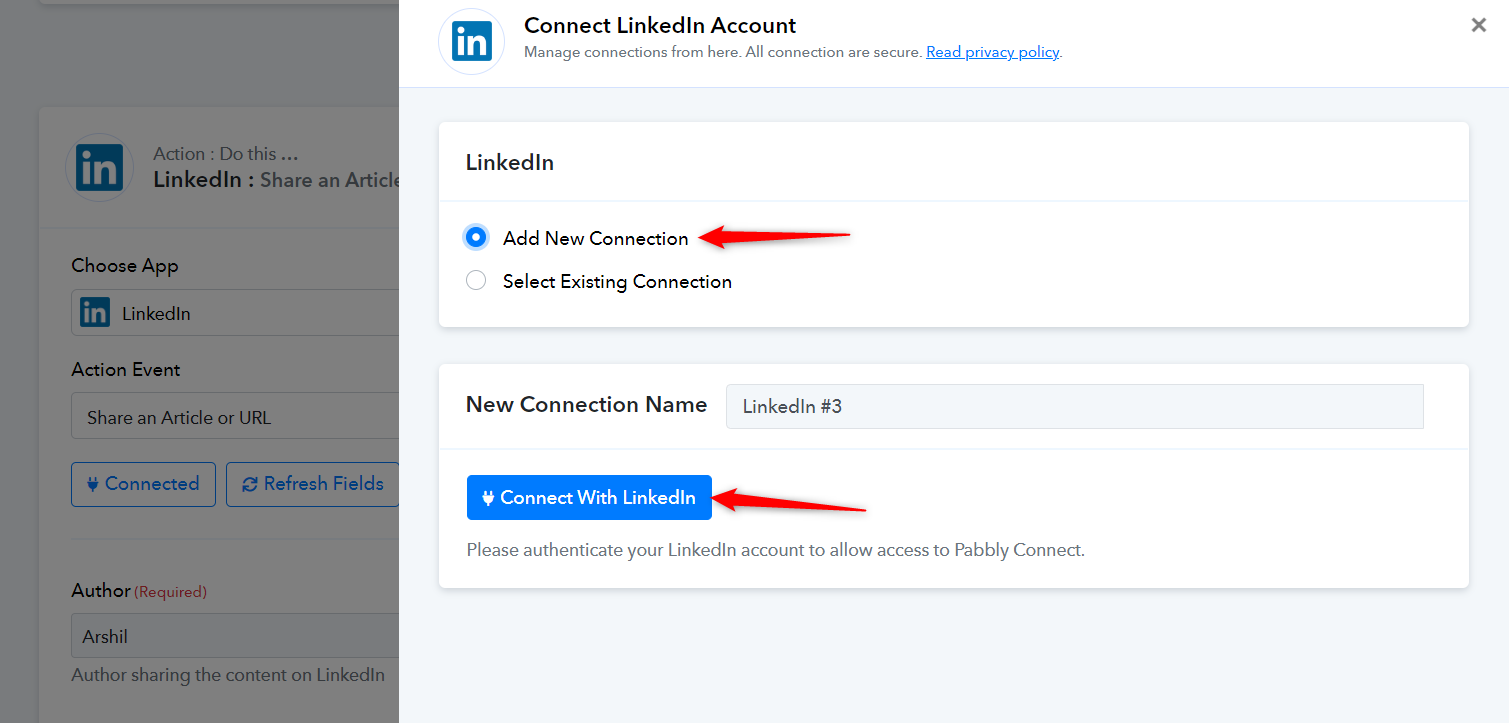
Please log in to your LinkedIn and Pabbly Connect accounts in an Incognito tab, establish a new connection with your LinkedIn account, and see if this fixes the issue for you.
Also, is there a way to add images avoiding the use of swithboard? Can't I just add the image url hosted on my server?
Yes, you can skip adding the Switchboard action step and add the Image URL hosted on your server.
HOW do you add the image (URL) exactly Using which input field with which posting type
When I added an image URL it did not show.
Attachments


Niels
Hey @N. van B. !
We can see that you have an ongoing ticket with us #35877
The team will be reverting you back on it soon with an update.