how to know Attributes IDs during (create a product)
Status: Closed · Asked by Sourabh Jain on · 0 views
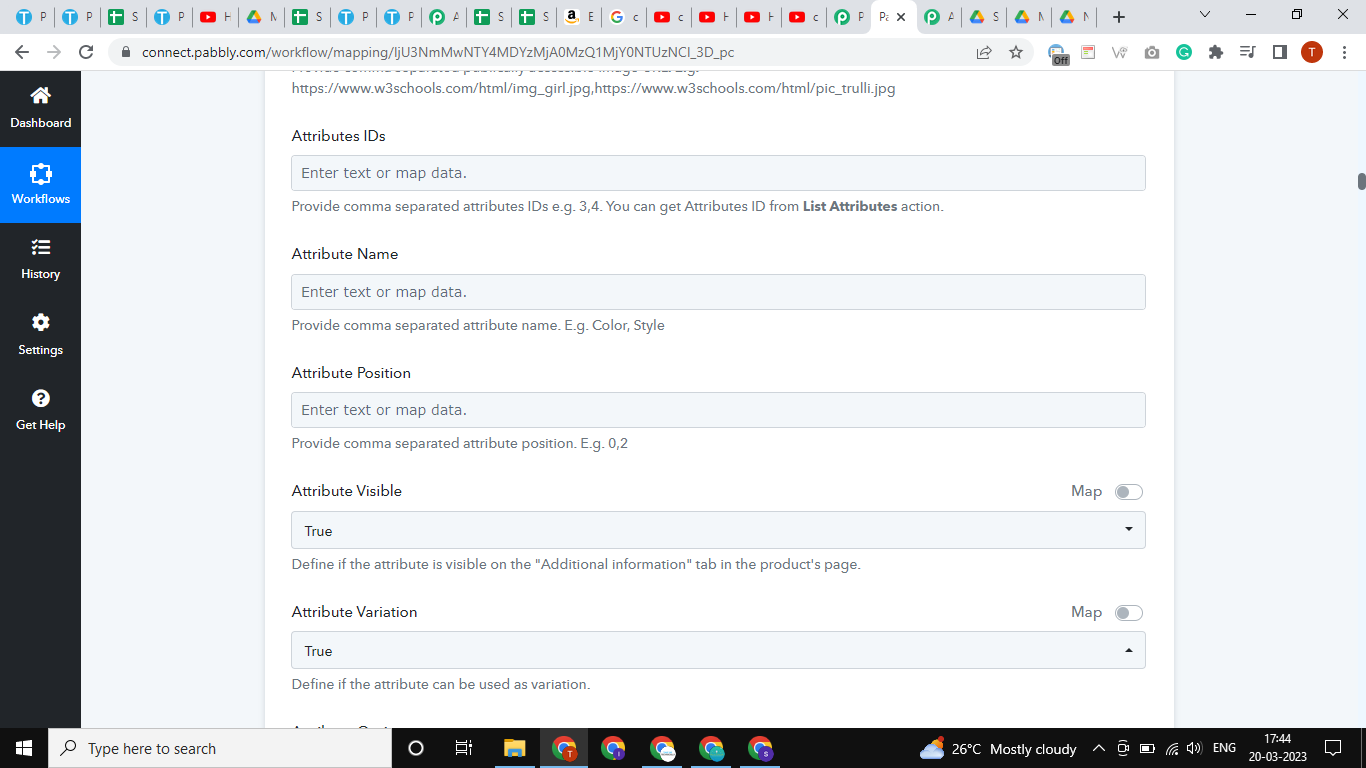
how to know or set these Attributes
or how to know
Attributes IDs
Attribute Name
Attribute Position
Attribute Options
Deafault Attribute ID
Default Attribute Name
Default Attribute Option
Custom Ordering Position
I don't know how to find these values while creating a new product with 90+ Attributes
Attachments
Hey @Sourabh Jain
To ensure that all Attribute options are mapped, it is important to select the "WooCommerce: List Product Attributes" option before the "WooCommerce: Create a Product" option in your action steps.
By selecting this option, you will be able to retrieve all of the available Attribute options and map them accurately to the corresponding fields in your target application.
It is important to carefully review and verify each Attribute option to ensure that all relevant data is captured and processed accurately. By taking the time to map all Attribute options correctly, you can help ensure that your data is accurately reflected in your target application, allowing you to provide your customers with the most up-to-date and accurate product information possible.
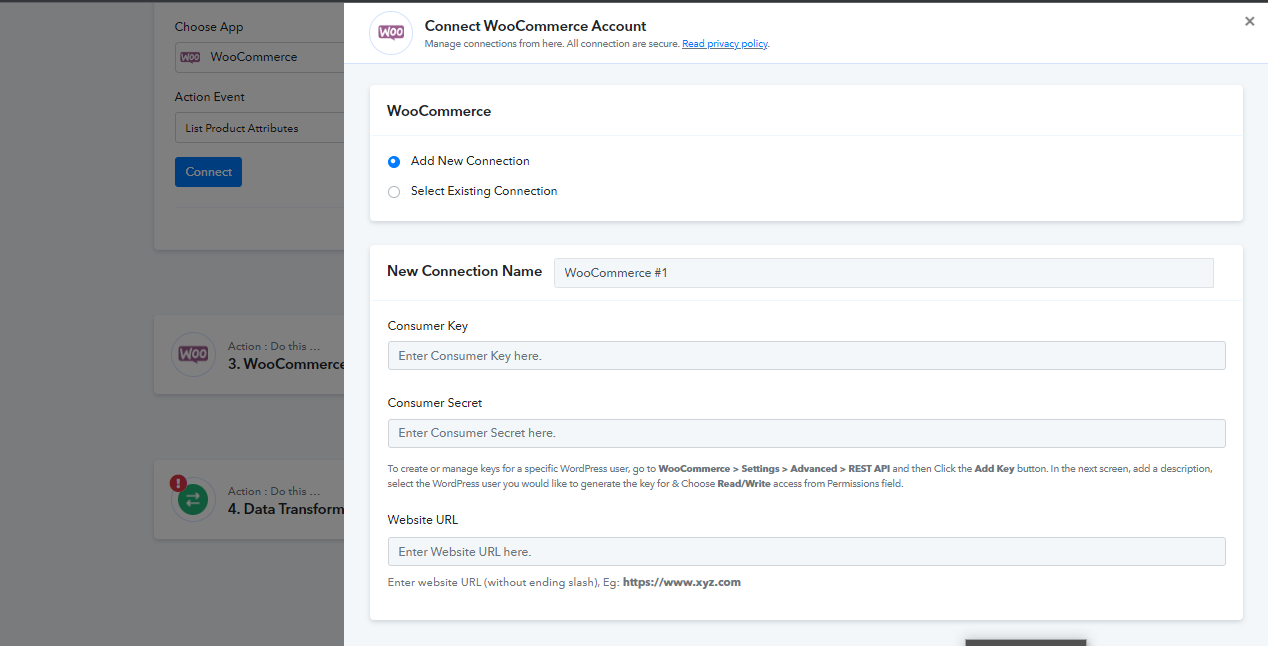
(i connect WooCommerce with API )
(important to select the "WooCommerce: List Product Attributes")
it shows
<html>
<head><title>401 Authorization Required</title></head>
<body>
<center><h1>401 Authorization Required</h1></center>
<hr><center>nginx</center>
</body>
</html>
It seems that there may be an issue with the connection with your Woo Commerce account as the connection has not been established correctly which is resulting in some errors with the attributes.
Therefore, I request you to make a new connection with Woo Commerce account to ensure that the connection is established correctly and functioning properly.
Attachments