How to Match Current Time in the Workflow?
Status: Closed · Asked by zest83 on · 0 views
As per Birthday Scheduler, we can schedule messages to be delivered as per the Time Set in the Scheduler by Matching the Dates.
How do I setup the same thing but with Multiple Timing options as chosen/mentioned/input on the Google Sheet?
Is there a way to
Get Current Time &
Match Current Time?
We had tried something like this earlier in a workflow: https://connect.pabbly.com/workflow/mapping/IjM1MTM0OSI_3D
But this one had failed badly
Please suggest!
Thank you
Hey @zest83
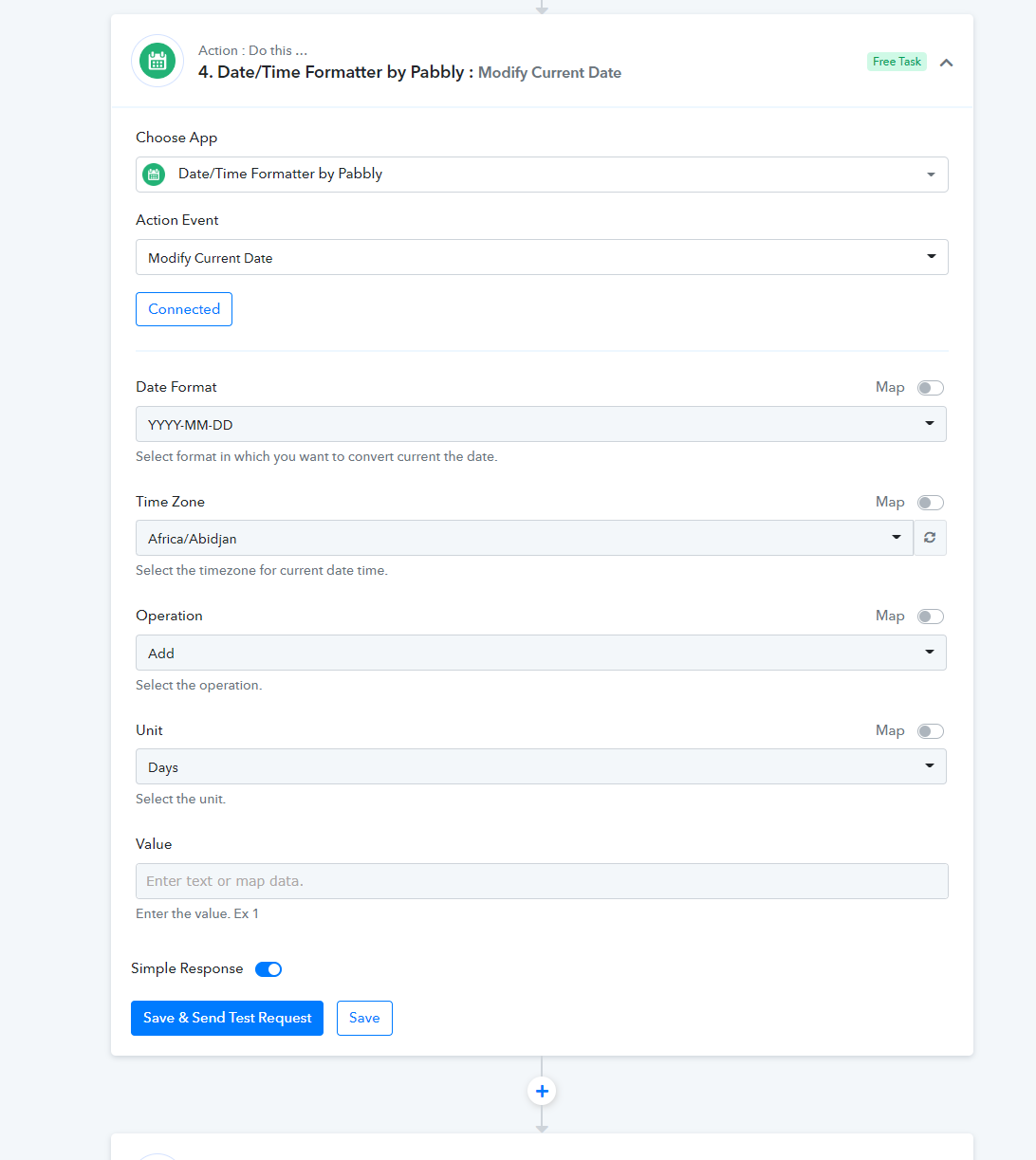
To get the current data inside the workflow, you can use the " Date/Time Formatter by Pabbly: Modify Current Date" action step where you can also make some modifications to the action step as well.