how to property search contact in lead connector
Status: Open · Asked by Gabe Monroy on · 0 views
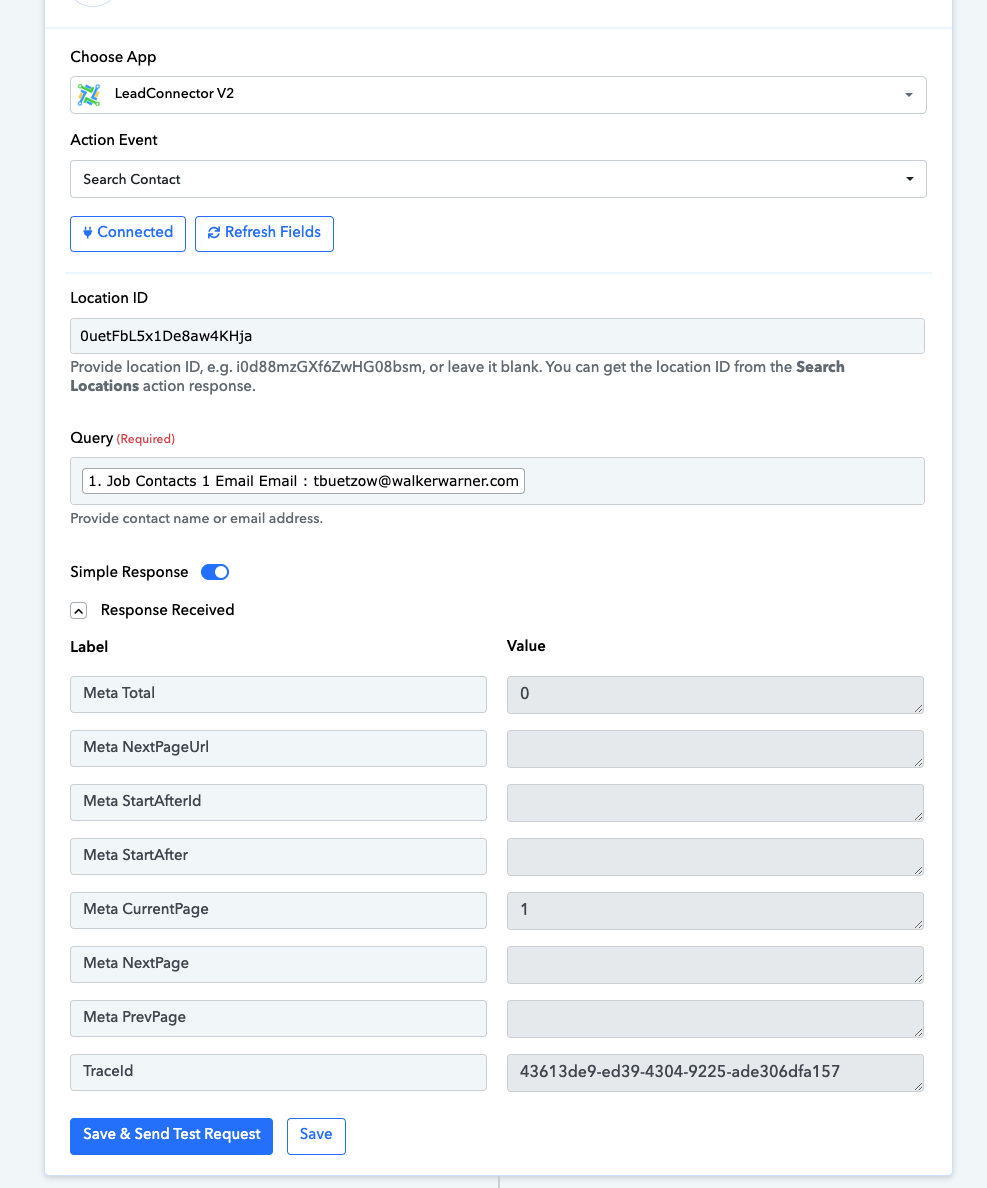
I put in a search for contact action by using query email but they response it gives back is not getting me the contact id so I can use in the next step...what am I missing?
Attachments
Hi @monroy330,
Could you please share the Workflow URL in which you have this concern?
It seems that the contact you are trying to search for doesn't exist in your GHL account, which is why no information related to this contact is being fetched in the response. As we can see in the video shared below, when an existing contact is searched, the 'Search Contact' action step returns the correct value.
https://drive.google.com/file/d/1hvYoIhIKbqMP2wDLBf0ATIsE7HMdZXs7/view?usp=sharing
Ok thank you for the tip. I will retest it.