How to remove prefixed text of a field, if the field has no data?
Status: Closed · Asked by Anders Nielsen on · 0 views
Example:
I might get an email address from a previous step or the user might not fill it out.
In case I get an email address I want the text in the next step to say:
Email: [email hidden]
But in case I do not get any data I want to remove the "
Email: " text (eg. remove the line completely along with its text).
Anyone knows if Is this possible and how?
See this video for a more visual explanation:
https://share.getcloudapp.com/RBunRNzy
Hey @apps !
Sure, you can do that.
This is a workaround for your concern.
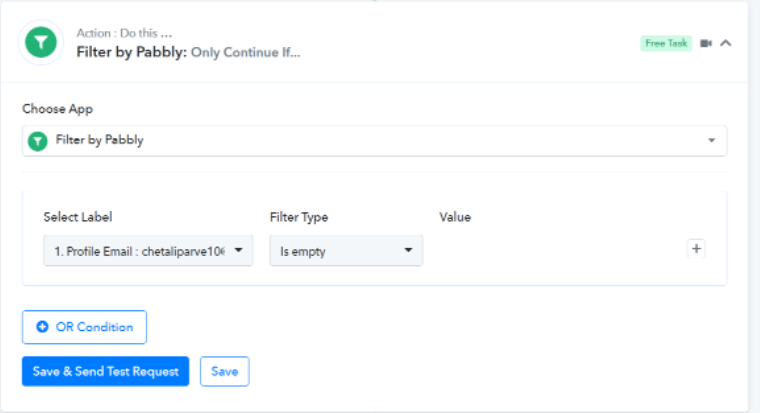
You can use the "Router" for diverting such data which has the Email and doesn't have the emails in it.
- For the first Route, you can use the "Filter" mentioned below-
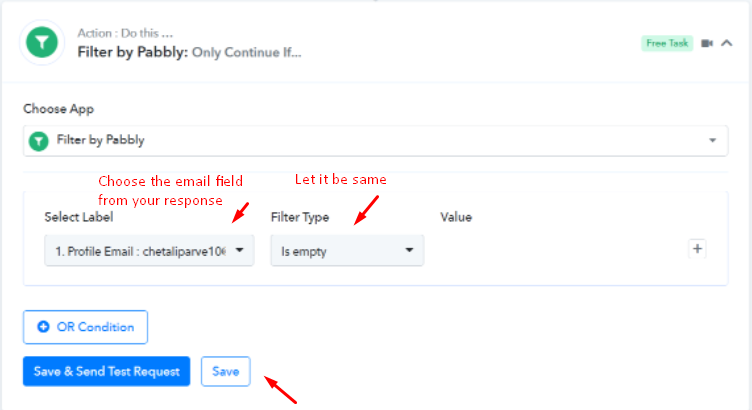
- And then add the application through which you need to add the data without email and number and then click on "Done".
- In the next Route step, use the below-mentioned "Filter" step-
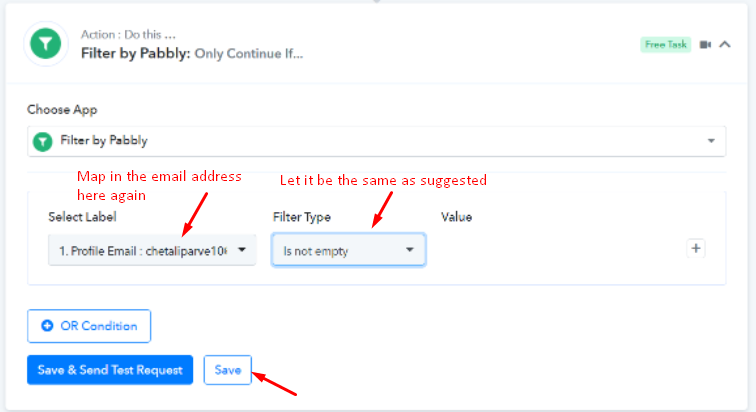
- After this, add the application into which the email and number can be entered to make it work accordingly.
Hope, this workaround can work for you.
Attachments