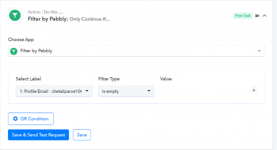
Example:
I might get an email address from a previous step or the user might not fill it out.
In case I get an email address I want the text in the next step to say:
<br>Email: [email protected]
But in case I do not get any data I want to remove the "<br>Email: " text (eg. remove the line completely along with its text).
Anyone knows if Is this possible and how?
See this video for a more visual explanation:
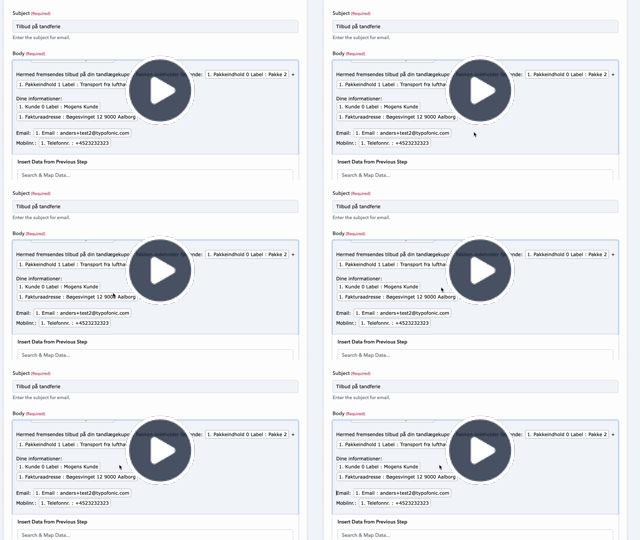
I might get an email address from a previous step or the user might not fill it out.
In case I get an email address I want the text in the next step to say:
<br>Email: [email protected]
But in case I do not get any data I want to remove the "<br>Email: " text (eg. remove the line completely along with its text).
Anyone knows if Is this possible and how?
See this video for a more visual explanation: