How to retrieve links from a newsletter
Status: Closed · Asked by marcocevoli on · 0 views
Hi,
I'd like to retrieve all links/URL from a newsletter and save them to a Google Sheet. The input is the newsletter RSS feed and the expected output is a list of links/URL, possibly with title, saved to a Google Sheet. Every time a new issue is published, the spreadsheet gets updated.
So far, I've tried the RSS by Pabbly, but the newsletter feed only gives you the link to the issue. I don't know how to send the HTML content of each issue to Pabbly.
I've also tried the Email parser, but:
a) the links in the actual email are encoded by the newsletter provider, so it's a no-go for me: I only get very similar URLs with meaningless names.
b) using the Text Formatter / Extract URLs gives me lots of garbage (Extract URLs also extract CSS and useless HTML code, not only URLs).
Now I'm stuck.
Can you point me to the right direction?
Thanks in advance.
MC
Hey @marcocevoli
Can you point me to the right direction?
Can you share the name of the workflow once in which you are performing the task so that we can look into it and can guide you accordingly?
I've deleted all the steps, because none was doing what I needed. That's why I asked you. :)
Hey @marcocevoli
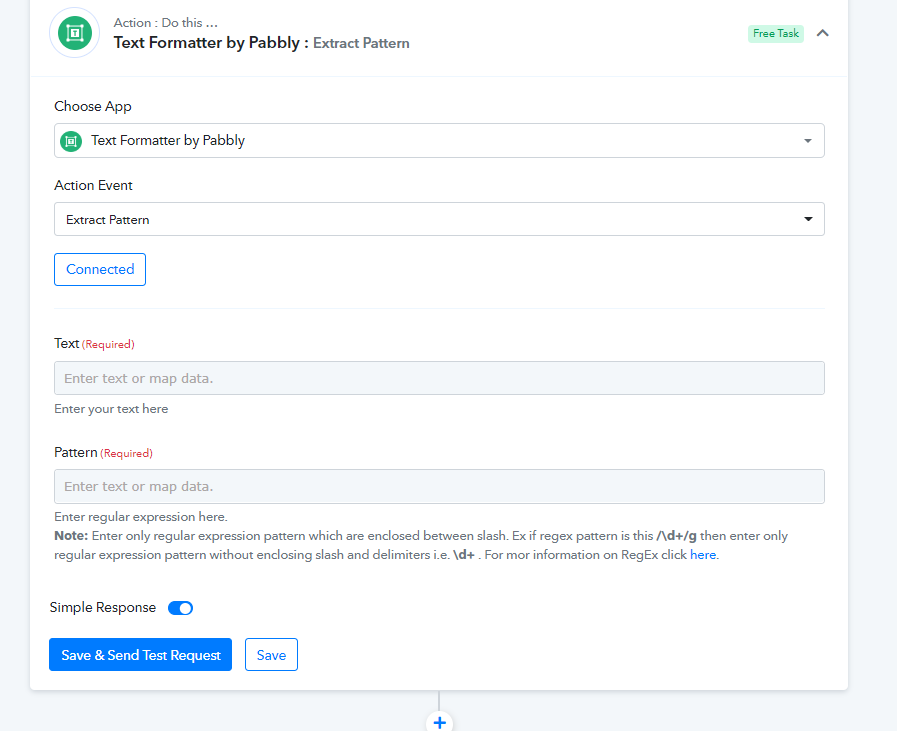
To extract the needed data using a specific regex that is available online, try the "Text Formatter by Pabbly: Extract Pattern" action step.
You simply need to pass the regex in the Pattern fields and pass the content from where you want to extract the data.